
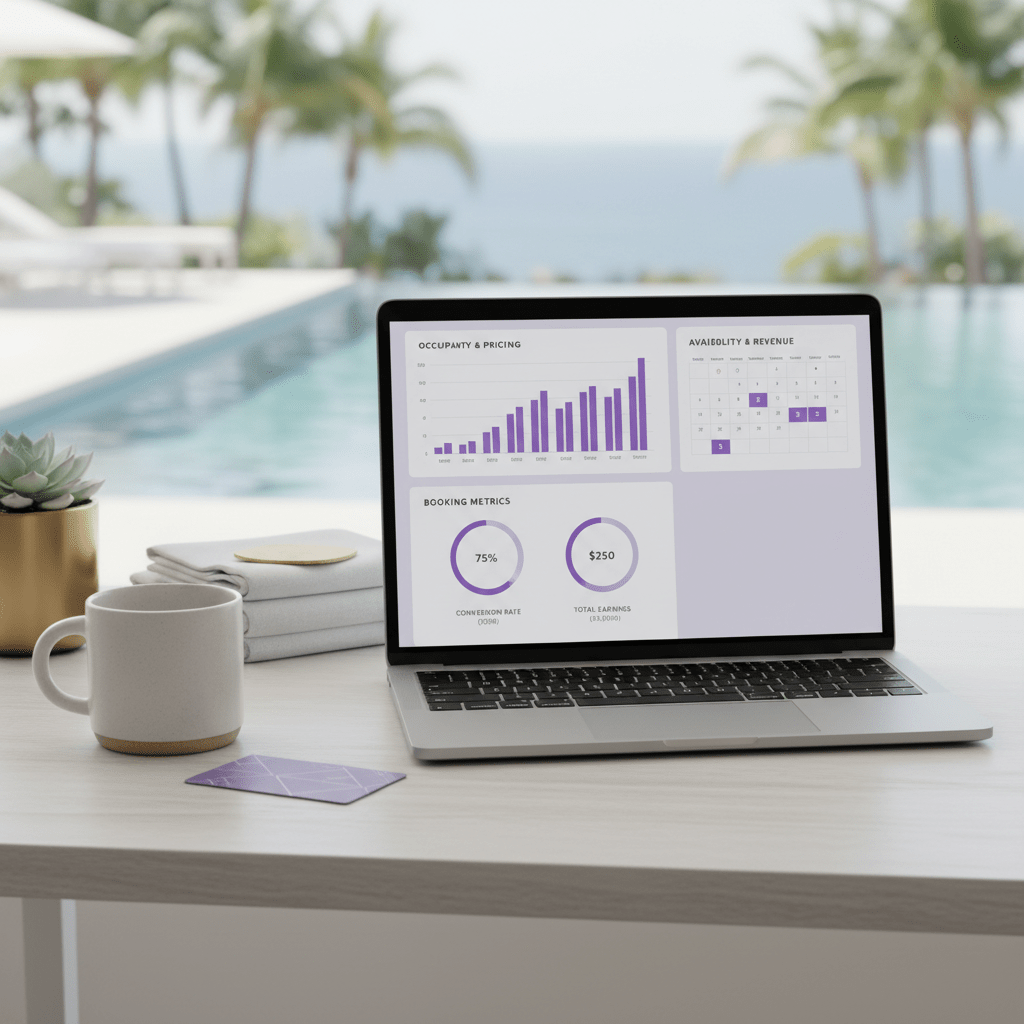
Unlocking Your Property’s True Potential on Booking.com
Ever feel like your place should be busier?
You’ve got the photos. The beds are comfy. The reviews are decent. But the bookings still come in like a sleepy trickle instead of a steady stream. That’s maddening. And if you’ve been staring at your Booking.com dashboard wondering why a better property nearby keeps beating you, you’re not alone.
Here’s the thing though: pricing is usually the piece people miss. Not the only piece, sure. But it’s the one that can move fast, change often, and make a real dent in your results. Smart Booking.com pricing strategies can help you improve booking conversion rate, increase Booking.com ranking, and get more eyes on your listing without changing your whole business overnight.
This guide is here to make that feel a lot less messy. We’ll walk through how to optimize listings in Booking.com step by step, with a clear look at pricing tools, Booking.com extranet tips, and the little choices that can help you set competitive property rates. We’ll also touch on revenue management for vacation rentals and dynamic pricing for hotels, so you can see what fits your setup best.
Not fancy. Just practical.
And yes, strategic pricing is the big lever here. Not flashy. Not always obvious. But powerful when you use it well.
If you’re using tools like Ease My Hotel to keep bookings, guest messages, channel manager tasks, and reports in one place, this gets even easier to manage day to day. Less guessing. More control.
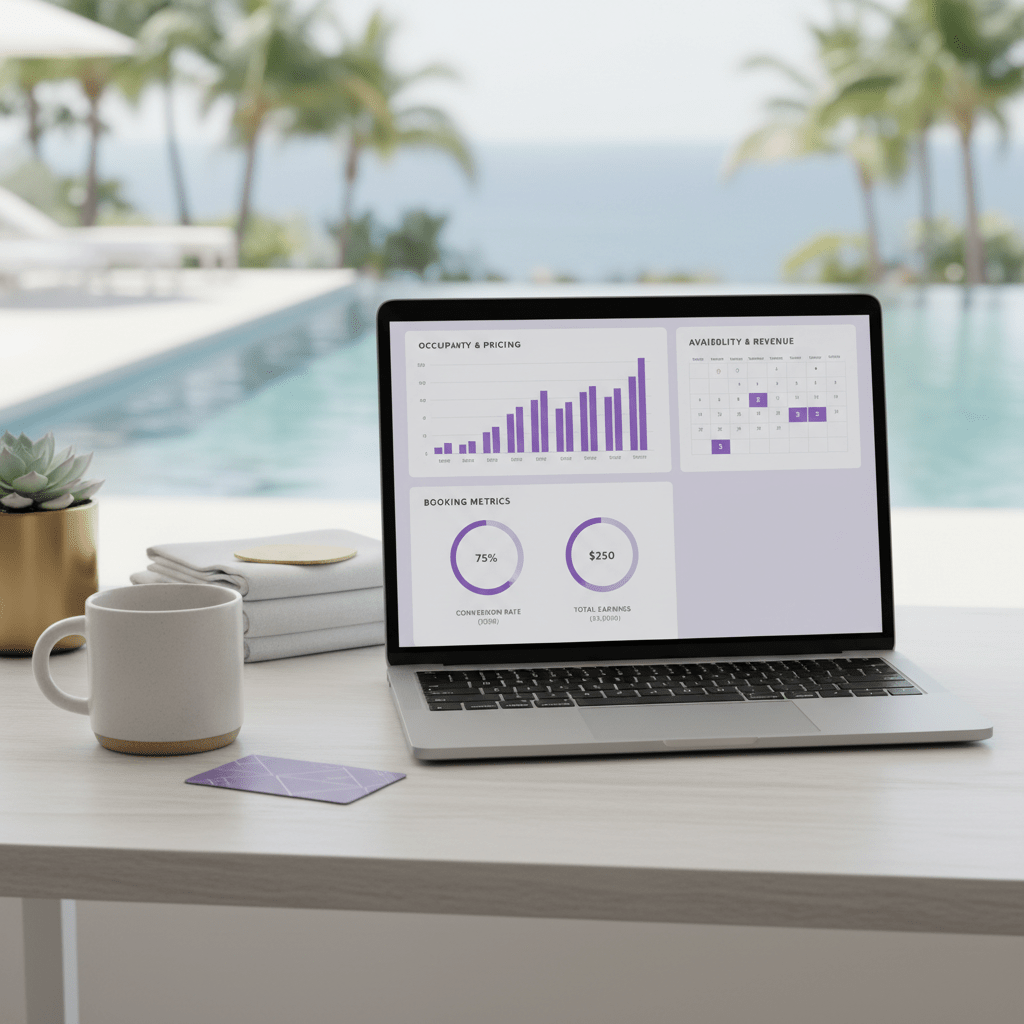
The Foundation: How Booking.com’s Algorithm Values Your Pricing
Ever notice how two nearly identical places can land in totally different spots in search? Same city. Similar beds. Pretty close photos. And yet one keeps showing up higher, like it’s got a front-row seat.
Pricing is a big reason. Not the only one, but a big deal.
Booking.com looks at more than just your nightly rate. It also pays attention to how often people click your listing, how often they book, and how many of those bookings stick. On top of that, your guest review score, cancellation rate, amenity list, and how complete your listing feels all play a part. Price sits right in the middle of that mix because it shapes how people see your deal before they ever hit reserve. Booking.com says ranking is driven by click-through rate, gross bookings, and net bookings, and it also notes that conversion rate matters a lot for search visibility Booking.com partner ranking overview.
Here’s the simple version. If your price looks fair for the room, the date, and the extras, people click more. Then they book more. That tells the platform your listing is worth showing again. A better price can mean a better value score, even if you don’t call it that on the page. Guests are really asking one thing: “Am I getting a good deal for this stay?”
And that value feeling is not just about being cheap. Nope. A lower price can help, but so can a strong review score, free breakfast, fast Wi-Fi, parking, or a flexible cancellation policy. If a guest sees a clean, well-reviewed room with solid perks and a fair rate, that deal feels stronger. That’s the sweet spot Booking.com seems to reward.
Why this matters for your search spot
Think of it like a loop.
| What happens | What it means |
| Your rate looks competitive | More clicks |
| More people click | More bookings |
| More bookings come in | Better conversion signal |
| Better conversion shows value | Stronger search placement |
That loop is why Booking.com pricing strategies matter so much. A tiny rate change can help improve booking conversion rate, and that can send a strong signal to the platform that travelers like what they see. When that happens, you may also increase Booking.com ranking over time, especially if your photos, reviews, and availability are already in good shape.
But wait, there’s a catch. Cheap doesn’t win by itself. If your price is low but your photos are weak or your review score looks shaky, people may still scroll past. So the goal is not just to set competitive property rates. It’s to set rates that match your value and make people say, “Yep, this one looks right.”
If you manage a hotel, hostel, resort, or homestay, this is where a tool like Ease My Hotel can help. A single dashboard makes it easier to track bookings, guest messages, and rate changes without bouncing between five tabs and a headache.
Setting Your Cornerstone: Establishing a Data-Driven Base Rate
You know that weird moment when a room is full on Tuesday, then empty on Friday, and your calendar looks like it’s playing tricks on you? Yeah. That’s usually a pricing problem hiding in plain sight.
So let’s build a base rate that actually makes sense. Not a guess. Not a random number copied from the place next door. A real starting point.
Step 1: Find your true competitors
Inside the Booking.com extranet, start by comparing properties with the same basic DNA. I mean places with a similar room count, review score, and location feel. A 12-room guesthouse near the old town shouldn’t be compared with a beach resort that has a pool, spa, and live music. That’s just asking for bad choices.
Look at:
- Property size
- Review score
- Distance to the main sights
- Room type and guest style
- Cancellation policy
- Whether they use Booking.com promotions
Keep your list small. Five to seven close matches is usually enough. Then check what they charge on weekday and weekend dates, not just one random night.
Step 2: Build rate plans that fit real guests
One rate is rarely enough. Actually, wait – it’s almost never enough.
Create a few clear rate plans so different travelers have an easy yes:
| Rate plan | Best for | Why it helps |
| Flexible | Guests who may change plans | Gets more clicks from cautious travelers |
| Non-refundable | Price-first bookers | Helps lock in early revenue |
| Weekly stay | Longer trips | Supports revenue management for vacation rentals |
| Mobile rate | Phone users | Matches how many people book today |
Booking.com also says mobile matters a lot, so if your rates look good on phones, that can help more than people expect. And if you use the Genius program, the visibility lift can be strong, but only if your base price still makes sense.
Step 3: Shape your calendar around demand
A static price is a sleepy price. It misses the point.
Your base rate should move with the market. Think seasonality first. Summer in Barcelona is not the same as January in the same city. Then layer in local events like concerts, trade shows, sports weekends, school breaks, and holidays. Even a small festival can push demand harder than you’d think.
Also watch day-of-week patterns. Business hotels often do better from Sunday to Thursday. Vacation stays may spike on Fridays and Saturdays. So build your base rate calendar that way, not as one flat number all year.
Here’s a simple rhythm:
- Raise rates for high-demand dates
- Keep shoulder dates in the middle
- Use softer pricing for slow nights
- Check your calendar each week, not once a season
That’s the heart of how to optimize listings in Booking.com without making your pricing messy. A smart base rate gives you room to adjust later, and it helps you set competitive property rates from the start.
And if you’re juggling bookings, guest messages, OTA sync, and rate changes all at once, a tool like Ease My Hotel can keep the whole thing in one place. Less tab chaos. More control.
Leveraging Promotions: Using Booking.com’s Tools for Strategic Discounts
Ever watched a listing jump ahead after a small price tweak and thought, “Wait… that’s all it took?” Yeah. It happens more than people think.
Booking.com’s promotion tools can give your property a little extra push without slashing rates all year long. The trick is using the right promo at the right time. Not every discount fits every date. Funny enough, the best ones are usually the simplest.
Early Booker: reward planners
Early Booker works best when people are planning ahead. Think school holidays, big city breaks, summer travel, or event weekends that sell out fast. If guests are already booking weeks or months in advance, this promo can help your listing stand out in a crowded search.
The upside is pretty clear. You can fill rooms sooner and get a better sense of your calendar. That helps with revenue management for vacation rentals and hotels because you’re not guessing as much later on. The trade-off? You’re giving up a bit of rate for early commitment. So use it where lead time is long and demand is steady.
Last-Minute: fill the gaps
This one is for the empty spots that keep staring back at you.
Last-Minute discounts work well for unsold inventory close to arrival dates. If a room is still open 3 to 7 days out, a small discount can make a big difference. It tends to work best for city stays, weekend trips, and travelers who are flexible. These guests are often comparing lots of options on their phones, so a sharp rate can help improve booking conversion rate fast.
But don’t go too far. If your pricing drops too low too early, you can train guests to wait for deals. Not ideal. Use it like a cleanup tool, not a habit.
Secret Deals: quiet discounts with a little magic
Secret Deals are a sneaky little tool. In a good way.
These discounts are only visible to selected travelers, so they can help you set competitive property rates without making the lower price obvious to everyone. That can be useful if you want to protect your public rate while still giving certain guests a reason to book now. They can also work well during softer periods when you need more eyes on the listing but don’t want to start a public discount war.
Secret Deals are best when your photos, reviews, and cancellation policy already look solid. The promo helps, but it won’t fix a weak listing. Never does.
A quick look at the main promo types
| Promo type | Best time to use it | Main benefit | Main risk |
| Early Booker | Far-out travel dates | Locks in bookings early | Lower rate on dates that may sell anyway |
| Last-Minute | Close-in empty nights | Fills gaps fast | Can hurt rate if overused |
| Secret Deals | Soft demand or selected guests | Quiet price boost without public rate drops | Less visible to all shoppers |
What about the Booking.com Genius program?
OK, this part is actually pretty interesting.
The Booking.com Genius program can be a strong move if you want more visibility. Booking.com says Genius properties get more search views, more bookings, and more revenue after discount costs are counted. Their partner data points to a 70% lift in search views, a 45% lift in bookings, and a 40% lift in revenue on average Booking.com Genius partner data.
The catch is simple. You must offer a mandatory discount. That usually feels scary at first. And yes, it can cut into margin on some dates. But in return, you often get access to higher-value guests who book more often and show up through mobile, where a lot of travel shopping happens anyway.
There are different Genius levels, too. Higher levels tend to unlock more visibility and stronger traveler reach. That matters because Booking Holdings has said Genius Level 2 and 3 members make up a big chunk of active travelers and drive more than half of room nights on the platform. So this isn’t a tiny side program. It’s a real traffic channel.
Best for:
- Properties with solid photos and reviews
- Places that can handle a steady booking flow
- Owners who can absorb a discount in exchange for more reach
Watch out for:
- Weak margins on already busy dates
- Discount stacking with other promos
- Rates that look too low next to direct channels
And the Preferred Partner Program?
This is the heavy hitter.
The Preferred Partner Program sits near the top of Booking.com optimization tools. It gives your property a visibility boost in exchange for a slightly higher commission, usually around 2 to 3 points more than standard pricing. Booking.com says Preferred properties can get up to 65% more search views and 20% more bookings on average Preferred Partner Program details.
So why do people join?
Because if your listing already converts well, more eyeballs can turn into more money. That’s the whole play. It works best for properties with good pricing discipline, decent occupancy, and room to grow. If you already have empty nights that need filling, the extra exposure can be worth the fee.
But if your rates are messy or your calendar is already full, the math can get less exciting. This is why dynamic pricing for hotels and clean calendar control matter so much. You want the higher visibility to work with your strategy, not against it.
Quick pros and cons
| Program | Pros | Cons |
| Genius | More views, more bookings, better reach | Discount is required |
| Preferred Partner | Strong visibility boost, more bookings, access to top placement | Higher commission |
| Promotions | Flexible and easy to test | Can eat into rate if used too much |
If you’re using a platform like Ease My Hotel to manage bookings, guest messages, OTA sync, and reports in one place, it gets a lot easier to test these offers without losing track of what’s working. One dashboard. Less noise. Way less guessing.
Advanced Tactics: Maximizing Revenue with Granular Pricing Controls
You know that weird feeling when a room sits empty for one night, then two, then suddenly the week is gone? It’s annoying. But it’s also where tiny pricing tweaks can do real work.
This is the part where we stop looking at price as one flat number and start treating it like a set of dials. Not fancy. Just smart.
Length of Stay pricing: get more nights, less churn
Length of Stay, or LOS pricing, gives guests a reason to stay longer. For example, you might offer 5% off for 3 nights, 8% off for 7 nights, or 15% off for 28 nights. That kind of setup can lift revenue because one longer booking often beats a bunch of tiny one-night stays. It also cuts cleaning, turnover, and those awkward gap nights that kill occupancy.
A simple LOS table can look like this:
| Stay length | Sample discount | Good for |
| 3 nights | 5% off | Weekend trips |
| 7 nights | 8% to 10% off | Vacation stays |
| 28 nights | 15% to 20% off | Monthly guests |
And here’s the nice part. Longer stays usually mean less work for your team. Fewer check-ins. Fewer housekeeping turns. Less back-and-forth. According to Booking.com partner guidance on guest count and length of stay pricing, flexible pricing tied to stay length can lift bookings and revenue, which is exactly the kind of quiet win most hosts want.
Extra guests, kids, and pets: don’t leave money behind
This part gets skipped all the time. Weird, right?
A lot of properties set a nice base rate, then forget to charge fairly for extra people. But if a room sleeps two and three show up, that extra guest can mean more laundry, more breakfast, more wear, and more cost. So add clear extra-person charges. Same goes for children’s policies and pet fees.
Here’s a simple way to think about it:
- Extra adult: add a set nightly fee
- Children under a certain age: free or discounted
- Pets: one-time cleaning fee or nightly pet charge
Keep it easy to understand. Guests hate surprise fees at checkout. But they’re usually fine with fair charges if the rules are clear from the start. If you run a hotel, homestay, or Airbnb-style rental, this is a nice way to protect margin without raising the base rate for everyone.
Mobile Rates and Country Rates: go after the guests most likely to book
Now, this next part is actually pretty cool.
Booking.com gives you tools like Mobile Rates and Country Rates so you can target specific guest groups. Mobile Rates work because a huge share of bookings happen on phones, and Booking Holdings said mobile apps handled about half of room nights in 2023 and moved into the low-fifties range in 2024. So if your mobile rate is sharp, you’re meeting travelers where they already are.
Country Rates are handy too. If your analytics show strong traffic from the U.S., Germany, France, or another clear source market, you can set a rate that speaks to those travelers without dropping your public price for everyone else.
Use these tools when:
- Mobile traffic is high
- A certain country sends lots of views
- Your general rate is strong, but a small segment needs a nudge
- You want more bookings without a broad discount
That’s the real trick with Booking.com pricing strategies. You don’t need to discount everything. You just need to be precise.
And if you’re managing all this across rooms, channels, guest messages, and reports, a platform like Ease My Hotel can make life easier. One dashboard. Less guessing. More control over the rates you actually want people to book.
A quick way to think about granular pricing
| Tool | What it does | Why it helps |
| LOS pricing | Gives discounts for longer stays | Raises total booking value and lowers turnover |
| Extra guest fees | Charges fairly for more people | Captures income that often gets missed |
| Mobile Rates | Targets phone bookers | Matches a high-converting booking habit |
| Country Rates | Targets guest source markets | Helps convert strong traffic segments |
These small moves won’t fix a weak listing by themselves. But paired with good photos, fair base rates, and clean policies, they can help improve booking conversion rate and increase Booking.com ranking over time.
Beyond Price: How Listing Quality Amplifies Your Strategy
A cheap rate can grab a click. But a strong listing is what helps that click turn into a booking.
Think about it. If someone lands on your page and sees dark photos, a thin description, and half the amenities missing, they start guessing. And guessing is bad for bookings. A clear listing with bright, honest photos, a friendly description, and a full amenity list helps justify your price. It also helps the traffic from your Booking.com pricing strategies do more work for you.
Booking.com says conversion rate plays a big role in search visibility, along with clicks and bookings Booking.com partner ranking overview. So the better your page looks, the more likely people are to book instead of bounce. More photos help too. In industry research, listings with lots of quality images have seen much stronger conversion, and Booking.com’s own research says travelers are far more likely to book when they can see more photos.
And here’s the part that people forget. Reviews shape price power. A strong score, especially on “value for money,” builds trust. If guests feel they got a fair deal, that makes it easier to hold or raise your rates later. If they feel ripped off, even a tiny price bump can hurt.
| Listing piece | Why it matters |
| Photos | Helps people trust the room before they book |
| Description | Answers questions before they ask |
| Amenities | Makes the rate feel worth it |
| Value for money score | Builds the case for better pricing |
There’s also the extranet side of this. A well-optimized listing score is a good sign that your page is ready for more traffic. It can also help you meet the bar for programs like Preferred Partner, which usually favor properties that already convert well. So this isn’t just about looking polished. It’s about setting up the whole page so your price has a fair shot.
If you’re using Ease My Hotel to keep bookings, guest messages, OTA sync, and reports in one place, this gets a lot easier to manage. Better listing quality. Better rate confidence. Fewer “why isn’t this working?” moments.
Measure and Refine: Tracking Your Success in the Analytics Dashboard
You can feel a pricing change right away. But the numbers? They tell the real story.
So once your new Booking.com pricing strategies are live, head to the Analytics tab and watch a few simple signs. Start with ADR, which is your Average Daily Rate. That shows what you’re getting per sold room. Then look at RevPAR, or Revenue Per Available Room. That one helps you see how price and occupancy work together. And keep an eye on Cancellation Rate, because a low price means less if people keep backing out.
Here’s a quick cheat sheet:
| Metric | What it tells you | What to watch for |
| ADR | Your average room rate | Is it rising without hurting bookings? |
| RevPAR | Revenue per available room | Are better prices lifting total income? |
| Cancellation Rate | How many bookings fall through | Are discounts bringing in shaky bookings? |
Now, the Pace Report is where things get fun. It lets you compare this year’s bookings and revenue with last year’s numbers, same dates and same stretch. That means you can see if your changes are actually moving the needle, not just making the calendar look busy. If last April was slow and this April is stronger after a rate tweak, that’s a good sign. If not, well… time to adjust.
Try this simple A/B test plan for Booking.com promotions:
- Pick one promo, like Last-Minute or Early Booker.
- Run it for 2 to 4 weeks.
- Check bookings from that source, plus ADR and cancellations.
- Switch to another deal and compare.
Don’t test five things at once. That gets messy fast. One change. One window. Then compare. That’s how you start to see whether your Booking.com pricing strategies are helping you improve booking conversion rate or just giving away margin.
And if you’re using Ease My Hotel to keep bookings, guest messages, OTA sync, and reports in one place, this part gets much easier. You can spot trends faster, track rate changes without the spreadsheet chaos, and make smarter calls the next time demand shifts. Which, let’s be honest, it always does.

From Passive Pricer to Proactive Revenue Manager
So here’s the shift: if you want to learn How to Optimize Listings in Booking.com, you can’t just set a rate and hope for the best. That usually leaves money on the table. A better path is a dynamic, data-informed pricing plan that moves with demand, guest behavior, and your own numbers.
Start simple.
- Review your top 3 competitors’ prices for next month.
- Turn on one new promotion, like a Mobile Rate.
- Block 15 minutes each week for your Analytics dashboard.
That’s it. No giant overhaul. Just a cleaner habit.
And if you keep checking your rates, promos, and cancellations every week, you’ll start to think less like a passive host and more like a revenue manager. That mindset can help improve booking conversion rate, increase Booking.com ranking, and make your property feel like a better buy to the right travelers.
If you’re running hotels, homestays, hostels, or vacation rentals, tools like Ease My Hotel can help keep booking management, guest messages, and channel updates in one place. Less scrambling. More control. And honestly, that’s a pretty good trade.