

The Modern Hospitality Dilemma: Choosing Your Financial Foundation
Ever tried to match last night’s sales with your bank deposit, your payroll file, and that one spreadsheet someone saved as final_final2.xlsx? Yeah. Not fun.
That’s the daily headache for a lot of hotel and restaurant teams. Money moves fast. Orders come in from the POS, room charges sit in the PMS, and payroll lives somewhere else. Then someone has to stitch it all together by hand. It’s slow, messy, and honestly a little wild in 2024.
Plus, the pressure is real. The National Restaurant Association says 38% of operators call labor costs their top challenge, and food costs can eat up 28% to 35% of revenue in full-service spots. On top of that, a 2023 Hospitality Technology study found about 52% of independent operators still use spreadsheets or basic QuickBooks for tracking finances. That’s a lot of manual work for a business that never really slows down.
So the big question is this: do you stick with on-premise hospitality software, or move to cloud accounting for hospitality? We’ll walk through both paths, what they cost, how they work, and which type of accounting software for hotels and restaurants fits your setup best. If you’re trying to clean up hotel financial reporting or finally make restaurant P&L management less painful, you’re in the right place.
And if you already use Ease My Hotel, this guide can help you see how a cloud-based setup fits into a more connected way of working.
Defining the Playing Field: Cloud-Based SaaS vs. On-Premise Software

Picture this: one hotel has a server humming in a back room. Another has a login screen and a browser. Same job? Sort of. Very different setup.
That’s the big split in accounting software for hotels and restaurants.
On-premise hospitality software is the old-school route. You buy the software once, install it on your own local servers, and your team or IT consultant keeps it running. That usually means a one-time license, plus setup, updates, backups, and repairs on your side. You own the system, but you also own the headaches.
Cloud accounting for hospitality works differently. The software lives on the vendor’s servers, you use it through the internet, and you pay a recurring subscription. Think of it as software as a service, or SaaS. The provider handles hosting, updates, and most of the heavy lifting. You just sign in and get to work.
Here’s a simple way to think about it:
| Setup type | Easy analogy | Who handles the utilities? | Payment style |
|---|---|---|---|
| On-premise | Buying a standalone restaurant building | You do | One-time license plus upkeep |
| Cloud/SaaS | Leasing a spot in a modern food hall | The vendor does | Monthly or yearly subscription |
That food hall comparison works because it’s pretty close to real life. In a standalone building, you’re responsible for the lights, the plumbing, the repairs, and the surprise fixes nobody budgeted for. In a food hall, a lot of that is bundled in. Less stress. Fewer late-night server scares.
And for hospitality teams, that difference matters a lot. We’re talking about hotel accounting system choices that affect payroll, POS and PMS integration, hotel financial reporting, and restaurant P&L management every single day. Plus, many operators are still stuck in spreadsheets or basic QuickBooks-style setups, so the move to cloud can feel less like a luxury and more like a relief.
If you’re comparing hospitality bookkeeping solutions right now, this is the first fork in the road. One path gives you control. The other gives you convenience. Gartner’s SaaS definition lines up with that idea pretty neatly.
The Case for On-Premise: Unmatched Control and Customization
You know that feeling when one tiny software setting turns into a week-long mess? That’s where on-premise systems can feel both amazing and a little heavy.
For big hotel groups and restaurant chains, the biggest draw is simple: control. With on-premise hospitality software, your data sits on your own servers, behind your own rules. That matters a lot if your team has strict security policies, special audit steps, or a setup that outside vendors just don’t get.
And yes, the control goes past security. It also reaches hardware, backups, access rules, and even weird little workflow details that only your team uses. If you need a very specific approval path for invoices, or a custom link between POS and PMS data, on-premise can be shaped around that. Deeply. Sometimes almost too deeply, if we’re being honest.
Here’s a quick look at where on-premise can shine:
| On-premise strength | What it means in real life |
|---|---|
| Full data control | Your team manages storage, access, and backups |
| Custom workflows | You can build features around your exact process |
| Local hardware ownership | Servers and tools stay in-house |
| Offline resilience | Some work can keep going even if internet is spotty |
But here’s the catch. That control comes with a price tag that can bite hard.
You’re paying for servers, licenses, networking gear, and setup before the system even starts helping you. Then come the ongoing costs. Cooling. Power. Updates. Repairs. IT staff or a consultant. IBM and Nucleus Research both point to 5-year on-premise costs that can land anywhere from $100,000 to $500,000+ for mid-sized businesses, once you add up the hidden stuff like maintenance and staffing IBM and Nucleus Research on on-premise TCO.
And security? A lot of folks still think self-managed servers are safer just because they’re local. But that only works if your team stays on top of patches, monitoring, and backups every single time. Miss one update, and you’ve got a problem. Big one. Plus, if your IT person is on vacation and a server fails at 2 a.m., you’re the one holding the flashlight.
So, on-premise makes the most sense when your operation is large, complex, and already staffed for it. For many hotel accounting system setups, that means a chain with dedicated IT support and very specific compliance needs. For everyone else, it can start to feel like you’re paying extra just to own the headache.
If your team likes total control and has the people to manage it, on-premise hospitality software can still be a fit. But if you’re a smaller property, or you’re tired of fixing what should just work, cloud accounting for hospitality may be the calmer road.
The Rise of the Cloud: Real-Time Insights, Scalability, and Accessibility

Ever tried checking yesterday’s numbers while you’re stuck in traffic, at the airport, or standing in a noisy lobby? Yeah. That little moment can turn into a full-blown panic if your accounting lives on one office computer.
That’s where cloud accounting for hospitality starts to feel like a breath of fresh air. You can log in from a phone, tablet, or laptop and see live dashboards, room revenue, food sales, payroll totals, and hotel financial reporting without waiting for someone in back office to email a spreadsheet. And that matters, because decisions in hotels and restaurants move fast. Too fast for paper trails and “I’ll get back to you tomorrow.”
For owners and managers, this remote access is a big deal. You can check restaurant P&L management before lunch, spot cash flow gaps, or review a hotel accounting system report while you’re between properties. If you run more than one site, it gets even better. A single cloud setup can grow with you, so adding a new location usually means adding another login, not another server closet.
Here’s the money part, plain and simple:
| Cloud model | What you pay for | Why people like it |
|---|---|---|
| Monthly or yearly subscription | OpEx, not big upfront hardware costs | Easier to start and easier to scale |
| Remote access | Any device with internet | Check reports anytime, anywhere |
| Built-in updates | Vendor handles upgrades | Less IT stress for your team |
| Add more locations | Usually just more users or licenses | Works well for growing chains |
Plus, the subscription model helps with planning. Instead of a huge CapEx hit for servers, licenses, and repairs, you get predictable monthly or annual costs. That’s a lot easier on cash flow, especially if you’re still dealing with labor pressure and food cost swings. A 2023 Hospitality Technology study found about 52% of independent operators still use spreadsheets or basic QuickBooks-style tools, so a cleaner setup can feel like a real relief, not just a tech upgrade. 2023 Hospitality Technology study on manual tools
And then there’s integrations. This is where cloud accounting software for hotels and restaurants really starts pulling its weight. Modern systems can connect through APIs to your POS, PMS, payroll, and inventory tools, so sales data, room charges, labor hours, and vendor bills flow into one place instead of being entered by hand three times. No more copying the same numbers from Toast, a PMS, and payroll into a workbook. Because honestly, who has time for that?
Ease My Hotel fits neatly into that kind of setup. Since it’s cloud-based, it gives hospitality teams one place to manage bookings, guest communication, and daily operations, while also supporting accounting software for hotel and resorts inside a more connected workflow. That means less tab hopping, fewer missed numbers, and a much calmer month-end close.
But wait, there’s one more thing. Cloud isn’t just about convenience. It’s about speed. If your team can see the same data at the same time, you stop guessing and start acting. And in hospitality, that can be the difference between fixing a problem early and finding it after the damage is already done.## Head-to-Head Comparison: The Best Accounting Software Model for Your Hotel or Restaurant
So what really changes between cloud and on-premise? A lot more than a login screen.
Let’s break it down in the ways that actually hit your day-to-day work: money, security, and setup time. Because that’s where the pain shows up. Not in the sales pitch.
1) Cost: Upfront shock vs. steady payments
On-premise usually asks for a big bite up front. Servers, licenses, backups, setup help, and maybe even a consultant who knows where all the cables go. Then the bills keep coming. Power. Cooling. Updates. Fixes. Staff time. It adds up fast.
Cloud accounting for hospitality usually flips that around. You pay a monthly or yearly fee, so the cost feels more like a steady rent than a giant buildout. That makes it easier for smaller hotels and restaurants to plan cash flow, especially when labor and food costs are already squeezing margins.
Here’s the simple version:
| Model | Money style | Best fit |
|---|---|---|
| On-premise hospitality software | Big upfront cost plus ongoing upkeep | Large teams with IT support |
| Cloud accounting for hospitality | Predictable subscription fee | Properties that want lower startup cost |
And the long game matters too. IBM and Nucleus Research estimate that a 5-year on-premise setup for a mid-sized business can run from $100,000 to $500,000+ once you count the hidden stuff like maintenance, energy, and staff time. That’s a big gap for a hotel or restaurant trying to stay nimble. IBM and Nucleus Research on on-premise TCO
2) Security: Local does not always mean safer
This one trips people up all the time.
A lot of owners still think on-premise is safer because the server sits in the building. But “inside the building” doesn’t stop ransomware, weak passwords, missed patches, or a failed backup. If your team is busy, it’s easy for a small fix to get pushed to tomorrow. And tomorrow… well, you know how that goes.
Good cloud vendors spend a ton on protection. We’re talking around-the-clock monitoring, automatic updates, backup systems, and security teams most small businesses could never afford on their own. Plus, top providers usually support things like PCI DSS, SOC 2 Type II, and strong uptime levels, which matters if you’re handling guest data and card payments.
The real question is not “cloud or on-site?” It’s “who can keep the system safer, day after day?” For many hospitality teams, the answer is the vendor with deep security resources, not the back room server humming next to the mop closet.
3) Setup and maintenance: Heavy lifting vs. guided rollout
On-premise setups usually take longer. Sometimes much longer. You need hardware installed, software loaded, users created, backups tested, and maybe a few IT headaches before anyone can even log in. Then updates and repairs still land on your plate.
Cloud tools are usually faster to start. The vendor helps with onboarding, data import, and training. You sign in, connect your systems, and get moving. That’s a big deal for teams that can’t afford weeks of downtime while the new hotel accounting system gets sorted out.
For hotel financial reporting, restaurant P&L management, and POS and PMS integration, faster setup often means faster value. And faster value is the whole point, right?
Quick side-by-side look
| Category | On-premise | Cloud |
|---|---|---|
| Upfront cost | High | Low to medium |
| Ongoing cost | Harder to predict | Easier to plan |
| Security updates | Your team handles it | Vendor handles it |
| Setup time | Longer | Usually faster |
| Scaling | More hardware, more work | Add users or locations more easily |
| Access | Mostly on-site | Anywhere with internet |
So which one wins?
For most hotels, resorts, hostels, and restaurants, cloud accounting software is the easier path. It fits modern teams that want less manual work, cleaner hotel financial reporting, and fewer late-night spreadsheet battles.
But on-premise still has a place. If you run a large chain, have in-house IT, and need very tight control over every system, it can still make sense.
If you’re comparing hospitality bookkeeping solutions now, start with the honest questions: How much can you spend up front? Who will manage updates? How fast do you need to grow? And how many times do you want to reconcile the same numbers by hand?
If you’d rather keep things simple, a cloud-based setup like Ease My Hotel can help tie booking management, guest communication, restaurant management systems, OTA channels, and accounting software for hotel and resorts into one cleaner workflow. Less hunting. Less guessing. More time for guests.
And really, that’s the point.## Essential Features Your Hospitality Accounting Software Must Have
Try Ease My Hotel for free.
No lock-in contracts. Cancel anytime
If you’ve ever spent a Tuesday night fixing a sales report that should’ve taken five minutes, you already know the problem. Hospitality math is rarely simple. One sale here, one comp there, a room charge over there… and suddenly the numbers don’t match.
That’s why the best accounting software for hotels and restaurants has to do more than track money. It has to clean up the mess before it starts.
1) Reports made for hospitality
A regular accounting tool can tell you profit and loss. Fine. But hospitality needs more than that. You need daily sales summaries, food and liquor cost percentages, labor-to-sales ratios, and, for hotels, RevPAR and ADR reports. Without those, you’re guessing.
And guessing is expensive.
For restaurant financial management software, the real win is seeing where the money goes each day. For a hotel accounting system, it’s knowing which rooms, departments, or service lines are actually pulling their weight. That kind of hotel financial reporting helps managers make faster calls, not next-week calls.
2) POS and PMS integration that actually works
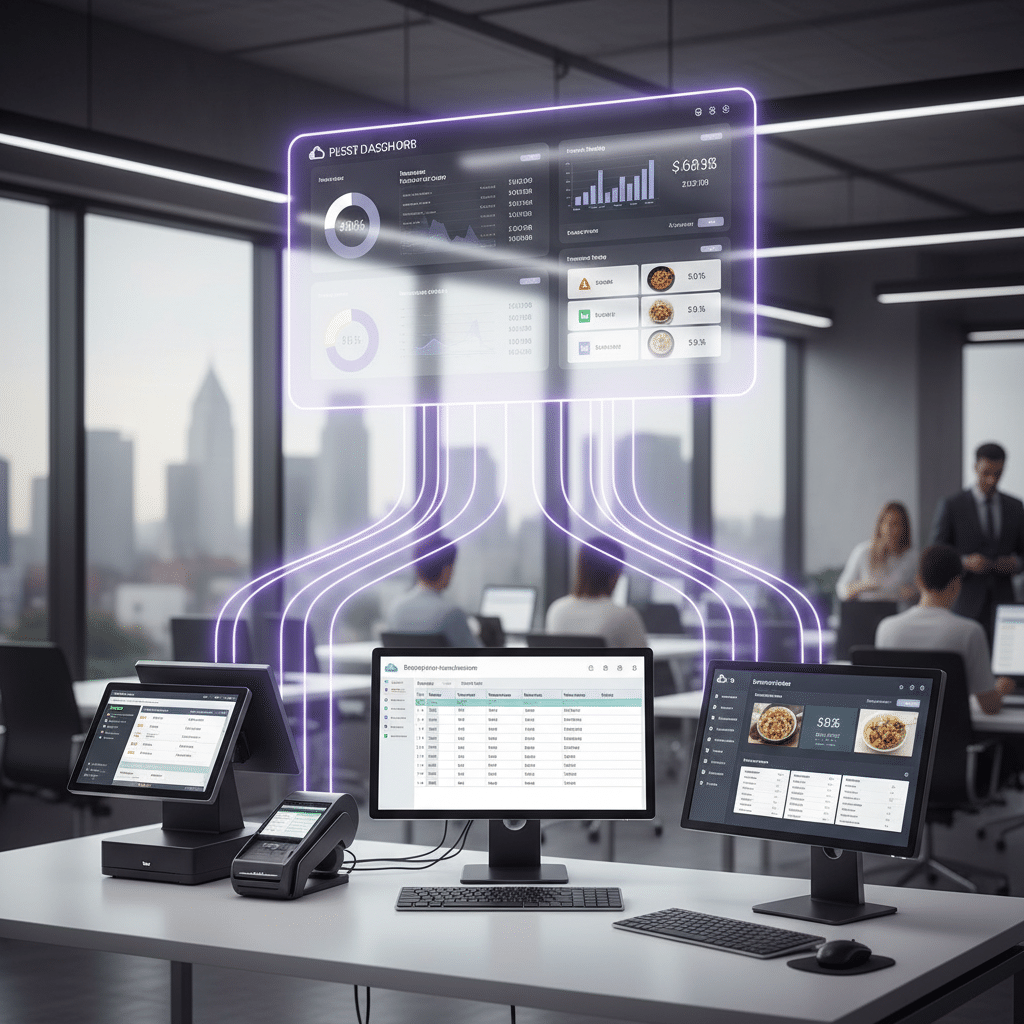
This one is a big deal. If your POS, PMS, and payroll tools don’t talk to each other, someone on your team is stuck copying numbers by hand. Again. And again. Nobody enjoys that. Not even a little.
A good cloud accounting for hospitality setup should sync daily sales, payment types, tips, comps, and room charges automatically. That cuts down on errors and saves a ton of time during close. It also helps when you’re trying to compare restaurant P&L management numbers with guest spend or room revenue.
Research from the National Restaurant Association’s 2024 industry report shows labor costs are still the top pain point for 38% of operators, while food costs can hit 28% to 35% of revenue. So if your data is scattered, the pain gets louder, fast.
3) Multi-location and departmental tracking
Running one site is hard enough. Running three? Four? Now you’ve got a different kind of headache.
Your hospitality bookkeeping solutions should let you see one full picture and still drill down by location, department, or revenue center. That means one report for the whole business, plus separate views for the restaurant, bar, events team, or each property. Handy, right?
| Feature | Why it matters |
|---|---|
| Daily sales summaries | Shows what sold today, not last week |
| Cost percent reports | Helps control food and liquor waste |
| Labor-to-sales ratios | Keeps staffing in line with revenue |
| RevPAR and ADR | Gives hotel teams a clear room revenue view |
| Multi-location P&L | Lets each site stand on its own |
| POS and PMS sync | Stops double entry and bad data |
For growing groups, this is where cloud accounting for hospitality really starts to shine. You can keep local detail without losing the big picture. And if you’re using Ease My Hotel, that connected setup fits naturally with booking management, OTA channels, restaurant management systems, and accounting software for hotel and resorts all in one place.
The short version? If the software can’t report clearly, connect smoothly, and scale with your sites, it’s going to slow you down. The right tool should make your numbers easier to trust. Not harder.
Conclusion: Making the Right Choice for a More Profitable Future
So here’s the plain truth. On-premise gives you control, but it asks for more money, more setup, and more babysitting. Cloud gives you flexibility, fast access, and live data that fits how hospitality actually works day to day.
For most independent hotels, resorts, hostels, homestays, and small chains, cloud accounting for hospitality usually brings the better return. You get easier POS and PMS integration, cleaner hotel financial reporting, and less time spent fixing spreadsheets that should’ve stayed in the trash weeks ago. Plus, you can react faster when labor or food costs start creeping up.
If you’re weighing accounting software for hotels and restaurants, ask yourself three things: How much control do you really need? Who’s going to manage the system? And how much time are you losing to manual work right now?
If you want a simple next step, compare a few top-rated cloud tools, check their security certifications, and run a 3-year cost review. And if you’re already looking at Ease My Hotel, it’s worth seeing how a cloud-based setup can bring your booking management, guest communication, restaurant management systems, OTA channels, and accounting software for hotel and resorts into one cleaner flow. Less chaos. More clarity. That’s the win.
Try Ease My Hotel for free.
No lock-in contracts. Cancel anytime