
Introduction: From Operational Chaos to A Single Source of Truth
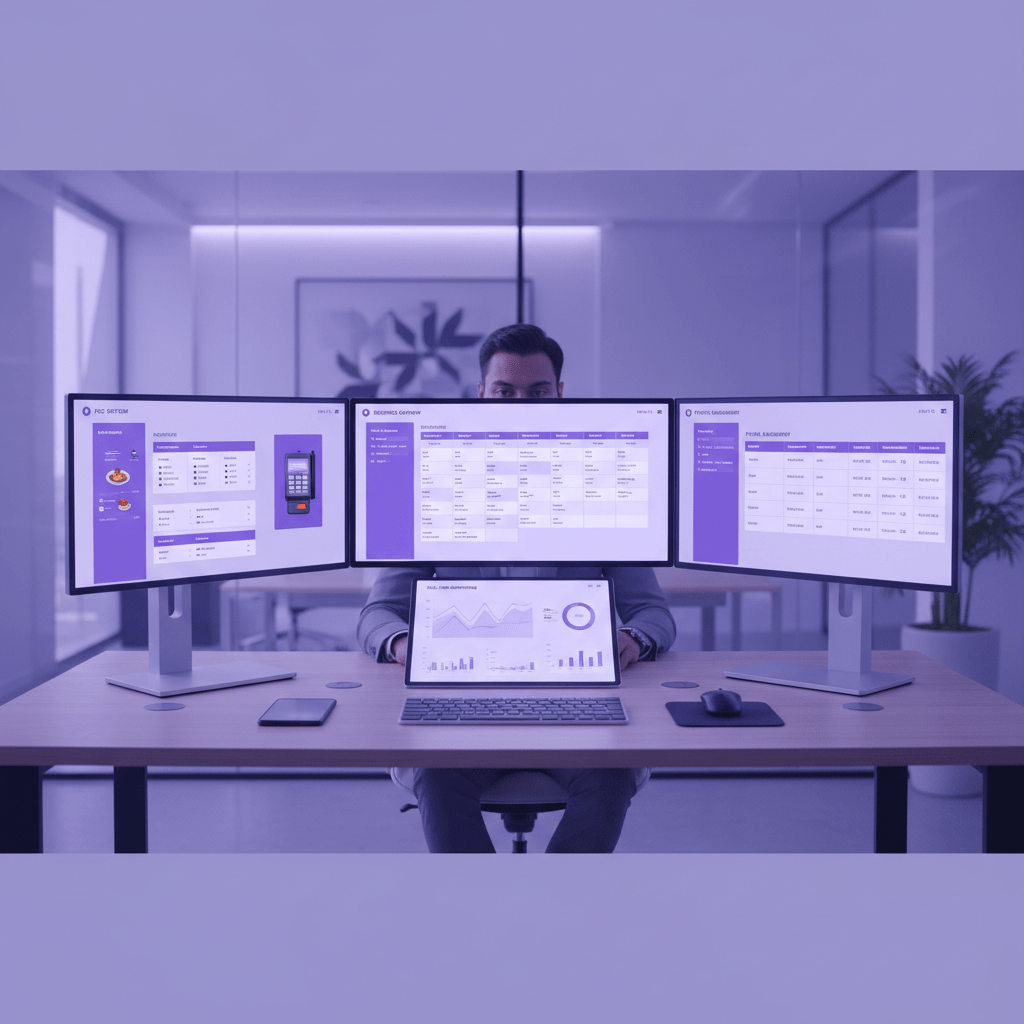
Ever tried to pull one simple daily report and felt like you needed three logins, two spreadsheets, and a cup of strong coffee? Yeah, hotel life can feel like that. One screen shows room bookings. Another has POS charges. A spreadsheet on your desktop has yesterday’s labor numbers. And somehow, you’re still not sure if the dinner sales match the front desk folios.
That mess is more common than people think. Hotels often run 10 to 20 different tools, and when those systems don’t talk, data gets stuck in little silos. That means slow reporting, extra manual work, missed upsell chances, and a guest experience that feels a bit stitched together.
So how to fix hotel operations with erp software? Start by treating ERP like the control center. It pulls finance, HR, inventory, purchasing, and reporting into one place, while connecting with hotel systems like PMS and POS. In plain terms, PMS handles the stay. ERP handles the business.
That’s where erp integration for hotels starts to make life easier. With centralized hotel management software, you stop chasing files and start seeing the whole picture. Better decisions. Faster reporting. Less chaos. And honestly, that alone can feel like a win.
If your team is still piecing everything together by hand, you’re not alone. But there is a cleaner way forward, and it starts with getting your hotel systems to work as one.

1. Why Your Current Hotel Management Systems Are Holding You Back
You know that sinking feeling when a guest asks for a bill change, and the front desk has to check three places just to fix one charge? That’s not a small annoyance. That’s a daily drag on your team.
A lot of hotels are juggling 10 to 20 different tools at once, and it shows. The PMS has one story. The accounting app has another. The POS has a third. So someone ends up typing the same data again and again, just to keep things moving. And yes, that means more errors, more overtime, and more staff groans in the back office.
One big problem is manual data entry between PMS and accounting software. A room charge gets missed. A spa item lands in the wrong bucket. A dinner posting shows up late. Then your team has to clean it all up by hand, which eats hours that could go toward guests instead of spreadsheets. According to the 2025 hotel tech stack report, this kind of setup is one of the biggest reasons hotels feel stuck.
But the pain does not stop at admin work. It also blurs your financial picture. If you can’t see room revenue, food and beverage, spa sales, and other department totals in one place, you’re guessing more than managing. That makes it harder to spot which outlet is really earning, which one is leaking money, and where to adjust fast.
And then there’s the guest side. When guest profiles are split across systems, loyal guests can feel like strangers. Someone who always books a suite might not get the upgrade offer they usually enjoy. A repeat diner might not get recognized at check-in. Little misses like that add up. Fast.
Here’s the deal: hotel management system integration is not just about tidier reports. It helps streamline hotel operations, cuts duplicate work, and gives you a clearer view of the business day by day. That’s the real draw of hospitality ERP solutions and pms and erp integration. You get one place to see the numbers, one place to trust the data, and a much better shot at improving hotel efficiency with technology.
If your current setup feels stitched together, it probably is. And if your team is still retyping the same info all day, it may be time to look at a centralized hotel management software setup that actually talks to itself.
2. What is a Hospitality ERP? Demystifying the Central Hub
Picture this. Breakfast rush is over, the front desk is busy, and someone in accounting is still hunting for yesterday’s minibar charges. Not fun. And it happens because a lot of hotel systems act like separate islands.
A hospitality ERP is the bridge.
ERP stands for enterprise resource planning. In hotel terms, it’s a single software suite that keeps core business work in one place, using one central database. That means finance, HR, purchasing, inventory, and reporting can all live together instead of floating around in separate tools. A PMS still handles daily guest stay tasks, but ERP pulls those front-line details into the back office too. So instead of just knowing who checked in, you also see what that stay means for payroll, stock, and cash flow.
Here’s the simple way to think about it: PMS handles the stay; ERP handles the business.
That split matters more than people think. A PMS is great for room operations, check-ins, and guest details. But it usually won’t help much with supplier orders, labor tracking, or month-end accounting. That’s where erp integration for hotels starts pulling its weight. It connects hotel management system integration across departments so the data doesn’t stop at the front desk.
Main ERP Modules Hotels Usually Need
| ERP module | What it does | Why hotels care |
|---|---|---|
| Finance & Accounting | Tracks income, expenses, and reporting | Makes daily numbers easier to trust |
| Procurement | Manages buying for F&B and supplies | Helps avoid shortages and waste |
| Human Capital Management | Handles staff records, shifts, and payroll support | Saves time for busy HR teams |
| Supply Chain Management | Follows inventory and vendor flow | Keeps stock moving without chaos |
And the best part? These pieces work together. When a restaurant sale hits the POS, the numbers can flow into accounting. When housekeeping uses supplies, inventory changes too. That’s the kind of centralized hotel management software setup that helps streamline hotel operations without making your staff do the same job twice.
For hotels trying to grow, hospitality ERP solutions can also make multi-property reporting a lot less messy. You get one view, one source of truth, and fewer late-night spreadsheet fixes. Nice, right?
If you’re planning an upgrade, this is the moment to ask a simple question: what data do we keep retyping, and why are we still doing it by hand?
3. The Pre-Integration Blueprint: Laying the Groundwork for a Smooth Transition
You know that moment when you’re about to move apartments and think, “This should be easy”? Then you find three extra boxes, a missing charger, and a drawer full of random cables. ERP projects can feel like that too. So before you switch anything on, let’s get the prep work right.
Step 1: Do a full tech audit
Start by listing every tool your hotel uses. PMS. POS. Accounting. Payroll. Channel manager. Guest messaging. Spa software. Even that one spreadsheet Karen in finance swears by. Map what each system does and how data moves between them. Or doesn’t move, which is usually the real story.
A lot of hotels run 10 to 20 tools at once, and that’s where the cracks show up. One survey on hotel tech stacks points out that disconnected systems create data silos, double work, and weak guest service hotel tech stack report. That’s why this first step matters so much.
A quick audit table can help:
| System | What it handles | Who uses it | Data shared with ERP? |
|---|---|---|---|
| PMS | Check-ins, stays, folios | Front office | Usually yes |
| POS | Restaurant and bar charges | F&B team | Usually yes |
| Accounting | Payables, reports | Finance | Yes |
| HRM | Staff records, shifts | HR | Sometimes |
| Spreadsheet | Random backup notes | Everyone, sadly | Hopefully no |
And yes, write down the ugly stuff too. The missed postings. The manual exports. The workarounds nobody wants to admit exist.
Step 2: Set clear business goals
Don’t start with “We need ERP.” That’s too fuzzy. Start with a real target like, “Cut month-end close time by 50%,” or, “See total guest spend across rooms, food, and spa in one place.” Those goals make the project easier to judge later.
Actually, wait. Better yet, tie each goal to a pain point. If your team spends hours fixing folio errors, the goal might be fewer reconciliation tasks. If your owners want cleaner reporting across properties, the goal might be a single dashboard they can trust.
A few good ERP goals for hotels look like this:
- Reduce manual data entry
- Speed up financial close
- Track inventory in real time
- Improve guest history across departments
- Get one view of revenue across all outlets
That’s the real value of hospitality ERP solutions. Not fancy software for the sake of it. Clear outcomes.
Step 3: Build a cross-functional team
This part gets skipped a lot. Bad move.
You need people from front office, finance, F&B, IT, and leadership at the table. Not just IT. If only tech folks pick the system, you may end up with something neat on paper and painful in real life. Front desk teams know the guest flow. Finance knows the reporting mess. F&B knows stock and posting issues. Leaders know the bigger business goals.
And please, give people actual time to help. “Join the project when you can” usually means no one joins at all.
A good team also helps with ERP implementation challenges hotels often run into, like poor buy-in, rushed training, and process gaps. If you want hotel management system integration to work, the people using it have to help shape it.
Ease My Hotel can fit into that prep stage too, since it brings booking management, guest communication, accounting, staff management, and a unified dashboard into one cloud setup. For hotels, hostels, resorts, homestays, and property chains, that kind of central view can make the next steps a lot less messy.
So before you chase software demos, get the blueprint right. Clean up the stack. Set the goals. Bring the right people in. That’s how you fix hotel operations with ERP software without making the whole thing feel like a fire drill.
4. How to Fix Hotel Operations: The Step-by-Step ERP Integration Process
Ever had one tiny data issue snowball into a full-on mess? A missed folio charge turns into a billing delay. Then accounting spots a mismatch. Then the front desk gets the blame. Fun times.
The good news: this is fixable. But the fix works best when you treat ERP integration like a project, not a software swap.
Phase 1: Choose your integration path
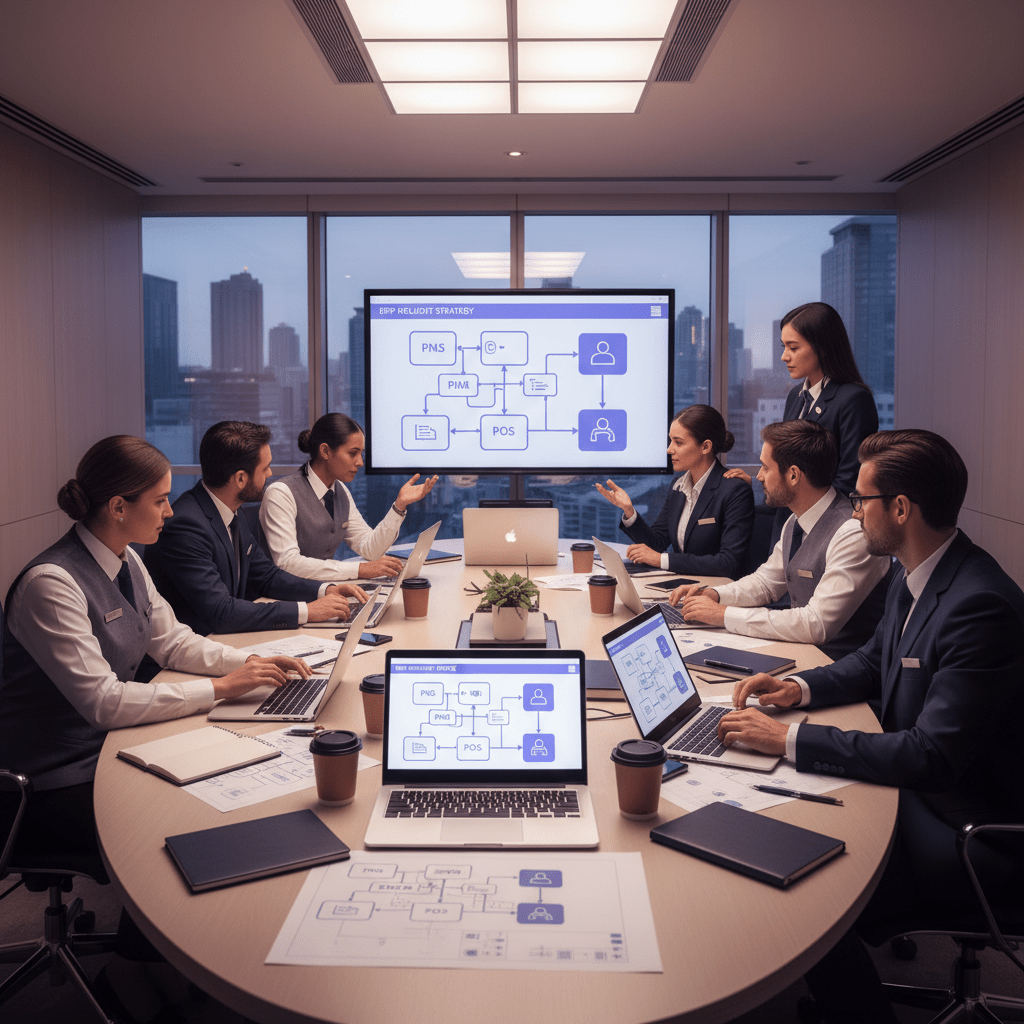
You’ve usually got two options. Direct API links connect systems one by one. That works fine for a smaller setup, but it can get messy fast if you keep adding tools.
The other path is middleware, which acts like a hub. One platform sits in the middle and connects PMS, POS, accounting, HR, and other hotel tools. That setup is easier to grow later, which matters if you run more than one property or plan to expand.
So if your hotel tech stack already feels crowded, middleware is often the calmer choice. Less patchwork. Less “why is this app still not talking to that one?” energy.
Phase 2: Clean data before you move it
This part is the least glamorous and the most skipped. Also the most painful if you skip it.
Before migration, clean guest profiles, remove duplicates, fix old rate codes, and check vendor names. If you move messy data into a new system, you just make a shiny new mess. Nobody wants that.
A guest who appears three times in the system should appear once. A vendor with five spellings should have one name. And those old spreadsheets from 2021? Some belong in archive, not in your new ERP.
| Data cleanup task | Why it matters |
|---|---|
| Remove duplicate guest profiles | Better guest history and fewer billing errors |
| Standardize room and rate codes | Cleaner reporting across systems |
| Review vendor records | Easier purchasing and invoice matching |
| Fix old charge categories | More accurate finance data |
| Delete stale test records | Keeps the new ERP tidy from day one |
Phase 3: Test everything in a sandbox
Don’t go live blind. Please.
Use a sandbox first, which is just a safe test area. Then run user acceptance testing, or UAT, with real staff from the front desk, finance, F&B, and housekeeping. Make them walk through real cases like check-in, room charge posting, a minibar charge, and the final invoice.
That’s where hidden problems show up. Maybe the POS posts late. Maybe the folio tax code is off. Maybe the night audit breaks in one scenario but not another. Better to find that now than on a sold-out Saturday.
Phase 4: Go live with support ready
You’ve got two launch styles. A big bang means everything switches at once. Fast, yes. Also risky.
A phased rollout starts with one property, one department, or one system at a time. Slower, but usually easier to manage. For most hotels, phased rollout gives the team room to breathe.
And whatever path you choose, plan for the first 90 days. That means a support lead, quick fixes, daily check-ins at first, and a clear way for staff to flag problems. The first few weeks are where confidence gets built.
If you’re looking at hotel management system integration through this lens, the process starts feeling a lot less scary. You audit the stack, clean the data, test the real work, then roll it out with support. That’s how hospitality ERP solutions actually help streamline hotel operations instead of creating a brand-new headache.
Ease My Hotel fits neatly into this kind of rollout too, since it brings booking management, guest communication, accounting, staff management, and a unified dashboard into one cloud setup for hotels, resorts, hostels, homestays, and property chains.
So yes, how to fix hotel operations with erp software is a big question. But the answer is pretty practical: choose the right connection method, clean your data, test with real people, and launch with a support plan that doesn’t disappear after day one.
Try Ease My Hotel for free.
No lock-in contracts. Cancel anytime
5. A 360-Degree View: Key Systems to Integrate with Your ERP
Ever notice how one tiny miss can snowball fast? A room gets checked in, but the folio doesn’t match. Then the bar tab shows up late. Then finance starts asking questions nobody wants to answer before lunch. Fun stuff.
That’s why ERP works best with the big hotel systems around it. Not alone. With the right connections, your ERP starts acting like a steady hub instead of just another software login.
1) Property Management System, or PMS
This is the heart of daily hotel work. Your PMS keeps track of reservations, room status, occupancy, guest details, and folios. When it connects to ERP, those details can move straight into the finance module without extra typing.
So a room charge posts on its own. Occupancy data lands where it should. Guest spend gets recorded faster. And your team stops doing the same work twice. Nice, right?
That kind of PMS and ERP integration is a big reason hotels start to streamline hotel operations. It also helps with cleaner end-of-day checks, fewer billing surprises, and less back-and-forth between the front desk and accounting.
2) Point of Sale, or POS
Restaurants, bars, spas, poolside cafes. All of them create revenue that should not sit in a separate box.
When your POS talks to ERP, sales data flows into reporting in real time. That means you can see what the restaurant brought in before the day is even over. You can also connect purchasing data to inventory, which helps you spot when stock is running low or when something is disappearing a little too fast. We’ve all seen that one bottle of wine that somehow vanishes.
This is where hospitality ERP solutions start paying off in real life. The finance team gets better numbers. The F&B team gets a clearer view of costs. And the whole property gets a better shot at improving hotel efficiency with technology.
3) CRS and Channel Managers
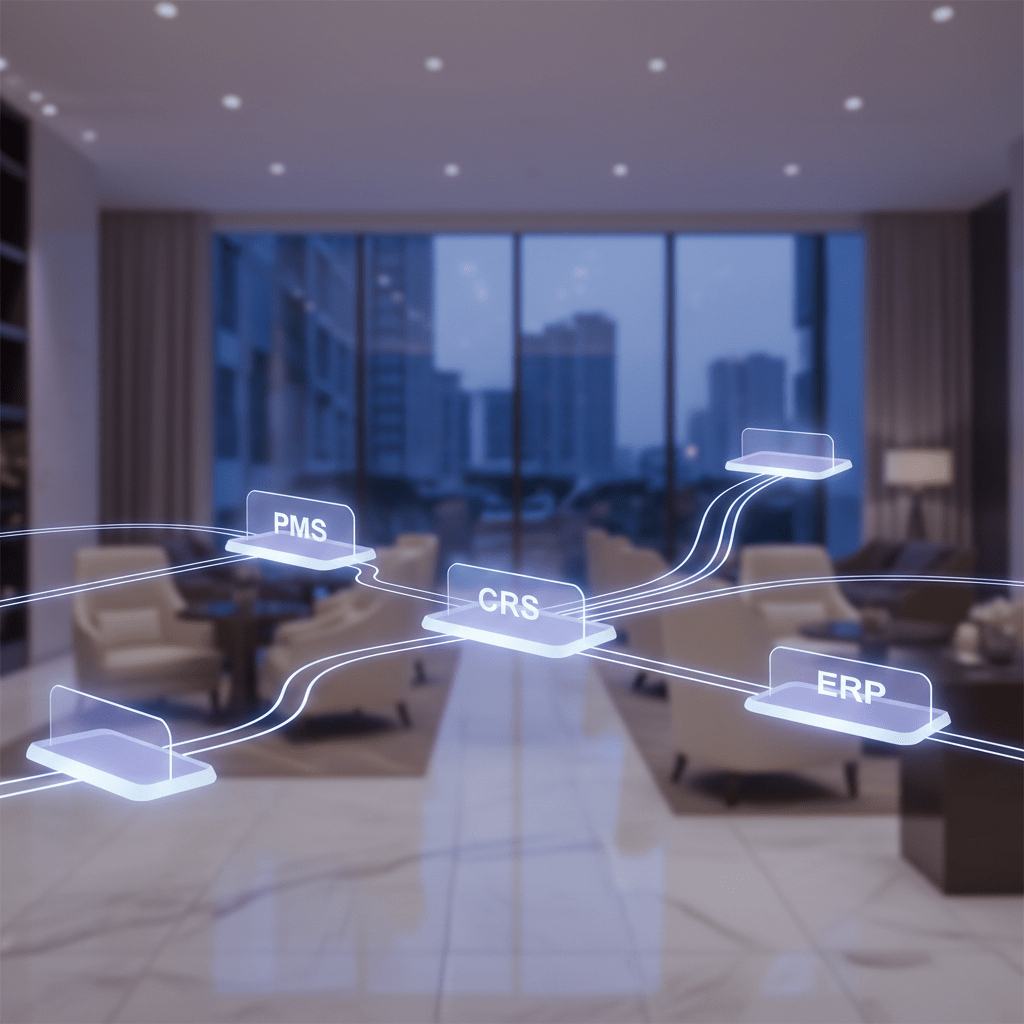
Now here’s the part a lot of teams forget. Your ERP should also see bookings coming in from your Central Reservation System and channel manager.
Why? Because those tools show the full booking picture. Direct bookings. OTA bookings. Last-minute gaps. Rate changes. Demand spikes from a concert downtown or a long weekend rush.
When CRS data reaches ERP, forecasting gets a lot smarter. You’re not guessing from one source. You’re seeing the flow from all sides. That helps with revenue planning, labor planning, and yield decisions that actually match what’s happening across the property.
And if you run more than one hotel, this matters even more. One location may be filling up fast while another has soft demand. With centralized hotel management software and connected channels, you can make faster calls without waiting for five different reports.
Quick look at what each system adds
| System | What it sends to ERP | Why it helps |
|---|---|---|
| PMS | Reservations, folios, room status, occupancy | Better billing and finance posting |
| POS | Sales, payments, inventory use | Real-time revenue and stock tracking |
| CRS / Channel Manager | Booking sources, rate changes, demand signals | Better forecasting and pricing |
The big idea is simple. ERP gets stronger when it can see the full business, not just one slice of it. That’s the real value of ERP integration for hotels. And if you’re looking at a tool like Ease My Hotel, this is where the pieces start to fit together in a way that feels less messy and a lot more usable.
One login. One view. Fewer blind spots. That’s the goal.
6. Navigating the Hurdles: Overcoming Common ERP Integration Challenges
You know the part nobody posts about? The messy middle. The demo looked great, the team got excited, and then the budget started making that nervous little squeak. Yep. ERP projects can go sideways if we don’t plan for the real-world bumps.
Challenge 1: Costs that keep growing
This is where projects turn into a money pit. One extra report. One more custom field. One “quick” workflow tweak. And suddenly the quote is no longer the quote.
A better move is to ask for a fixed-bid price up front, with clear deliverables. Then set a strict change control process. If someone wants a new feature, it needs review, a cost check, and a yes or no. No casual add-ons. No “while we’re at it.” That’s how scope creep sneaks in.
| Risk | What it looks like | Safer move |
|---|---|---|
| Scope creep | Extra features added mid-project | Use change approvals |
| Budget drift | Small costs stacking up fast | Get fixed-bid quotes |
| Delayed go-live | Too many moving parts | Roll out in phases |
Challenge 2: Staff adoption
But here’s the real truth. The best system in the hotel won’t help if people don’t use it.
Staff adoption starts early, not after go-live. Bring front desk, finance, F&B, and housekeeping into training before launch. Then keep training going after launch too. Short refreshers work better than one giant session that nobody remembers by next Tuesday.
Also, people need the “why.” Not just “here’s the new software.” Tell them what changes for them. Less retyping. Fewer billing fixes. Faster guest service. When staff see the upside, they usually lean in a lot more.
Challenge 3: Data security and compliance
A centralized ERP can actually make security cleaner, since fewer systems means fewer places for data to hide. But it still needs careful planning.
Give users only the access they need. Keep payment data protected for PCI DSS rules. Keep guest data safe for GDPR too, especially if you work with EU travelers. And yes, use audit logs. If something odd happens, you want a paper trail.
Here’s a simple checklist:
- Set role-based access rights
- Encrypt data in transit and at rest
- Review who can see payment details
- Remove old accounts and stale logins
- Check compliance before migration, not after
The good news? These ERP implementation challenges hotels face are manageable when you slow down in the right places. A clean rollout, steady training, and tight controls can help you streamline hotel operations without turning the project into chaos. And if you’re looking for a cloud-based setup that keeps booking management, guest communication, accounting, staff management, and a unified dashboard in one place, Ease My Hotel is built for that kind of simpler day-to-day flow. That’s a pretty nice place to start.
Conclusion: Unlock a New Era of Efficiency and Guest Intelligence
If your hotel still feels like it runs on sticky notes, late-night exports, and a few crossed fingers, you’re not alone. A lot of teams live there. But that’s also the point. The jump from fragmented systems to an ERP-connected setup changes more than software. It changes how fast your team can act, how clear your numbers look, and how well you can serve guests without guessing.
That’s the real value of how to fix hotel operations with erp software. It’s not just cleaner reports. It’s a single source of truth that helps you spot issues sooner, cut repeat work, and make smarter calls across finance, F&B, staffing, and guest service. Plus, with hotel management system integration, your PMS, POS, and other tools stop fighting each other and start working together.
And here’s the first move. Don’t call a vendor yet. Do the internal tech and process audit first. Map every tool. Find the duplicates. Spot the data gaps. Know your problems before you shop for solutions. That one step can save a ton of time, money, and headaches later.
If you’re ready to improve hotel efficiency with technology, start there. Simple. Honest. Very unglamorous. But it works.
Try Ease My Hotel for free.
No lock-in contracts. Cancel anytime