
Introduction: Turning Visibility into Bookings on Booking.com
Ever feel like your property should be full, but Booking.com just isn’t showing you enough? You’re not alone. A lot of great hotels, hostels, resorts, and homestays get stuck with low views and weak occupancy, even when the rooms, photos, and prices look solid.
That’s the tricky part. On big OTA sites, being “listed” is not the same as being seen.
And with over 70% of travel bookings happening online now, plus Booking.com holding a huge slice of the OTA market, visibility is a big deal for anyone trying to increase bookings on Booking.com. The good news? Promotions are not just sales extras. They can directly help you optimize listings in Booking.com because they shape clicks, conversion, and ranking signals.
So in this guide, we’ll break down how the Booking.com ranking algorithm works, how promos like Genius, mobile rates, and early booker deals can lift your Booking.com visibility, and how to check what’s working inside the extranet. We’ll also look at the Booking.com Opportunities Centre, smart discount use, and simple ways to improve hotel search ranking without turning your pricing into a mess.
If you’re ready to get more eyes on your place, you’re in the right spot. Let’s make those empty dates a lot less empty.
The Foundation: How Booking.com’s Ranking Algorithm Really Works
Ever notice how some places seem to pop up first, while others sit there collecting dust? Weird, right? That’s not luck.
Booking.com wants one thing above all else: bookings. So the ranking system leans toward listings that are most likely to turn a searcher into a guest. That means the algorithm looks at real booking behavior, not just pretty photos or a catchy name.
Here’s the simple version of what matters most:
| Ranking signal | What it means | Why it helps you |
|---|---|---|
| Conversion rate | People click, then book | Shows your listing is convincing |
| Cancellation rate | How often bookings get canceled | Lower is better for trust |
| Property page score | How complete and clear your listing is | Better content can lift clicks |
| Review score | What guests say after they stay | Strong reviews build confidence |
| Price competitiveness | How your rate compares to others | Good pricing can win more searches |
| Availability | How often your rooms are open | More open dates mean more chances to book |
Booking.com says ranking is shaped by things like click-through rate, gross bookings, net bookings, review scores, availability, policies, pricing, and content quality on its How We Work page.
And that lines up with what hotels already see every day. If your rate looks strong, your page is complete, and your deal feels fair, you usually get more clicks. More clicks can lead to more bookings. More bookings can help improve hotel search ranking over time.
Now here’s where Booking.com promotions come in. Discounts, Genius, mobile rates, and early booker deals can all raise conversion by making your offer easier to say yes to. They can also improve Booking.com visibility by nudging your price closer to what travelers expect to pay.
So promotions are not just a price cut. They’re a signal. A smart one.
Actually, wait, there’s a better way to think about it. Promotions do two jobs at once. They help you look more attractive to the guest, and they help the system see that your listing is getting chosen.
For properties trying to increase bookings on Booking.com, this matters a lot. Online travel sales are huge now, and Booking.com still holds a major slice of the OTA market. That means even small changes to your conversion rate can make a real dent in occupancy.
The big takeaway? If you want better Booking.com visibility, don’t only chase cheap prices. Work on the full picture. Better content. Better reviews. Better rate setup. Better promo timing. All of it feeds the algorithm.
And if you’re juggling all that across multiple channels, a system like Ease My Hotel can help keep booking management, OTA updates, and guest communication in one place. Less chaos. More control. Which, honestly, is what most properties need before promotions can really do their job.
The Genius Program: Your Non-Negotiable First Step to Visibility
You know that little badge travelers trust? It can matter more than a fancy lobby photo. On Booking.com, the Genius Program often gives your listing a real push before guests even read the full room details.
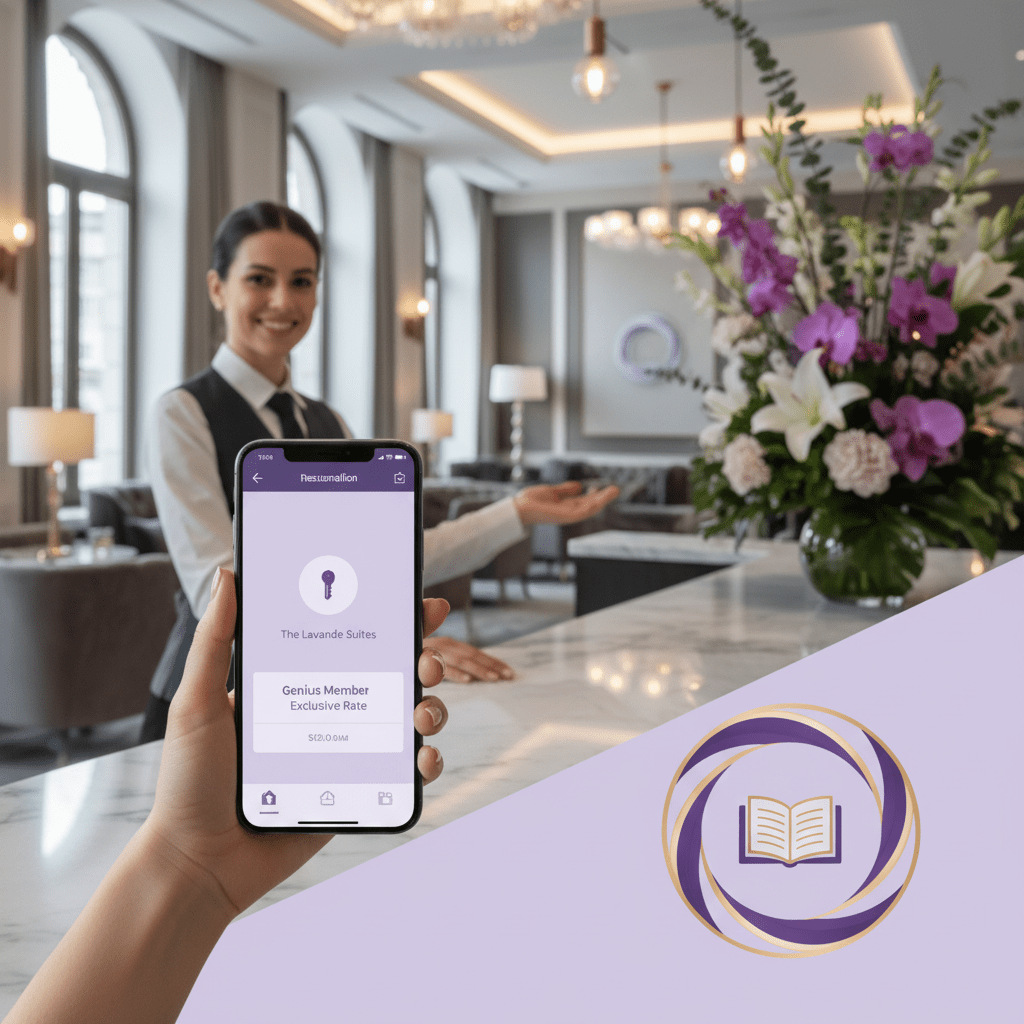
Here’s the simple version. Genius is Booking.com’s loyalty program for travelers, and properties can join by offering a mandatory 10% discount on stays. That discount is the entry ticket. Then the perks grow with each level.
| Genius level | Guest requirement | What you offer | Extra perks |
|---|---|---|---|
| Level 1 | 2+ stays in 2 years | 10% discount | Genius tag and better visibility |
| Level 2 | 5+ stays in 2 years | 10% to 15% discount | Free breakfast, room upgrades on select stays |
| Level 3 | 15+ stays in 2 years | 10% to 20% discount | Free breakfast, room upgrades, priority support on select stays |
The big win is not just the discount. Genius listings get a special tag, which helps them stand out in search. They also tend to get ranking lifts because Booking.com likes listings that convert well. And Genius travelers are a juicy crowd for hotels, hostels, resorts, and homestays. They book more often, spend more, and usually plan ahead instead of panic-booking at 11:42 p.m. the night before check-in.
Booking.com says Genius partners see about 70% more search result views, 45% more bookings, and 40% more revenue after discount costs are counted. That’s a pretty strong trade for a 10% price cut, especially if your rooms already have room to move.
So, is the discount worth it? Usually, yes. But only if your pricing is sane and your listing is ready to convert. A weak page with bad photos and thin details won’t save itself with Genius. A strong page, though? That can turn the discount into real occupancy.
And here’s the part many property owners miss: Genius is not just about lower rates. It helps you reach a higher-value traveler segment, which can mean more bookings, better fill during slow dates, and more repeat business later.
If you’re trying to increase bookings on Booking.com, this is one of the first levers to test. Pair Genius with a clean, complete listing and a solid channel setup in your booking management system. Tools like Ease My Hotel can help you keep your OTA rates, guest messages, and booking flow in one place, so the promo does its job without creating chaos.
The short version? If you want to optimize listings in Booking.com, Genius is usually the first button worth pushing.

Strategic Deal Structures: Moving Beyond Random Discounts
Random discounts feel easy. Cut the rate, watch the clicks, hope for the best. But that usually turns into a mess fast.
If you want real Booking.com visibility, it helps to think in three lanes: proactive, targeted, and reactive. Each one does a different job. And each one fits a different kind of demand.
Proactive promotions: plan for the dates you want
These deals are about filling rooms before the rush or before the gap shows up.
Early Booker deals are for people who reserve weeks or months ahead. That makes them great for securing future occupancy. If you already know a holiday, school break, or festival week tends to sell well, this is a smart place to start. You’re basically saying, “Book now, save a bit, and don’t leave it to the last second.” Simple. Useful.
Last-Minute Deals work the other way. These are for rooms that are still open close to arrival. Days out. Sometimes just a few days. They’re handy for slow midweek periods, last gaps in your calendar, or rooms that would otherwise sit empty. Funny enough, a 10% or 15% nudge can be enough to turn “maybe later” into “book it now.”
Here’s a quick look:
| Deal type | Best for | Main goal |
|---|---|---|
| Early Booker | Future busy dates | Lock in demand early |
| Last-Minute Deal | Unsold rooms close to stay date | Fill last gaps fast |
And this matters because over 70% of travel bookings in 2025 happened online, with OTAs still carrying a big share of the load. That means your timing has to match how people shop, not how we wish they shopped. Booking and OTA booking trends show that online demand is only getting bigger.
Targeted promotions: stop discounting everyone
This is where a lot of properties leave money on the table. Blanket discounts can pull in bargain hunters who don’t stay long, don’t spend much, and don’t always come back. Segmenting usually works better.
Mobile Rates are a strong example. More than half of bookings on Booking.com come through mobile devices, so giving mobile users a small price edge can help you win the booking right where people are already browsing. A 5% starting discount is often used, then you watch how it performs.
Country Rates let you speak to travelers from a specific market. That can be useful if one country tends to book more often, stays longer, or comes during a quiet season. Less guesswork. More control.
Business Booker Rates are good for weekday demand and work trips. These guests often care about convenience, flexible plans, and speed. So instead of slashing rates across every room, you can shape offers for the kind of guest you actually want.
The big idea here is pretty plain: a smaller, smarter discount often beats a bigger, messy one. You protect rate integrity, and you don’t train everyone to wait for a sale.
Reactive promotions: create a little urgency
Now for the fast movers.
Secret Deals are only shown to Genius members or email subscribers. That makes them feel a bit special, which is kind of the point. These offers can pull in people who already know your brand or who are used to booking on Booking.com. They’re not browsing for hours. They’re looking for a reason to say yes.
Limited-Time Deals bring a different kind of push. Short windows. Clear deadlines. A deal that disappears soon tends to move faster than one that hangs around forever. We’ve all seen that little countdown timer and thought, “Well… maybe I should book now.” Exactly.
These reactive deals work best when demand spikes, like during event weekends, holiday periods, or when you need to move a few stubborn dates. And they can fit neatly into hotel marketing on Booking.com if you keep the message simple and the timing tight.
A simple way to choose the right deal
| Goal | Best deal type |
|---|---|
| Fill future dates | Early Booker |
| Clear last-minute rooms | Last-Minute Deal |
| Reach mobile shoppers | Mobile Rate |
| Target one market | Country Rate |
| Catch loyal users | Secret Deal |
| Create urgency | Limited-Time Deal |
Booking.com’s Opportunities Centre can help here too. It flags promos, content fixes, and visibility ideas inside the extranet, so you’re not guessing in the dark. If you want to optimize Booking.com extranet settings without babysitting every tab, that’s a pretty handy place to check.
And if you’re juggling rates across Booking.com, your own site, and other OTAs, a system like Ease My Hotel can keep booking management, OTA updates, and guest messages in one place. That helps you test Booking.com deals and discounts without losing track of what’s live.
The short version? Don’t use promotions like a panic button. Use them like tools. Pick the one that matches the date, the guest, and the gap you’re trying to fill.
Try Ease My Hotel for free.
No lock-in contracts. Cancel anytime
Amplifying Your Reach: Advanced Tools in the Booking.com Extranet
You know that weird feeling when a listing looks fine, but it still feels invisible? That’s usually where the deeper tools start to matter.
Booking.com has a lot going on behind the scenes. And if you only use the basic promo buttons, you’re probably leaving a few easy wins on the table. As of 2025, over 70% of travel bookings happen online, so even small tweaks can matter a lot for increase bookings on Booking.com. That’s especially true since Booking.com still holds a huge share of OTA traffic.
What the Opportunities Centre actually does
The Booking.com Opportunities Centre is like a built-in helper inside the extranet. It looks at your listing, compares it with similar places, and then suggests what to fix next. Think better photos, cleaner content, stronger promo setup, or visibility boosts like Genius and mobile rates.
It’s not magic. But it does save time.
Here’s the nice part: instead of guessing which tweak might help, you get recommendations that are based on how your property is doing across the guest path, from search to stay. So if your page has traffic but weak bookings, the system may point you toward price or content changes. If your views are low, it may push visibility tools first. That makes it a smart place to start when you want to optimize Booking.com extranet settings without poking around forever.
Custom Promo Codes for special pushes
Promo codes are handy when you want to give a deal to a specific group instead of everyone. And honestly, that’s usually the cleaner move.
You can use custom codes for:
- past guests who already know your place
- a Facebook or Instagram campaign
- a local wedding planner or tour company
- nearby businesses that send weekend travelers your way
- repeat guests during slow dates
Say you run a homestay in Goa and want to reward people who stayed last year. A private code can do that without dropping rates for every random browser. Or maybe you’re working with a coffee shop in town that wants to cross-promote stay packages. A code makes that easy to track.
That’s one reason custom codes fit so well into hotel marketing on Booking.com. They give you a little control, which is nice when you’re trying to keep discounts from getting sloppy.
Deal stacking without wrecking your rate
Now for the tricky part. Deal stacking sounds powerful, and it can be. But pile on too much, and your pricing starts looking tired.
A common stack might look like this:
| Offer | Why it helps |
|---|---|
| Genius discount | Gets you in front of loyal Bookers |
| Mobile Rate | Reaches the mobile-first crowd |
| Early Booker | Pulls in guests who plan ahead |
Used together, these can lift Booking.com visibility and help improve hotel search ranking, especially for dates that need a little push. But the key is to watch the total discount. If you stack too hard, you can hurt rate integrity and train guests to wait for deals.
So what works best? Usually, one strong core offer plus one extra nudge. Not five. Two is often plenty.
I’d keep a close eye on the numbers in your visibility dashboard too. Look for more search result views first, then more property views, then better conversion. If bookings rise but cancellations do too, that’s a warning sign. And if you’re managing this across Booking.com, your direct site, and other OTAs, Ease My Hotel can help keep booking management, OTA updates, and guest messages in one place.
The short version? Use the extranet tools like a smart toolkit, not a discount bin. The best results usually come from small moves that work together, not one giant price cut.

Measuring Success: How to Track Your Promotional ROI
You know that awkward moment when a promo looks busy, but you’re still not sure if it helped? Yeah. That’s the part most people skip.
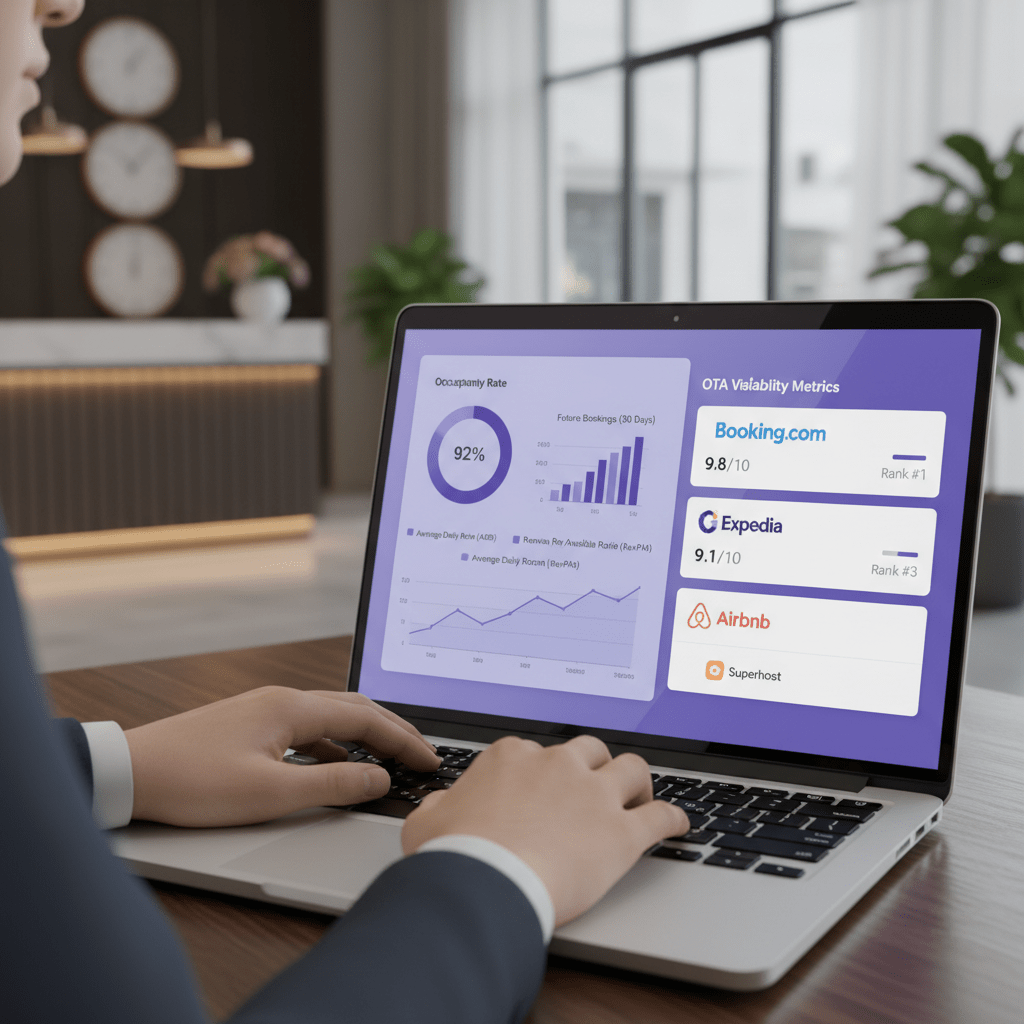
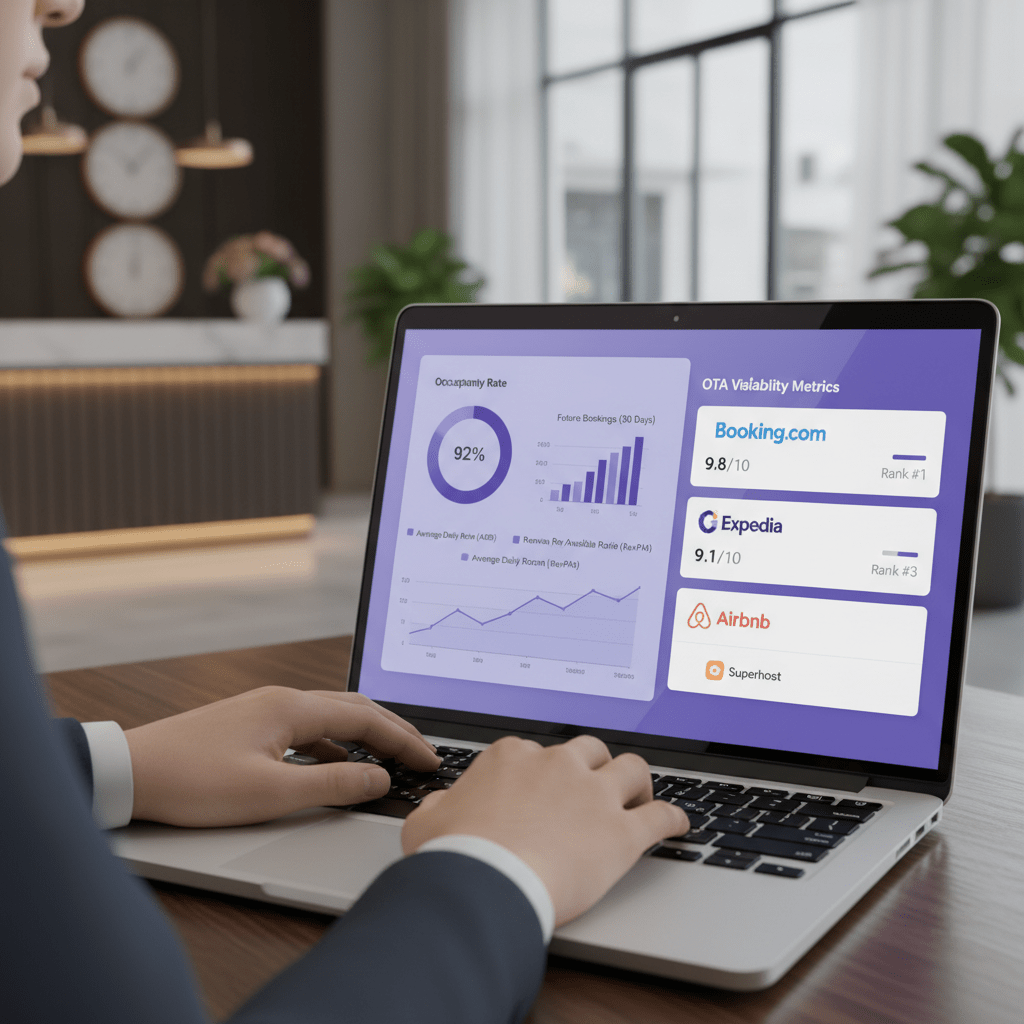
If you want to know how to optimize listings in Booking.com, you can’t just throw on a discount and hope. You need to watch the numbers before, during, and after the offer runs. Booking.com’s own analytics tools give you a decent place to start, especially the Visibility Dashboard and the Booker Glimpse report. Those reports help you see search results views, property views, bookings, conversion rate, ADR, cancellation rate, and how you stack up against nearby competitors.
Here’s the simple KPI list I’d keep on one screen:
| KPI | What to watch | Why it matters |
|---|---|---|
| Visibility score | How you rank vs. similar places | Shows if more people are seeing you |
| Booking pace | How fast bookings come in | Tells you if demand is moving up |
| ADR with promos | Your average room rate during the deal | Helps you spot if discounts are too deep |
| ADR without promos | Your normal room rate | Good for comparing real lift |
| Cancellation rate | How many bookings fall through | A sudden jump can mean weak-fit demand |
And here’s the thing. A promo is not a win just because bookings went up. If ADR drops hard and cancellations climb, you may have bought low-value stays. Not great.
A simple A/B test works better. Run one Booking.com promotion for a set period, like 14 days. Then compare it with a baseline period from the same season, or at least the last 14 days before the deal. Look for changes in search views, property views, bookings, ADR, and cancellations. If the promo lifts visibility first and bookings second, that’s usually a good sign. If nothing moves, or if the wrong numbers move, tweak the offer.
I’d also check the Booker Glimpse notes for who’s booking. Are you pulling in mobile guests, Genius members, or last-minute travelers? That detail helps you decide if the deal fits your guest mix or if you need a different kind of Booking.com deal and discount next time.
Last thing. Keep your test clean. One deal at a time if you can. That makes it much easier to see what actually worked and what just looked busy on paper. And if you’re running this across Booking.com, your own site, and a few other OTAs, Ease My Hotel can help keep booking management, OTA updates, and guest messages in one place so you’re not guessing from five different tabs.
Common Pitfalls When Optimizing Your Booking.com Listing (And How to Avoid Them)
You can do a lot right and still miss the mark. Annoying, I know.
That usually happens when the promo plan looks smart on paper, but the day-to-day setup gets sloppy. Booking.com is not a “set it and forget it” kind of place. With online travel bookings staying high and OTAs carrying a big slice of demand, small mistakes can bite fast. Recent OTA booking trends show just how much traffic is at stake.
Here are the three traps I see most often:
| Pitfall | What goes wrong | Better move |
|---|---|---|
| Over-discounting | Rates get too low and the brand feels cheap | Use smaller, targeted offers |
| Set it and forget it | Promos stay live after the market shifts | Review weekly, or faster during peak dates |
| Ignoring Property Page Score | Traffic comes in, but guests don’t book | Fix photos, text, and amenities first |
1) Over-discounting
This one sneaks up on people. A 20% or 30% cut might fill a few rooms, but it can also attract the wrong guest type and hurt rate parity with your direct site. Then you’re stuck explaining why Booking.com looks cheaper than your own booking engine. Not fun.
It can also train travelers to wait for a deal. And once that habit starts, good luck stopping it.
2) Set it and forget it
Promotions need a little babysitting. I wish they didn’t, but they do.
A deal that works in July may flop in September. Local events, school breaks, holidays, and nearby competitor pricing can all shift the game. So check your Booking.com promotions often, and adjust them before the calendar changes around you.
3) Ignoring Property Page Score
This is the big one. Promotions can get eyes on your listing, but they don’t close the sale by themselves. Strong photos, clear room details, updated facilities, and honest descriptions do that work.
Booking.com says a complete property page can make a real difference, and properties with a full page tend to get more bookings. So if your page is thin, fixing that should come before any fancy discount stack.
If you’re trying to improve hotel search ranking, think of it like this: promos bring the crowd, but your listing has to earn the nod. And if keeping all these moving parts straight feels messy, a tool like Ease My Hotel can help with booking management, OTA updates, and guest communication from one place.
One last thing. Keep checking what the numbers say, not just what feels busy. That’s how you avoid the discount trap and build Booking.com visibility that actually sticks.
Conclusion: From Passive Listing to Proactive Revenue Engine
So here’s the real takeaway. How to Optimize Listings in Booking.com is not about tossing out random discounts and hoping for magic. It’s about using the platform the way it’s built to work: better content, smarter pricing, and promotions that match the guest you want.
Start with the basics. Join the Booking.com Genius program if it fits your property. Then mix proactive deals like Early Booker offers with targeted promos like Mobile Rates or Secret Deals. Use the Booking.com Opportunities Centre to spot easy fixes. And keep checking your results in the visibility dashboard, not just your bookings.
That matters more than ever. Over 70% of travel bookings now happen online, and mobile is a huge part of that. Booking.com also says ranking depends on things like clicks, bookings, cancellations, price, and content quality, so every little move can shape what guests see first recent OTA booking stats and market share data.
The best next step? Block off one hour this week. Review your current promos, check your property page score, and launch one new targeted deal. Just one. Then watch what changes. Small, steady moves usually beat big panic discounts anyway.
If your listing feels messy across channels, a tool like Ease My Hotel can help keep booking management, OTA updates, and guest messages in one place. Less chaos. More room nights. That’s the goal.
Try Ease My Hotel for free.
No lock-in contracts. Cancel anytime