
Stop Being Buried: How to Make Your Listing Shine on Airbnb
Ever open your Airbnb app and think, Why is my place not showing up? You’re not alone. A lot of hosts feel stuck in that spot. The listing looks fine to you, but bookings stay slow, and the calendar has too many empty days. That’s frustrating, plain and simple.
Here’s the good news. The best ways to boost your Airbnb listing are often already sitting inside Airbnb itself. No magic trick. No secret hack. Just smart use of the tools Airbnb gives hosts every day.
And that matters a lot more now. Airbnb had over 9 million active listings worldwide by the end of 2025, with 491 million bookings in 2024. That means tons of competition, so if you want to increase Airbnb visibility, you’ve got to work the system a little. Airbnb’s official company info and market data make the scale pretty clear.
The thing is, Airbnb search isn’t random. It leans on things like photos, reviews, price, location, and how fast you reply. So if you want to rank higher on Airbnb, you need a simple Airbnb marketing strategy that touches all of those pieces. Not fancy. Just clean, steady work.
In this guide, we’ll walk through the platform tools that can help you get more Airbnb bookings, improve your Airbnb search ranking, and make your listing look like the one guests actually click on. We’ll cover photos, titles, pricing, Instant Book, Guest Favorites, and the host tools that can help you track what’s working.
Think of it like this. We’re not just trying to promote my Airbnb listing. We’re trying to make it the one people trust fast. And once that clicks? Things usually start moving.
1. The Engine Room: Decoding the Airbnb Search Algorithm to Your Advantage
You know that weird moment when a listing has everything, but still sits there like it’s invisible? Yeah. That’s usually not bad luck.
Airbnb search looks at a mix of signals, and those signals shape how to boost Airbnb listing performance in a real way. Airbnb says search leans on four big things: quality, popularity, price, and location, with many more signals behind the scenes too. In plain words, the site wants to show guests the places most likely to get booked and leave people happy. Airbnb’s search help page says it’s all about completed bookings and satisfied guests.
So if you want to rank higher on Airbnb, you’re not just “posting a place.” You’re feeding the machine with better clues. Better photos. Clearer descriptions. Faster replies. Better reviews. That’s Airbnb listing optimization in real life.
Here’s the part many hosts get wrong: they think the only way to improve Airbnb search ranking is to keep changing prices every day. Not really. Pricing matters, sure, but it’s only one piece. A messy listing with weak photos and slow replies won’t suddenly jump up just because you shaved off $7 a night. Weird, right?
The main signals usually break down like this:
| Signal group | What Airbnb watches | What you can do |
|---|---|---|
| Listing quality | Photos, title, description, price, amenities | Use strong photos, write a clear title, keep details honest |
| Host metrics | Response rate, reviews, cancellation rate, Superhost status | Reply fast, avoid canceling, keep guests happy |
| Guest preferences | Filters, location, past booking behavior | Match your listing to what guests want to see |
And yes, location still matters a lot. But even a great spot can lose clicks if the listing looks sloppy or the price feels confusing. Guests scan fast. Like, really fast. If the first photo feels dull, they move on.
If you want to get more Airbnb bookings, think of the search page like a store shelf. Your place needs to look easy to trust, easy to book, and easy to understand. That’s the whole trick. Not magic. Just better signals.
Next up, we’ll get into the tools that make that happen. Photos first. Because honestly, that’s where most listings win or lose in about 3 seconds.
2. Your Digital Storefront: Mastering Listing Content for Clicks & Conversions
Let’s be real. Most guests decide in a blink.
They’re scrolling fast, half-tired, maybe on a train, maybe in bed, and your listing gets about three seconds to prove it’s worth a tap. That’s why your photos, title, and amenity list do so much heavy lifting. Not your charm. Not your intentions. The page itself.
Photos: the part people trust first
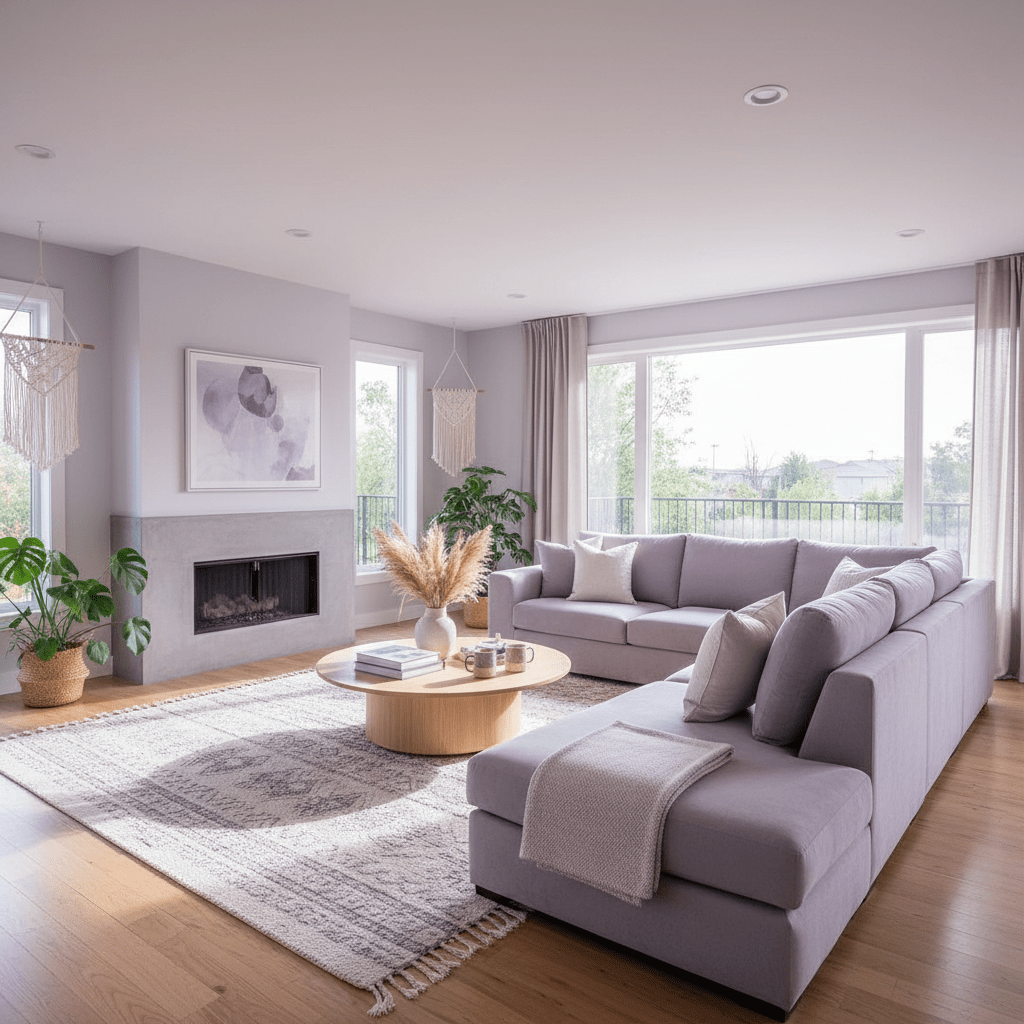
If you do only one thing, fix the photos. Seriously. Good photos are the strongest piece of Airbnb listing optimization because people judge with their eyes first.
Airbnb listings with professional photos can see 20% to 40% more bookings, and some hosts report 15% to 20% higher nightly rates. Plus, listings with 30 or more strong images often do better than thin photo sets. One more thing: a lot of guests decide based on the first five photos alone. Wild, right?
A few quick photo rules that actually help:
- Use bright natural light
- Shoot straight, not crooked
- Open curtains and turn on lamps
- Show each room from more than one angle
- Include the “fun” stuff like a hot tub, patio, or coffee bar
And please, no blurry hallway shots. Nobody’s clicking for that.
Title and description: make them clear, not cute
Your title should tell guests what they get in one glance. A simple formula works well:
Property type + best feature + location or benefit
Examples:
- Sunny Downtown Loft | Steps to Metro and Cafes
- Secluded Forest Cabin | Hot Tub and Fire Pit
- Oceanfront Villa | Private Beach Access
- Spacious 4-Bed Home | Fenced Yard Near Schools
See the pattern? Clear beats clever. Every time.
For the description, answer the questions guests usually ask before booking:
- How many people fit here?
- Is parking easy?
- How far is the beach, airport, or downtown?
- Is it good for families, work trips, or weekend stays?
- What makes this place feel different?
Short paragraphs help. So do bullet points. Guests skim. We all do.
Amenities: don’t skip the boring stuff
This part gets ignored a lot, but it matters a ton. A complete and updated amenities list helps guests filter for your place, which means better visibility in search.
If you’ve got Wi-Fi, washer and dryer, kitchen basics, air conditioning, free parking, or self check-in, list them. Even the smaller details matter because guests use filters before they ever read your full description.
Here’s a simple way to think about it:
| Amenity type | Why it helps |
|---|---|
| Work-friendly extras | Attracts remote workers and longer stays |
| Family features | Helps parents feel safe booking |
| Comfort items | Makes the stay feel easier |
| Access features | Helps guests compare listings fast |
Ease My Hotel’s homestay and Airbnb vacation rental management software can help hosts keep booking info, guest messages, and property details in one place, which is handy when you’re updating listings across more than one channel.
The big idea is simple. Better content brings better clicks. Better clicks can lead to more Airbnb bookings. And once your listing looks sharp, guests usually stop scrolling and start booking.
3. The Two Levers: Strategic Pricing and Availability Settings
Ever notice how one empty weekend can turn into three? Yeah. Airbnb does.
Pricing and calendar settings can make a big difference in how to boost Airbnb listing performance, but they work in different ways. Smart Pricing is Airbnb’s own tool. It adjusts your rate based on demand, season, and nearby listings. That can be handy if you want a hands-off Airbnb marketing strategy and don’t want to stare at prices all day like a nervous squirrel.
But manual pricing gives you more control. If you know your area well, or you’re trying to protect a certain profit level, setting your own rates usually makes more sense. I’d say Smart Pricing is fine for newer hosts who want a starting point. Manual pricing works better if you already know your market, your busy dates, and your slow spots.
Here’s a quick comparison:
| Option | Best for | Downside |
|---|---|---|
| Smart Pricing | New hosts, quick setup, easy adjustments | Can price too low during busy dates |
| Manual pricing | Hosts who track demand and want more control | Takes more time and attention |
And then there are promotions. New Listing Promo, weekly discounts, and monthly discounts can help fill gaps fast. They also speak to different guest types. Weekly discounts often bring in remote workers and families. Monthly discounts can pull longer stays, which means less turnover and fewer cleanings. New Listing Promo is a nice early push if your calendar is still quiet.
One thing guests hate? Surprise fees. So keep your total price clear. A cheap nightly rate with a huge cleaning fee can kill the booking right away.
Now for the part people skip: Instant Book.
Airbnb tends to favor listings that are ready to book right away, and that makes sense. About 39% to 46% of listings use Instant Book, and over half of all listings can be booked instantly. If your calendar is open and up to date, you look active. You look ready. That helps guests trust you faster, and it can help improve Airbnb search ranking too.
If you want a simple next step, open your calendar today, check your next 60 days, and make sure your rates match your real goal. More bookings? Better margins? Longer stays? Pick one first. Then adjust the rest around it.
For hosts juggling messages, pricing, and calendar updates across more than one property, tools like Ease My Hotel’s homestay and Airbnb vacation rental management software can help keep booking management and guest communication in one place. Less jumping around. Less guesswork. More time to actually run the place.
Try Ease My Hotel for free.
No lock-in contracts. Cancel anytime
4. The Trust Flywheel: Using Reviews and Host Metrics to Create Momentum
You know that tiny pause before a guest clicks book? That little “Can I trust this place?” moment. That’s where your reviews and host stats do the heavy lifting.
Airbnb gives trusted hosts a real boost. To get Superhost status, you need 10 trips or 3 reservations with 100+ nights, a 90%+ response rate, less than 1% cancellations, and a 4.8+ rating over the last 12 months. It’s checked every quarter, and you don’t apply for it. Airbnb does it for you. Superhosts also show up in filtered searches, which is a nice little shortcut to more eyes on your place. Airbnb Superhost rules say it plain.
And then there’s Guest Favorites. That badge is for the listing, not the host, and it’s based on things like review count, high ratings, and strong scores for check-in, cleanliness, and communication. It replaced the old Superhost search filter. So yes, trust now shows up in a few different ways.
Here’s what usually helps most:
- Reply within an hour when you can, or at least fast enough to stay above 90% response rate
- Send a welcome message right after booking
- Share check-in info before guests ask
- Fix small problems before they become review problems
- Ask for reviews after checkout, not before
That last one matters. Keep it simple. Something like, “Thanks again for staying. If you had a good time, a quick review would mean a lot.” No pressure. No awkward speech. Just human.
And if a review comes in rough? Don’t freak out. Answer publicly, stay calm, and keep it short. Try: “Thanks for the feedback. I’m sorry the stay missed the mark. I’ve already looked into the issue.” That shows future guests you’re paying attention.
If you want one more practical step, check your Airbnb host tools and look at response time, ratings, and cancellation habits every week. Hosts using a system like Ease My Hotel’s homestay and Airbnb vacation rental management software can keep guest messages, bookings, and property updates in one place, which makes fast replies a lot less painful.
The big idea is simple. Good reviews lead to better trust. Better trust leads to more bookings. And once that loop starts spinning, your listing usually climbs faster than you’d expect.
5. Beyond the Basics: Leveraging ‘Guest Favorites’ and Other Standout Features
You know that moment when a guest is comparing three places, and one of them just feels safer? That little gut check matters a lot. And Airbnb’s newer badges can help with that.
Guest Favorites is a listing badge, not a host badge. It was rolled out in late 2023 and replaced the old Superhost search filter. Airbnb gives it to places that keep guests happy again and again. The public signals are pretty clear: at least 5 reviews in the last 4 years, at least 1 review in the last 2 years, an average rating above 4.9 stars, strong scores for check-in, cleanliness, accuracy, communication, location, and value, plus very low host cancellations and quality issues. Basically, it’s for listings that are already doing the right stuff and doing it often. Airbnb’s Guest Favorites help page lays out the basics.
So if you’re trying to boost your Airbnb listing, this badge is worth watching. It can help increase Airbnb visibility because guests trust it fast. Not magic. Just trust, shown up front.
What else guests notice before they book?
Your Host Profile. Yep, that plain-looking page gets skipped a lot, but it shouldn’t.
A photo of you, a short friendly bio, and a quick note about how you host can make your place feel real. Guests want to know there’s a person behind the door, not just a copy-paste listing. If you host a homestay, this matters even more. Say where you’re from, what kind of stays you like to host, and how you help guests check in. Keep it simple. Human. No corporate speech. Please.
Here’s a quick checklist:
| Profile piece | Why it helps |
|---|---|
| Clear host photo | Builds trust fast |
| Short bio | Makes you feel real |
| Response style | Shows how you communicate |
| Hosting story | Gives guests a reason to feel comfortable |
And there’s one more underused tool that can really help: the Airbnb Guidebook. A good guidebook gives guests the stuff they always ask for anyway. Best coffee nearby. Parking tips. Wi-Fi name. Trash day. Nice taco spot down the street. That kind of thing.
It sounds small. But it cuts down on messages, helps guests settle in faster, and often leads to better reviews. Less confusion. Fewer “quick questions.” More smooth stays.
If you’re using Airbnb host tools already, this is a smart place to spend 20 minutes. And if you manage more than one property, a system like Ease My Hotel’s homestay and Airbnb vacation rental management software can help keep booking details, guest communication, and property info in one place so nothing slips through the cracks.
Tiny upgrades add up. A better profile. A better guidebook. A listing that feels cared for. That’s the kind of thing that helps you rank higher on Airbnb over time.
6. Don’t Guess, Know: Using Airbnb Insights to Guide Your Strategy
You know that sinking feeling when bookings slow down and you can’t tell why? Same. And honestly, guessing gets old fast.
That’s where Airbnb Insights comes in. It’s the part of the host dashboard that shows what people are doing before they book. Views. Booking rate. Occupancy. A few other bits that can save you from random changes that don’t help much.
Think of it like a tiny report card for your listing. Not fancy. Just useful.
What to look at first
Inside the Insights or Performance tab, you’ll usually see a few big numbers:
| Metric | What it tells you | What it might mean |
|---|---|---|
| Views | How many people saw your listing | Low views can mean weak photos, title, or search reach |
| Booking rate | How many views turned into bookings | High views but low bookings may point to price or trust issues |
| Occupancy | How full your calendar is | Gaps may mean your dates, price, or stay rules need a tweak |
| Wishlist adds | How many people saved your place | Guests like it, but maybe they’re still comparing options |
Airbnb’s own Performance dashboard tracks conversion, occupancy, rates, quality scores, earnings, and hosting progress, and the data can update within a day. Airbnb’s performance report help page lays out the basics.
Here’s the simple way to read it:
- Lots of views, low booking rate? Your photos, price, or rules may be scaring people off.
- Low views, decent booking rate? Your listing may work well, but it needs more reach.
- Good views, good booking rate, but weak occupancy? Your calendar may be too tight, or your minimum stay may be too long.
And if your booking rate sits around 1% to 3% for an entire home, you’re in a pretty normal range. Private rooms often land lower. So don’t panic if you’re not seeing giant numbers overnight.
Use your competitive set like a mirror
Now for the part many hosts skip. The competitive set.
This is Airbnb’s way of showing your listing next to similar ones nearby. Same area. Similar size. Similar type. That comparison can be super helpful, because it tells you if you’re really behind or if your place is just in a slow patch.
Look at:
- Average nightly price
- Occupancy trends
- Booking pace
- How your listing compares on photos and amenities
If your place is priced above the pack but getting fewer bookings, that’s a clue. If your calendar is more open than nearby homes, you may need a stronger promo, a softer minimum stay, or better photos. Actually, wait, sometimes it’s not the price at all. Sometimes the listing just looks less inviting. Weird, but true.
A lot of new hosts hit the same wall. Guests don’t read house rules. Messages pile up. Pricing feels messy. Support can be slow. And suddenly you’re juggling cleaning, check-ins, and a calendar that feels like it’s judging you. The dashboard won’t fix everything, but it does give you a clearer next move.
If you manage more than one property, this is where a system like Ease My Hotel’s homestay and Airbnb vacation rental management software can help keep booking details, guest communication, and property updates in one place. Less tab-hopping. Less guessing. More time to act on the numbers you’re seeing.
So check your insights this week. Then make one change, not ten. That’s how you learn what actually works.
Your Action Plan: From Invisible to In-Demand
So here’s the real trick. Learning how to boost Airbnb listing visibility isn’t a one-and-done job. It’s a loop. You update the listing, watch the numbers, reply faster, tweak pricing, then do it again. That’s how good hosts stay ahead, especially with 9 million+ active Airbnb listings out there and 491 million bookings happening in 2024 alone. The crowd is huge. Airbnb’s company overview makes that plain.
If you want a simple place to start, try this:
- Update your top 5 photos. Pick the ones guests see first. Bright, clear, and real. If you can, replace any shot that looks dark, cramped, or blurry.
- Check your Opportunities tab. Look for gaps in price, calendar setup, and listing details. Small fixes there can help improve Airbnb search ranking without a full rewrite.
- Save a few quick replies. Draft answers for check-in, parking, Wi-Fi, and late arrival questions. Faster replies help you get more Airbnb bookings and keep your host stats strong.
And if you want to go one step further, check your reviews and your Airbnb guest favorites status too. Those trust signals can make your place feel safer fast.
The good news? You don’t need to do everything today. Just pick one change and make it better this week. Then another next week. That’s how you promote my Airbnb listing in a way that actually sticks.
You’ve got more control than it feels like right now. Use the Airbnb host tools. Watch what guests react to. Keep cleaning up the listing. And before long, your place won’t feel buried anymore. It’ll feel ready to book.
Try Ease My Hotel for free.
No lock-in contracts. Cancel anytime