
Struggling with Low Bookings on MakeMyTrip? Your Listing is the Key
Ever had that weird feeling where your property is great, your staff is solid, your beds are clean, and yet the bookings just… stall? Yeah, that stings.
You’re not alone. MakeMyTrip is a huge deal for Indian hotels, with 53.8% market share in the online travel market and more than 72 million monthly active users. So if your listing is weak, you’re not just missing clicks. You’re missing real guests.
And here’s the good part: a strong MakeMyTrip listing works like a 24/7 digital salesperson. It keeps talking for you, even while your front desk is asleep. Pretty handy, right?
In this guide, we’ll walk through how to optimize listings in MakeMyTrip step by step. We’ll look at what MMT ranking seems to reward, how to write better copy, how to use photos the right way, and how to get more bookings on MMT without sounding fake or pushy. If you’ve been looking for a simple MakeMyTrip for hoteliers guide, this is it. Let’s fix the invisible-listing problem together.
1. Decoding the MakeMyTrip Algorithm: What Really Drives Your Ranking?
Ever notice how some hotels seem to pop up again and again, while others feel like they vanish? That’s not luck. It’s a mix of signals, and MakeMyTrip is trying to do one thing fast: match the right traveler with the right stay.
So your MakeMyTrip listing optimization isn’t just about looking nice. It helps the platform do its job better. And that usually means more eyes on your property, more clicks, and more bookings.
Here’s the deal. MakeMyTrip’s ranking is mostly shaped by a few big pillars:
| Ingredient | Best for | Why people like it |
|---|---|---|
| Jojoba oil | Lighter hold | Feels less greasy |
| Coconut oil | Deep moisture | Nice for dry hair |
| Olive oil | Soft control | Easy to find |
| Rosemary essential oil | Scalp support | Popular in hair care blends |
| Lavender essential oil | Soft scent | Calm, clean smell |
And yes, content matters a lot. When you craft compelling descriptions, add clear room details, and use strong photos, you help people decide faster. That can improve MMT ranking because the platform sees more clicks and more bookings from your page.
The platform also looks at things like click-through rate, booking counts, and how deep people go into the funnel before they book. Fancy words, simple idea. If guests keep moving from search to room view to checkout, your listing is doing its job.
But here’s the part many hoteliers miss: the algorithm isn’t trying to reward the prettiest listing. It wants the most helpful one. That means honest room names, useful amenities, sharp photos, and a description that sounds like a real person wrote it. Not a brochure from 2009.
If you want to get more bookings on MMT, start by making your listing easier to choose. Clear beats clever. Specific beats vague. And the more your listing answers a traveler’s questions before they ask, the better your odds.
Ease My Hotel can help here too, since it gives hoteliers one place to manage bookings, guest messages, room info, and OTA updates without bouncing between five tabs. Less mess. Fewer mistakes. Better control.
2. Crafting a Compelling Property Description: The Heart of Your Listing
You know that moment when a traveler lands on your page and thinks, “Hmm… maybe.” That tiny pause is where bookings live or die.
And honestly, a plain list of features won’t do much. “Free Wi-Fi,” “AC,” “restaurant”… fine. But those words alone don’t help a guest picture their stay. They don’t feel a room. They don’t hear the quiet hall at night or see the family spreading out after a long drive.
That’s why crafting compelling property descriptions matters so much for MakeMyTrip listing optimization. MMT’s own learning-to-rank approach looks at how people click, scroll, and book, so a better description can help improve MMT ranking by making your page easier to trust and choose.
Stop listing. Start painting a picture.
Think about who you want to attract. Not everyone. Just your best-fit guest.
Here’s a simple way to write a hotel description for MakeMyTrip:
| Who is the guest? | What do they want? | Why should they pick you? |
|---|---|---|
| Family travelers | Space, comfort, easy meals | Kids can move around, parents can relax |
| Business travelers | Quiet, fast Wi-Fi, smooth check-in | They can work and rest without fuss |
| Couples | Privacy, mood, nice views | It feels calm, warm, and a little special |
| Pilgrims or leisure groups | Easy access, clean rooms, simple stay | Less stress, more convenience |
See the difference? We’re not just saying what’s there. We’re saying what it feels like.
For families, try lines like: “Spacious rooms where kids can play freely after a long day out.” For business guests, say: “A quiet place with high-speed Wi-Fi to help you seal your next deal.” Small shift. Big change.
Use the Who, What, Why frame
This works pretty well, and it keeps you from sounding like a brochure from the wrong decade.
- Who is your ideal guest?
- What experience do you offer them?
- Why should they choose you over the hotel next door?
If you answer those three things, your description starts feeling real. And real usually wins.
Let’s say you run a resort in Kerala. Instead of writing, “We offer elegant rooms and a restaurant,” try something closer to this: “Wake up to soft lake views, grab breakfast in the garden, and spend your evening in a calm space that feels far away from city noise.” That gives people a reason to stay. It also helps increase visibility on MakeMyTrip because guests are more likely to stop, read, and click.
Keep it specific. No fluffy stuff.
Avoid phrases like:
- best service
- home away from home
- luxury experience
- unmatched hospitality
Why? Because everyone says that. And once everyone says it, nobody hears it.
Instead, use words that help people imagine the stay. Things like:
- spacious
- quiet
- bright
- walkable
- family-friendly
- business-ready
- pool-facing
- balcony room
Just make sure they’re true. A guest will forgive simple wording. They won’t forgive fake vibes.
And if you’re managing updates across several OTAs, this is where a system like Ease My Hotel helps a lot. You can keep room info, descriptions, and booking details in one place instead of retyping the same thing a dozen times. Less copy-paste chaos. More time for actual guest care.
A tiny writing formula that works
Try this:
Strong feature + guest benefit + clear setting
Example:
“Enjoy spacious rooms with city views, so business travelers and families both have room to settle in after a busy day.”
Simple. Clear. Human.
That’s the heart of strong MakeMyTrip for hoteliers guide advice right there. Not fancy. Just useful.
And here’s the fun part… once you start writing like this, the rest of your listing gets better too. The rooms feel clearer. The photos make more sense. The whole page starts working together instead of shouting random facts at people.
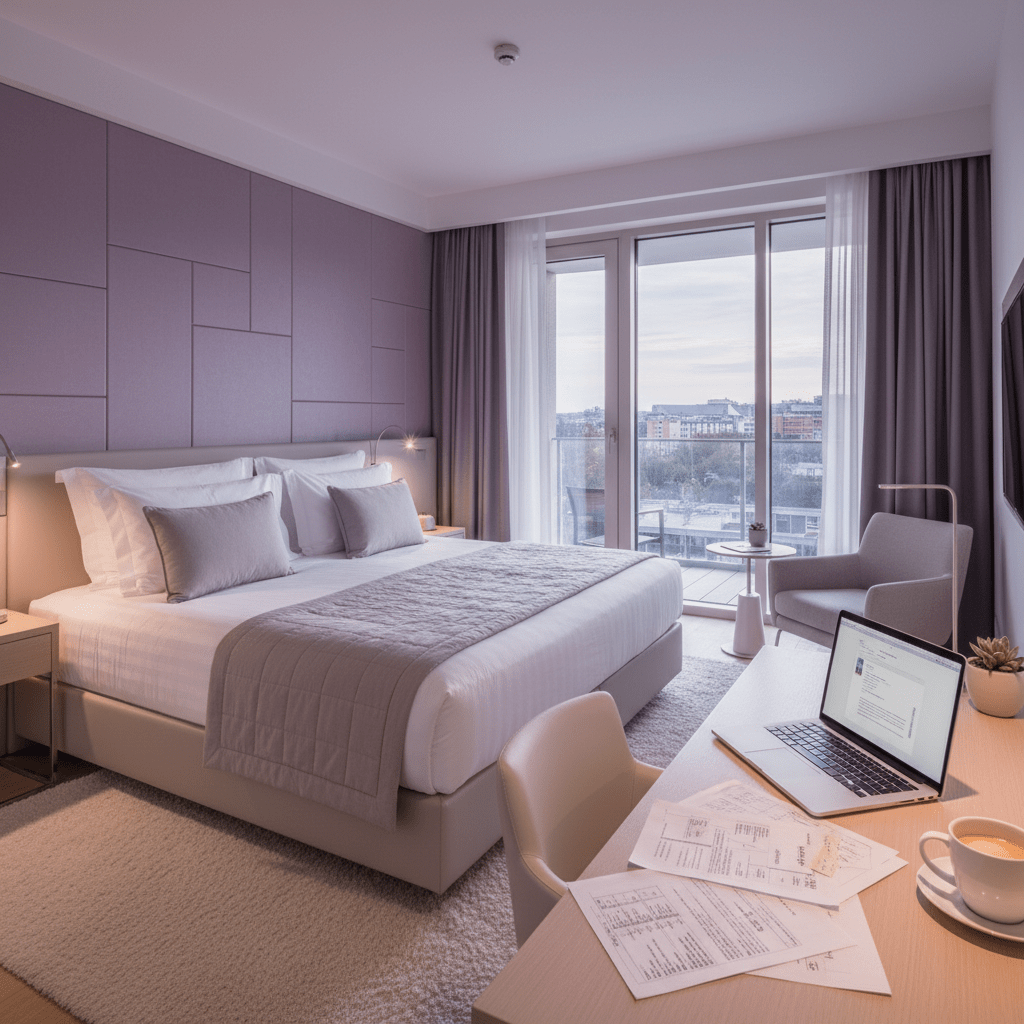
3. Writing High-Impact Room and Rate Plan Descriptions
You know that tiny pause a guest makes before clicking? That little “hmm…” moment? That’s where room sales happen or slip away.
And here’s the thing. Not every room should sound the same. A Deluxe Room with Balcony is not the same as a Standard City View Room. One gives people fresh air and a nicer feel. The other gives them a clean, simple stay with a view. If you write both like they’re twins, guests won’t see the reason to pay more.
So each room type on MakeMyTrip needs its own voice. Keep it short, clear, and useful. Tell people what makes it worth the price. That helps with MakeMyTrip listing optimization and can also improve MMT ranking because guests are more likely to click, compare, and book.
Here’s a quick way to think about it:
| Room Type | What to Highlight | Guest Reason to Book |
|---|---|---|
| Deluxe Room with Balcony | Outdoor space, better view, more comfort | Feels nicer for couples and longer stays |
| Standard City View Room | Clean layout, good view, simple value | Works well for short trips and budget-minded guests |
| Family Room | Extra beds, more space, easy setup | Helps families stay together without stress |
| Business Room | Desk, quiet setup, fast Wi-Fi | Makes work trips smoother |
See the difference? We’re not just naming rooms. We’re selling the reason to choose them.
Make the price make sense
If a room costs more, say why. Don’t leave guests guessing. For example, “Deluxe Room with Balcony” can mention the private outdoor sit-out, extra light, or better skyline view. That tiny detail helps the higher rate feel fair.
And for rate plans, clarity wins again. A Breakfast Included plan should sound warm and real, not stiff. Try something like: “Enjoy our complimentary hot buffet with local dishes, fresh fruit, tea, and fresh coffee to start your morning right.” That sounds a lot better than just saying breakfast included. Makes you want to eat, right?
For a non-refundable plan, be plain. Say it clearly so guests trust you: “This rate is non-refundable after booking, so please book only if your travel plans are fixed.” Honest text builds confidence. Confused guests usually bounce.
A few easy rules that help
- Use guest-friendly names, not internal codes
- Put the best feature first
- Match the room name to the photo
- Keep rate terms short and easy to scan
- Don’t use vague labels like “Premium Category B”
Also, make sure your room names stay the same across channels. That keeps things tidy in your MMT extranet tips workflow and helps avoid mix-ups if you’re managing more than one OTA.
If you’re using Ease My Hotel, this gets easier fast. You can manage room details, rate plans, and OTA updates from one place instead of fixing the same wording over and over. Less copy-paste mess. More time for guest care.
And yes, this kind of detail helps get more bookings on MMT. People book faster when they don’t have to decode your listing.
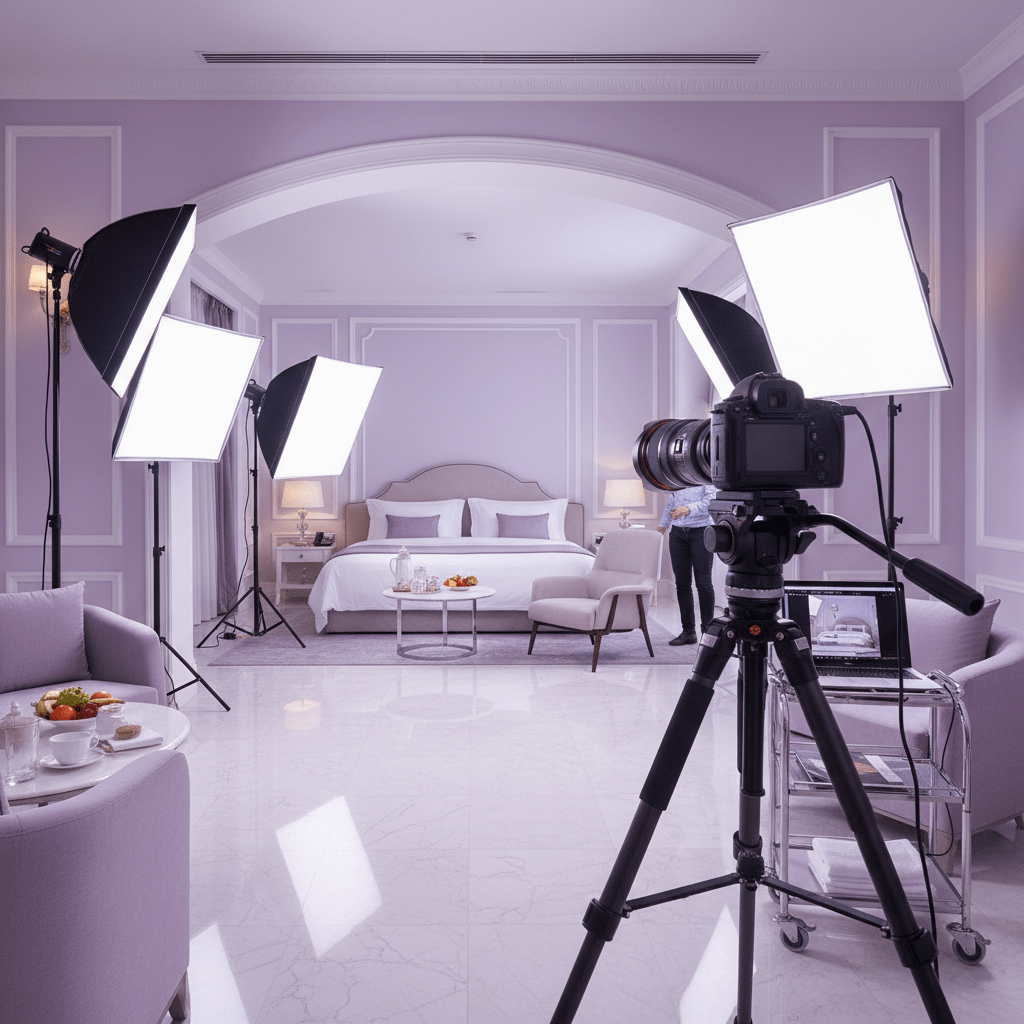
4. The Visual Story: Optimizing Your Photos and Captions
You know that split second on a listing page? Eyes go to the photos first. Almost every time. And if the pictures look dark, blurry, or like they were taken during a power cut, people move on fast.
That’s why photos matter so much for MakeMyTrip listing optimization. Travelers use them to judge room size, style, and comfort before they read a single line. In fact, photo quality is one of the biggest booking signals on OTAs, with studies showing that 63% of travelers call photos the most critical factor in their booking choice picture-driven booking research. So yes, your gallery is doing a lot of heavy lifting.
Start with the best shot
Don’t bury your best image halfway down the gallery. Put your strongest exterior shot first. Then move in a way that feels natural.
Here’s a simple order that usually works:
| Photo Order | What to Show | Why It Helps |
|---|---|---|
| 1 | Best exterior shot | Gives instant trust and a clear first impression |
| 2 | Lobby or entrance | Shows the welcome experience |
| 3 | Best room photos first | Helps guests picture where they’ll sleep |
| 4 | Key amenities like pool or restaurant | Adds value and variety |
| 5 | Unique features | Shows what makes you different |
That order tells a story. First, where the guest arrives. Then, where they rest. Then, what they can enjoy. Nice and simple.
Keep the photos clean and bright
Use high-resolution images. At least 1024 pixels wide is a safe baseline, and more is usually better. The room should look bright. The bed should look neat. The bathroom should not look like a mystery puzzle.
And please, no crooked phone shots if you can help it. I know, sometimes the front desk is busy and someone grabs a phone at 4:30 pm. But good lighting and a steady frame change everything.
If you want to optimize hotel photos for OTAs, try to show real space, not just angles. Travelers want to know if the room feels open, if the window brings in light, and if the pool actually looks inviting. That stuff matters.
Write captions that sell the stay
Captions are tiny, but they pull their weight.
Don’t write things like:
- Room
- Lobby
- Bathroom
- Dining Area
That’s dry. And kind of a waste.
Instead, make the caption do a little work for you:
- King Bed Deluxe Room with a Private Balcony Overlooking the Hills
- Bright Lobby with 24-Hour Front Desk Support
- Family Room with Extra Space for Longer Stays
- Rooftop Restaurant Serving Fresh Breakfast and Evening Meals
See what changed? The guest gets a better picture right away. Plus, those captions help support your write hotel description for MakeMyTrip strategy because the whole listing starts to feel more complete and easier to trust.
One more thing…
Don’t just upload photos. Arrange them like a mini tour. That’s what a smart MakeMyTrip for hoteliers guide would tell you anyway. A good gallery answers questions before the traveler asks them.
And if you manage multiple properties, keeping this stuff organized can get messy fast. That’s where Ease My Hotel can help. With one dashboard for OTA updates, booking details, and guest info, it’s easier to keep your room photos, captions, and listing content lined up without the usual copy-paste chaos.
Small fix. Big payoff.
Try Ease My Hotel for free.
No lock-in contracts. Cancel anytime
5. Maximizing Visibility with Amenities and Facilities
Ever notice how travelers love to filter first and think later? Pool. Free Wi-Fi. Pet-friendly. Breakfast. Boom. That’s how a lot of MMT searches start.
So if your property has the right tags, you’re already easier to find. And that matters a lot on a site as big as MakeMyTrip, where visibility can decide if you get seen or skipped. The platform has more than 72 million monthly active users, so even one missing amenity tag can push you down in a busy search page.
Don’t leave anything untagged
This is the part where a quick audit pays off.
Go through your property line by line in the MMT Extranet and tag every real amenity you offer. Not just the flashy ones. The everyday stuff counts too.
Here are the ones travelers often look for:
| Common Amenity Tag | Why Guests Care |
|---|---|
| Free Wi-Fi | People want to stay connected |
| Breakfast included | Makes mornings easier |
| Free parking | Big help for road trips |
| Air conditioning | A must in many cities |
| Lift | Helpful for older guests and families |
| Free cancellation | Gives peace of mind |
| Room service | Handy after a long day |
| 24-hour front desk | Guests feel supported any time |
| Express check-in/check-out | Saves time and hassle |
| Luggage storage | Useful for early arrivals and late departures |
And yes, those less obvious tags matter. A traveler may not search for “luggage storage” first, but once they see it, it can be the little nudge that wins the booking.
Go beyond the checkbox
Here’s the thing. Just tagging an amenity is good. But showing your standout feature in the main description is better.
If you have a rooftop infinity pool, don’t bury it. Say it early. Put it in your first few lines. And show it in your first few photos too. Same with a garden café, a pet-friendly setup, or a quiet work zone. If it’s a real draw, let people see it fast.
Actually, wait, let me say that cleaner: don’t make guests hunt for your best feature. Bring it forward.
That helps with MakeMyTrip listing optimization, and it can also increase visibility on MakeMyTrip because people are more likely to stop, click, and keep reading. That little bit of extra attention can move your listing up in the stack.
A simple habit that works
Do a full property audit every few months. Walk through the hotel like a guest would. Ask:
- What do we really offer?
- What do guests ask for most?
- What do we have that nearby hotels don’t?
Then match those answers with your tags, description, and photos. That’s the kind of MMT extranet tips work that saves time later and helps you get more bookings on MMT without extra fuss.
And if you’re juggling this across multiple rooms, outlets, or properties, a tool like Ease My Hotel can help keep it all in one place. Booking details, OTA updates, guest messages, and room info. Less back-and-forth. Fewer missed tags. Better control.
Small tags. Big payoff.
6. Mastering Social Proof: How to Manage Reviews and Responses
You know what people do before they book? They peek at the reviews. Then they peek again. And if a hotel has silence on the review page, that can feel a little odd.
On MakeMyTrip, social proof matters a lot. Review score, review volume, and how fast you reply can all shape trust. They also help your listing look alive, which is a big deal in a crowded search page. If you’re trying to get more bookings on MMT, this part can’t sit on the back burner.
Good reviews need a good reply
A happy guest took the time to praise you. That deserves more than a thumbs-up in your head.
Try this simple reply flow for positive reviews:
- Thank the guest by name.
- Mention one thing they liked.
- Invite them back.
Example:
Hi Riya, thank you for your kind words about our clean rooms and warm staff. We’re so glad you enjoyed your stay. We’d love to host you again soon.
Short. Friendly. Real. That kind of reply shows future guests that you notice people, not just bookings.
Negative reviews? Don’t freeze.
Yeah, they sting. Nobody likes reading a bad review on a Monday morning. But a calm reply can actually help more than silence.
Here’s a simple way to handle it:
- Reply quickly and publicly
- Say sorry for the bad experience
- Don’t get defensive
- Explain what you’ve fixed or will fix
- Move the chat offline if it needs more details
Example:
Hi Ankit, we’re sorry your room wasn’t ready on time. That’s not the stay we wanted for you. We’ve already spoken with our front desk team, and we’d like to look into this further. Please contact us at [phone/email] so we can help.
That kind of note does two things at once. It speaks to the unhappy guest, and it also shows future guests that you care.
And that matters. A lot. Recent travel studies show most guests read online reviews before booking, so your replies are part of your sales page too. Think of them as tiny trust builders. Little ones, but still powerful.
Keep it moving
If you want to improve MMT ranking, make review replies part of the weekly routine. Not once a quarter. Not “when we get time.” Weekly, at least.
And if you’re juggling listings, messages, and room updates across channels, Ease My Hotel can help keep it all in one place. One dashboard. Less mess. More control. That means you can spend less time chasing tabs and more time taking care of guests.
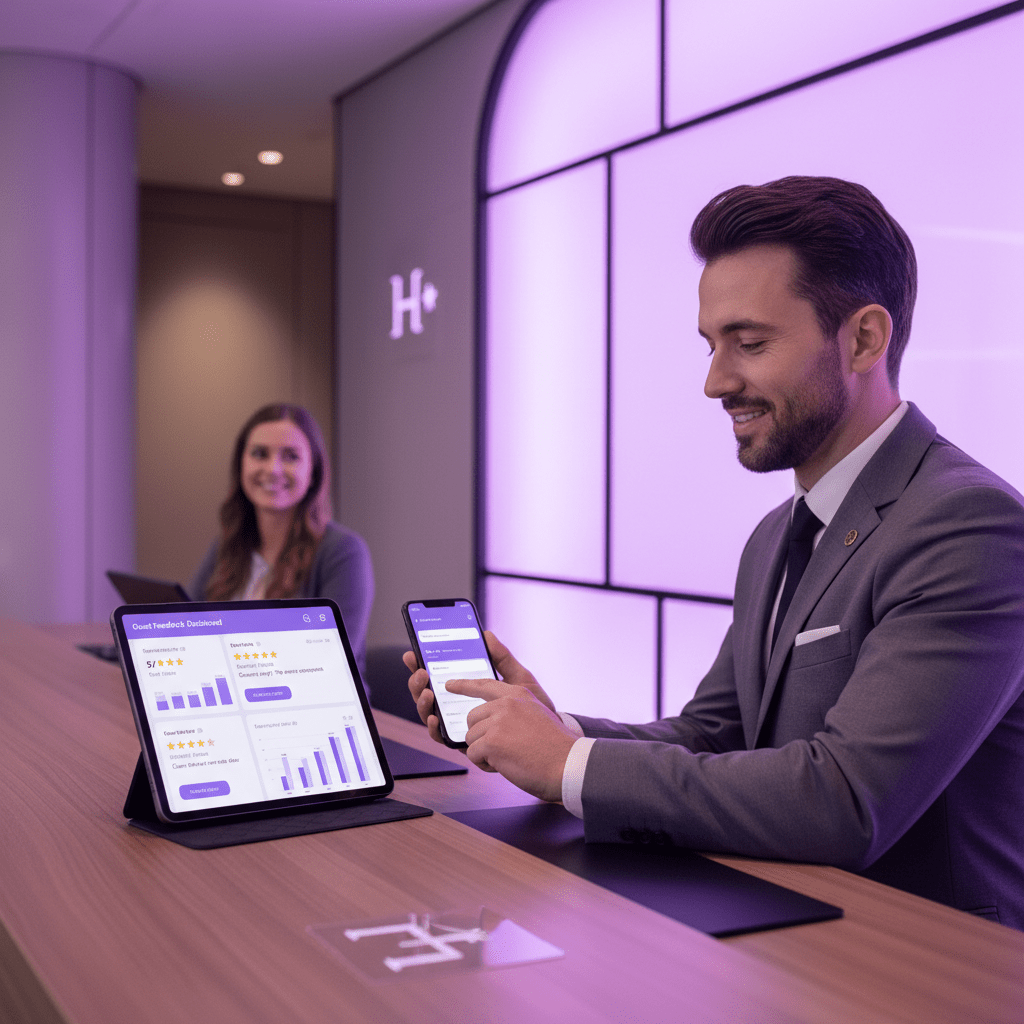
Your Action Plan: From Optimized Listing to More Bookings
So here’s the simple truth. A strong MakeMyTrip listing is part art, part setup work. The art is your story. The setup work is the little stuff that helps people find you, trust you, and book faster.
And on a platform that holds 53.8% of India’s online travel market, that mix really matters. Tiny fixes can mean real room nights.
Here’s a quick checklist you can use today:
| What to check | Quick action |
|---|---|
| Main description | Rewrite it with guest benefits and a simple story |
| Room names | Make them clear, specific, and easy to compare |
| Photos | Put the best images first and keep them bright |
| Captions | Add short captions that explain the stay |
| Amenities | Check every real tag in your listing |
| Reviews | Reply to your last 5 reviews, good and bad |
| Rates | Explain why the price makes sense |
| Consistency | Match names, details, and photos across channels |
If you only fix three things this week, start with the description, photos, and amenity tags. That combo usually gives the fastest lift.
Also, don’t forget the human side. Guests book what feels easy and safe. They skip what feels messy.
If you’re managing all this across multiple channels, Ease My Hotel can save you a ton of back-and-forth with its booking tools, OTA sync, and central dashboard. Less chaos. Fewer missed updates. More time to grow.
Take one room. One listing. One hour. Clean it up, then move to the next. That’s how you build momentum, and that’s how a MakeMyTrip listing starts turning views into bookings.
Try Ease My Hotel for free.
No lock-in contracts. Cancel anytime