
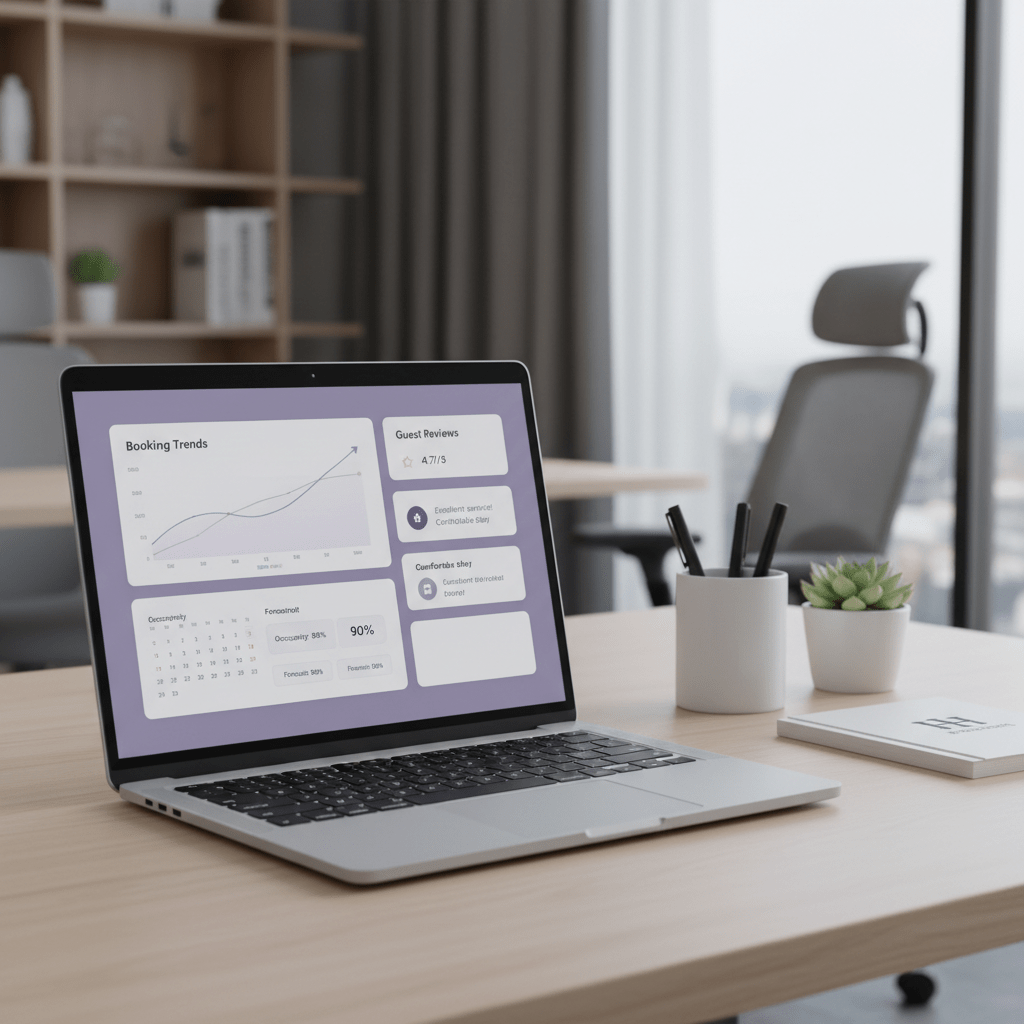
Introduction: Beyond Guesswork – Unlocking Your Property’s Potential on Booking.com
Ever stared at your Booking.com listing and thought, “Why did bookings jump yesterday, then sink today?” You’re not alone. A lot of property managers feel like the Booking.com algorithm is a black box. One day you’re up. The next day, you’re hidden. Weird, right?
But this isn’t random magic. Booking.com is huge, with about 4.0 million properties listed at the end of 2024, and room nights booked across its brands hit 1.14 billion that year, so even small changes can move the needle fast Booking Holdings 2024 annual report.
This guide breaks down how to optimize listings in Booking.com with a clear, data-based plan. No guesswork. No fluff. Just the parts that usually shape Booking.com ranking, so you can get more bookings on Booking.com with less stress.
We’ll look at three core pillars:
- Foundational Content: your photos, room details, pricing, and listing setup
- Dynamic Factors: availability, response speed, cancellations, and promos
- Trust Signals: review scores, guest feedback, and program badges
And yes, we’ll also touch on tools that help, like Ease My Hotel, which can keep bookings, guest messages, and OTA work in one place. Because juggling five tabs and a sticky note system? That gets old fast.
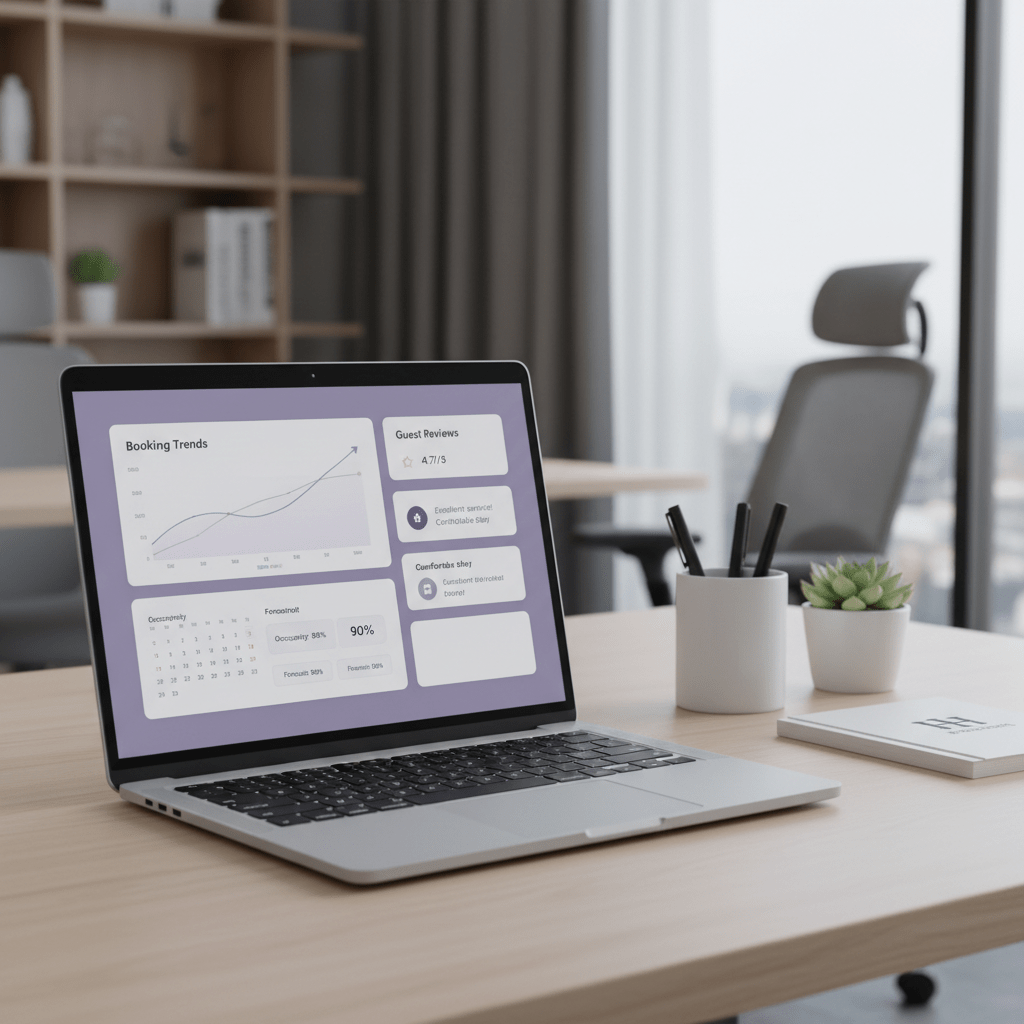
1. Decoding the Booking.com Algorithm: Key Ranking Factors You Control
Ever notice how one property pops up over and over, while another just kind of sinks? That’s not luck. Booking.com is trying to match the right guest with the right place, fast. The goal is simple: get more clicks, more bookings, and fewer empty rooms.
So the Booking.com algorithm is less about tricks and more about fit. If your listing gives a guest exactly what they want, Booking.com has a better shot at showing it higher. That’s why Booking.com says search placement is shaped by things like click-through rate, gross bookings, net bookings after cancellations, pricing, availability, and review scores.
Think of it like this: your listing has a kind of score card. People often call it the Property Page Score, which is a listing-completeness measure in the partner Extranet. And the Booking.com visibility score? That’s more of an industry phrase, but it points to the same idea. Better pages tend to get better reach. Pretty simple. Pretty brutal too.
Here are the big pieces that usually move the needle:
| Ranking factor | What it means | What you can do |
|---|---|---|
| Conversion rate | How often guests book after seeing you | Improve photos, price, and room details |
| Commission rate | What Booking.com earns from the booking | Watch promos and rate setup closely |
| Availability | How often your rooms are open | Keep the calendar filled and updated |
| Guest reviews | What past guests say | Reply fast and fix repeat issues |
| Content quality | How complete and clear your page is | Add strong photos, text, and policies |
And yes, the stakes are real. Booking Holdings reported about 4.0 million properties on Booking.com at the end of 2024, plus 1.14 billion room nights booked across its brands that year. With that much traffic, tiny changes can shift your Booking.com ranking fast.
The main thing to keep in mind? The system wants to predict who will book. If your page helps that guess, you usually move up. If it doesn’t, you slide down. Not personal. Just math.
This is why Booking.com listing optimization starts with the basics, not hacks. Better content. Better prices. Better calendar control. Better guest trust. And if you want one place to keep bookings, messages, and OTA work from turning into chaos, a tool like Ease My Hotel can help you stay on top of it without living in ten tabs at once.
Next, we’ll break down the parts you can actually change, one by one.
2. Foundational Excellence: Optimizing Your Listing’s Static Content
Ever clicked a listing and thought, “Okay… this looks shady”? Bad photos do that. So does a half-filled page with one blurry room shot and a vague line like “great for all guests.” Yikes.
If you want to optimize hotel listing on Booking.com, start here. Photos, descriptions, and policies are the stuff guests see first, and they shape how Booking.com reads your page too.
Photos that make people stop scrolling
Booking.com’s own photo rules are pretty clear. Use horizontal images, at least 2048 by 1080 pixels, and aim for a full set, not just one or two random shots. Their partner guidance says to include at least 4 photos of each room or unit, 1 bathroom photo, and around 24 property-level photos overall. That sounds like a lot, but it works. Strong photo sets can lift bookings because guests trust what they can see Booking.com photo requirements.
A good hero image matters most. That’s the first photo people see, so pick the brightest room, the cleanest angle, and the most inviting view. No dark corners. No crooked beds. No mystery stains. You get the idea.
Here’s a simple photo mix that usually helps:
| Photo type | What to show |
|---|---|
| Hero image | Best room or best exterior shot |
| Rooms | Wide view, bed, seating, desk |
| Bathroom | Clean sink, shower, and lighting |
| Facilities | Pool, lobby, gym, breakfast area |
| Exterior | Front view, entrance, parking, view |
And yes, more photos help. Booking.com partner material says photo-rich listings tend to convert better, and properties with 30+ photos often do better than ones with just a few.
Descriptions that speak to the right guest
This part gets skipped all the time. Big mistake. Your description should talk to real people, not sound like it was written by a robot in a meeting that should’ve been an email.
Think about who you want to attract:
- Families want space, safety, and easy access
- Business travelers want Wi-Fi, desks, and fast check-in
- Couples want privacy and a nice setting
- Groups want room layouts and shared spaces
Use simple words, but be specific. Say “10 minutes from the train station” instead of “well located.” Say “free parking for 12 cars” instead of “parking available.” That kind of detail helps guests book faster and can improve Booking.com listing optimization because the page feels complete.
Also, tick every real facility box. Wi-Fi, air conditioning, elevator, airport shuttle, breakfast, pet-friendly, whatever fits your place. Missing boxes can make your listing feel smaller than it is.
Policies and information that remove friction
People hate surprises. Actually, wait, everyone hates surprises unless it’s cake. So keep your cancellation policy, payment rules, check-in times, and age limits very clear.
Flexible cancellation usually helps conversion because it lowers fear. Booking.com also says clear and accurate info helps search placement because guests are more likely to book when they know what to expect. That means fewer drop-offs, fewer cancellations, and better booking behavior overall.
If your property can offer free cancellation on some rates, test it. If you need a stricter policy on certain dates, say so plainly. No sneaky fine print.
A clean static listing does a lot of quiet work in the background. Better photos. Better wording. Better rules. Better trust. And if you’re managing this across Booking.com plus other OTAs, a tool like Ease My Hotel can help keep your content, guest messages, and booking data in one place without all the tab chaos.
Next up, we’ll get into the moving parts, like availability, response speed, and promos.
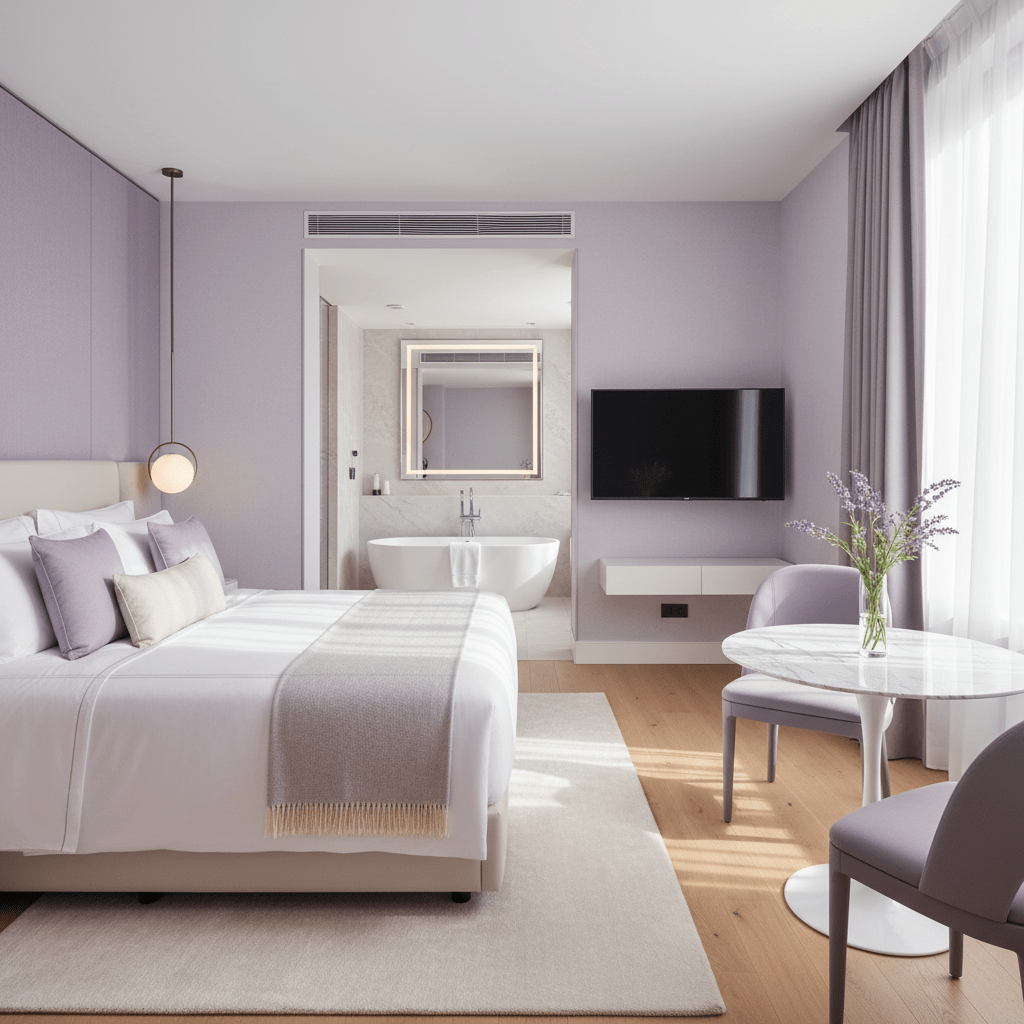
Try Ease My Hotel for free.
No lock-in contracts. Cancel anytime
3. Dynamic Signals: Pricing, Availability, and Promotions
Ever had a room sit empty on a Saturday night, then get booked on a Tuesday morning for a lower rate? Annoying. But also… very normal. Pricing and availability move fast on Booking.com, and the algorithm notices.
Competitive pricing: not the cheapest, just the best fit
Booking.com looks at price against similar places in your area. So if your rate is way higher than the hotel next door, you may slip down. If it’s way lower, that can help clicks, but it can also hurt your revenue. So the sweet spot is value.
That means guests should feel like they’re getting a fair deal for the room, the view, the breakfast, the parking, the Wi-Fi. All of it. A dynamic pricing tool can help you adjust rates as demand changes, local events pop up, or last-minute gaps open. Tools like PriceLabs, Beyond, and Wheelhouse are often used for this kind of daily rate tuning, and they connect well with Booking.com through PMS or channel manager setups.
Here’s the thing though. Being the cheapest isn’t the same as being the best choice. A clean room, strong photos, and flexible cancellation can make a slightly higher price feel like a better deal.
Availability: keep the calendar breathing
A room that keeps going sold out won’t stay visible for long. Booking.com likes fresh, bookable inventory. If your calendar is full of gaps, closed dates, or stale rates, your long-term reach can take a hit.
So keep the calendar open where it makes sense. Use your channel manager to sync every OTA fast, so you don’t double book or block dates by accident. That kind of mess can snowball. One blocked weekend here, one missed update there… and suddenly your listing looks weak even when demand is there.
A few simple habits help:
- Update rates and inventory daily
- Open short gaps when you can fill them
- Watch closed dates for old rules or mistakes
- Sync with one channel manager instead of manual edits everywhere
Promotions: a little urgency goes a long way
Promos can give your listing a quick push in search. Booking.com offers options like Early Booker, Last Minute Deal, and Secret Deal. These add urgency and can help you get more bookings on Booking.com during slower periods or low-demand dates.
For example, Early Booker can help you fill future dates early. Last Minute Deal works well for empty rooms you want to move fast. Secret Deal can attract deal-hunters who are already shopping hard. And yes, strikethrough pricing tends to catch the eye. People love a bargain, even when they pretend they don’t.
A quick look at common promo types:
| Promotion type | Best use | Why it helps |
|---|---|---|
| Early Booker | Future stays | Locks in demand sooner |
| Last Minute Deal | Near-term gaps | Fills empty rooms fast |
| Secret Deal | Price-sensitive guests | Creates urgency and clicks |
| Basic Deal | General discounting | Can lift short-term visibility |
Booking.com partner guidance says these offers can improve conversion and search performance, especially when paired with a fair price and open inventory. So use them with care. Not every date needs a discount. But the right promo at the right time? That can move the needle.
And if you’re managing pricing, inventory, guest messages, and OTA updates in different places, that gets messy fast. Ease My Hotel can help pull all of that into one dashboard, so you’re not bouncing between tabs while trying to keep rates in line.
Next, we’ll get into trust signals. That’s where reviews, response speed, and program perks start to matter even more.
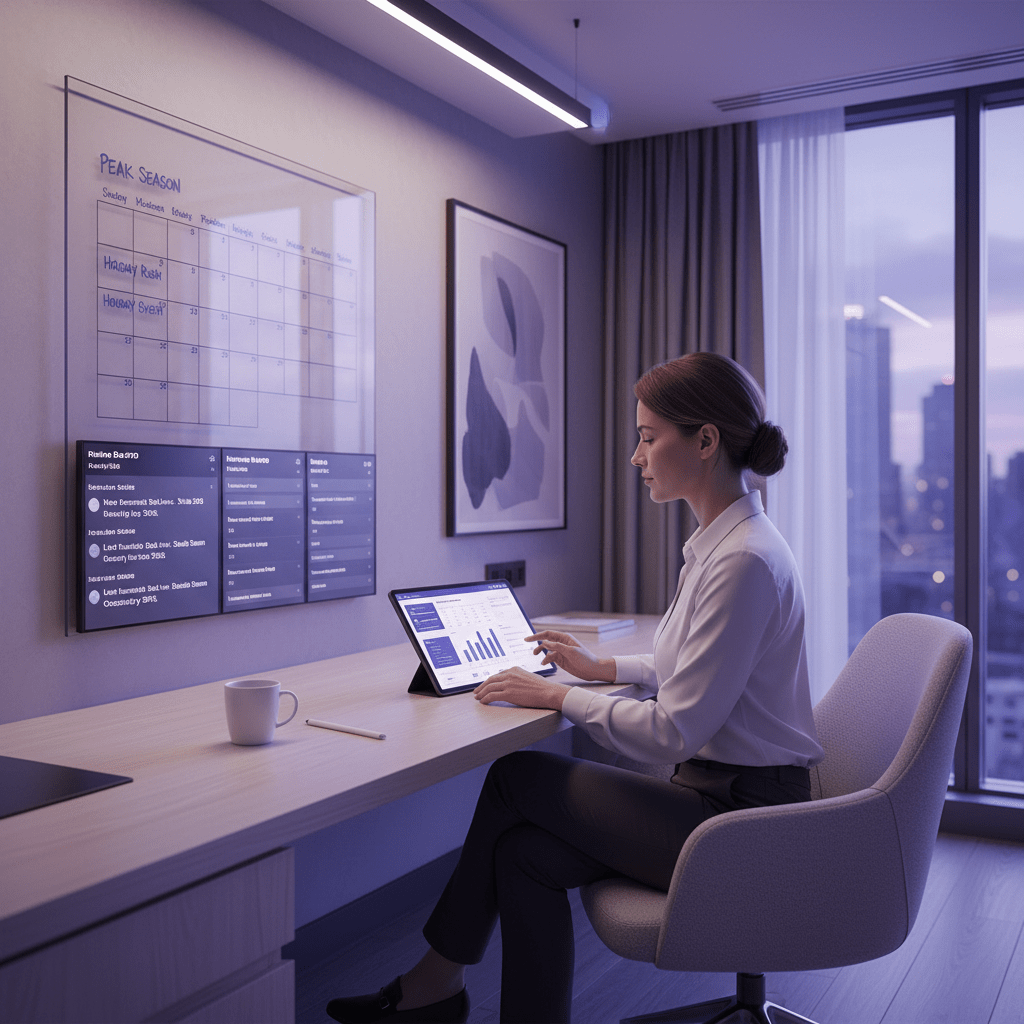
4. Building Trust & Authority: Mastering Reviews and Responsiveness
You know that feeling when a hotel looks fine, but the reviews are a little… off? Maybe one guest says the bed was great, and another says the room smelled weird. That tiny gap can scare people away fast.
And on Booking.com, reviews do a lot of heavy lifting. Not just the star score, but how many reviews you have too. A property with a strong review score and fresh recent feedback tends to look safer, cleaner, and more bookable. Booking.com’s own review system says guest scores help shape how your place appears in search, and recent reviews carry more weight now, so last month’s service really does matter guest review score details.
Here’s the simple play:
- Ask every happy guest to leave a review after checkout
- Make the request short and friendly
- Send it soon after the stay, while the trip is still fresh
- Don’t pester people. One good nudge is enough
A tiny message can work well. Something like: “Thanks for staying with us. If you had a good time, we’d love your review on Booking.com.” That’s it. No long speech. No awkward pressure.
Responding to reviews the right way
Public replies matter more than a lot of managers think. A kind response to a glowing review shows warmth. A calm response to a bad one shows control. Both help future guests trust you.
And yes, people read the replies. They really do. A short, real response tells shoppers that your team pays attention and won’t vanish after the booking. For negative reviews, skip the copy-paste wall of text. Say sorry if it fits, mention what you fixed, and keep it specific. If someone says the breakfast was late, don’t reply with “We value all feedback.” Say what changed. That’s the part people believe.
Reply score and fast guest messages
Booking.com also tracks how fast you answer guest messages before arrival. That reply speed helps your guest experience, but it’s also a platform signal. Slow replies can make a property feel hard to deal with. Fast replies feel easy. Guess which one bookers like better?
The reply score is basically your communication habit turned into a metric. So if a guest asks about parking at 9:15 p.m., try not to answer tomorrow at lunch. That lag can cost you. A quick reply often means fewer doubts, fewer abandoned bookings, and better odds of getting more bookings on Booking.com.
A few habits help here:
| Habit | Why it helps |
|---|---|
| Reply within an hour when you can | Builds trust fast |
| Use short, clear answers | Cuts confusion |
| Answer both praise and complaints | Shows you’re active |
| Keep your details up to date | Stops bad surprises |
If keeping up with messages across Booking.com, Airbnb, and direct bookings feels like a full-time side quest, a tool like Ease My Hotel can help. It puts booking management and guest communication in one place, which makes life a lot less messy.
And if you qualify, the Genius program can also help bring in more demand. Booking.com says Genius members spend more when booking, so pairing strong reviews with Genius visibility can be a nice one-two punch.
Trust is slow to build. But once it’s there, it helps your Booking.com visibility score, your property page score, and your chances to increase Booking.com ranking without chasing tricks.
5. Advanced Tactics: The Genius Program and Preferred Partner Status
Ever notice how some listings seem to get a little extra push? Not luck. Not magic. Just platform perks doing their thing.
Booking.com’s Genius program is one of those perks. It’s built for guests who book often, and it can help your place get in front of higher-value travelers who already spend more on the platform. Booking.com says Genius members spend 15% more when booking, and the program has three levels: Level 1, Level 2, and Level 3, each tied to more stays and bigger guest perks Booking.com Genius program details.
Here’s the simple breakdown:
| Genius level | Guest requirement | Common perks |
|---|---|---|
| Level 1 | 2 stays in 2 years | 10% discount on select stays |
| Level 2 | 5 stays in 2 years | 10% to 15% discount, plus extras on some stays |
| Level 3 | 15 stays in 2 years | 10% to 20% discount, plus more perks on some stays |
So what do you get as a host? Better visibility, special tagging, and access to loyal travelers who often book faster. That can help increase Booking.com ranking a bit, especially if your rate and reviews are already in good shape. But here’s the catch. The discounts are part of the deal. If your margins are already thin, that can sting.
And that’s the real question: is it worth it? Usually, yes, if you want more bookings on Booking.com and you can handle the rate cut. But if your property is small, busy, or already selling out, it may not make sense on every date. I’d treat it like a tool, not a rule. Test it. Watch the pickup. See what happens.
Preferred Partner status is the next step up, and it’s a bigger deal. Booking.com says you need a Performance Score of at least 70%, a Review Score of at least 7 out of 10, and competitive prices to qualify in most markets. In return, you can get better search visibility and a little thumbs-up badge that helps guests feel safer clicking your listing. That badge matters more than people think. It’s a trust signal, plain and simple.
This is not a quick win. It’s a long game. But if you keep your availability open, your pricing competitive, your reviews strong, and your reply speed tight, you’ll be moving in the right direction. And if managing all that across Booking.com and other channels feels like too much, Ease My Hotel can help keep your bookings, guest messages, and OTA work in one place without the usual mess.
Think of Genius as a boost. Preferred Partner is the prize. And both work best when the rest of your listing is already doing its job.
Conclusion: Your Action Plan for Continuous Booking.com Optimization
So, here’s the big idea. Learning how to optimize listings in Booking.com is not a one-and-done task. It’s a repeat job. The listings that keep winning are the ones that stay fresh, clear, and easy to book. That matters a lot on a platform with about 4.0 million properties and 1.14 billion room nights booked across Booking Holdings brands in 2024 Booking Holdings 2024 annual report.
Keep this simple checklist close:
- Audit your photos every 3 months
- Keep at least 24 strong photos on the page
- Update prices and open dates daily
- Reply to guest messages fast
- Respond to reviews within 24 hours
- Test promos for slow dates
- Watch your review score and cancellation rate
If you do those things, you give the Booking.com algorithm better reasons to show your place. Plus, you make it easier for guests to say yes.
And if all the tabs, messages, and rate changes are getting messy, that’s where a tool like Ease My Hotel can help. One dashboard. Less stress. More control.
Start with one fix this week. Then another next week. That’s how you increase Booking.com ranking and get more bookings on Booking.com without chasing tricks.
Try Ease My Hotel for free.
No lock-in contracts. Cancel anytime