

Unlocking Your Hotel’s Potential: Why Your MakeMyTrip Listing is Your Most Powerful Asset
Ever had a great room, a solid location, and staff who really care… but the bookings still feel slow? Yeah, that stings. A lot of hoteliers run into that exact problem on MMT for hotels. The property is ready. The value is there. But the listing gets buried.
Here’s the thing. MakeMyTrip is not a small player. It holds a huge slice of India’s OTA market, and online travel still leaves plenty of bookings on the table for hotels that know how to stand out source. So if your hotel listing on MMT is weak, you’re not just losing clicks. You’re losing real guests.
And the MMT hotel ranking algorithm is not random. It tends to reward listings that are active, complete, priced well, and trusted by guests. That means photos, reviews, room details, rate updates, and inventory all play a part. The good news? You can work with that. Not fight it.
This guide will show you how to optimize listings in MakeMyTrip step by step. We’ll cover MakeMyTrip listing optimization, MakeMyTrip extranet tips, and simple ways to improve MMT ranking so you can get more visibility on MakeMyTrip, increase bookings on MakeMyTrip, and bring in more revenue without guessing your way through it.
If you use a hotel system like Ease My Hotel, this gets even easier. A unified dashboard, OTA sync, and booking management tools can save you from the usual chaos. Because nobody needs a pricing mismatch at 11:40 p.m. on a Friday.

Section 1: Decoding the MakeMyTrip Algorithm: What Really Matters for Ranking?
You know that weird feeling when a hotel looks great on paper, but it still sits there with barely any clicks? That’s usually not bad luck. It’s the listing.
For MMT for hotels, the ranking system tends to favor listings that help guests say yes faster. So the MMT hotel ranking algorithm usually looks at a few big things: how complete your listing is, how often people book after viewing it, what guests say in reviews, and whether your price looks fair next to nearby options. In plain words, the platform wants to show rooms that seem easy, trustworthy, and worth the money.
Let’s break it down.
| Ranking pillar | What it means | Why it matters |
|---|---|---|
| Listing completeness | Photos, room details, amenities, policies, map pin | A full listing feels safer and clearer |
| Conversion rate | Views that turn into bookings | High booking interest sends a strong signal |
| Reviews and ratings | Star score, fresh feedback, reply quality | Guests trust hotels with good recent reviews |
| Pricing competitiveness | Your rate vs nearby hotels | Better pricing can help you get more visibility on MakeMyTrip |
And yes, freshness matters too. If you update rates, inventory, photos, and content often, it tells the system your property is active and being managed well. That can give your hotel listing on MMT a little push.
This is where a lot of MakeMyTrip listing optimization starts. Not with tricks. With basics done right.
A hotel with a clear hero photo, correct room names, and real amenities usually has a better shot at increase bookings on MakeMyTrip than one with stale copy and missing details. Same with price. If your rate is way off, people click away fast. And that hurts your conversion rate, which can drag ranking down.
Reviews are a big deal too. Guests read them. A lot. If your property gets strong, recent feedback and you reply like a real human, that helps trust. Simple. And trust is what makes people book.
So if you’re working on how to optimize listings in make my trip, start here first:
- Fill every field in the extranet
- Keep photos current and clear
- Match prices across channels
- Respond to reviews fast
- Check availability every day
If you use Ease My Hotel, this gets easier because your OTA sync, booking management, and unified dashboard help cut down on errors. Less manual work means fewer stale listings, fewer pricing slips, and better control over your MMT for hotels setup.
Funny enough, the best way to “rank” better is often just to look active, honest, and ready to take a booking. That’s the game. And now you can play it a lot smarter.
Section 2: The Foundation: A 10-Point Audit of Your Current MMT Listing
You know that moment when you open a hotel listing and think, “Wait… is this even my property?” Yeah. That’s the sign it’s time for a cleanup.
Start inside the MakeMyTrip extranet and go line by line. Not fast. Not sloppy. We’re looking for tiny gaps that quietly hurt bookings. A weak map pin, an old phone number, a room name that doesn’t match reality… these little things add up fast.
Here’s a simple 10-point audit you can use today:
| Audit check | What to look for |
|---|---|
| 1. Map pin | Is the location correct on the map? |
| 2. Contact details | Are phone and email right? |
| 3. Property name | Does it match your real hotel name? |
| 4. Room types | Are all room types listed? |
| 5. Room descriptions | Do they sound clear and true? |
| 6. Photos | Are they sharp, current, and real? |
| 7. Amenities | Are free Wi-Fi, breakfast, pool, and parking tagged? |
| 8. Policies | Are check-in, cancellation, and pet rules accurate? |
| 9. Inventory | Is every room open when it should be? |
| 10. Pricing | Does your rate match nearby hotels? |
And don’t skip the photos. In OTA research, hotels with 40+ photos often get far better booking results than thin listings, and high-quality images can lift clicks in a big way photo performance data. That means your hero image matters more than the fancy lobby you keep meaning to reshoot.
Actually, wait, there’s a better way to think about this. Your listing is not just a page. It’s a sales pitch. So use the same eye you’d use when a guest walks in the lobby. Does it feel clear? Trusted? Easy?
Now for the part many property owners skip: look at the top 3 to 5 competing hotels in your city on MMT. Check their photos, prices, room names, and amenity tags. If they show free breakfast and you don’t, but you actually offer it, that’s a lost chance. If they have a stronger map pin and better room copy, that’s a clue too.
A quick gap check can tell you a lot:
- What are they showing that you’re not?
- Which room type gets the best photos?
- Are they using clearer benefit words like “near airport” or “free parking”?
- Do they reply to reviews faster?
That’s where MakeMyTrip listing optimization gets practical. You’re not guessing. You’re comparing.
If you use Ease My Hotel, this part gets less messy. A unified dashboard, OTA sync, and booking management tools help you update details without jumping between tabs like it’s some kind of late-night airport run. Less manual fixing means fewer errors on your hotel listing on MMT.
So before you chase promos or pricing tricks, do the audit first. It’s boring, maybe. But it works. And once the basics are clean, it gets much easier to increase bookings on MakeMyTrip and improve MMT ranking without the usual stress.
Section 3: Visual Storytelling: Optimizing Photos and Videos for Maximum Impact
Ever clicked on a hotel and thought, “Hmm… looks nice,” and then scrolled away two seconds later? Guests do that all day. And on MMT for hotels, that tiny pause can decide if you get the booking or lose it.
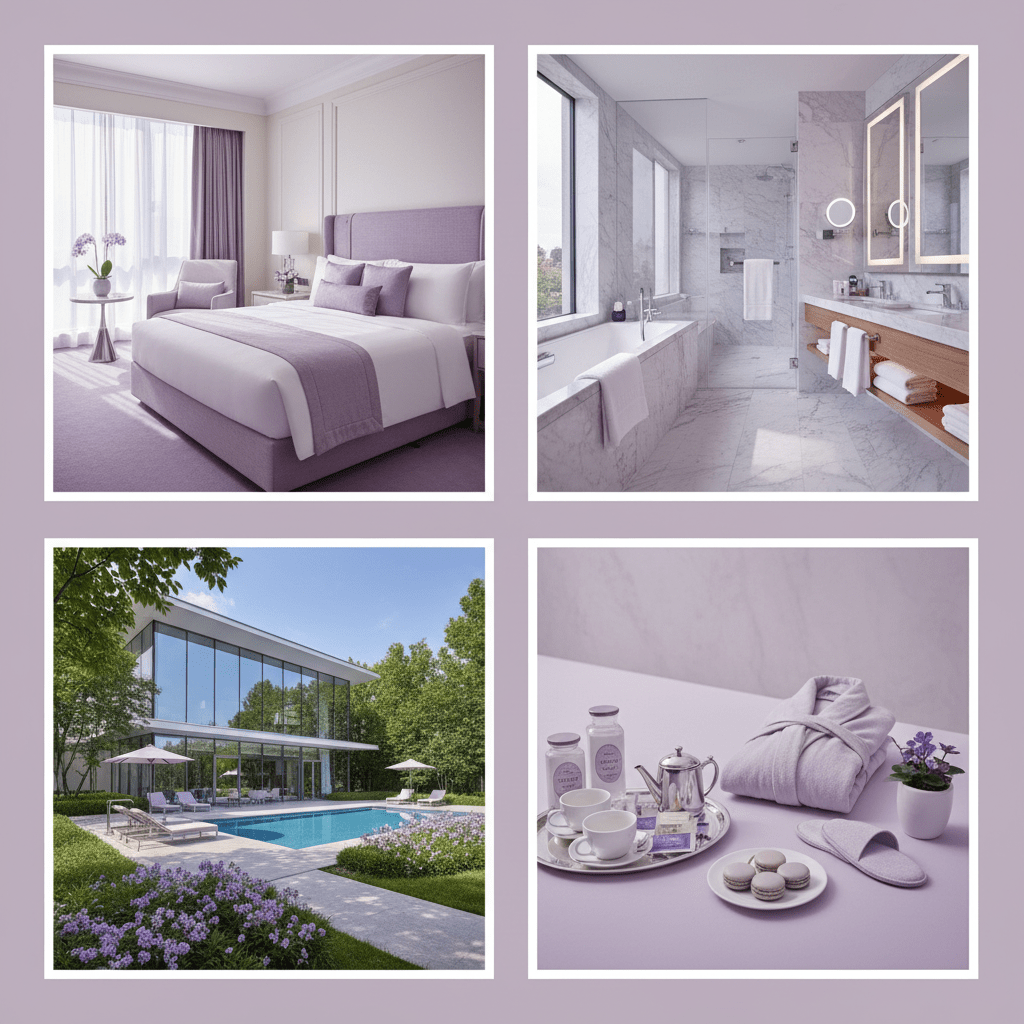
Photos are not just decoration. They do a ton of heavy lifting for your hotel listing on MMT. Clean, bright, real images help people trust what they’re seeing. MakeMyTrip’s photo rules can change, but the safe bet is this: upload clear, high-resolution shots with the right size, enough quantity, and a full mix of rooms, bathrooms, amenities, and exteriors. No dark corners. No blurry lobby shots from 2018. Nobody wants that.
Here’s a simple photo checklist:
| Photo type | What to show |
|---|---|
| Hero image | Best room or exterior view |
| Rooms | Wide angle, neat bed setup, natural light |
| Bathrooms | Clean tiles, shower, sink, mirrors |
| Amenities | Pool, breakfast area, gym, parking |
| Exterior | Front entrance and building view |
| Surroundings | Nearby landmark or access road |
The more useful the gallery feels, the better. In one photo study, hotels with 40 or more photos got far more bookings than thin listings, and strong image selection can lift clicks a lot photo performance data. That’s a big deal for MakeMyTrip listing optimization.
Also, tag photos the right way in the MakeMyTrip extranet. A pool photo should live under pool. A room shot should not be hiding in “misc.” Weird, right? But those tags help your property show up in the searches guests are already using.
And if you want a real trust boost, add a 360-degree tour or a short property video. Keep it simple. Fifteen to 30 seconds is usually enough. Show the room walk-through, the bathroom, the view, maybe the breakfast spread. That helps manage guest expectations and can increase bookings on MakeMyTrip because people feel like they already know the place.
If you use Ease My Hotel, this gets easier to track across channels with a unified dashboard and OTA sync. Less guesswork. Fewer stale uploads. Better control over your MMT hotel ranking algorithm signals.
So, don’t treat visuals like a side task. They’re part of the sale. And honestly, they might be the part that closes it.
Try Ease My Hotel for free.
No lock-in contracts. Cancel anytime
Section 4: Persuasive Copy: Writing Descriptions and Highlighting Amenities
You know that one hotel listing that makes you stop for a second? The room sounds warm. The location feels easy. The whole thing just clicks. That’s not luck. That’s good copy.
On MMT for hotels, your words have to do more than name a bed and a bathroom. They need to help a traveler picture the stay. A business guest wants fast Wi-Fi, easy check-in, and a place near meetings. A family wants space, safe parking, and maybe breakfast without a headache. A leisure guest wants comfort, a nice view, and a reason to relax. So when you write your hotel listing on MMT, speak to the kind of guest you want.
A simple frame works well:
- Start with the hook. Maybe it’s your location, a view, or a standout feature.
- Add 2 or 3 real benefits. Not just “air-conditioned room,” but “cool and quiet after a long day in the city.”
- Match the room copy to the guest. Business, family, couple, solo traveler. Pick one and write for them.
- Close with trust. Clean rooms, easy access, clear policies, and helpful staff go a long way.
Think of it like this. Feature tells. Benefit sells. A room with free Wi-Fi is nice. A room with free Wi-Fi that lets a guest finish work before dinner? Better.
And please, don’t treat amenities like a side note. Travelers use filters all the time, and if your amenities list is missing free breakfast, pool, parking, or pet-friendly tags, you may never show up in their search. The MakeMyTrip listing optimization process works best when every amenity is accurate and complete. If you offer it, list it. If you don’t, don’t guess.
A strong title helps too. Try being specific, not vague. Something like:
- Hotel near New Delhi Railway Station with Free Wi-Fi
- Family Hotel in Jaipur with Free Breakfast and Parking
- Business Stay Near Bangalore Airport with Airport Pickup
See the pattern? Clear location. Clear perk. Clear guest fit. That kind of title can get more visibility on MakeMyTrip because it matches the words people already search for.
It also helps to keep the language simple and real. No need for fancy hotel fluff. A guest doesn’t want poetry. They want to know if the bed is comfy, the room is clean, and the commute won’t be a pain. Weirdly enough, plain words often work best.
And if you use Ease My Hotel, you can keep your listing details, guest messages, and channel updates in one place. That makes it easier to avoid old amenity info or mismatched room copy across channels. Less scrambling. More booking confidence.
For hotel owners working on how to optimize listings in MakeMyTrip, this is where small changes can help a lot. Better copy. Better amenity tags. Better titles. That’s how you build trust before the guest ever clicks book.## Section 5: The Power of Freshness: Regularly Updating Rates, Availability, and Promotions
You know that tiny moment when a traveler opens your listing, then checks three more hotels in 20 seconds? That’s where freshness matters. A lot.
On MMT for hotels, even small updates can send a good signal. A rate change, a full inventory calendar, or a new promo tells the MakeMyTrip hotel ranking algorithm that somebody is paying attention. And active listings usually get treated better than stale ones. Makes sense, right?
Here’s the simple version:
| Weekly task | What to check | Why it helps |
|---|---|---|
| Rate review | Compare nearby hotels | Keeps your price in the fight |
| Inventory check | Make sure rooms are open or closed correctly | Prevents bad bookings and missed sales |
| Promo scan | Look for last-minute, early-bird, or member deals | Can give a short visibility lift |
| Competitor watch | See what nearby hotels are charging | Helps you avoid pricing blind spots |
MakeMyTrip’s partner extranet also has built-in promo tools like Last-Minute Deals, Member-Only Pricing, and Early Bird offers. Those are handy when you need to fill a slow week, a midweek gap, or a bunch of empty rooms after a cancellation. Plus, branded programs like goSTAYS and MMT ValueStays can help stronger properties get noticed more often.
I’d say a good rhythm is this: review your rates once a week, check demand every Monday, and scan for promo chances before the weekend rush. But if your city has a wedding season, trade fair, or long holiday stretch, check more often. Seriously. A bad rate on a busy Friday hurts fast.
A simple weekly loop works well:
- Compare your top 3 nearby hotels.
- Adjust your rate if demand moved.
- Confirm every room type is open correctly.
- Add one promo if rooms are soft.
- Review your booking pace by Thursday.
And don’t forget the basics. If a room is sold out, close it. If it opens again, reopen it. If your rate changes, update it right away. Tiny mismatch? That’s how guest trust slips and how you end up with awkward front desk conversations nobody wants.
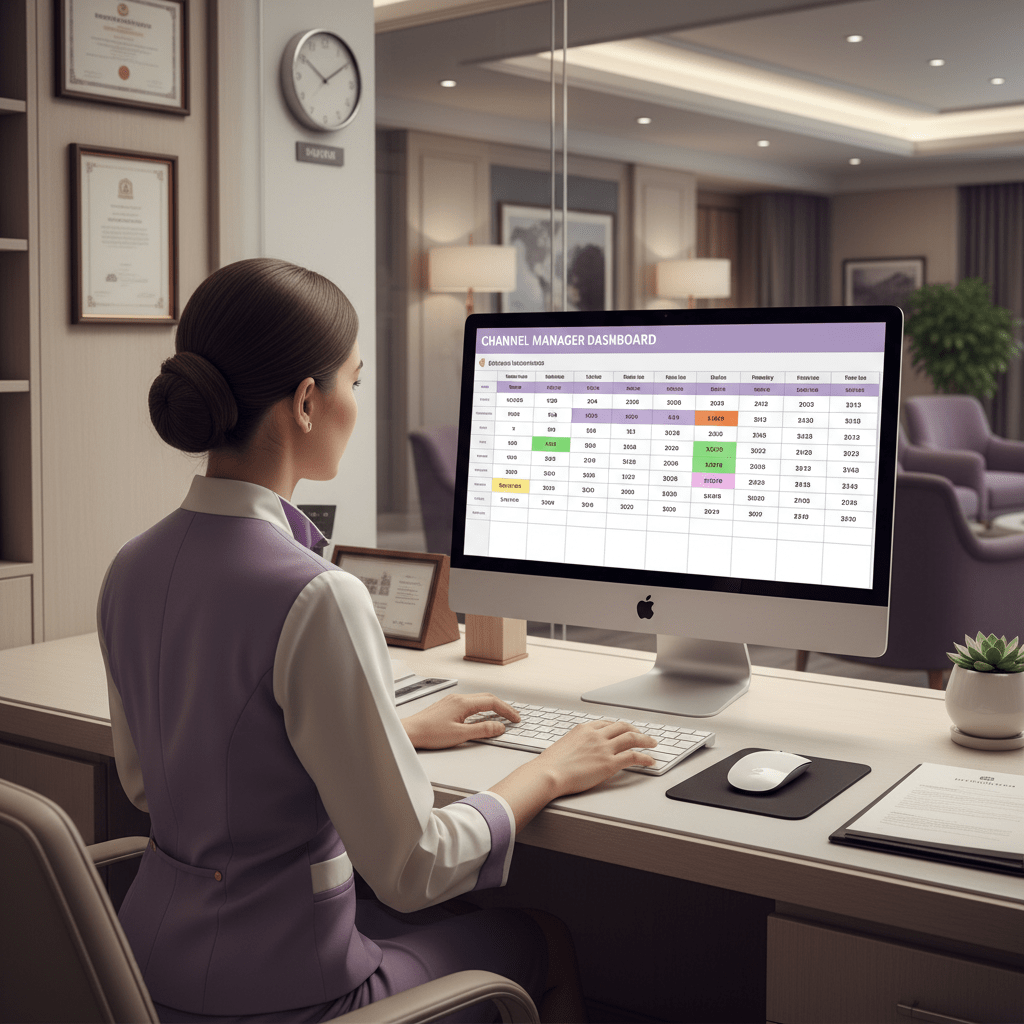
If you use Ease My Hotel, this part gets a lot easier because your unified dashboard, OTA sync, and booking management tools help keep room status and pricing in one place. Less tab hopping. Fewer mistakes. More time to actually run the property.
So yes, freshness is boring. But it works. And on MakeMyTrip, boring and accurate can absolutely beat fancy and stale.
Section 6: Reputation Management: Leveraging Reviews to Build Trust and Rank Higher
Ever notice how you’ll trust one hotel after reading three good reviews, but skip another one with no feedback at all? Guests do that all the time. And on MMT for hotels, that habit can shape your ranking fast.
Reviews are not just nice little comments. They’re a big signal for the MMT hotel ranking algorithm. More reviews, better scores, and fresh recent feedback can help your hotel listing on MMT get more visibility on MakeMyTrip. That matters because travelers read reviews before they book, and many will even pay more for a place with better ratings online review data. Weirdly enough, a few honest words from a guest can do more than a fancy slogan ever will.
So what should you do? Keep the flow going.
| Review habit | What to do | Why it helps |
|---|---|---|
| Ask after checkout | Send a short email or message | Gets more fresh reviews |
| Use QR codes | Place them at the front desk | Makes review writing easy |
| Train staff | Ask politely at checkout | Feels human, not pushy |
| Reply fast | Aim for 24 to 48 hours | Shows care and attention |
The best time to ask is right after a good stay. Not days later. A simple post-stay email works well. So does a QR code at reception, next to the bill, or on the room key card sleeve. And at checkout, a warm “If you have a minute, we’d love your feedback” usually works better than a hard ask.
But here’s the part many hotels skip: reply to every review. Yes, every one. Positive, negative, and the ones that feel a bit unfair. A quick, kind response shows future guests that your team is awake, present, and not hiding from feedback.
A simple reply flow works like this:
- Thank the guest.
- Mention one detail from their stay.
- If there’s a problem, own it.
- Explain what you’ll fix.
- Invite them back.
For a good review, keep it warm and short. For a bad one, stay calm. No back-and-forth drama. No sharp tone. Just say you’re sorry, explain what happened if needed, and show that you’re taking action. That can turn a rough moment into a public display of good service. And yes, people notice that stuff.
If you use Ease My Hotel, this part gets easier too. With guest communication and booking management in one place, your team can track stays, follow up faster, and keep review requests from falling through the cracks. Less chaos. More replies. Better trust.
So if you’re working on how to optimize listings in make my trip, don’t stop at photos and prices. Reputation is part of the job. A strong review trail can help increase bookings on MakeMyTrip, support MakeMyTrip listing optimization, and make your property look like the safe choice. And on OTAs, safe choices win a lot.
From Listing to Landmark: Making Optimization an Ongoing Strategy
So here’s the real takeaway. Getting more out of your hotel listing on MMT is not a one-and-done job. It’s a loop. Audit the page. Fix the photos. Tighten the copy. Update rates and rooms. Then keep an eye on reviews and reply like a human.
That steady work matters because MakeMyTrip is still a giant in India, with a huge share of OTA bookings, while a lot of travel still happens offline market share overview. So every small fix you make can help your property get more visibility on MakeMyTrip and increase bookings on MakeMyTrip over time. Not overnight. But it adds up.
Think of it like this:
- A complete audit keeps bad details from leaking sales
- Strong photos help people stop scrolling
- Clear copy makes the stay feel easy
- Fresh rates and availability keep you in the game
- Good reviews build trust, and trust gets clicks
And if you’re using Ease My Hotel, this gets a lot less messy. One unified dashboard, one booking management flow, and OTA sync in one place means you can spend less time patching listings and more time running the property.
Actually, scratch that. The best move this week is simpler than it sounds. Block 30 minutes on your calendar. Then do just one thing: update your main photo, reply to three reviews, or clean up one room description in the MakeMyTrip extranet. One small fix today is better than a perfect plan next month.
Start there. Then keep going.
Try Ease My Hotel for free.
No lock-in contracts. Cancel anytime