

Struggling for Visibility? The Ultimate Guide to Booking.com Listing Optimization
Ever feel like your place is stuck on page 7 while other properties grab the clicks? Yeah, that stings.
Booking.com has 31M+ listings across about 4.4M properties Booking Holdings factsheet. So if your hotel, homestay, or resort feels buried, you’re not imagining it. There’s a lot of noise out there.
But here’s the good news: the platform’s ranking system is not random. It looks at things you can actually improve, like your click-through rate, bookings, cancellations, review score, pricing, photos, and content quality Booking.com partner help on ranking. That means Booking.com SEO is less about luck and more about smart setup.
And once you know what matters, the path gets a lot clearer. We’ll walk through how to optimize listings in Booking.com step by step, from your photos and title to your content score and guest replies. The goal is simple: improve Booking.com ranking, increase Booking.com visibility, and get more bookings on Booking.com without guessing your way through it.
Plus, if you’re juggling bookings, messages, and room updates in ten tabs, a tool like Ease My Hotel can help keep the whole thing in one place. Less chaos. More control. Nice trade.

Deconstructing the Booking.com Algorithm: What Truly Matters for Ranking
Booking.com is trying to do one big thing: get a guest booked fast. That’s the heart of it. So the listings that look like they’ll convert best usually get the best push.
And that makes sense, right? If a traveler clicks your place and books, Booking.com wins too.
The platform has 31M+ listings across about 4.4M properties Booking Holdings factsheet. With that much competition, the site leans hard on signals that predict sales. Not vibes. Not luck. Real booking behavior.
Here’s the simple version of the main Booking.com ranking factors:
| Ranking pillar | What it means | Why it matters |
|---|---|---|
| Conversion rate | How often people book after viewing your page | Shows Booking.com that your listing works |
| Content score | How complete your photos, fields, and description are | Helps guests trust what they see |
| Guest review score | Average guest ratings and feedback | Builds trust before the booking |
| Availability | How often your rooms are open to sell | More open dates mean more chances to book |
| Pricing competitiveness | How your rates compare with similar places | Guests usually sort by price first |
There’s also a loop here. A pretty sneaky one.
Higher ranking brings more views. More views usually bring more bookings. More bookings can lead to better reviews, better conversion, and even stronger ranking. That’s the virtuous cycle, and it’s why Booking.com listing optimization pays off over time.
So what should you fix first?
Start with the stuff guests notice in 3 seconds: the main photo, the title, the price, and whether the listing feels complete. Then work on your Booking.com property description, your amenities, and your review replies. Those little things feed your Booking.com content score and help increase Booking.com visibility.
Actually, wait. There’s a better way to think about it.
Don’t ask, “How do I trick the system?” Ask, “Why would a guest book this place over the one next to mine?” That’s the real question behind how to optimize listings in Booking.com.
If you’re managing all this through a jumble of tabs and spreadsheets, tools like Ease My Hotel can help keep bookings, guest messages, and channel updates in one spot. Less mess. More time to fix the stuff that moves your rank.
And if you want the clearest first win, it’s usually photos. Good ones. Lots of them. Next up, we’ll get into that.
Keyword Research for Your Property: Thinking Like a Guest
Ever typed a place name into search and gotten nothing useful back? Guests do that all the time. They’re not searching for your brand first. They’re searching for what they want right now.
So if you want better Booking.com SEO, start by thinking like a traveler, not a hotel owner. A guest might type things like:
- pet-friendly apartment with parking
- villa with private pool near beach
- family room with kitchen and balcony
- business hotel near airport with Wi-Fi
See the pattern? It’s not just the property type. It’s the extras. The little details. The stuff that makes a trip easier.
That’s why keyword research for Booking.com listings is really about matching real guest needs. Families often look for kitchen space, extra beds, and laundry. Business travelers care about Wi-Fi, parking, breakfast, and a central location. Couples usually want high review scores, a private bathroom, a view, and air conditioning. If your listing uses those same words in the right spots, you’re helping people find you faster and helping increase Booking.com visibility at the same time.
And yes, your competitor listings can teach you a lot. Read the reviews. Read the Q&A. Look for the same pain points over and over. Maybe guests keep saying, “hard to find parking,” “wish the pool was private,” or “breakfast starts too late.” That’s free research. Not glamorous, but super useful.
You can also spot missing keywords this way. If every nearby villa says “near the beach” and yours does too, fine. But if guests keep asking about “walkable to the beach” or “5 minutes from the shoreline,” you may want to test those phrases in your Booking.com property description where they fit naturally.
The extranet matters here too. A lot. Every amenity box you check works like a filter keyword. Wi-Fi, parking, pool, gym, air conditioning, balcony, kitchen. Those are the things travelers sort by, so don’t leave them blank just because they seem small. Small fields can carry big weight.
Here’s a simple way to think about it:
| Guest search idea | What to add to your listing |
|---|---|
| “pet-friendly apartment with parking” | Pet policy, parking, apartment type |
| “family stay near attractions” | Family rooms, kitchen, pool, nearby spots |
| “quiet business hotel with Wi-Fi” | Wi-Fi, work desk, 24-hour front desk |
| “villa with private pool near beach” | Private pool, beach access, villa, location details |
I’d start with your top 10 guest questions and build from there. Then check your current listing against those phrases. If they’re missing, add them where they feel natural. Not stuffed in like a weird school project. Just clear, honest wording.
And if you’re trying to keep all this straight while handling bookings, messages, and rate changes, Ease My Hotel can help keep the moving parts in one place. That makes it a whole lot easier to spot gaps in your listing and update your content without bouncing between five screens.
Little changes add up. Weirdly enough, that’s the part most people miss.
Crafting Compelling Titles and Descriptions That Convert
You’ve got maybe 3 seconds. That’s it.
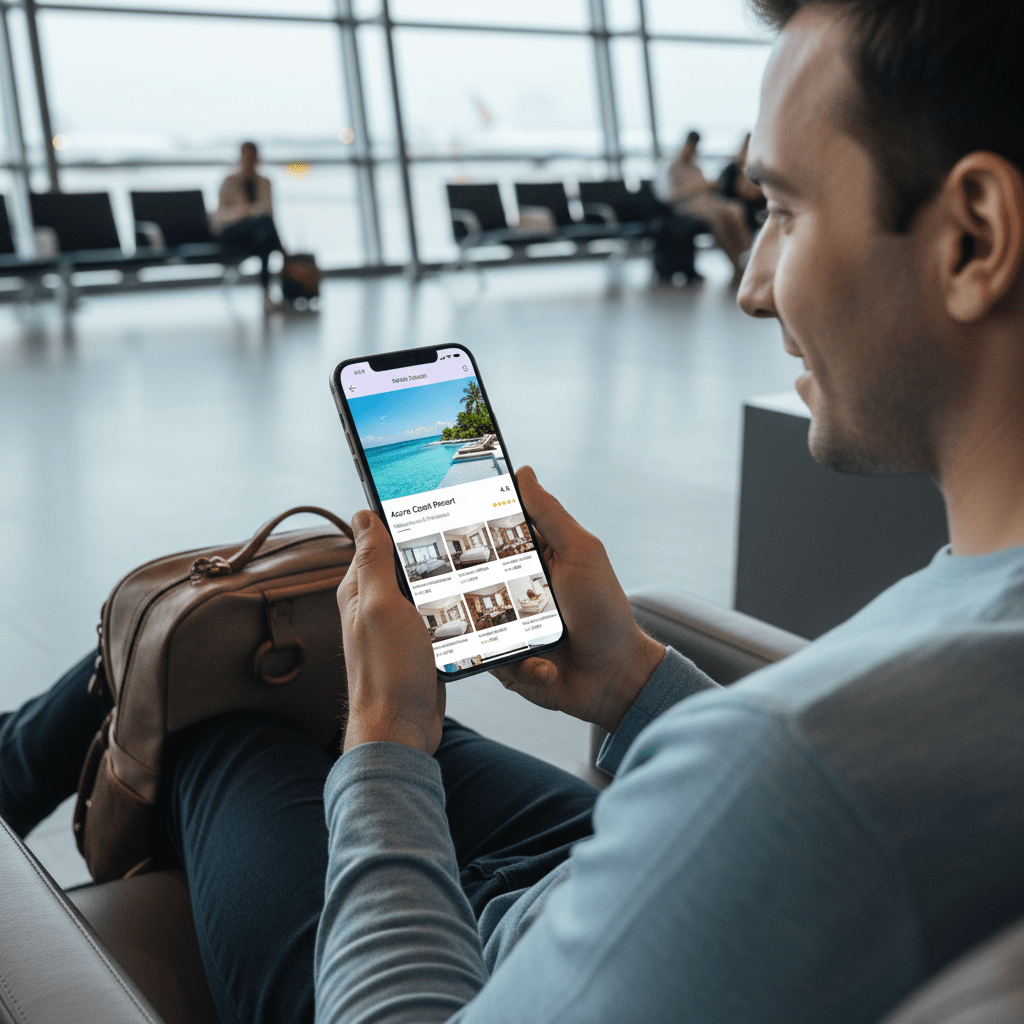
A guest sees your title, scans the photo, and decides if your place feels worth a click. So your Booking.com property description and title can’t be bland. They need to feel clear, honest, and easy to picture.
Here’s a simple title formula that usually works well:
[Key Feature or Value Prop] + [Property Type] + [Key Location Marker]
For example:
- Stunning Oceanview Apartment w/ Balcony – Steps to Beach
- Quiet Family Villa with Pool – Near Old Town
- Modern Business Hotel – 5 Min from Airport
Short. Clear. Specific. No fluff. And please, skip all-caps and emojis in the title. Booking.com title rules don’t like that kind of thing, and a crowded title just makes people scroll past faster.
A strong title should answer three things right away:
| Question a guest asks | What your title should hint at |
|---|---|
| What is it? | Apartment, hotel, villa, homestay |
| Why should I care? | Ocean view, pool, balcony, quiet, family-friendly |
| Where is it? | Near beach, airport, Old Town, metro |
Now for the description. Don’t write it like a brochure from 2009. Start with one strong opening sentence that says who the place is best for and why it stands out.
Then use bullet points for the fast facts. People scan. We all do.
- Free Wi-Fi
- Parking on site
- Private balcony
- Family rooms
- Kitchenette
- 24-hour front desk
After that, describe the experience. Not just the room. The feeling. Is it calm and quiet after a long flight? Great for a beach break? Close enough to walk to cafes and shops? That’s the part guests remember.
Then finish with nearby attractions and real location details. Say what’s close, how long it takes, and what kind of trip that helps with. Maybe the metro is 6 minutes away. Maybe the beach is a 4-minute walk. Those tiny details help people picture the stay and improve Booking.com visibility.
But here’s the part people mess up most: don’t oversell. If the room is small, say it’s cozy. If there’s street noise, mention that. If the pool is shared, don’t hint that it’s private. Guests hate surprises, and surprise complaints lead to bad reviews. Bad reviews hurt your ranking. Simple as that.
And honestly, trust is the whole game here. A clear title and honest Booking.com property description help set the right expectations, which can lead to better reviews, better conversion, and stronger Booking.com listing optimization over time.
If you’re updating a bunch of listings at once, this is where a tool like Ease My Hotel can save a lot of back-and-forth. You can keep booking details, guest messages, and property info in one place, so it’s easier to spot gaps and fix your pages without losing your mind.
Small change. Big payoff. That’s the kind of work that can help get more bookings on Booking.com.
Visual Optimization: Why High-Quality Photos are Non-Negotiable
Ever scroll past a listing in half a second? Guests do it too. Fast. They’re judging your place before they even read the words.
That’s why photos matter so much for Booking.com SEO and booking click-through rate. In a sea of millions of listings, the first image does a lot of heavy lifting. Booking.com says photos play a big part in how guests engage with a property, and properties with stronger photo sets usually pull in better attention and more bookings. In fact, listings with 20+ photos can get way more views than thin galleries, and many travelers say they book only after seeing clear, helpful images Booking.com photo guidance.
So what should you upload? Here’s a simple shot list that works well:
- At least 4 photos for each room type
- One strong primary photo
- Exterior shots from the street and entrance
- Lobby, reception, or check-in area
- Pool, gym, spa, or shared spaces
- Breakfast area or restaurant
- Bathroom shots
- Balcony, view, or any special detail
- A few close-ups that show texture and style
And don’t forget the little stuff. A nice lamp. Fresh towels. A window with a view. Those small details help a guest picture the stay, which is a big deal when they’re comparing five tabs at once.
| Photo type | What to show | Why it helps |
|---|---|---|
| Primary photo | Best room or best angle of the property | Grabs clicks fast |
| Room photos | Bed, bathroom, storage, view | Sets clear expectations |
| Amenity photos | Pool, gym, breakfast, parking | Answers common guest questions |
| Exterior photos | Front door, signage, street view | Makes arrival feel easy |
| Unique details | Balcony, decor, local style | Helps your listing stand out |
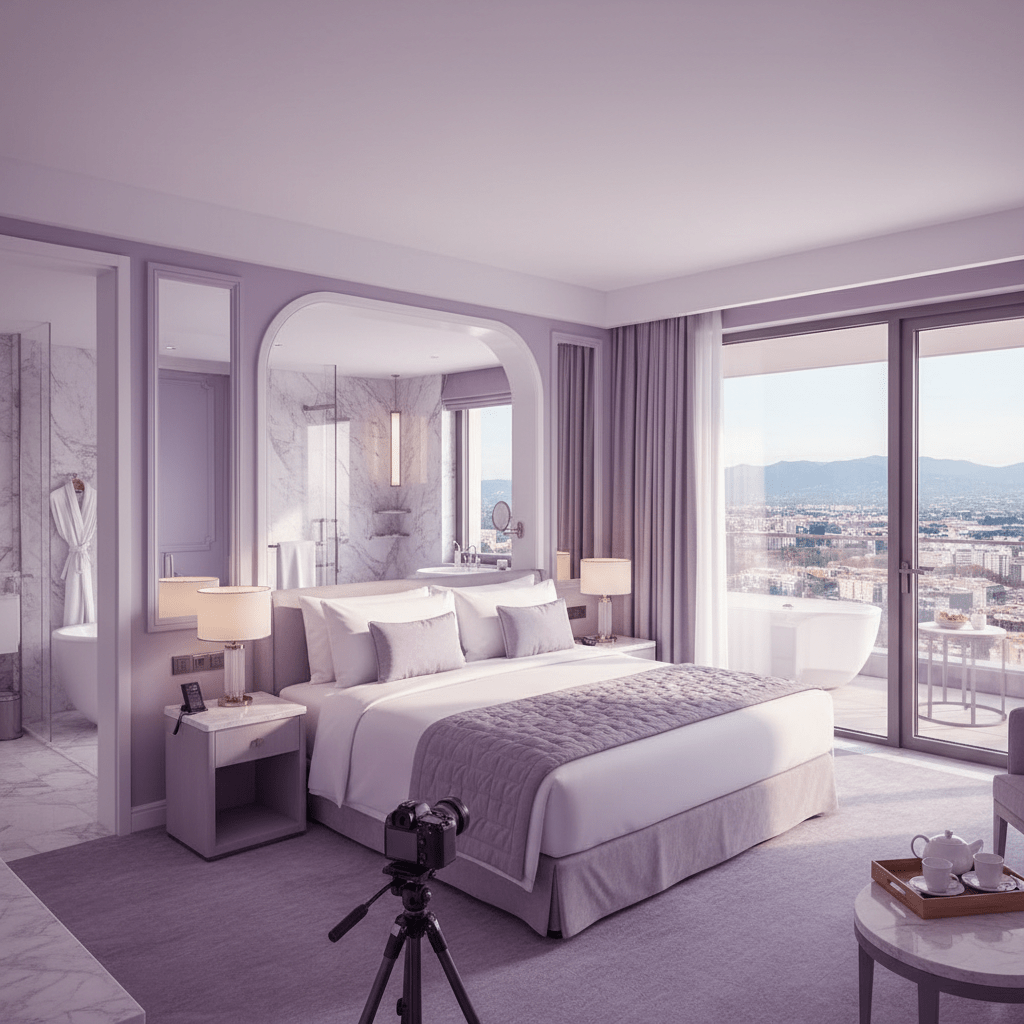
Now for the technical side. Keep image quality high. Booking.com photo requirements favor clear, sharp photos, and a good rule of thumb is at least 2048 x 1080 pixels. Use landscape orientation so the image fills the screen better on mobile and desktop. Avoid grainy shots, heavy filters, collages, watermarks, and weirdly stretched images. Nobody wants a room photo that looks like it got squished in a dryer.
Also, your primary photo matters more than people think. It’s the face of your listing. If it’s dark, blurry, or boring, guests may never click at all. That means fewer views, fewer chances to book, and a weaker Booking.com ranking.
The best move? Start with your main photo, then fix the whole gallery. That’s usually the quickest way to improve Booking.com visibility and get more bookings on Booking.com without changing your whole operation.
And if you’re juggling photo updates, guest messages, and room changes across a bunch of tabs, Ease My Hotel can help keep the work in one place. Less chaos. Better control. Much easier to stay on top of your listing pages.
Try Ease My Hotel for free.
No lock-in contracts. Cancel anytime
Mastering Reviews and Communication to Build Trust and Rank
You know that little moment before you book a room? You skim the stars. Then you read one review. Then another. That’s exactly what your guests do too.
Reviews carry a lot of weight on Booking.com. The average score matters, but so does the number of reviews. A place with 8.9 from 12 reviews does not feel the same as 8.9 from 412 reviews. One looks newer and shakier. The other feels tried, tested, and safe. And that trust can push more clicks and more bookings.
Also, don’t ignore the reply side. Booking.com tracks how fast and how often you answer guest messages through its Reply Score, and that can help your visibility on the platform. So if a guest asks about check-in at 9:14 pm, replying the next afternoon is not great. Fast replies show you’re around. Simple, but powerful.
Here’s the part many hosts skip: respond to every review, even the grumpy ones. Yes, even those. A calm reply can soften a bad experience and show future guests that you care.
Try this 4-part reply flow:
- Acknowledge the issue.
- Apologize, even if it was a small miss.
- Say what you fixed or changed.
- Invite them back.
Example:
Thanks for your feedback. We’re sorry the breakfast timing didn’t work for your stay. We’ve shared this with our team and updated our morning schedule. We’d love to host you again for a better visit.
That sounds human. Not stiff. Not defensive. Just steady.
And yes, positive reviews matter too. Thank the guest by name if you can, and keep it short. A warm reply helps build your brand voice and can encourage more guests to leave notes next time.
If your inbox, OTA messages, and booking updates are living in five places at once, this gets messy fast. That’s where Ease My Hotel helps. With one dashboard for booking management and guest communication, you can answer faster, track issues better, and keep your Booking.com listing optimization efforts from slipping through the cracks.
Small habit. Big impact. And it usually shows up in your Booking.com content score and your search results over time.
Advanced Strategies: Promotions, Programs, and Analytics
Some days, your listing needs a little extra push. Not a full rebuild. Just a smart nudge.
That’s where Booking.com’s promos come in. Last-Minute Deals can help fill empty rooms fast. Mobile Rates can catch travelers booking on their phones, which is basically everyone after 8 p.m. on a sofa. Geo-Targeted Rates can help you speak to guests in a certain country or city, which is handy if one market books better than another.
Here’s the simple idea: more clicks, more bookings, more momentum. And that can help improve Booking.com ranking over time because the platform likes listings that sell well and stay active.
| Promotion type | Best for | Why it helps |
|---|---|---|
| Last-Minute Deal | Slow weekdays, last-open rooms | Fills gaps fast |
| Mobile Rate | Mobile-first travelers | Can lift clicks on phone |
| Geo-Targeted Rate | Guests from specific countries | Matches local demand |
Now, if you can join Genius, it’s usually worth a look. Booking.com says you need at least 3 guest reviews and a review score of 7.5 or higher to join, and the program gives your property extra visibility plus a special badge in search results. Preferred Partner is a different badge path with more exposure too, though the public rules are less clear. Either way, the badge can make your place look more trusted at a glance. That matters.
And then there’s the part people forget: the numbers.
Use the extranet analytics. Check where bookings come from, which countries are searching, what your conversion rate looks like, and where guests are dropping off. If your impressions are high but bookings are low, maybe the title or photos need work. If your cancellation rate keeps creeping up, maybe your rates or policy need a second look. If families book more than couples, well, that’s a clue too. Lean into it.
I’d keep a tiny weekly check list:
- Search impressions
- Click-through rate
- Conversion rate
- ADR
- Cancellation rate
- Review score
- Top guest markets
That’s the stuff that helps you make better calls, not just busier ones. And if you’re using a system like Ease My Hotel, it gets easier to keep booking management, guest messages, and OTA updates in one place. Less guessing. More calm. More room nights sold.
If you’ve been asking how to optimize listings in Booking.com, this is the part where the work turns into smarter moves. Promotions bring eyes. Programs bring trust. Analytics tell you what to do next.
Your Action Plan for a Top-Ranking Booking.com Listing
So here’s the simple version. If you want better Booking.com visibility, work on five things: keywords, clear content, strong photos, review replies, and smart pricing or promos. That’s the core of How to Optimize Listings in Booking.com.
Don’t treat it like a one-time job. Listings change. Guests change. The competition changes too. So block a little time each month to check your title, photos, amenity fields, rates, and guest messages. Ten minutes can save you a lot of lost clicks.
And if you want the fastest win, start with your top 5 photos. Fix the cover shot first. Then make sure your best room, bathroom, and a key amenity are all easy to see. A stronger first impression can lift clicks fast, which is why photo work usually pays off first.
From there, keep building. Update your Booking.com property description, fill every useful field, reply to reviews, and watch what the numbers say. Small tweaks add up. That’s how Booking.com listing optimization keeps working over time.
If you’re running a hotel, homestay, resort, or hostel and you’re tired of juggling tabs, Ease My Hotel can help keep bookings, guest messages, OTA updates, and daily operations in one place. Less mess. More control. More time to focus on the stuff that brings in bookings.
Start with one thing today. Just one. Improve those top 5 photos, and watch what happens.
Try Ease My Hotel for free.
No lock-in contracts. Cancel anytime