
Why Your Hotel’s Future Is Written in Google Reviews
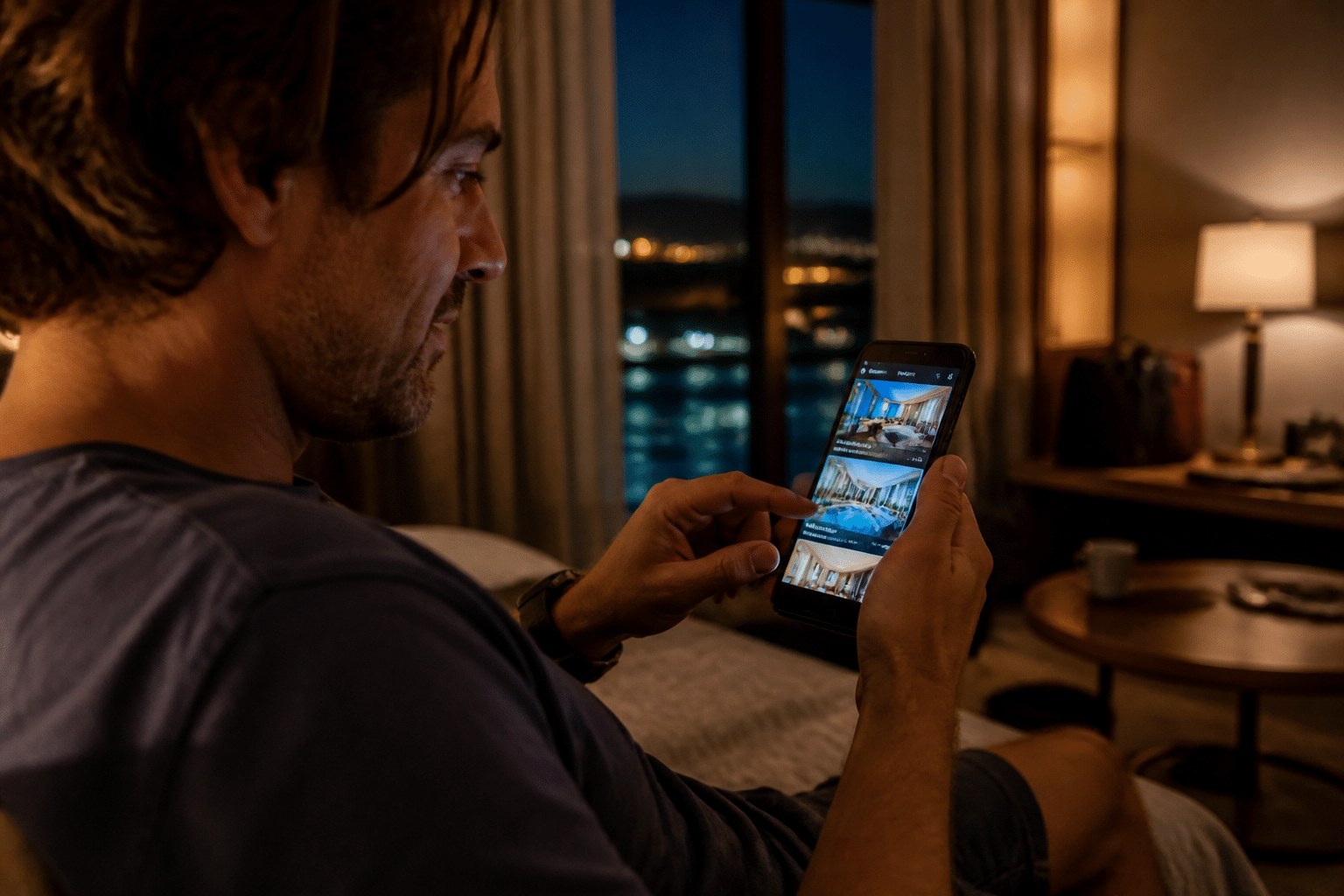
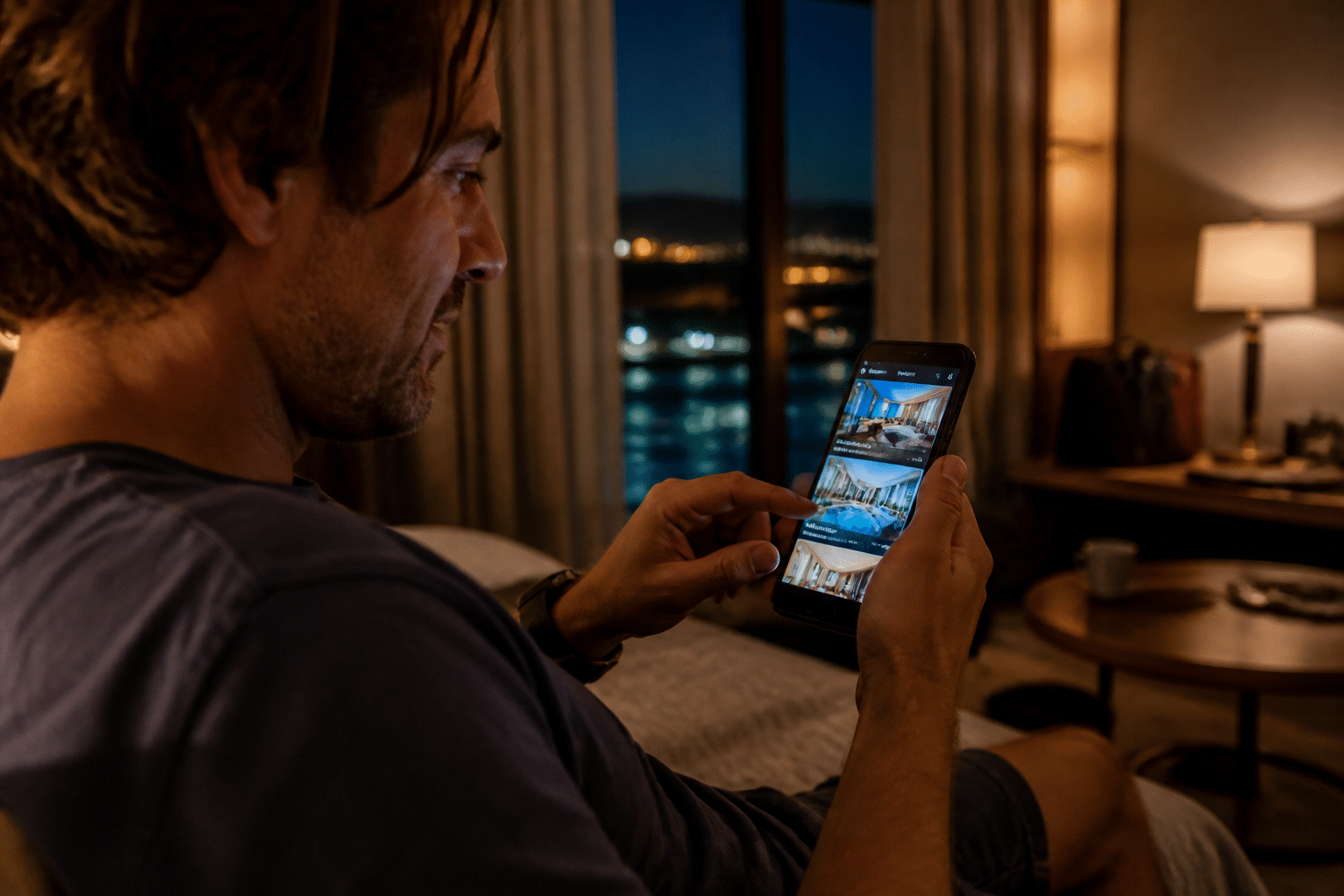
Picture someone on their couch at 11pm, phone in hand, picking a place to stay. They search your city. Your hotel pops up on the map with a star rating and a pile of reviews. Two seconds later, they’ve decided. Maybe you got the booking. Maybe you didn’t.
That’s how it works now. In TravelBoom’s 2025 study, 70.6% of travelers said they wouldn’t book a place to stay without checking online reviews first. A separate 2026 hotel research report puts the number even higher, at 92%, though it doesn’t share how that was measured. Either way, most guests read before they book.
Worth knowing: Hotel data from STR and ReviewPro, cited from Cornell research, linked a 1% rise in online reputation score to about 1.42% higher RevPAR. See the analysis.
To be fair, that’s a link, not proof. It covers reputation across many sites, not Google stars alone. But the direction is hard to ignore. Better reviews tend to go with better rates, fuller rooms and more revenue. And a string of bad ones? They quietly send guests to your competitor down the street.
Google itself says hotel results depend on relevance, distance and prominence. It doesn’t share a magic review count or star formula, and you can’t pay for a better spot. Still, a strong, active review profile can only help people choose you.
So here’s what this guide does. It walks you through a step-by-step plan for getting more reviews and making sure they’re mostly glowing. We’ll do that by fixing the whole guest journey, not just the ask. First up: building a stay people actually want to talk about.
The Foundation: Building a Review-Worthy Guest Experience from the Start
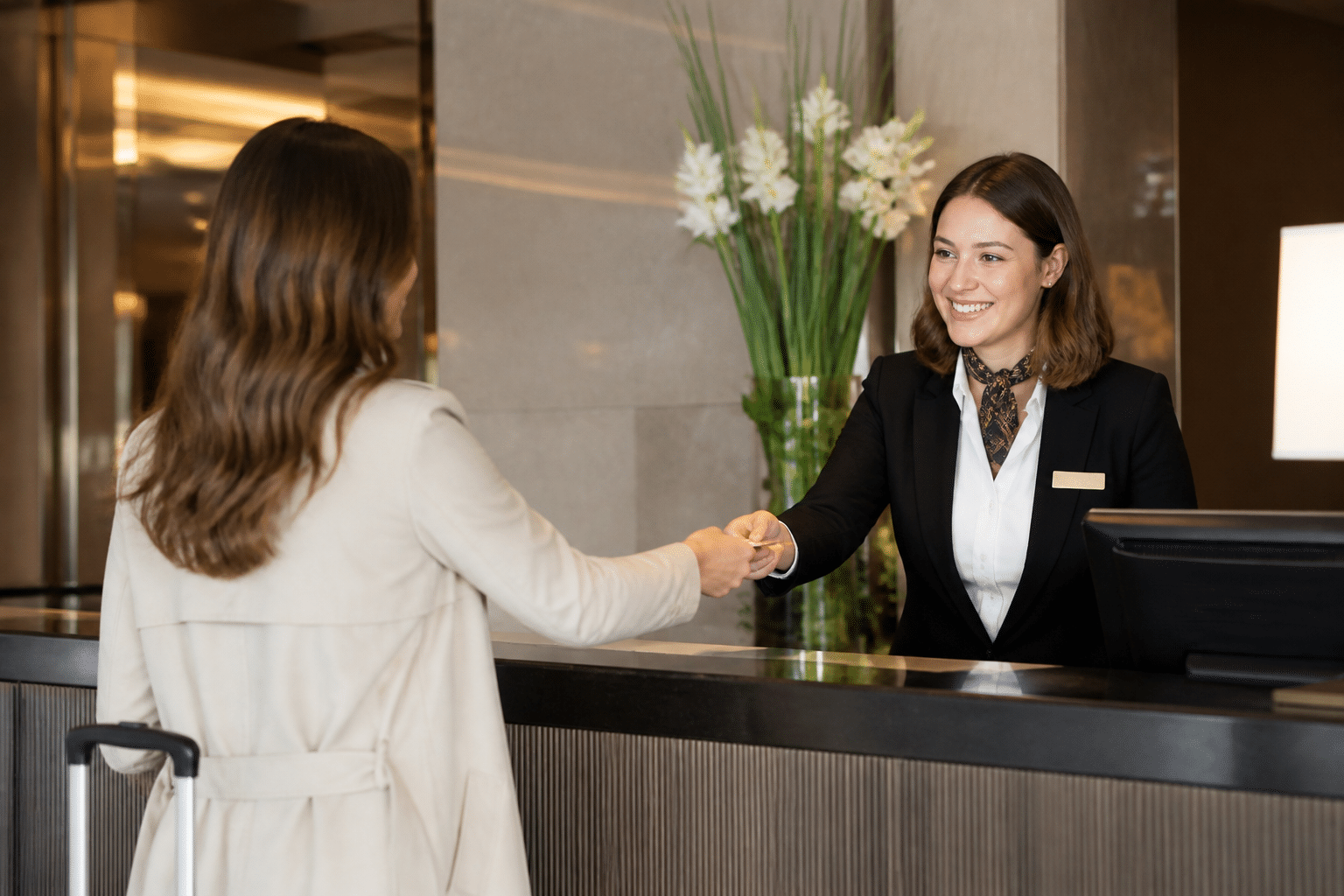
Here’s something a lot of hotels miss. The review starts forming long before anyone reaches your front desk. By the time a guest drags a suitcase through your door, they’ve already decided how they feel about you. Good or bad.
Start With a Booking That Doesn’t Fight Back
Think about the last time a booking form made you want to quit. Too many fields. A surprise fee on the last page. No clue what time you could check in. Guests remember that stuff.
Keep it simple. Show the full price early, confirm instantly, and put the address, check-in time and parking details right in the confirmation email. If your booking system and guest messages live in one place (this is where a platform like Ease My Hotel helps), nothing slips between the cracks.
Make Pre-Arrival Messages Actually Useful
A message that says “We can’t wait to see you!” and nothing else is just noise. A message that says “Parking is behind the building, and the best coffee is two blocks left” feels like a friend wrote it.
Pullman Paris Tour Eiffel sent scheduled texts with practical info and digital check-in links. Their vendor-published case study reports more than €25,000 in extra revenue from the program. Take that with a grain of salt, since it’s not independently audited. But the idea holds up.
What should yours include?
- Directions, parking and check-in time
- A quick question about arrival time or room preferences
- One or two local tips you’d give a friend
- An upgrade offer, but only after the helpful stuff
Check-In: Fast, Friendly, Your Choice
The arrival is the first real moment of truth. And guests want options. In a May 2025 survey of 2,000 U.S. travelers, 70% said they’d likely check in with an app or kiosk, rising to 82% for Gen Z. Kiosks also cut check-in time by about a third at participating hotels.
But don’t swap people for screens. Some guests need help, and some just like a warm hello. Offer mobile or kiosk for the quick arrivals, and keep a well-trained, smiling person ready for everyone else.
Here’s how the whole first impression fits together:
| Stage | What the guest sees | Quick win |
|---|---|---|
| Booking confirmation | Clear price, dates, address | Add check-in time and parking |
| Pre-arrival message | Local tips, a question about preferences | Ask arrival time |
| Arrival | Short wait, friendly greeting | Offer mobile or kiosk option |
| Walking into the room | Clean, cool or warm, ready | Leave a small welcome note |
Get these four moments right and your guests start the stay already on your side. Next, we’ll look at what happens once they’ve dropped their bags.
During the Stay: Proactive Service That Naturally Inspires Positive Feedback
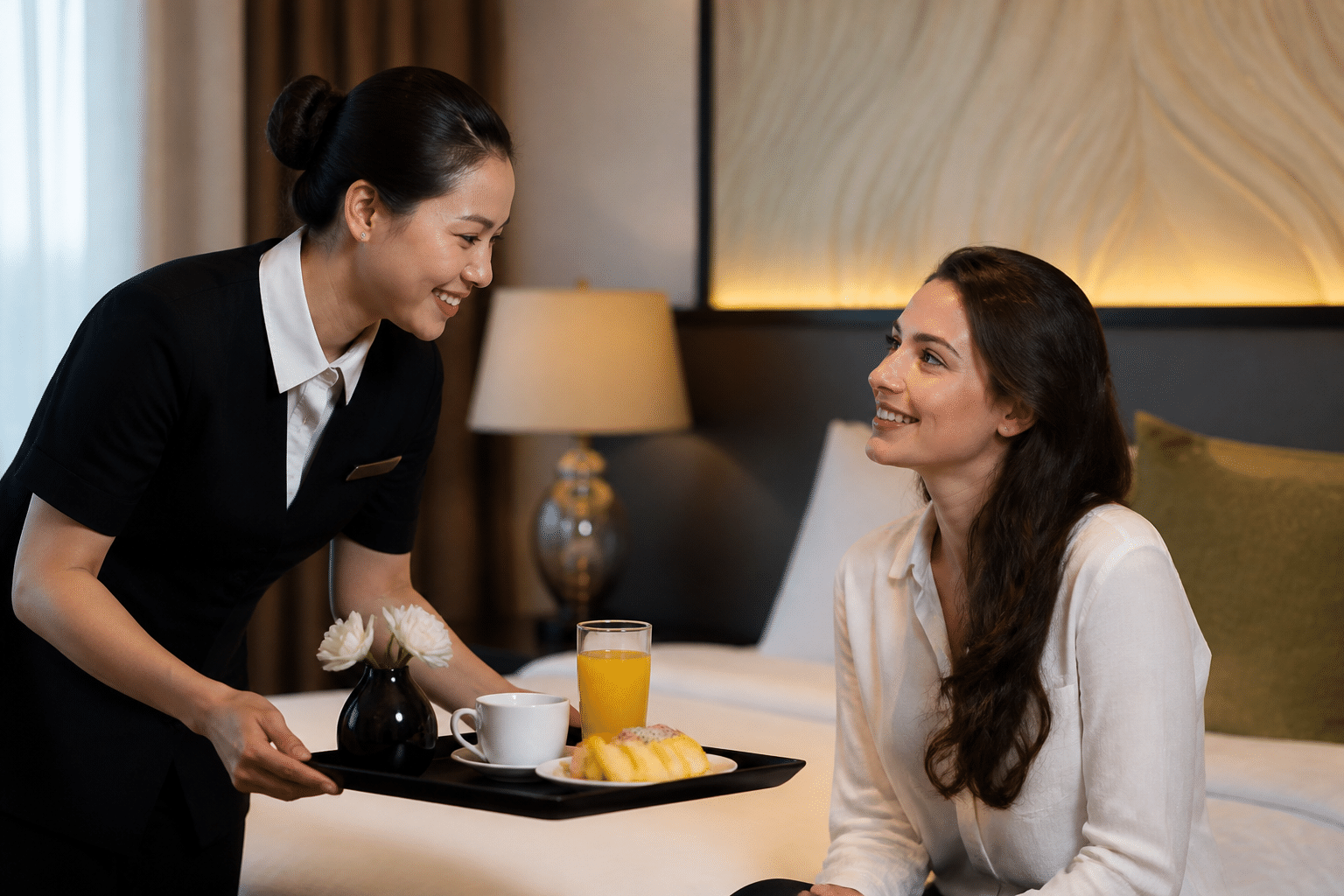
Here’s a hard truth. Most bad reviews aren’t about the problem itself. They’re about the problem that nobody fixed.
A noisy room, a broken kettle, a missing towel. Small stuff. But if a guest sits with it for two nights, it turns into a one-star story. So the goal during the stay is simple: catch the little problems early, while they’re still little.
Give Your Team Permission to Fix Things
Let’s be honest about staffing. Turnover is high, new hires come and go, and nobody wants to run to a manager for every tiny request. That’s exactly why empowering your front line matters so much.
Try this. Give every shift a small discretionary budget, say $25 to $50, to solve a problem on the spot. A free coffee, a room move, a replacement phone charger. No approval needed. Pair it with three simple rules: listen first, own the problem, follow up later.
It also makes the job better. People stick around when they’re trusted to help. And guests notice. One hotel service guide says 70% of guests whose complaints are fixed within 24 hours come back, though it doesn’t name the study behind that number. Treat it as a hint, not a promise.
Check In With Guests Before They Check Out
Why wait for a review to learn something went wrong? Send a quick text on the first evening: “How’s everything with your room?” That’s it. No survey link, no review ask.
Fairmont Mumbai used chat like this and, according to its Hudini case study, handled more than 8,400 messages in six months, with fewer than 3% negative. Marriott properties using Kipsu reported a 10.5% average lift in guest satisfaction scores. Both are vendor numbers, so take them lightly. The pattern still makes sense.
The real win is privacy. A guest who tells you the AC is loud via text gets a fix at 9pm. A guest who tells nobody posts about it at 9am. If your guest messaging lives inside your PMS (Ease My Hotel includes this), your team sees every reply in one place and nothing gets lost between shifts.
Small Wow Moments Beat Big Gestures
You don’t need a fancy budget. You need to pay attention.
Your PMS already holds the clues. Use them:
- Greet a repeat guest by name and say “welcome back”
- Put the extra pillow in the room before they ask
- Leave a small card for the anniversary mentioned at booking
- Remember the late checkout they loved last time
These touches cost almost nothing. Yet they’re the exact moments guests describe later, in their own words. And if one of them happens to say so on Google, that’s a review you earned honestly.
Once the stay goes well, comes the part most hotels dread: actually asking for the review.
The Art of the Ask: Proven Strategies for Requesting Google Reviews
So the stay went great. The guest waved goodbye, maybe even said “see you next year.” Now what? Most hotels either never ask for a review, or they ask in a way that feels like a sales pitch. Both lose you reviews.
Here’s how to do it better.
Timing: Ask While the Smile Is Fresh
The best window is usually 24 to 48 hours after checkout. The guest is home, the memory is still warm, and nobody’s rushing for a flight. BookingWhizz’s review automation guide backs this up, and says the message should thank the guest and link straight to your Google review form, not your homepage.
Their numbers are vendor-reported (about 42% to 48% email opens, 90%+ for SMS), and other sources show much lower email rates. So treat them as a rough guide. Your own data will tell you more.
One warning. Google’s rules frown on paying for reviews, offering perks, or only asking happy guests. So ask everyone, keep it neutral, and skip the “free drink if you post” idea. Tempting? Sure. Worth a suspended listing? Not even close.
Pick the Channel That Fits Your Guest
No single method wins every time. A backpacker at a hostel lives on their phone. A couple on an anniversary trip might love a handwritten note.
| Method | Pros | Cons | Best For |
|---|---|---|---|
| Personalized post-stay email | Room for a warm, personal message | Lower open rates, easy to ignore | Leisure guests, longer stays |
| SMS with direct link | Gets seen fast, one tap to the review form | Needs phone consent, keep it short | Quick stays, younger travelers |
| QR code on a printed card (at checkout or in the room) | Cheap, easy to do in person | Only works if the guest remembers it | Boutique hotels, hostels |
| Verbal ask at the front desk | Feels human, no tech needed | Staff must be trained, no pressure allowed | Small properties with a friendly team |
| Handwritten thank-you note | Memorable, personal | Slow, hard to track | Special occasions, repeat guests |
Most hotels do best with two or three of these working together. And a unified system makes it easier, because the guest’s name, stay dates and contact details already sit in one place. That’s the idea behind Ease My Hotel’s guest communication tools, so nobody has to copy and paste emails at 6pm on a Friday.
Write a Request People Actually Answer
Keep it short. Use the guest’s name. Say why it matters. Add one link.
Email template:
Hi Maria, thank you for staying with us at [Hotel Name]. If you have a minute, we’d love an honest review of your stay. Your feedback helps other travelers find us. Here’s the link: [direct Google review link]. Thanks again!
SMS template:
Hi Maria, thanks for staying at [Hotel Name]! Would you share your experience on Google? It helps other travelers discover us: [link]
See what’s missing? No begging, no big speech. The “why” is one sentence, and the link does the heavy lifting. Fewer taps mean more reviews.
A quick test is worth trying too. Change only the wording (“Share your experience” vs “Leave us a Google review”) and compare how many reviews actually get posted, not just clicks. I couldn’t find a reliable public hotel test on this, so your own numbers are the best proof.
Next up, let’s see how your PMS can run all of this on autopilot.
Try Ease My Hotel for free.
No lock-in contracts. Cancel anytime
Leveraging Technology: How Your PMS Can Automate and Optimize Review Generation
Here’s the problem with everything above. It all depends on somebody remembering to do it. On a busy Friday at 6pm, nobody does.
That’s where your property management system earns its keep.
Let the System Send the Ask
A good PMS can trigger a review request the moment a guest checks out. You pick the timing (24 to 48 hours later, like we covered), choose email or SMS, and the guest’s name and stay dates fill in on their own. Every guest gets the same polite, well-timed message. No copy and paste. No “oops, I forgot Room 12.”
This is the idea behind Ease My Hotel’s guest communication tools, where the booking, the guest details and the message all live together.
Does it actually help? One automation builder reported a 40% jump in Google review volume over three months after automating post-stay requests. That’s a vendor claim, so take it lightly. Also, their setup only sent the Google link to guests who scored 8/10 or higher on a private survey. Google’s rules frown on that kind of filtering. Copy the automation, skip the filter.
And the time savings? One vendor estimates 3 to 5 hours a week from automating review handling alone. Your number will depend on how many rooms you run.
Smarter Targeting With One Set of Guest Data
When guest data sits in one place, you can see who had a great stay. Maybe they’re a repeat visitor. Maybe they replied “loving the room!” to your first-night text.
Use that to personalize, not to exclude. Send the neutral request to everyone, but add a warmer line for your regulars, like “It’s always great to see you again.” For a guest who flagged a problem during the stay, have a manager follow up first. A real apology often beats an automated link.
Read the Dashboard Like a Weekly Report
Sending requests is half the job. The other half is knowing what’s working. Here’s what to look for on your reputation dashboard:
| Metric | What it tells you | What to do with it |
|---|---|---|
| Requests sent | How many guests were asked | Should match your checkouts |
| New reviews this month | Whether the ask is working | Compare to last month |
| Average rating | Your overall reputation | Watch for slow drops |
| Review rate by channel | Email vs. SMS results | Lean on whichever wins |
| Recurring themes | Noise, check-in, breakfast, cleanliness | Pick one to fix each week |
That last row matters most. If “slow check-in” shows up four times in a month, that’s not bad luck. It’s a to-do item. Fix it, and your next batch of reviews gets better without you asking for a single extra word.
Once the reviews start rolling in, there’s one more job waiting: answering them.
Closing the Loop: How to Respond to Every Review and Win Future Guests

You did the hard part. The guest stayed, loved it, and posted five stars. Now it just sits there, unanswered. That’s a missed handshake.
Here’s the thing most managers forget. You’re not really writing to the reviewer. You’re writing to the person who’ll read that reply next month while deciding where to book.
Thank the Happy Guests (By Name, For Something Real)
Replying to a good review takes two minutes. It tells guests you’re paying attention, and it tells future guests a real person runs this place. Skip the copy-paste “Thanks for your feedback!” Mention one detail they shared.
Hi Maria, thank you for such a kind review! We’re so glad the rooftop breakfast and Leo’s local tips made your anniversary trip special. We’ll pass your note to the team. Hope to see you again soon.
Short. Specific. Warm. That’s the whole trick.
The A.R.T. Method for Negative Reviews
A bad review stings. I get it. But a calm, honest reply can turn it around. Hotel reputation guidance suggests replying within 24 to 48 hours, naming the actual problem, and showing what changed. So remember A.R.T.:
- Apologize. Say sorry for the experience, plainly and without “but.”
- Respond with specifics. Show you looked into it. Name the issue (the noisy AC, the slow check-in), not a vague “concerns.”
- Take action. Say what you’re changing so it won’t happen again.
Hi Tom, we’re sorry the street noise cost you a good night’s sleep. We checked with our night team and found your room faces the busiest road. We’ve started flagging quiet-room requests at booking and added heavier curtains to those rooms. Please email us directly so we can make this right.
Notice what’s missing? Excuses. Blame. Private details about the guest’s bill.
Quick Do and Don’t Checklist
| DO | DON’T |
|---|---|
| Apologize sincerely | Make excuses or blame the guest |
| Mention the specific issue | Paste the same reply on every review |
| Say what you changed | Promise fixes you won’t make |
| Move details to a private channel | Share guest or booking details in public |
| Stay calm and kind | Argue or get defensive |
Every Reply Is a Tiny Ad
A thoughtful answer to a one-star review can actually look better than five-star praise with no reply. It shows you own your mistakes. If your guest messages and stay details live in one system (Ease My Hotel does this), your manager can check what happened before replying, which keeps answers fast and honest.
Next, we’ll look at what to do with all this feedback once it starts piling up.
From Feedback to Flywheel: Turning Google Reviews into Your Most Powerful Growth Engine
Here’s the big idea, boiled down. Great reviews aren’t luck. They’re what you get when the whole guest journey works, from the first booking click to the reply you post a week after checkout.
And once it’s running, something fun happens. A good stay leads to a good review. A good review brings in the next guest. That guest has a good stay too. Round and round it goes.
Reviews Are Now Part of Running the Hotel
Honestly, I used to think of reviews as a marketing job. Not anymore. Every comment about slow check-in, noisy rooms or cold coffee points at a real part of your operation. So read them like a weekly report, not a scoreboard.
A TrustYou study with NYU researcher Donna Quadri-Felitti found that, with equal prices, travelers were 3.9 times more likely to pick the hotel with the higher review score. It’s an older study, but the logic still holds.
Your 5-Step Checklist for Boosting Positive Google Reviews
Save this one. Print it. Stick it by the front desk.
| Step | What to do | Done? |
|---|---|---|
| 1. Build the stay | Clear booking, useful pre-arrival messages, a check-in that gives guests options | ☐ |
| 2. Fix it early | Trust your team to solve problems on the spot, and text guests on night one | ☐ |
| 3. Ask well | Message every guest 24 to 48 hours after checkout with one direct Google link | ☐ |
| 4. Automate it | Let your PMS send requests so no guest gets skipped | ☐ |
| 5. Reply to all | Thank happy guests by name, and use A.R.T. for the unhappy ones | ☐ |
Start Tomorrow, Not Someday
You don’t need a big project. Try a 15-minute huddle each morning. Read the newest reviews, spot the one issue that keeps repeating, and give it an owner and a deadline. Then reply to every new review.
That’s it. Small habits, stacked up.
If you’d like one place to handle bookings, guest messages and follow-ups, take a look at Ease My Hotel. Your next five-star review might already be checking in.
Try Ease My Hotel for free.
No lock-in contracts. Cancel anytime