
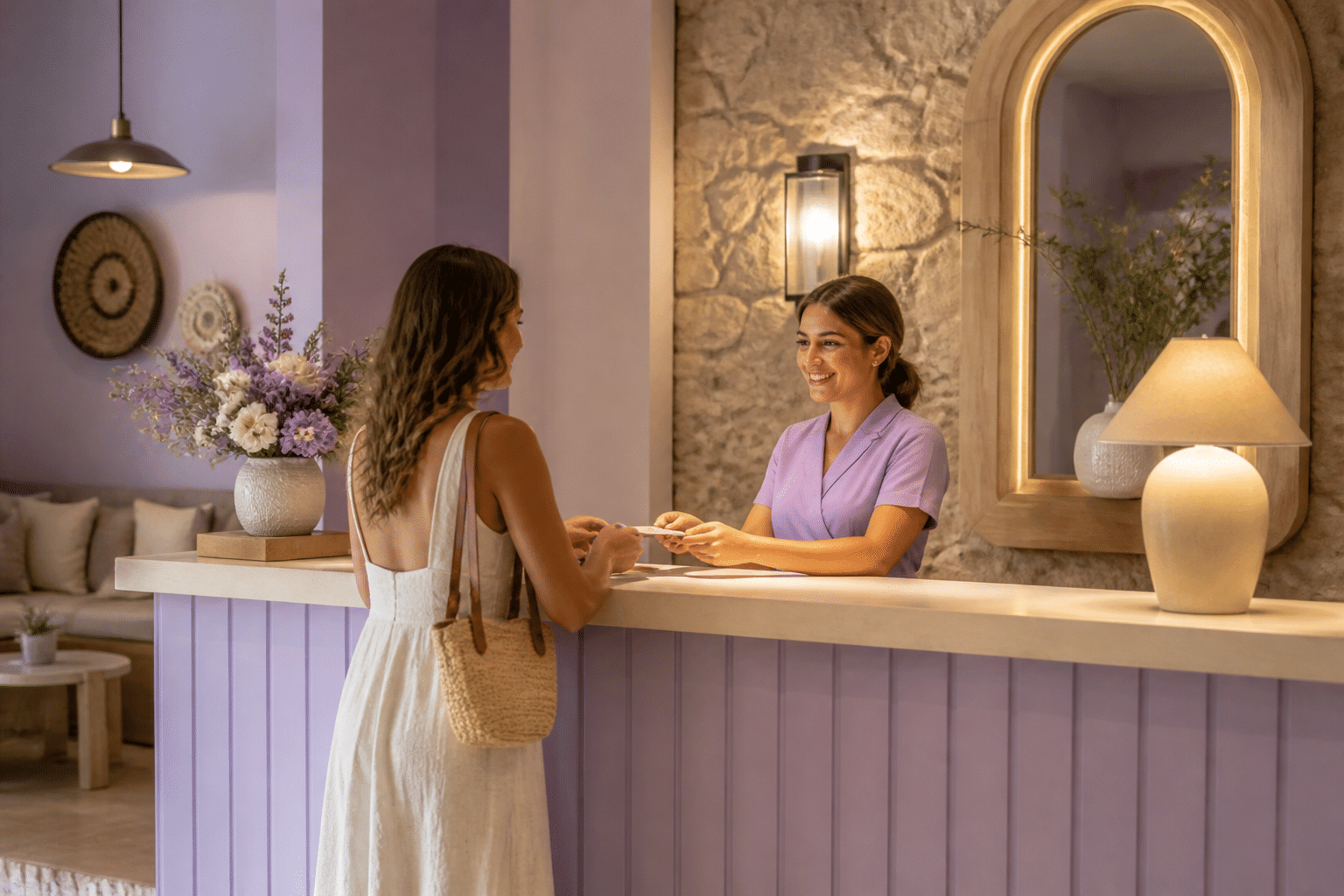
Picture a couple pulling into a 20-room resort after a long drive. Before they even park, someone says, “Happy anniversary! We saved you the quiet room by the lake.” Nobody read that off a brochure. Somebody paid attention.
That’s the edge small properties have. And it’s also the challenge.
Big chains have huge marketing budgets, loyalty apps and brand recognition. You probably don’t. But you do have something they can’t copy easily: the ability to know your guests as real people. Personalizing guest experience at small resorts isn’t about fancy gadgets. It’s about noticing, remembering and acting on what guests tell you.
And in 2026, guests expect it. They aren’t looking for a standard stay anymore. They want a trip that fits their taste, their pace and their reason for coming. According to Amadeus research, 63% of travelers would pay extra for specific room attributes beyond the standard daily rate.
63% of travelers would pay extra for room features that match their preferences.
That’s real money sitting on the table.
So here’s what this guide is for. We’ll walk through a clear framework for using guest data and simple technology to build small resort personalization strategies that actually work. We’ll cover what to collect, when to use it, and how to turn it into stays people remember. The payoff? Happier guests, better loyalty and more revenue per stay.
No giant budget needed. Let’s start with why this matters so much.
Why Personalization Is Your Small Resort’s Greatest Competitive Advantage
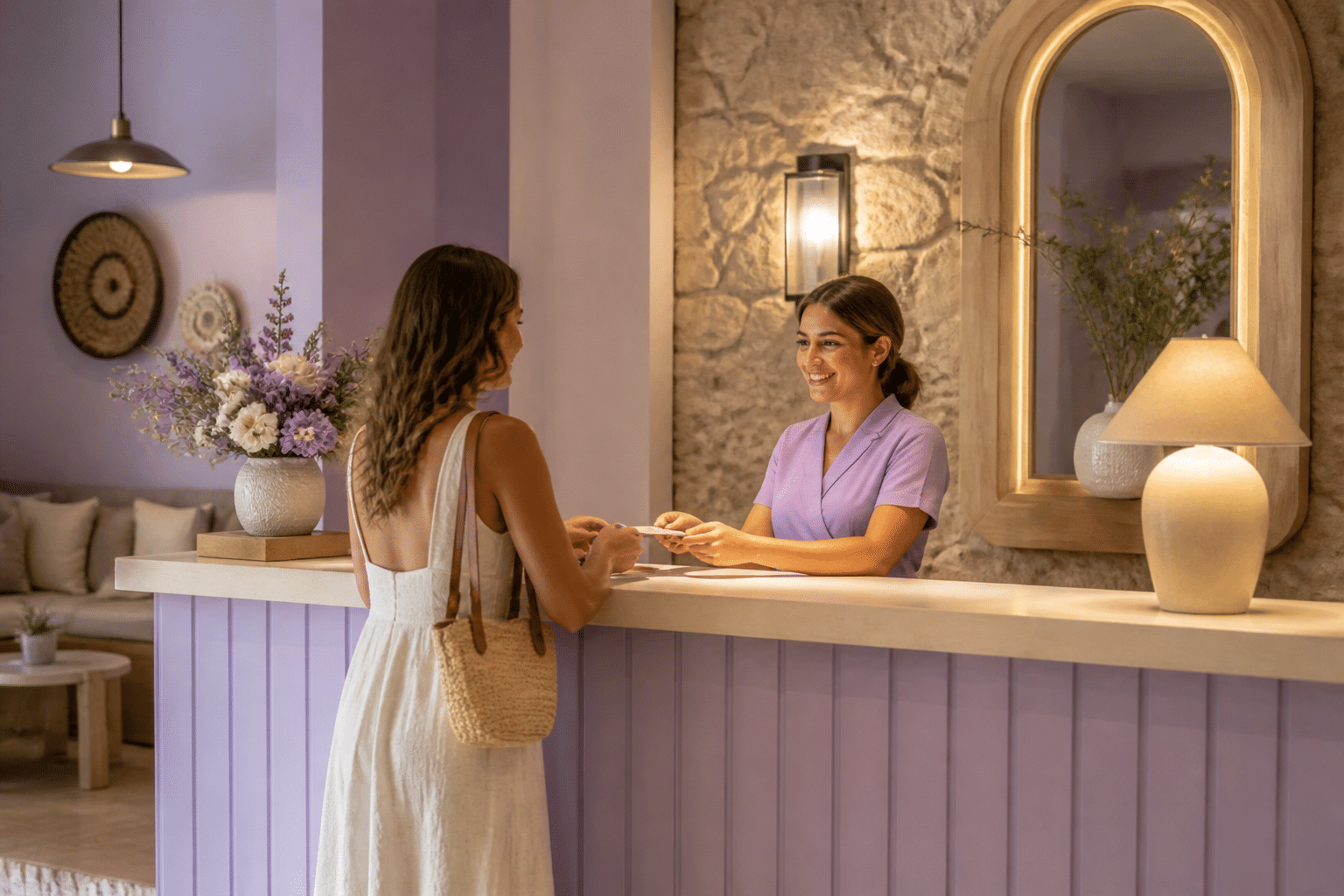
Here’s the thing. Personalization isn’t a nice extra. It’s the engine behind some of your best business results. And small resorts are built to run it.
61% of consumers say they’d spend more with companies that give them a tailored experience.
That number comes from Hospitality Net’s 2026 reporting. Now let’s look at where that extra spending comes from.
A Personal Stay Leads to Better Reviews
Think about the last review you loved reading. It probably named a person. “Maria remembered we hate feather pillows.” Details like that make guests feel seen, and seen guests write kind things on TripAdvisor and Google.
Reviews also move money. One hotel reputation analysis cited research showing a one-point rise in TripAdvisor ratings lifted revenue by 2.2% to 3.0% at Texas hotels. Studies vary a lot, so don’t promise yourself an exact number. But the direction is steady: happier guests, better ratings, better rates and occupancy.
Repeat Guests Are Where the Real Value Lives
A one-time visit is nice. A guest who comes back every autumn is worth way more.
A Marriott case study reported that members who got personalized offers had a 25% higher retention rate. One hotel technology report described a property lifting repeat bookings from 18% to 29% through guest-data personalization. Both are reported results, not guarantees (and nobody has a clean benchmark just for small resorts yet). Still, they point the same way.
Here’s how the cycle works:
| Step | What happens |
|---|---|
| 1. Personalization | Staff use guest preferences before and during the stay |
| 2. High satisfaction | Guests feel known, so they enjoy the trip more |
| 3. Positive reviews | Happy guests name your team and your details online |
| 4. Increased bookings | New guests trust you, and old guests return |
| 5. Higher revenue | Better rates, repeat stays and more spending per guest |
Small Means Fast
A big chain has to train thousands of employees and update brand rules across hundreds of buildings. Change takes months. You can decide at breakfast and try it by dinner.
That speed matters. Hospitality speaker Ryan Estis put it simply at NAVIGATE Austin 2025: “Automate the tangible, humanize the intangible.” Let software handle confirmations and reminders. Let your people handle the warm stuff, like the anniversary note or the quiet room by the lake.
Chains lean on standard scripts. You can lean on names, stories and small surprises. So what do you actually need to know about each guest to pull this off? Let’s start there.
The Foundation: Building a Unified Guest Profile with Smart Data Collection
Here’s a confession. Most small resorts already own plenty of guest data. It’s just scattered everywhere. A sticky note at the front desk, an email from March, a booking that came through an online travel site, a Facebook comment nobody saw.
Personalization only works when that information lives in one place and someone can act on it. So let’s get it organized.
Collect Something Useful at Every Touchpoint
You don’t need a 40-field form. You need small, useful bits from each step of the guest’s path. The booking source tells you how they found you. Past stays show what they liked. Special requests tell you what matters to them. Even a public post like “loved the sunrise yoga!” is a clue, as long as you use it kindly.
| Touchpoint | What you learn | Personalization opportunity |
|---|---|---|
| Booking engine | Booking source, dates, party size | Offer a room upgrade based on a past stay |
| Pre-arrival survey | Trip purpose, arrival time, diet | Send a short itinerary that fits their reason for coming |
| Special requests | Quiet room, extra pillows, celebrations | Have the room ready before they walk in |
| Past stay history | Favorite room, activities, spending | Greet them by name and suggest what they loved last time |
| Social media mentions | Interests, moments they enjoyed | Reply personally and invite them back for that experience |
Keep the pre-arrival part light. A short form with three to five optional questions tends to work best, according to this guest survey guide. And only write down what your team can really use. Pillow type? Yes. Anything that feels nosy? No way.
Privacy matters here too. A GDPR checklist for boutique hotels suggests knowing why you collect each detail, who can see it and how long you keep it. Treat allergies as safety information, and keep marketing opt-ins separate.
Why One Cloud System Beats Five Notebooks
This is where most small properties get stuck. One report found that only 24% of hotels had fully integrated core systems. That means the front desk, restaurant and booking tools often don’t talk to each other. A guest tells the spa about a bad shoulder, and the concierge never hears about it.
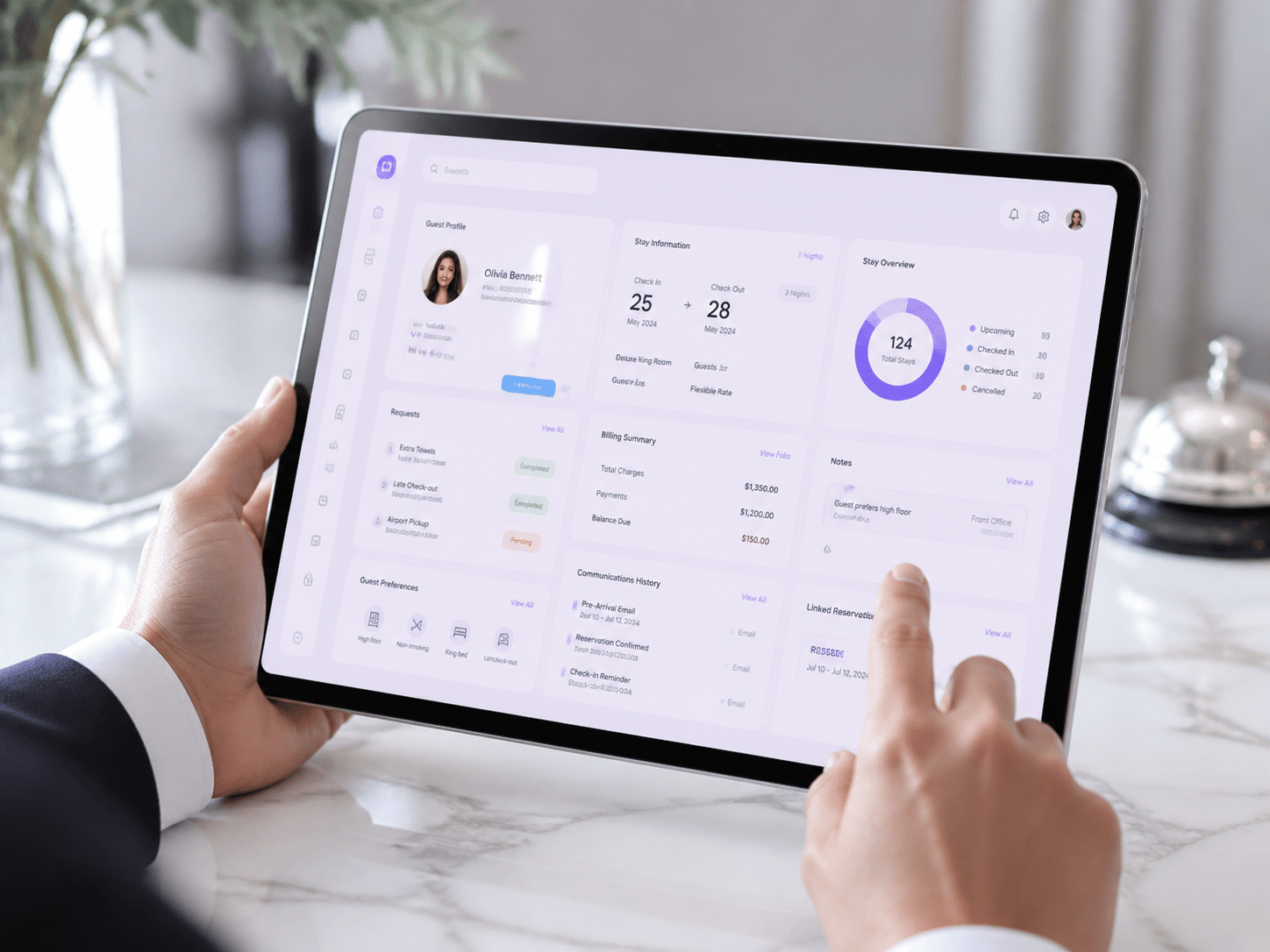
A cloud-based property management system (PMS) fixes that. It becomes the single source of truth for each guest. Everyone sees the same card, on any device, in real time. Ease My Hotel is one example, bringing bookings, guest communication and a unified dashboard into one screen.
Picture what a good guest card shows:
- Name, stay history and booking source
- Trip purpose and celebration dates
- Room, food and activity preferences
- Notes from past conversations
- Communication choices (email, text or phone)
That’s it. Simple, but powerful.
Sort Guests into Groups That Make Sense
Once the data sits in one place, you can segment it. Don’t overthink this. Three or four groups are plenty to start.
- Anniversary couples: quiet rooms, dinner reservations, a handwritten note
- Adventurous families: kid-friendly activities, early breakfast times, packed lunches
- Repeat business travelers: fast check-in, reliable Wi-Fi, their usual room
- Wellness seekers: spa slots, yoga times, healthy menu options
Each group gets different messages and offers. A honeymoon couple doesn’t need the kids’ scavenger hunt email. Makes sense, right?
Now you know who’s coming and what they like. Next, let’s use it before they even arrive.
Stage 1: Pre-Arrival Personalization to Build Anticipation
The stay starts long before check-in. It starts the moment someone hits “book.” And most resorts waste that window with a robotic email that says “Your reservation is confirmed.” Boring. Let’s fix it.
Ditch the Generic Confirmation
A guest who booked a quiet lakeside weekend for their anniversary doesn’t need the same email as a family of five coming for spring break. You already collected their name, dates and trip purpose. Use them.
| Generic confirmation email | Personalized welcome email | |
|---|---|---|
| Greeting | “Dear Guest” | “Hi Maria, we can’t wait to host you” |
| Trip purpose | Not mentioned | “Congrats on your anniversary! We noted a quiet room” |
| Content | Dates, price, cancellation policy | Dates plus a short note about what’s coming up that week |
| Offers | One big discount banner | One or two picks that fit them, like a lakeside dinner |
| Next step | “Contact us with questions” | A button to book a spa slot or share preferences |
See the difference? One reads like a receipt. The other reads like a person wrote it.
Automated Workflows That Feel Handmade
Here’s where software earns its keep. You set up a few triggers once, and they run on their own.
Say a guest ticked “hiking” on your pre-arrival form. The system sends a short guide to three local trails, with easy, medium and hard options. A foodie gets your chef’s tasting menu instead. Nobody on your team typed a thing that day.
Timing matters too. One pre-arrival analysis reported that a first email sent 7 to 10 days before arrival got a 48% click-through rate. It’s a vendor study, so don’t treat it as gospel. Still, it’s a good spot to start testing. For a simple rhythm, try one email at booking, one a week out and one 2 or 3 days before.
Let Guests Book Right From the Email
A nice email that sends guests to a phone call is a dead end. So connect your booking engine to your guest messaging tools. Then a guest can tap “add a couples massage” or “reserve dinner Friday” and be done in seconds.
It also keeps your offers honest. The system reads live availability, so you never sell a spa slot that’s already gone. According to Stayntouch, pre-arrival digital upsells convert at about 12% to 22%, compared with 3% to 7% at the front desk. That’s vendor data (check it against your own numbers), but the gap is hard to ignore.
This is the kind of thing a unified platform like Ease My Hotel is built for, with bookings, guest messages and the dashboard in one place.
Your Pre-Arrival Communication Checklist
Here’s a quick list to keep handy:
- Use the guest’s name and stay dates in every message
- Mention the trip purpose if they shared it
- Ask just 3 to 5 optional questions about arrival time, diet and interests
- Send content that matches their answers, not your whole brochure
- Offer one or two bookable extras, with live availability
- Add a clear opt-out and keep marketing consent separate
- Pass every answer to the right team (housekeeping, kitchen, front desk)
- Track clicks and completed bookings, not just opens
Get this right and guests arrive excited, with their preferences already waiting for them. Next comes the fun part: what happens once they’re actually through your door.
Stage 2: Creating ‘Wow’ Moments with On-Site Personalization
Your guest just walked through the door. This is the moment all that pre-arrival work pays off. Or falls flat.
Here’s the truth: a guest profile means nothing if only the front desk can see it. The best moments I’ve heard about at small properties came from the person who happened to be nearby, like a housekeeper or a server, who knew something small and acted on it.
Get Preferences Into Every Staff Member’s Hands
A modern, mobile-friendly property management system (PMS) lets everyone see the same guest card on a phone or tablet. The housekeeper sees “hates feather pillows” before she makes the bed. The server sees “celebrating an anniversary” before taking the order. The front desk sees that this is the guest’s third visit, and which room they loved last time.
So nobody has to hunt for a sticky note or call someone on the radio. A cloud platform like Ease My Hotel keeps bookings, guest messages and notes on one dashboard, so what one person learns, the whole team knows. And that’s what makes the “quiet room by the lake” moment repeatable instead of lucky.
A quick tip: hold a 5 minute huddle each morning. Go over who’s arriving, who’s celebrating and who has an allergy. Simple. Free.
Small Gestures That Make Guests Feel Known
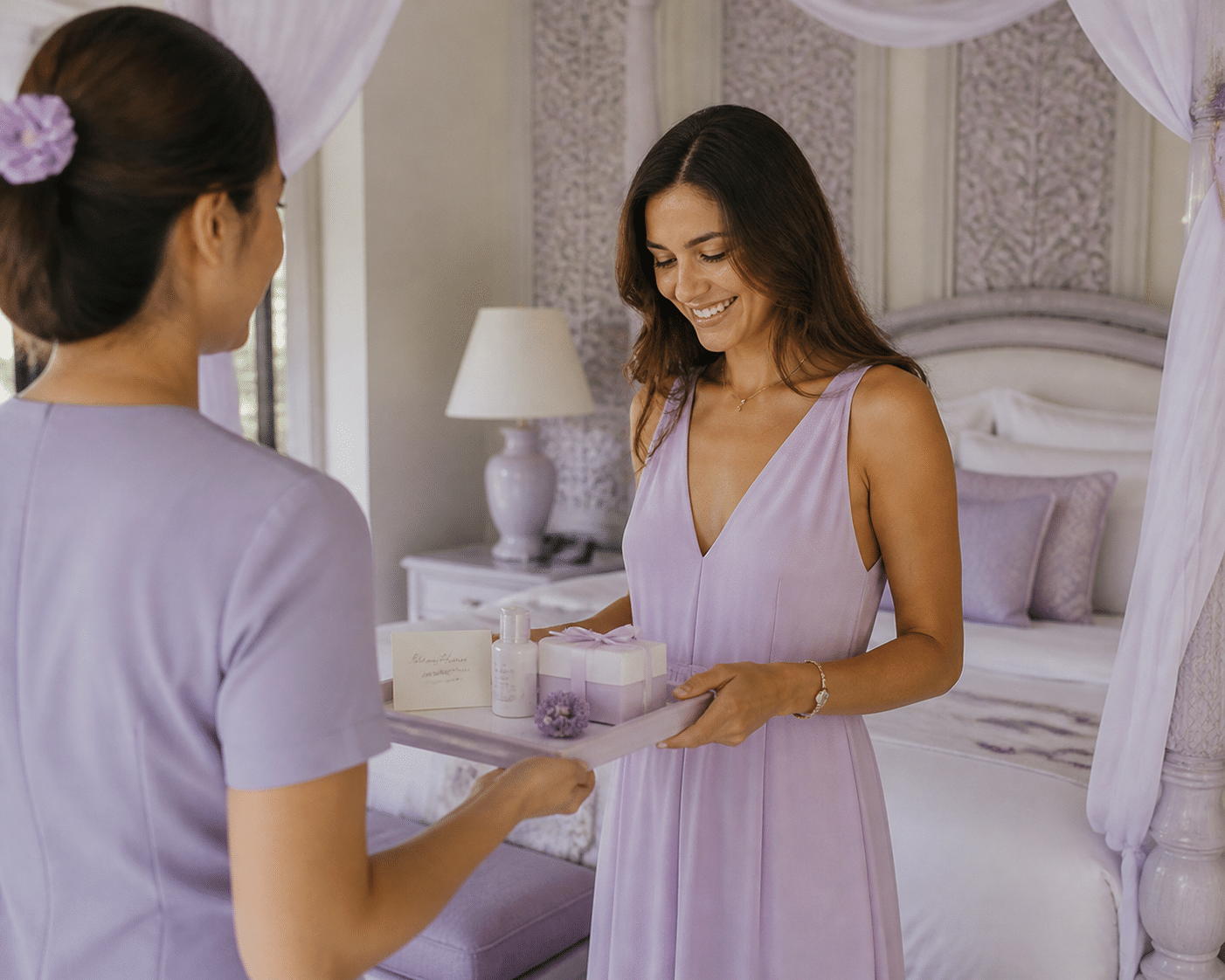
You don’t need big spending here. A handwritten note mentioning their anniversary beats a generic fruit basket every time. So does a platter of the exact fruit they raved about last visit. Even using a guest’s name at the door (and getting it right) counts for more than most people expect.
Here are 10 low-cost, high-impact ideas to start with:
- A handwritten welcome note that mentions their trip reason
- Their favorite fruit or snack waiting in the room
- The same room or table as their last stay
- Greeting them by name before they reach the desk
- Extra pillows or their usual pillow type, already on the bed
- A small treat for the kids, matched to their ages
- A trail map marked with hikes that fit their fitness level
- A sunrise coffee or tea delivered to the porch
- A “welcome back” card that references something from their last visit
- A quick check-in call on day two to ask how it’s going
None of these cost much. But they all say the same thing: we remembered you.
Let Technology Handle the Transactions
Now, you might wonder if all this tech takes away from the personal touch. Actually, it’s the opposite when it’s done right. Mobile check-in, digital keys and in-app service requests handle the boring stuff, like forms, towels and Wi-Fi codes. That frees your team to chat, recommend and surprise.
Guests seem fine with it too. A 2026 HotelTechReport survey of 402 recent hotel guests found that 70% considered chatbots helpful for simple questions, and almost half preferred checking out from their smartphone. Offer these as options, not requirements. Some guests still want a handshake and a key.
One reported example: Flanigan’s Resort & Spa, near Zion National Park, saw a 57% increase in ancillary revenue in its first year after adding mobile check-in and digital upselling through Canary. It’s a vendor-reported case study, so take the number with some salt. Still, the pattern makes sense. Less desk time means more time to suggest the spa treatment or the guided hike.
The stay isn’t over at checkout, though. What you do next decides whether guests come back.
Try Ease My Hotel for free.
No lock-in contracts. Cancel anytime
Stage 3: Post-Stay Engagement to Foster Lasting Loyalty
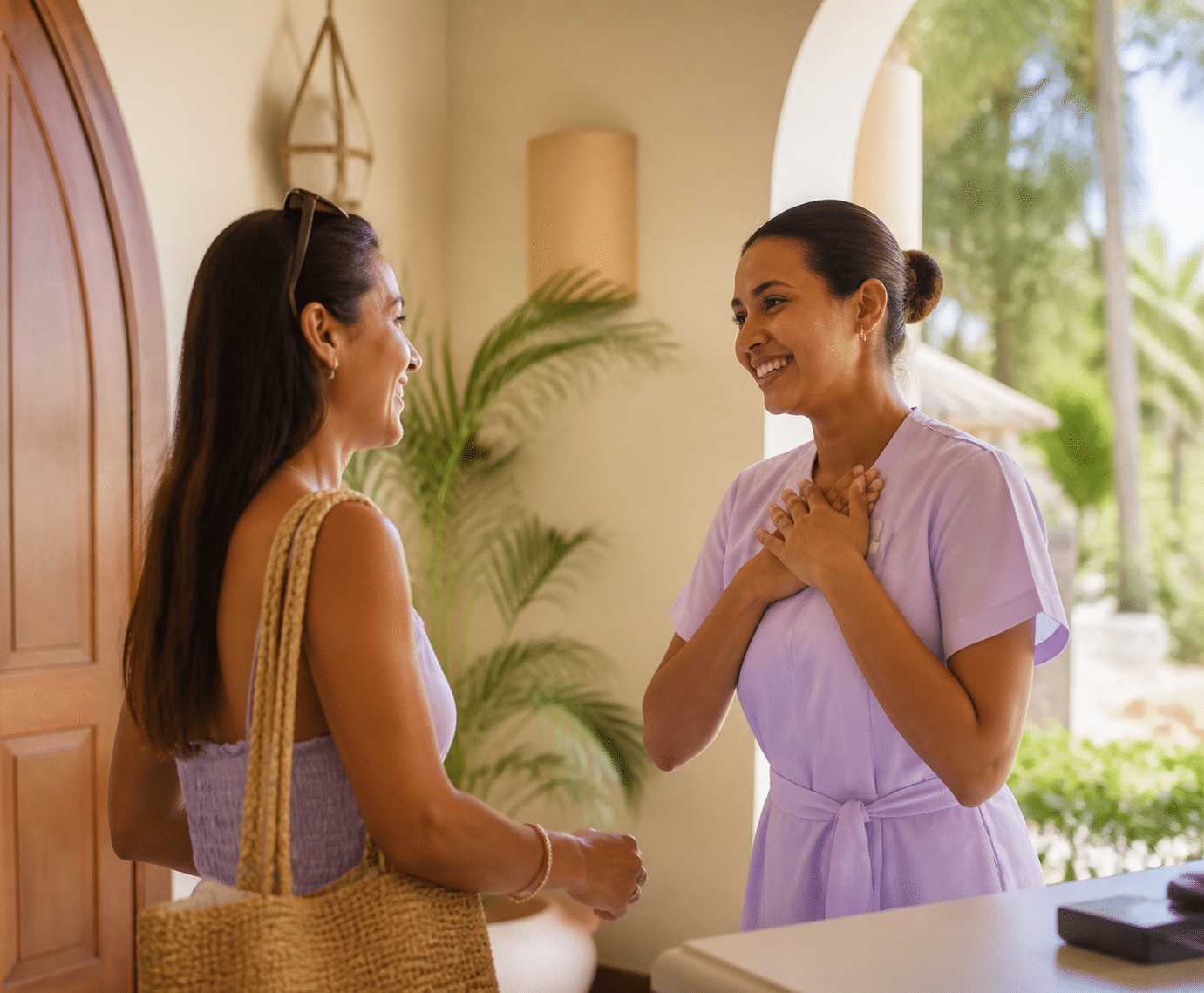
The car pulls away. The bags are out of the room. And most resorts go quiet.
That silence is a missed chance. A guest who just had a great weekend is at their warmest the day they leave. Here’s how to use that window without being pushy.
The Thank-You Email That Actually Gets Read
Send it within 24 hours. Keep it short. Use the guest’s name and mention one real detail from their stay, like the sunrise paddle or the corner table they loved.
Then add one big, easy button for a review. Not three links. One. Guests are still smiling, so ask while the memory is fresh. Make it a single tap to your Google or TripAdvisor page, and don’t pressure anyone to write five stars.
Small tip: only send the review request to guests who didn’t report a problem. If someone had a bad moment, a personal note from a manager works better. And when reviews do come in, reply within a day or two, naming something specific they said. According to this hotel reputation guide, thoughtful replies show future guests that you listen.
Here’s the simple flow to follow:
| Step | When | What it does |
|---|---|---|
| 1. Thank you | Within 24 hours of checkout | Mentions a real moment from the stay |
| 2. Feedback request | Same email, or 1 to 2 days later | One button to leave a review or share thoughts |
| 3. Targeted future offer | 2 to 4 weeks later | A return-visit idea based on what they did |
Turn Stay Data into a Reason to Return
This is where your guest profile pays off again. You already know what they booked, ate and explored. So use it.
Let’s say a guest walked every trail on your property. A generic “10% off your next stay” email misses the point. Something like “Next time, enjoy a complimentary golf cart since you explored the whole resort” shows you were paying attention. A spa regular gets a treatment credit. A family gets a heads-up when the kids’ summer program opens.
Small, well-matched lists tend to do better too. Revinate’s 2025 data found that tight microsegments under 5,000 contacts reached a fivefold jump in conversion compared with broad audiences. And if a guest first found you on an online travel site, a friendly direct-booking invitation is a smart nudge. Results vary, so test and track your own numbers.
Here’s a template you can copy and tweak:
Subject: Maria, we’d love to welcome you back
Hi Maria,
Thank you for celebrating your anniversary with us. We loved seeing you at the lakeside dinner on Saturday.
Since you explored the whole resort on foot, we’d like to offer a complimentary golf cart on your next stay. We’ll also hold the quiet room by the lake if you’d like it again.
If you have two minutes, [leave us a review here]. It helps other travelers find us.
Hope to see you this autumn,
Sam and the team
Loyalty That Goes Beyond Points
Points are fine. But a small resort can’t out-point a chain, and it doesn’t need to.
Think recognition instead. A returning guest gets their favorite room held, flexible check-in, or a free local transfer. Offer experiences over discounts: a private dinner, a guided hike, early access to a seasonal event. Costs stay predictable, and the perks feel personal.
Some independents go bigger. Skift’s coverage of GHA’s 2026 travel trends survey points to how independent brands lean on shared loyalty networks while keeping their own identity. You can also team up with a nearby restaurant, farm or gallery so guests earn small perks around town.
A basic version for your own property might look like this:
- Second stay: a handwritten welcome and their favorite snack in the room
- Third stay: a preferred room and a complimentary experience that matches their interests
- Fifth stay: invitation-only access to a chef’s table or seasonal event
None of that needs a giant database. It needs a guest profile that remembers.
So what does the software behind all this look like? Let’s get into that next.
The Tech Stack: Unifying Operations for a Seamless Guest Journey
Everything we’ve covered so far, from the pre-arrival email to the thank-you note, needs somewhere to live. If your tools don’t talk to each other, the best personalization plan turns into a pile of sticky notes again. So let’s look at what the tech behind it should actually do.
Your PMS Is the Central Nervous System
Think of your cloud-based property management system (PMS) as the brain. Bookings, guest profiles, messages, room status and staff notes all land in one dashboard. When a guest mentions a bad knee at the spa, the front desk and housekeeping see it too. No phone tag.
That’s the whole idea behind a unified hospitality platform like Ease My Hotel. One screen, one guest card, one version of the truth.
Here are the modules that should feed that hub:
- 🛏️ PMS: the guest card, room status and folios
- 🔄 Channel manager: every online listing, synced
- 🌐 Direct booking engine: your own website sales
- 💬 Guest communication: emails, texts and reminders
- 👥 HRM: staff schedules, tasks and roles
- 🍽️ Restaurant system: orders linked to the guest
Where Bookings Start Feeding Your Data
Here’s something people miss. Personalization data doesn’t begin at check-in. It begins at the first click.
An integrated channel manager and direct booking engine keep your availability matched across every site. That stops overbookings, which are the opposite of a personal touch. Plus, every reservation arrives with its source, dates, party size and special requests already attached to a profile. Nobody retypes anything.
So the guest who booked “anniversary, quiet room” on your own site shows up in the PMS with that note ready to go. Messaging tied to both the guest profile and the reservation is exactly the model Mews introduced in October 2026, which shows where the whole industry is heading.
Your Team Needs the Tools Too
A great guest profile is useless if the people serving guests can’t use it. That’s why HRM and guest communication modules matter. When schedules, task lists and guest notes sit together, the right person is on shift, knows the plan and can act on it. Fewer handoff mistakes. Less stress.
One caution, though. Research on more than 300 hotel professionals found that poorly built all-in-one systems can cause booking errors and missed preferences. So ask for a live demo, test the daily tasks your team does, and check that you can export your data.
Fragmented Systems vs. a Unified Platform
| Feature | Fragmented systems | Unified platform |
|---|---|---|
| Data centralization | Guest info split across tools and notebooks | One guest card everyone can see |
| Staff efficiency | Retyping, double checks, phone calls | Updates once, shows everywhere |
| Guest experience | Preferences get lost between departments | Preferences follow the guest from booking to checkout |
| Reporting | Manual spreadsheets stitched together | One dashboard with live numbers |
With the tech in place, you’re close to a plan you can actually run. Let’s pull it together.
Your Path to Becoming a Destination of Choice in 2026
Let’s go back to that couple pulling into the lot. The quiet room by the lake wasn’t luck. It came from three things working together: guest data that lives in one place, a team that feels free to act on it, and technology that handles the busywork so people can handle the warm stuff.
Miss one and the whole thing wobbles. Great data with no empowered staff? Notes nobody uses. Friendly staff with no data? Memory and guesswork. Shiny software with neither? An expensive filing cabinet.
Get all three right and the payoff is real. Guests who feel known will often pay more for the room they want. They book direct the second time because you already remembered them. And they tell stories about your team, which sticks in people’s minds far longer than a star rating does.
Your Next Step: A Simple Tech Audit
Here’s what I’d do this week. Pick one guest who stayed recently and try to pull up everything you know about them. How long did it take? Was it in one place, or in three notebooks and an old email thread?
If it was messy, that’s your answer. Take 30 minutes and list every tool your team uses for bookings, messages, restaurant orders and staff schedules. Then circle the ones that don’t share information. Those gaps are where personalization slips away.
A unified platform like Ease My Hotel can close those gaps by putting bookings, guest communication and operations on one dashboard.
Ready to Unify Your Guest Experience?
See how one dashboard can bring your guest profiles, bookings, messaging and team together. Explore Ease My Hotel and book a demo.
So here’s my question for you: what’s one personal touch your resort could add this year that guests would still be talking about long after checkout? Drop your idea in the comments. I’d love to hear it.
Try Ease My Hotel for free.
No lock-in contracts. Cancel anytime