
Tired of Operational Chaos? Here’s How to Fix Your Hotel Operations with the Right ERP
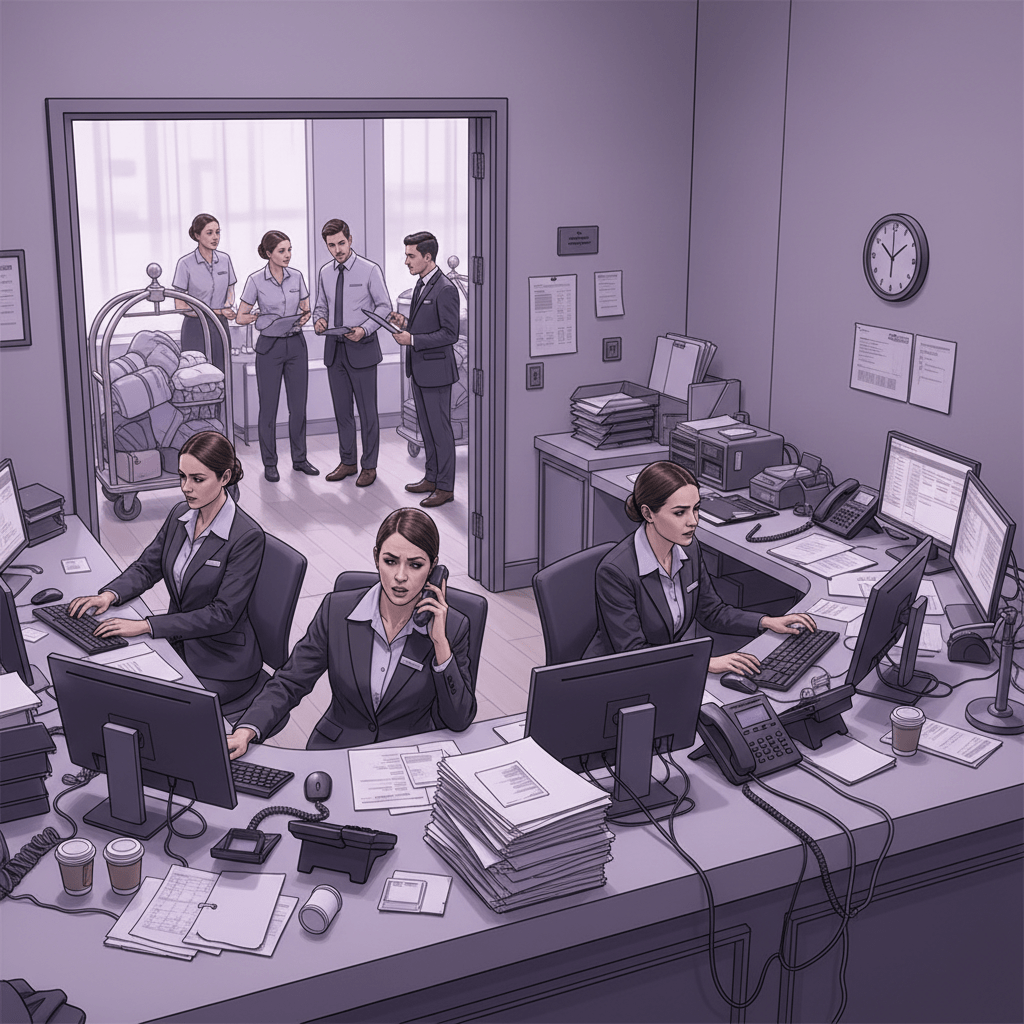
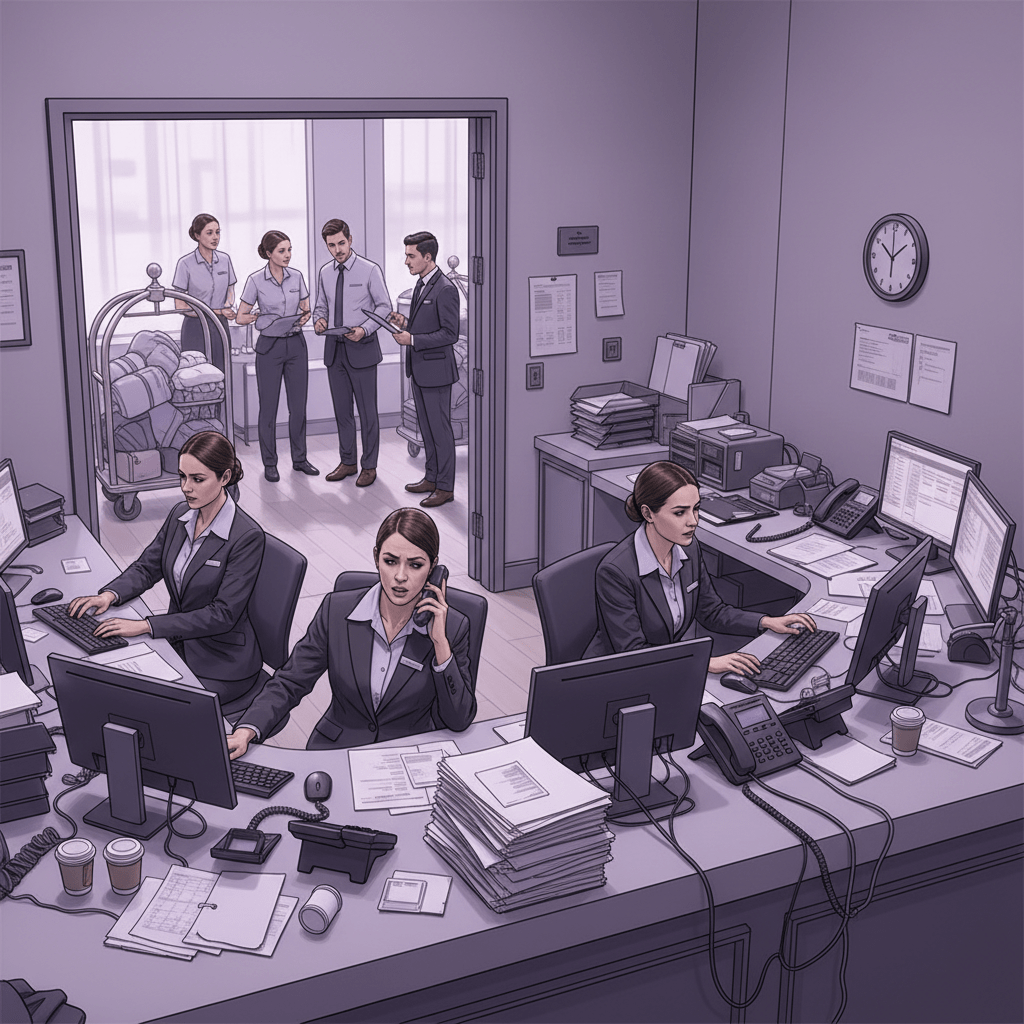
Ever had the front desk say one thing, housekeeping say another, and accounting find a mystery charge at 5:10 p.m. on a Friday? Yeah. That kind of mess can wear down even the calmest hotel team.
If your hotel still runs on sticky notes, late-night calls, and a dozen tools that don’t talk to each other, you’re not alone. But you are probably losing time, money, and guest trust. One report pegs hospitality revenue leakage at about 14.9% across sectors, often from pricing mistakes, waste, unbilled services, and disconnected systems hotel revenue leak data.
That’s why so many teams are looking at a hotel ERP solution. Think of it like the central nervous system for your property. Front desk, finance, housekeeping, POS, guest messages, and staff tasks all move through one hotel operations management system instead of bouncing around in silos.
And honestly, that shift can feel huge. Actually, wait, it does feel huge. But it’s also how hotels improve hotel efficiency without burning out the team.
In this guide, we’ll walk through a simple 9-step plan for choosing the right ERP for hospitality. No fluff. Just a practical list you can use to compare tools, spot red flags, and pick software that fits your hotel, not just the sales demo.
If you’ve been wondering how to fix hotel operations with ERPs, you’re in the right place. Let’s make it clearer, one step at a time.
1. Define Your Core Operational Challenges and Goals
Before you start comparing hotel management software, pause for a minute. Really. Grab a notebook, a shared doc, or that one spreadsheet nobody likes but everyone uses anyway.
Now ask: where does the day keep going sideways?
Maybe check-in takes too long. Maybe housekeeping keeps chasing room status updates. Or maybe the night audit turns into a tiny panic attack because charges don’t match. Those are the kinds of clues that tell you what your hotel ERP solution needs to fix first.
And this part matters more than people think. Hotels can lose about 14.9% of revenue to leaks from pricing mistakes, waste, unbilled services, and disconnected systems hotel revenue leak data. That’s a lot of money slipping through cracks that look small on a busy Tuesday.
The best first step is a simple internal audit. Walk through each workflow. Front desk. Housekeeping. F&B. Maintenance. Accounting. Ask each team what slows them down, what gets repeated, and what breaks the flow. I’d even ask them what they fake their way through just to get through the shift. You’ll learn a lot.
Here’s a quick way to sort what you find:
| Area | What to look for | What it might mean |
|---|---|---|
| Front desk | Long check-in times, duplicate guest data | Your booking flow may be too manual |
| Housekeeping | Room status delays, missed cleanings | Staff updates are not syncing fast enough |
| Accounting | Late night audits, odd charges | Billing and records may be disconnected |
| Maintenance | Slow repair follow-up | Requests may be stuck in message chains |
Once you spot the trouble, turn it into SMART goals. Not vague stuff like “make things better.” Try this instead: “Reduce guest wait times by 15% within 6 months of ERP implementation for hotels.” That gives you a real target.
And get your department heads in the room early. The front office sees one version of the problem. Housekeeping sees another. F&B and maintenance usually have their own opinions too. That mix is gold. Plus, cross-department buy-in helps avoid the kind of ERP implementation for hotels that stalls because nobody feels heard.
So before you shop for features, know your pain points. Then you can look for the best ERP for small hotels, or a bigger platform if you need it, with clear eyes.
2. Assemble a Cross-Functional Selection Team
You know that feeling when one person picks a tool for everyone, and half the staff hates it by week two? Yeah. That usually ends badly.
If you’re serious about how to fix hotel operations with ERPs, don’t let one department make the call alone. A hotel ERP solution touches guest service, billing, room status, and reporting all at once. So the selection team should reflect that mix.
Bring in the General Manager for the big-picture view. Add the IT Manager to check if the system plays nice with your current tools. Then include the Front Office Manager, Head of Housekeeping, and a Finance Controller. Each one sees a different part of the day, and that’s the point.
Here’s a simple view of who does what:
| Role | Why they matter | What they should check |
|---|---|---|
| General Manager | Keeps the project tied to business goals | Does this help the hotel as a whole? |
| IT Manager | Checks tech fit and setup needs | Will it connect cleanly with our current stack? |
| Front Office Manager | Knows the guest journey | Will it speed up check-in and reduce front desk friction? |
| Head of Housekeeping | Handles room flow | Will room status updates move faster? |
| Finance Controller | Watches billing and reports | Can we trust the numbers and close faster? |
The team should do more than sit in meetings. They should define requirements, join vendor demos, test the workflows, and give a final recommendation together. That shared view helps user adoption later, because people are far more likely to use software they helped choose.
And honestly, that matters a lot. Hotels face staffing strain, siloed communication, and a heavy admin load. In 2024 and 2025, more properties are moving toward integrated tools and cloud systems, so choosing an ERP for hospitality is less about shiny features and more about fit. One report puts hotel management software market growth at a CAGR of 8.8%, which says a lot about where the industry is headed hotel management software market growth.
If you want smoother rollout, keep the group small but real. Five people is usually enough. Maybe six if your property is bigger. Too many voices turns into a circus. Too few, and you miss the stuff that breaks on day one.
That balance helps you improve hotel efficiency without making the team feel steamrolled. And that’s the whole point.

3. Map Out Your Must-Have Hotel ERP Features
You know that moment when a vendor demo looks shiny, but you can’t tell if it actually solves your mess? Yeah. That’s the trap.
Before you get wowed by bells and whistles, split your hotel ERP solution into two buckets: must-haves and nice-to-haves. Must-haves fix the stuff that breaks your day. Nice-to-haves are great later, but they won’t save a chaotic front desk shift.
Here’s a simple way to think about it:
| Feature | Must-have or nice-to-have? | Why it matters |
|---|---|---|
| Property Management System (PMS) | Must-have | Keeps rooms, guest info, and bookings in one place |
| Channel Manager | Must-have | Syncs rates and inventory across OTAs |
| Point of Sale (POS) | Must-have | Connects restaurant and bar charges to guest folios |
| CRM | Nice-to-have | Helps with guest profiles and repeat-stay notes |
| Housekeeping Management | Must-have | Speeds up room updates and clean status |
| Finance and Accounting | Must-have | Cuts manual billing and helps close books faster |
| Reporting and Analytics | Must-have | Shows occupancy, RevPAR, and guest trends in one view |
The core hospitality ERP features should work like one team. PMS handles the stay. The channel manager keeps bookings aligned. POS catches extra spend. Housekeeping updates room status without 14 phone calls. Finance and accounting keep the numbers clean. Simple. But not easy without the right setup.
And don’t sleep on reporting. That’s where a lot of the benefits of ERP in hotel industry show up fast. A good dashboard should give you one clear view of occupancy rates, ADR, RevPAR, labor use, and guest satisfaction. Not five tabs. Not a spreadsheet jungle. Just the facts your GM needs before the morning coffee kicks in.
Also, ask about nice extras only after the basics are solid. Things like AI guest messages, smart maintenance alerts, or mobile key tools can be great, but they shouldn’t distract you from the big stuff. If the system can’t sync bookings, billing, and housekeeping cleanly, the shiny add-ons won’t matter much.
This is where Ease My Hotel fits nicely for many small and mid-size properties. It’s a cloud-based hotel management software with booking management, guest communication, OTA and channel manager tools, accounting, staff management, and one unified dashboard. If you’re trying to improve hotel efficiency without adding more tools, that kind of setup can save a ton of back-and-forth.
And if you’re comparing platforms, ask one blunt question: can this actually help us fix hotel operations with ERPs, or is it just making the demo room look pretty? That question saves time.
Seriously. A lot of time.
4. Research Vendors and Create a Shortlist
Now comes the part where a lot of teams get distracted. A slick demo. A shiny dashboard. A sales rep who says, “Yes, we can do that” to everything. Tempting, right?
But this is where you slow down a bit. Start with trusted review sites like HotelTechReport, then compare notes with analyst-style reports and peer forums. That mix helps you see what real users think, not just what a brochure says. And if the same complaint shows up three times in a row, that’s not random. That’s a clue.
Also, check if the system was built for hospitality or just dressed up for it. Big difference. A true hotel ERP solution should handle guest stays, POS, housekeeping, and accounting without awkward add-ons. Generic ERPs with a “hospitality module” can work, sure, but they often feel bolted on. You know the type. Everything sort of works until it doesn’t.
Here’s a quick way to sort vendors:
| What to check | Good sign | Red flag |
|---|---|---|
| Industry fit | Built for hotels and resorts | Generic ERP with a hotel add-on |
| Reviews | Strong feedback from hotel managers | Lots of mixed or vague comments |
| Support | Clear training and fast help | Slow answers and fuzzy SLAs |
| Integration | Open APIs and real sync | “We’ll figure that out later” |
Aim for a shortlist of 3 to 5 vendors. Not 12. Not 9. Just 3 to 5. That keeps the evaluation tight and helps your team compare the best ERP for small hotels or mid-size properties without drowning in demos.
If one vendor can’t show real hotel workflows, move on. Fast. You’re not buying slide decks. You’re choosing the tool that helps you improve hotel efficiency day after day.
5. Conduct In-Depth, Scripted Vendor Demonstrations
This is the part where the pretty sales talk gets tested. And honestly, good. Because a glossy demo can hide a lot.
Don’t let vendors freestyle their way through it. Give each one the same 2 or 3 hotel problem scenarios from your own floor. A group booking with last-minute room changes. A mid-stay room move. An end-of-day report that has to match what finance sees. Real work. Real pressure.
Here’s a simple demo script you can use:
| Scenario | What the vendor should show | What to watch for |
|---|---|---|
| Group booking | Bulk reservation handling, room assignment, rate control | Can it stay clean without extra clicks? |
| Mid-stay room change | Moving a guest, updating folios, keeping notes in sync | Does data follow the guest fast? |
| End-of-day report | Occupancy, revenue, exceptions, and pending tasks | Is the report clear or a mess? |
Make them show the same thing every time. That way, you’re not comparing charm. You’re comparing how the hotel ERP solution actually works.
I’d also use a scorecard. Nothing fancy. Just rate each vendor from 1 to 5 on feature fit, ease of use, and problem solving. Keep notes while the demo is fresh, because later everything starts to blur together. Trust me on that one.
And if a vendor won’t show your script? That’s a red flag. Same if they keep dodging edge cases, like split folios, overbookings, or a room change at 11:40 p.m. Those moments are where hotel management software earns its keep.
This step helps you compare the real benefits of ERP in hotel industry, not the polished version. Plus, it keeps the team focused on how to fix hotel operations with ERPs instead of falling for feature fluff.
When the demo is done, ask one last question: would this help our staff breathe easier on a packed Friday? If the answer feels like a shrug, keep looking.
6. Check Integration, API Support, and Support Terms
A lot of hotel tech sounds fine until you ask, “Will it talk to our other systems?” Then things get awkward fast.
That’s why integration matters so much. Your hotel operations management system should connect with your PMS, POS, booking engine, payment tools, and housekeeping app without a bunch of clunky workarounds. Open APIs are what make that happen. They let systems share data in real time, which helps reduce overbookings, billing mistakes, and the classic “why doesn’t this number match?” headache. For a plain-English look at how APIs help hotel systems connect, see this helpful explainer from HotelTechReport on what an API is.
Ask each vendor what they already connect with. Ask how long setup takes. Ask what happens if one system goes down at 9 p.m. on a holiday weekend. And please, don’t accept “we can probably make it work” as a real answer.
Here’s a quick checklist:
- Do they support open APIs?
- Can they connect to your current PMS and POS?
- Do they offer 24/7 support for urgent issues?
- Is uptime clear, like 99.5% or better?
- Are response times written down in the SLA?
- Will they help with testing before go-live?
This is also where cloud-based hotel management software often has the edge. It usually updates faster, scales more easily, and cuts down the need for on-site IT babysitting. That’s a big deal for small and mid-size properties trying to improve hotel efficiency without building a full tech team.
And if a vendor gets vague here, move on. Fast. Because a hotel ERP solution that can’t fit into your stack will just create new silos with nicer colors.
7. Compare Pricing, Hidden Costs, and ROI
The sticker price is never the whole story. Never.
A system might look cheap at first, then the bill grows legs. Setup. Migration. Training. Extra user fees. Add-ons. More add-ons. By the time you’re done, the “affordable” option can feel a lot less friendly.
For a 50 to 100 room property, cloud hotel ERP subscriptions often start around $50 to $300 a month for smaller setups and can reach $300 to $1,500 a month for mid-market systems. But the real year-one cost usually includes implementation, data cleanup, training, and internal time too. That’s where many teams get surprised.
Here’s a simple way to compare vendors:
| Cost area | Ask this | Why it matters |
|---|---|---|
| Subscription | What’s the monthly or yearly fee? | Gives you the base price |
| Setup | Is onboarding included? | Prevents surprise launch costs |
| Training | How many hours are included? | Staff need time to learn |
| Integrations | Are connections extra? | This can grow fast |
| Support | Is 24/7 help included? | Night issues still happen |
| Hidden fees | What’s not in the quote? | This is where budgets get bruised |
Then look at return. If the system cuts manual work, reduces billing errors, and helps you close books faster, that’s real value. Same if it helps with labor planning or faster room turns. Those are some of the strongest ERP implementation for hotels wins because they touch daily work.
And yes, the best ERP for small hotels isn’t always the cheapest one. It’s the one that saves time, reduces mess, and doesn’t make your team hate the process.
8. Review Training, Rollout, and Change Support
You can buy the best system in the world and still flop the rollout. That part gets skipped way too often.
The truth is, staff don’t just need access. They need calm, clear training that fits their job. Front desk shouldn’t learn the same things as housekeeping. Finance doesn’t need every bell and whistle. Role-based training works better, and people remember more when they practice on real tasks instead of just watching a screen share while trying not to yawn.
Ask these questions before you sign:
- Do they offer role-based training?
- Is live practice part of onboarding?
- What does post-go-live help look like?
- Will they retrain staff later if needed?
- Do they help with change messaging?
This matters because ERP projects can struggle when staff aren’t involved early. A lot of software fails not because the tools are bad, but because the people using them feel lost, rushed, or ignored. And let’s be real, nobody likes learning new software the week before a holiday rush.
A good vendor should help with rollout planning, not just software setup. That means testing, support, and simple guides your team can use on a busy shift. Printed cheat sheets help too. Old-school, sure. But useful.
If you want smoother adoption, look for a partner that knows hospitality ERP features and doesn’t treat training like a box to check. That one detail can make the difference between chaos and a system people actually use.
Try Ease My Hotel for free.
No lock-in contracts. Cancel anytime
9. Make the Final Pick and Set Success Metrics
This is the last turn. The choice is close, the pressure is real, and everybody suddenly has opinions.
So slow down just a little. Compare your scorecards. Review the demo notes. Check the support terms again. Then ask one simple question: which hotel ERP solution helps us fix the most pain with the least drama?
Before you sign, set success metrics. Not vague hopes. Real numbers.
| Metric | Example target |
|---|---|
| Check-in time | Cut by 20% in 90 days |
| Housekeeping updates | Reduce delays to under 5 minutes |
| Billing errors | Lower by 30% in 6 months |
| Night audit time | Reduce by 1 hour per shift |
| Staff satisfaction | Improve internal survey scores by 10% |
That way, you’re not just buying hotel management software. You’re measuring whether it helps improve hotel efficiency in real life.
And one more thing. Stay close to the staff after go-live. Ask what’s working. Ask what feels clunky. People on the floor will spot problems before a dashboard does. That feedback loop is gold.
When the ERP for hospitality is the right fit, you’ll feel it fast. Fewer calls. Fewer repeats. Cleaner numbers. Happier staff. Better guest flow. That’s the win.
If you’re still comparing options, Ease My Hotel is worth a look for hotels, resorts, hostels, homestays, and property chains that want one cloud-based system for bookings, guest communication, accounting, staff management, OTA sync, and restaurant operations. It’s the kind of setup that can help you fix hotel operations with ERPs without piling on more tools.
6. Scrutinize Scalability, Integration, and Support
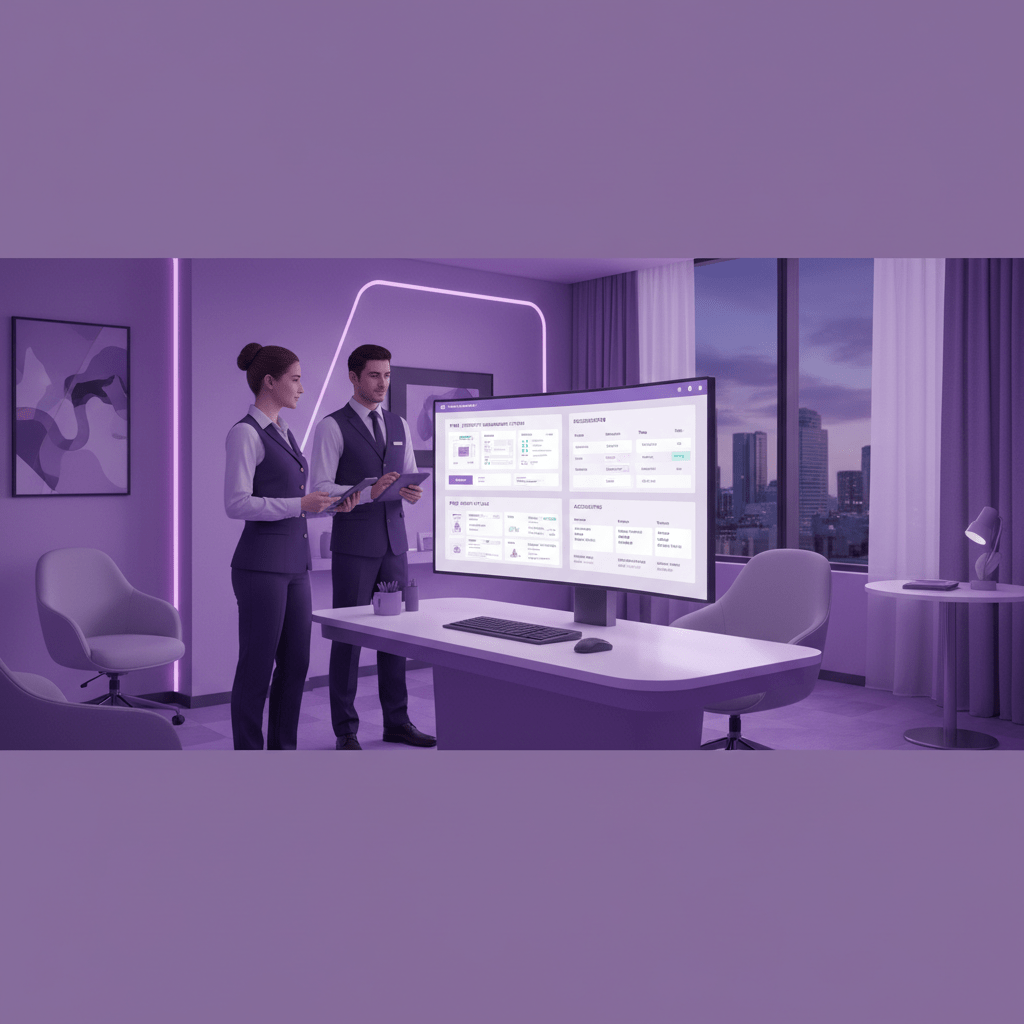
You know that moment when a hotel starts to grow faster than the software can keep up? That’s when the wheels get wobbly. Fast.
Maybe you’re adding rooms next season. Maybe you’re thinking about a second property. Or maybe you want to bolt on guest messaging, keyless entry, or revenue tools without breaking everything else. If your hotel ERP solution can’t stretch with you, it’ll slow you down later. And nobody wants to redo this whole project in two years.
So ask one plain question: will this hotel operations management system grow as we grow?
| What to check | Good sign | Red flag |
|---|---|---|
| Room growth | Easy to add more rooms or rates | Needs a heavy rebuild |
| Property growth | Can handle more than one site | Only works for one building |
| New services | Supports spa, F&B, or rentals | Breaks when you add more modules |
| Reporting | New data shows up fast | Reports lag or need manual fixes |
And here’s the other piece. Integration. A modern hotel management software setup should have an open API so it can talk to your PMS, revenue tools, guest apps, and keyless entry systems without a pile of manual work. That matters a lot because hotels are losing about 14.9% of revenue to leaks tied to pricing errors, waste, unbilled services, and disconnected systems hotel revenue leak data. Hidden gaps get expensive. Pretty fast.
Support is the last test, but maybe the one I’d care about most. Hotels don’t shut down at 5 p.m., so your vendor support shouldn’t either. Ask about 24/7 help, phone, email, and chat. Ask how fast they respond when something breaks at 11:30 p.m. on a sold-out Saturday. Ask what training videos, guides, and refresher sessions they offer.
If the answers are vague, keep looking. A strong ERP implementation for hotels needs a vendor that stays in the game after go-live. Not one that disappears once the contract is signed.
Ease My Hotel, for example, is built as a cloud-based hotel management software with booking management, guest communication, OTA and channel manager tools, staff management, accounting, and a unified dashboard. For hotels, hostels, resorts, homestays, and property chains that want room to grow, that kind of setup can make life a lot easier. Plus, it helps you improve hotel efficiency without adding another pile of disconnected tools.
7. Analyze the Total Cost of Ownership (TCO)
A low monthly fee can look very nice on a sales call. Almost too nice. But that number rarely tells the whole story.
Here’s the thing. A hotel ERP solution has more costs hiding behind the curtain than the quote usually shows. You might pay for setup, data migration, staff training, extra hardware, support, and maybe a few add-ons that suddenly seem “needed” after go-live. For a 50 to 100 room property, year-one costs often land somewhere between $20,000 and $100,000+, even when the subscription itself looks small hotel ERP TCO overview.
So before you sign, map out the full picture:
| Cost area | What to ask | Why it matters |
|---|---|---|
| Implementation | Is setup included, or extra? | One-time launch fees can be a big chunk |
| Data migration | Who cleans and moves old data? | Messy data takes time to fix |
| Training | How many hours are included? | Staff need real practice |
| Hardware | Do we need new tablets or terminals? | Old gear can slow everything down |
| Support | Is help included after launch? | Problems don’t stop at 5 p.m. |
And don’t stop at cost. Compare that TCO against the upside. If the system cuts labor waste, shortens room-turn times, lowers billing errors, or helps you catch revenue leaks faster, the math can work out pretty well. That’s where ROI starts to show up in real life.
A simple way to think about it: if the ERP saves 10 staff hours a week, reduces charge errors, and helps one extra room sell on busy nights, the payback starts adding up fast. Not magic. Just cleaner work and fewer holes in the day.
So ask every vendor for a 3-year view, not just month one. That’s the version that tells you whether the hotel operations management system is actually worth it.
8. Check References and Review Case Studies
This is the reality check. The no-nonsense part.
A demo can look smooth. A sales deck can sound perfect. But what does the software do in a real hotel, with real staff, on a busy Friday night? That’s the bit that matters.
Ask vendors for references from hotels that match yours as closely as they can. Same size. Same type. Same area, if possible. A 40-room boutique hotel in Lisbon won’t face the same mess as a 180-room business hotel in Dallas. And that difference matters more than people think.
Here are the questions I’d ask every reference:
- How was the implementation process?
- How responsive is the support team?
- What changed after go-live?
- Did it help improve hotel efficiency?
- What measurable results did you see?
- Would you pick it again?
Keep going with the details. Ask about check-in speed, billing errors, housekeeping updates, and staff stress. Ask if the ERP implementation for hotels felt smooth or like a long headache. If they hesitate, that tells you something too.
Then look at vendor case studies with a sharp eye. Don’t just read the headline. Look for numbers. Did they cut night audit time by 45 minutes? Did billing mistakes drop by 30%? Did one property raise room turnover speed or reduce manual admin? That’s the kind of proof that helps you judge a hotel ERP solution.
Case studies should show real problems and real results, not just happy words. If they mention a hotel operations management system but never say what got better, keep digging.
And if a vendor has strong references plus clear data, that’s a good sign you’re looking at one of the better choices for choosing an ERP for hospitality. One that might actually work in your hotel, not just in a polished slide deck.
9. Plan for Implementation and Change Management
So, you picked the ERP. Nice. But that’s only half the job.
A lot of hotel teams get stuck here. The software looks great in the demo, then the rollout turns messy, and everyone starts saying, “We used to do it the old way faster.” Oof. That can sink even the best hotel ERP solution.
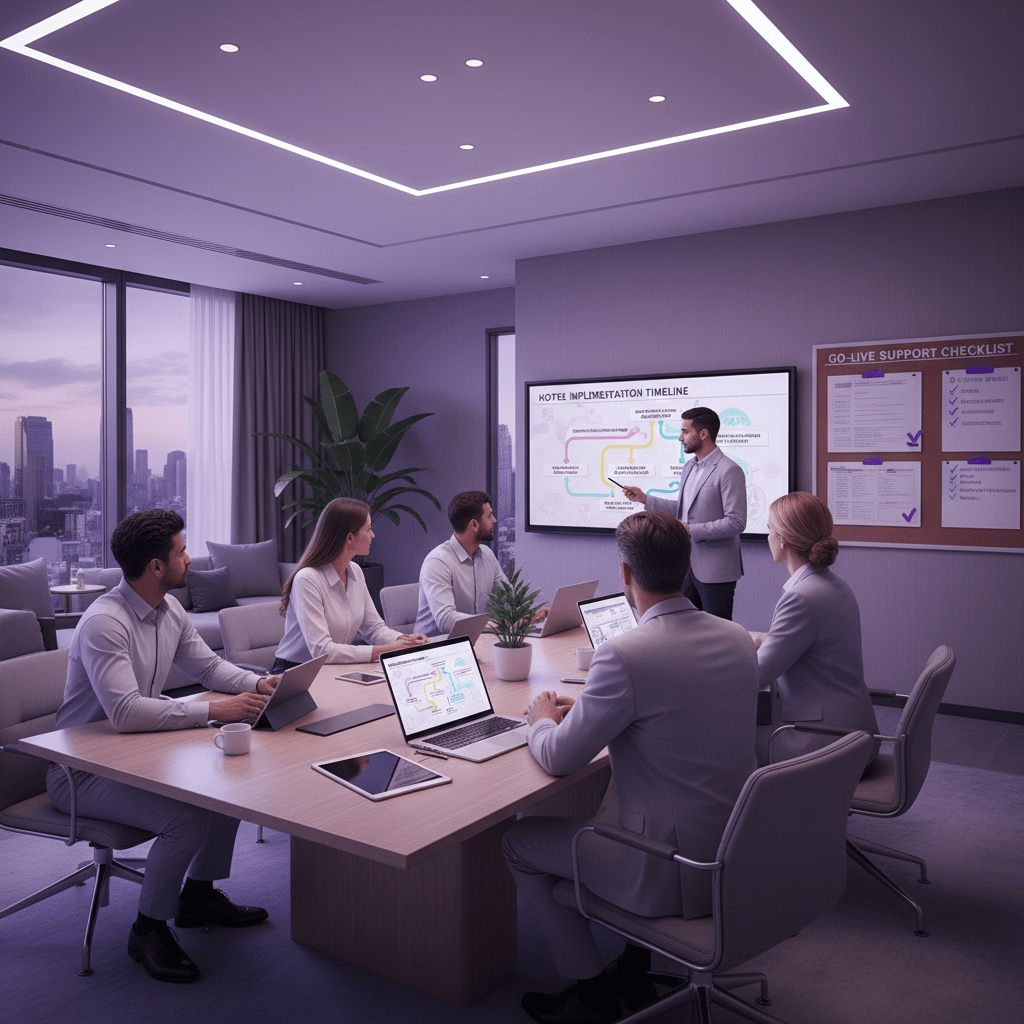
Here’s the deal: a mid-sized hotel ERP implementation often takes 6 to 12 months, with steps like planning, setup, data migration, testing, go-live, and follow-up fixes hotel ERP implementation timeline and training best practices. So don’t rush it. Set a real timeline, name one project manager, and map out who owns data cleanup, training, and testing.
A simple rollout plan might look like this:
| Phase | What to do | Who owns it |
|---|---|---|
| Planning | Set goals, dates, and scope | GM or project manager |
| Data migration | Clean old records and move them safely | IT and finance |
| Training | Teach each team their own tasks | Department leads |
| Go-live | Launch in stages, not chaos | Project manager |
| Follow-up | Fix gaps and celebrate wins | Whole team |
Change management matters just as much as setup. Tell staff why this new hotel operations management system is being used. Not just what it does. People work better when they know the point.
Plus, give role-based training. Front desk, housekeeping, and finance all need different practice. And when the first small win lands, say it out loud. Maybe check-in gets faster. Maybe billing is cleaner. That little moment can build real momentum.
If you want the right fit, Ease My Hotel can help with booking management, guest messages, accounting, staff management, OTA sync, and restaurant tools in one cloud-based hotel management software. It’s a solid path for hotels, hostels, resorts, homestays, and property chains that want to improve hotel efficiency without adding more confusion.
The software choice matters. But the rollout is where the magic happens… or where things go sideways.
From Chaos to Control: Your Next Step in Fixing Hotel Operations
If you’ve made it this far, you already know the pattern. The front desk is stuck waiting. Housekeeping is chasing updates. Finance is fixing little mistakes that somehow turn into big ones. And the guest experience? It takes the hit.
That’s why choosing a hotel ERP solution is not just a software pick. It’s a business move. A smart one. The right system helps you fix hotel operations with ERPs by clearing out the clutter, linking teams, and giving everyone one place to work from.
We walked through the whole path: define the pain points, bring in the right people, sort must-have hospitality ERP features, compare vendors, test real workflows, check API support, look hard at pricing, train your team well, and set clear success goals. That methodical approach matters. A lot. It keeps you from buying a pretty demo that falls apart on a sold-out Friday.
And the upside is real. Hotels lose about 14.9% of revenue to leaks tied to pricing errors, waste, unbilled services, and disconnected systems. Plus, better tools usually help staff feel less frazzled, and happier staff tend to give better service.
So here’s the next move: start with an internal review. Map your workflows, spot bottlenecks, and see where a hotel operations management system can help most. That first step is small, but it points the whole project in the right direction.
If you’re ready to improve hotel efficiency, build calmer teams, and create a smoother stay for guests, this is where it starts. One honest audit. One clear plan. Then the right ERP for hospitality can do what it should do: make the work lighter and the business stronger.
Try Ease My Hotel for free.
No lock-in contracts. Cancel anytime