
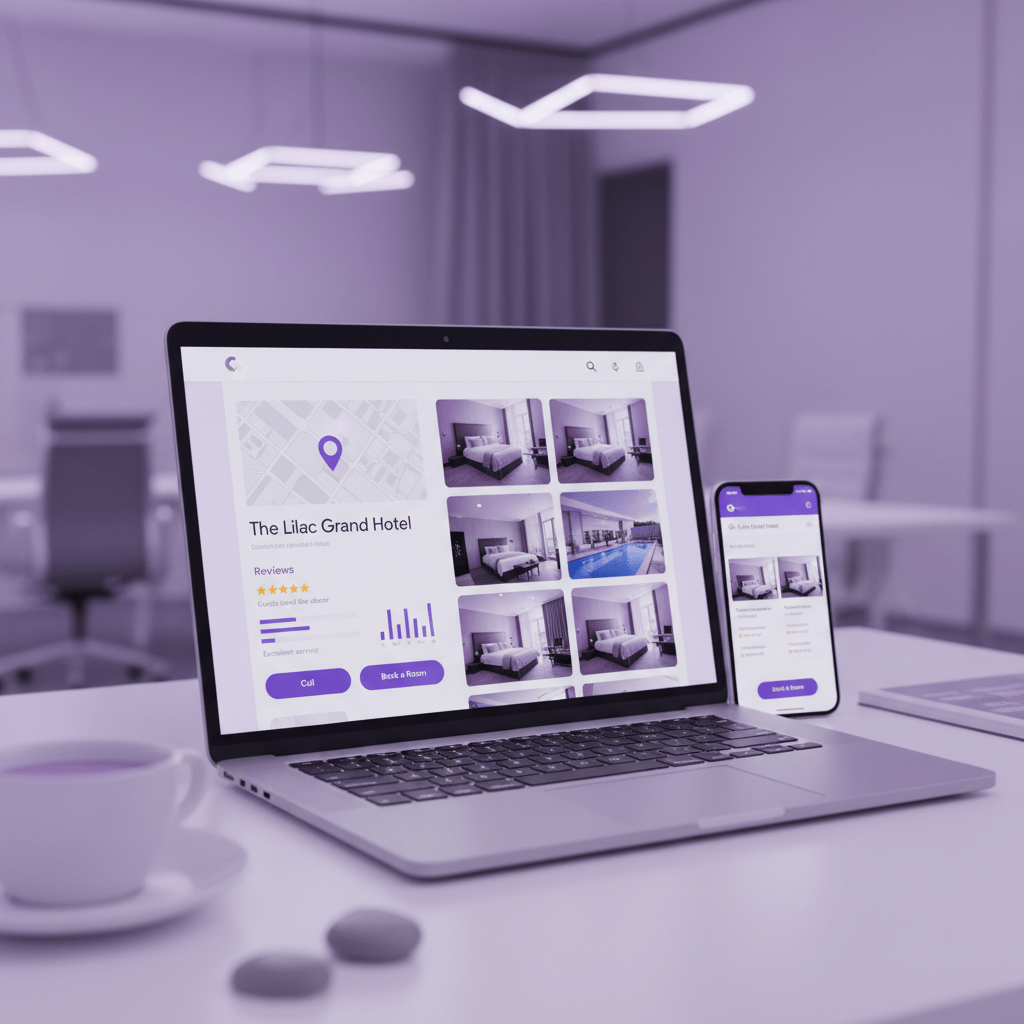
Steal Back Bookings from OTAs: Your Hotel’s Most Powerful Free Marketing Tool
Ever notice how one small booking can turn into a giant fee? That sting is real. A lot of hotels are paying 15% to 25% commission to OTAs, and sometimes more once extra fees stack up. On a $200 room, that can mean about $50 gone before breakfast is even served. Ouch.
But here’s the bright side. You don’t need to stay stuck with that model.
Google Business Profile for hotels has become one of the best tools in modern SEO for hotels. It helps people find you on Google Search and Maps, and it can push more guests toward your own site instead of sending them away to big booking sites. Since most travelers start their hotel search online, this is a big deal for your hotel marketing strategy. One report says 91% of travelers use search engines to find stays, and 81% prefer Google. That’s a lot of eyes.
And if you’ve been wondering how to get more hotel bookings without adding another costly ad bill… this guide is for you.
We’re going to walk through how to turn your GBP from a plain listing into a real direct booking engine. Step by step. No fluff. Just the stuff that helps with local SEO for hotels, hotel search ranking, and google maps optimization for hotels.
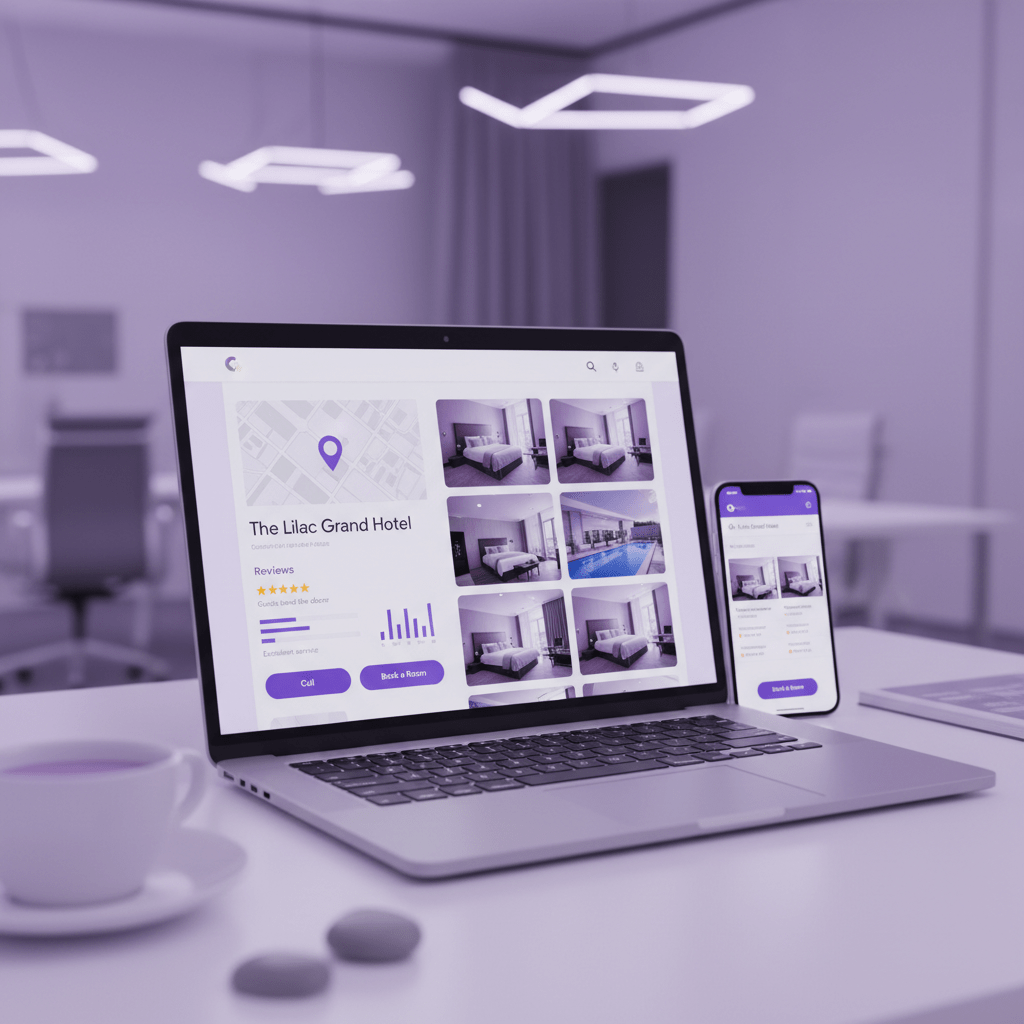
Why Google Business Profile is the Foundation of Local SEO for Hotels
Picture this. A traveler lands in your city at 9:12 p.m., tired, hungry, and holding a phone with 12% battery. They’re not reading ten hotel blogs. They’re tapping Google Maps, scanning the Local Pack, and picking the place that looks open, trusted, and easy to book. Fast.
That’s why Google Business Profile for hotels matters so much. It’s often the first spot guests see before they ever reach your website. And if your profile is filled out well, it can act like a digital front desk that never closes. Guests can check your hours, photos, amenities, directions, and contact details in seconds. No guessing. No awkward back-and-forth.
A strong GBP also helps with more than just looks. It can push real actions like website visits, phone calls, and directions requests. Google says listings with photos get 35% more website clicks and 42% more direction requests, which is a pretty nice bump for something that doesn’t ask for ad spend. Plus, complete profiles tend to get more trust and more visits, which can help your hotel search ranking in both Maps and local results.
Here’s the deal: when your profile is sharp, you’re not just “showing up.” You’re making it easy for people to book direct. That’s the whole point of smart seo for hotels. You want to get more hotel bookings without losing a chunk to OTAs. And with the right hotel marketing strategy, GBP can do that heavy lifting.
| What a strong GBP does | Why it helps hotels |
|---|---|
| Shows up in Local Pack and Maps | Puts you in front of high-intent guests fast |
| Shares key hotel info | Cuts down confusion before booking |
| Sends traffic to your site | Helps with direct bookings, not OTA clicks |
| Builds trust with photos and reviews | Makes your property feel real and active |
And honestly, this is where a lot of hotels miss out. They treat GBP like a one-time setup page instead of a living part of local seo for hotels. That’s a mistake. If you want to optimize hotel GMB work, keep the profile fresh, match your NAP details everywhere, and use it like you mean it.
If you’re using hotel software like Ease My Hotel, this gets easier. You can keep booking details, guest communication, and property info organized in one place, which makes it simpler to stay consistent across your listings. Little thing. Big payoff.
So yes, your website matters. But your GBP is the front door. And for many guests, it’s the first door they walk through.
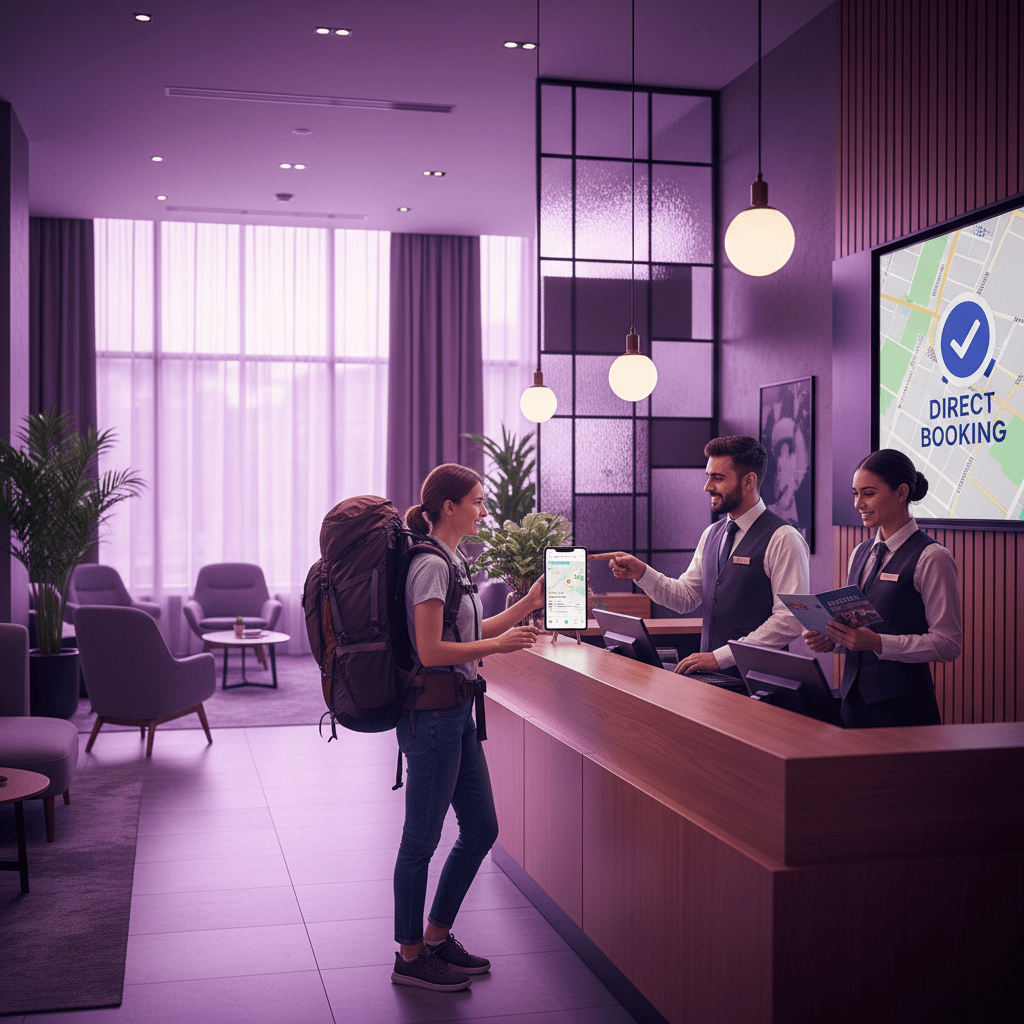
The Bedrock: Nailing Your Hotel’s Core Profile Information
You know that annoying moment when a guest finds your hotel on Google, but the phone number is wrong? Or the address is off by one street? That tiny slip can send them straight to another property. And yep, that hurts.
So let’s fix the basics first. A strong seo for hotels plan starts with a clean, fully built Google Business Profile for hotels. Claim your profile if it already exists. If it doesn’t, create it from scratch. Then check every detail like a tired traveler would. Name, address, phone number, website, hours, and booking link all need to match everywhere online. That’s NAP consistency, and it matters a lot for local seo for hotels and hotel search ranking.
Here’s a quick checklist for the Info tab:
| Field | What to put |
|---|---|
| Hotel name | Your real business name, no extra keywords |
| Address | Exact street address, same as your site and directories |
| Phone | A local phone number, not a toll-free one |
| Website | Direct hotel site with a clear booking path |
| Booking link | Direct booking page, not a homepage maze |
| Hours | Front desk hours and check-in details |
| Accessibility | Wheelchair access, ramps, lifts, and room access |
| Service areas | Nearby neighborhoods or city areas you serve |
Then pick the right category. Your primary category should usually be Hotel. After that, add the ones that fit your property best, like Resort, Motel, or Boutique Hotel. Don’t guess. Don’t stuff in categories that sound cool but don’t match your place. Google likes clear signals.
Also, fill in every hotel-specific attribute you can. Wi-Fi. Pool. Pet-friendly. EV charging. Free parking. Spa. Dining. Conference rooms. It all helps people decide faster, and it helps you get more hotel bookings from people who already want what you offer.
One more thing. Add a direct booking link if you have one. That little step can help increase direct bookings and keep guests from drifting to OTAs. If you’re using Ease My Hotel, this part gets easier because your booking info, guest messages, and property details can stay in one place instead of getting scattered across six tabs and a spreadsheet from 1997.
And if your property uses Google-approved booking tools, you may also qualify for Google’s free booking links, which show up in Search, Maps, and Travel. That’s a nice bonus. Not magic. Just smart setup.
Actually, wait, there’s a better way to think about it. Your profile is not just a listing. It’s a tiny sales desk. Keep it tidy, current, and easy to trust.
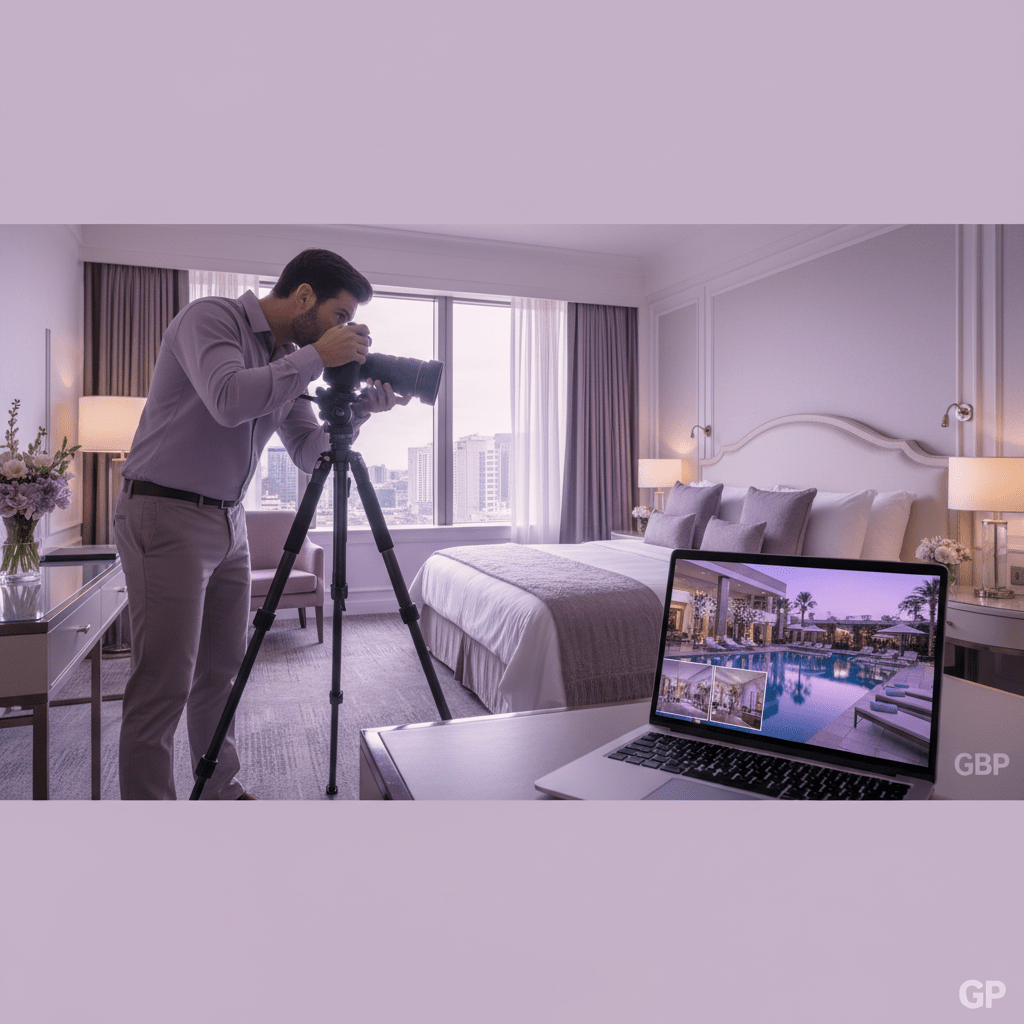
First Impressions Matter: Mastering Your Hotel’s Visual Story
A traveler scrolls fast. Real fast. If your hotel photos look dark, blurry, or like they were taken on a flip phone in 2014, they’re probably gone in seconds.
That’s the funny thing about seo for hotels. People think it’s all words and links, but visuals do a ton of the heavy lifting. On Google Business Profile for hotels, your photos and videos are often the first thing guests notice after your name and rating. And if the images feel warm, clean, and real, that can help increase direct bookings before a guest even hits your website.
Google’s own data says listings with photos get 35% more website clicks and 42% more direction requests. That’s not a tiny bump. That’s real traffic. And a good set of photos can also help your hotel search ranking because active profiles tend to look more trusted and more useful.
Here’s the thing though: stock photos won’t carry you far. Guests want to see your actual rooms, your actual pool, your actual lobby. Not some perfect, fake-looking spa chair that could belong to any hotel in any city.
What to shoot first
Start with the basics. Then add the stuff people ask about most.
| Photo type | What to show |
|---|---|
| Rooms | Every room type, like standard, deluxe, suite |
| Lobby | Front desk, seating, check-in area |
| Exterior | Day and night shots, parking, entrance |
| Amenities | Pool, gym, restaurant, spa, EV charging |
| Staff | Friendly team members at work |
| Event spaces | Meeting rooms, banquet halls, wedding setups |
And don’t stop at the pretty stuff. Show the hallway. Show the breakfast area. Show the room desk with enough space for a laptop. These little details help guests picture their stay, which is half the battle.
User photos matter too. A guest shot from a real stay often feels more believable than a polished promo image. So yes, upload your own professional photos, but also keep an eye on customer photos and reviews. Both tell the story.
Actually, wait, there’s a better way to think about it. Your GBP gallery is not a photo album. It’s a trust builder.
Add motion, not just still shots
Short videos help a lot. A 20-second clip walking from the lobby to the pool can say more than 10 still images. Show breakfast service at 8 a.m. Show the sunset view. Show a live music night or a local wedding setup. People love seeing what the place feels like, not just what it looks like.
A 360 virtual tour is worth it too, especially for resorts, boutique hotels, and bigger properties. It gives guests a better feel for the space, and it can keep them on your listing longer. More time, more interest. Pretty simple.
If you’re using a hotel system like Ease My Hotel, it gets easier to keep your booking info, room details, and guest updates in one place, so your visuals match what guests actually get. That matters. A lot.
And please, keep uploading new content. A new seasonal photo, a Diwali dinner clip, a rooftop brunch video… little updates show life. They show you’re open, active, and paying attention. That’s the kind of thing that helps with local seo for hotels and can nudge more people to book direct instead of clicking away to OTAs.
Try Ease My Hotel for free.
No lock-in contracts. Cancel anytime
Engage & Convert: Using GBP Features to Interact with Guests
You know that moment when someone finds your hotel, likes what they see, and then… disappears? That tiny pause can cost a booking. And with OTAs taking 15% to 25% on many reservations, every direct guest matters more than ever. A $200 room can lose about $50 fast. Ouch.
So this is where Google Business Profile for hotels starts doing some real work. Not just showing up. Talking back. Helping guests move from “maybe” to “book now.” That’s a big part of smart seo for hotels and a strong hotel marketing strategy.
Use Google Posts like mini billboards
Google Posts let you share fresh updates right on your profile. Think special offers, last-minute deals, local festival weekends, or a new blog post about the best brunch spots near your hotel. Short, clear, useful.
Here are a few easy post ideas:
| Post type | Example |
|---|---|
| Offer | “Stay 2 nights, get 15% off this Friday and Saturday” |
| What’s New | “Our rooftop pool is now open from 8 a.m. to 9 p.m.” |
| Event | “Live jazz night on Saturday at 7 p.m. in the lounge” |
A good post doesn’t need fancy words. It needs a reason to click. Try a line like: “Book direct and save on your weekend stay in Jaipur.” Or, “Last-minute room open for tonight near the city center.” That kind of thing can help increase direct bookings and keep people from drifting to OTAs.
And yes, you can link posts to your booking page, event page, or a helpful blog article. Fresh posts also show your property is active, which helps with local seo for hotels and can support your hotel search ranking.
Don’t sleep on Q&A
The Questions & Answers section is small, but it pulls a lot of weight. People ask the same things over and over anyway. So answer them before they even ask.
Start with common questions like:
- What are your check-in and check-out times?
- Is parking free?
- Do you allow pets?
- Do you have airport pickup?
- Is breakfast included?
You can post the question yourself, then answer it in a short, friendly way. For example:
Q: Is parking free?
A: Yes, we offer free on-site parking for all hotel guests.
Q: What time is check-in?
A: Check-in starts at 2 p.m., and early check-in may be available based on room status.
That saves time for your front desk. Nice little win.
Turn on Messaging, then reply fast
If you enable messaging, guests can ask quick questions right from your profile. That matters because people are often comparing three places at once, usually on mobile, and they want answers now, not tomorrow.
Best practice? Reply fast. Like, within 5 to 10 minutes during working hours if you can. If that sounds hard, use saved replies for common stuff:
- “Thanks for reaching out. Yes, we have free Wi-Fi in all rooms.”
- “Thanks for your message. Our standard check-in time is 2 p.m.”
- “Yes, we do have family rooms. Want me to send options?”
If your team uses Ease My Hotel, this gets easier because booking info and guest messages can live in one place instead of bouncing between inboxes, WhatsApp, and a desk phone. Way less chaos.
The point is simple. Posts bring attention. Q&A removes doubt. Messaging closes the gap. Put those three together, and your google business profile for hotels starts acting like a front desk that works all day.
And that’s how you help people book direct without making them work for it.
Building Social Proof: Your Strategy for Google Reviews
Ever notice how a hotel with 312 reviews feels safer than one with 7? Same room. Same street. Totally different vibe. And that little gut feeling matters more than most folks think.
Google reviews are one of the biggest trust signals on your Google Business Profile for hotels. They also play a big role in local seo for hotels. Reviews help guests decide fast, and they help Google decide which hotels deserve a better spot in Maps and the Local Pack. Some local SEO studies put reviews near the top of the ranking mix, right behind the basics like relevance and proximity. In plain words: more real reviews, more trust, more chances to get more hotel bookings.
And yes, the guest side matters too. If someone sees a hotel with recent reviews, helpful replies, and a steady rating around 4.2 to 4.7 stars, they usually feel better about booking direct. No one wants to gamble on a room that looks like a mystery box.
How to get more reviews without being weird about it
You don’t need to beg. You just need to ask at the right time.
Here are a few easy moves:
| Review request method | When to use it | Why it works |
|---|---|---|
| Post-stay email | 2 to 4 hours after checkout | The stay is still fresh |
| SMS message | Right after departure | Fast and simple on mobile |
| Front desk QR code | At checkout or key return | Easy for guests to scan |
| Friendly checkout reminder | During the final bill handoff | Feels natural, not pushy |
Try a simple line like this:
Email or SMS template:
Thanks for staying with us at [Hotel Name]. We’d love to hear how your stay went. If you have a minute, please leave us a review on Google. Your feedback helps other travelers and helps us keep improving.
That’s it. Short. Warm. Real.
A front desk sign can help too. Something like, “Loved your stay? Scan here to share your feedback on Google.” Put the QR code where guests can actually see it, not behind a plant near the coffee machine.
How to reply to every review
Replying matters. A lot. It shows future guests that you’re paying attention, and it gives your hotel more fresh content tied to your name and service terms.
For happy reviews, keep it warm:
Positive review reply template:
Thanks so much, Priya. We’re glad you enjoyed your stay and our rooftop breakfast at [Hotel Name]. We hope to welcome you back soon.
For negative reviews, stay calm. No snapping. No arguing. That never helps.
Negative review reply template:
Hi Rahul, thanks for sharing this with us. We’re sorry your stay didn’t meet your expectations at [Hotel Name]. We’d like to learn more and fix this if we can. Please contact our team at [email/phone].
That kind of reply does two things. First, it shows care. Second, it can support your hotel search ranking because active review replies are a good sign to Google and to guests.
A few quick rules:
- Reply fast, usually within 24 to 48 hours
- Keep the tone kind, even if the review is rough
- Don’t copy-paste the same answer every time
- Slip in natural keywords now and then, like hotel name, room type, or location
- Never offer gifts or discounts for reviews
And if you’re using Ease My Hotel, this gets easier because guest communication and booking details stay in one place. Less chaos. Fewer missed replies. Better odds of turning a good stay into another direct booking.
Reviews are social proof, plain and simple. And on a hotel Google Business Profile, that proof can be the thing that gets someone to stop scrolling and hit book now.
Advanced Hotel SEO: Unlocking Free Booking Links & Performance Insights
Ever click on a hotel in Google and see a little box of booking options? That tiny box can be a big deal. If your hotel shows up there for free, you’re not just getting seen. You’re getting a shot at a direct booking before a guest even lands on an OTA page.
That’s what Google’s Free Booking Links can do. They appear in Google Search, Maps, and Travel inside the “All options” area, right next to paid listings. For hotels, that means another way to stand out without paying per click or handing over a fat commission. And since major OTA fees often land in the 15% to 25% range, with some hitting even higher, free visibility can save real money fast.
But here’s the catch. You can’t just wish them into place. To qualify, your hotel needs a verified Google Business Profile for hotels, a Google-approved booking partner, a mobile-friendly booking page, and prices that stay accurate. So if your setup is messy, this feature probably won’t help much. If your setup is clean, though… now we’re talking.
Free Booking Links: what they actually do
Think of them as a side door to direct bookings. Guests compare prices, click your listing, and can land on your own site instead of an OTA. That means more control, more data, and a better chance to increase direct bookings without extra ad spend.
Here’s the simple version:
| What guests see | Why it helps your hotel |
|---|---|
| Your room prices in Google | Makes it easy to compare |
| A direct link to book | Sends traffic to your site |
| Listing beside paid options | Helps you compete with OTAs |
And yes, this matters for seo for hotels because strong hotel SEO is not just about blog posts and keywords. It’s also about showing up where people are already searching.
Use Products or Services like a mini catalog
This part is kind of sneaky in a good way. Your GBP Products or Services tab can work like a tiny shelf in search results. You can show different room types, packages, or add-ons. For example:
- Deluxe Room with city view
- Family Suite with breakfast
- Weekend stay package
- Wedding room block
- Airport pickup add-on
It gives people more to click on. More choices. More clarity. And for a hotel, clarity usually helps get more hotel bookings because guests can see what fits them before they leave Google.
Keep each entry short and plain. No fancy marketing fluff. Just tell people what they get, what it costs if you can, and where to book.
Read the Insights dashboard like a front desk report
Now for the part a lot of hotels skip. Google Business Profile Insights tells you what people do after they find you. That’s gold.
Look at these numbers first:
| Insight metric | What it tells you |
|---|---|
| Directions requests | How many people want to visit you |
| Click-to-call | How many guests want fast help |
| Website visits | How many people moved closer to booking |
| Photo views | Which images pull the most attention |
If your photos get views but your website clicks stay low, your listing may look nice but not make people act. If call clicks are high, your team should answer fast. If directions requests spike, your Google maps optimization for hotels is doing its job.
A complete profile can get about 80% more search appearances, 4x more website visits, and more calls than an incomplete one. So don’t just set it and forget it. Check it every week, make small fixes, and watch the pattern.
If you use Ease My Hotel, this gets easier because your booking management, guest messages, and property details can stay in one place. Less jumping between tabs. Less guesswork. More time to actually run the place.
So yes, the advanced stuff is still simple at heart. Keep your profile clean, use free booking links if you qualify, add room and package details, then watch the numbers. That’s how local seo for hotels starts turning into real bookings instead of just nice-looking search results.
From Listing to Asset: Making Your Google Profile Work for You
So here’s the real win. Google Business Profile for hotels is not a one-time task. It’s a living part of your hotel marketing strategy.
If you want seo for hotels to pull real weight, think in four simple parts: get the basics right, show great photos and videos, keep guests talking, and answer reviews like a real human. That combo helps with local seo for hotels, google maps optimization for hotels, and getting more eyes on your direct booking path.
And the payoff? Pretty big. Complete profiles get about 80% more search appearances, 4x more website visits, and more calls than empty ones. That’s not small change. That’s room-night money.
| GBP focus area | What it does |
|---|---|
| Foundational optimization | Helps Google trust your hotel info |
| Visual excellence | Makes guests stop and look |
| Active engagement | Pushes people toward booking |
| Reputation management | Builds trust fast |
But don’t treat it like a “set it and forget it” job. It works best when you check it often, like you’d check rates or front desk messages.
Give yourself 30 minutes today. Audit your profile, your photos, your replies, and your booking link. Fix the weak spots. Then use that checklist every month. If you’ve got Ease My Hotel, even better, because keeping your booking info and guest communication in one place makes this a whole lot easier.
Small tweaks. Real bookings. That’s the game.
Try Ease My Hotel for free.
No lock-in contracts. Cancel anytime