
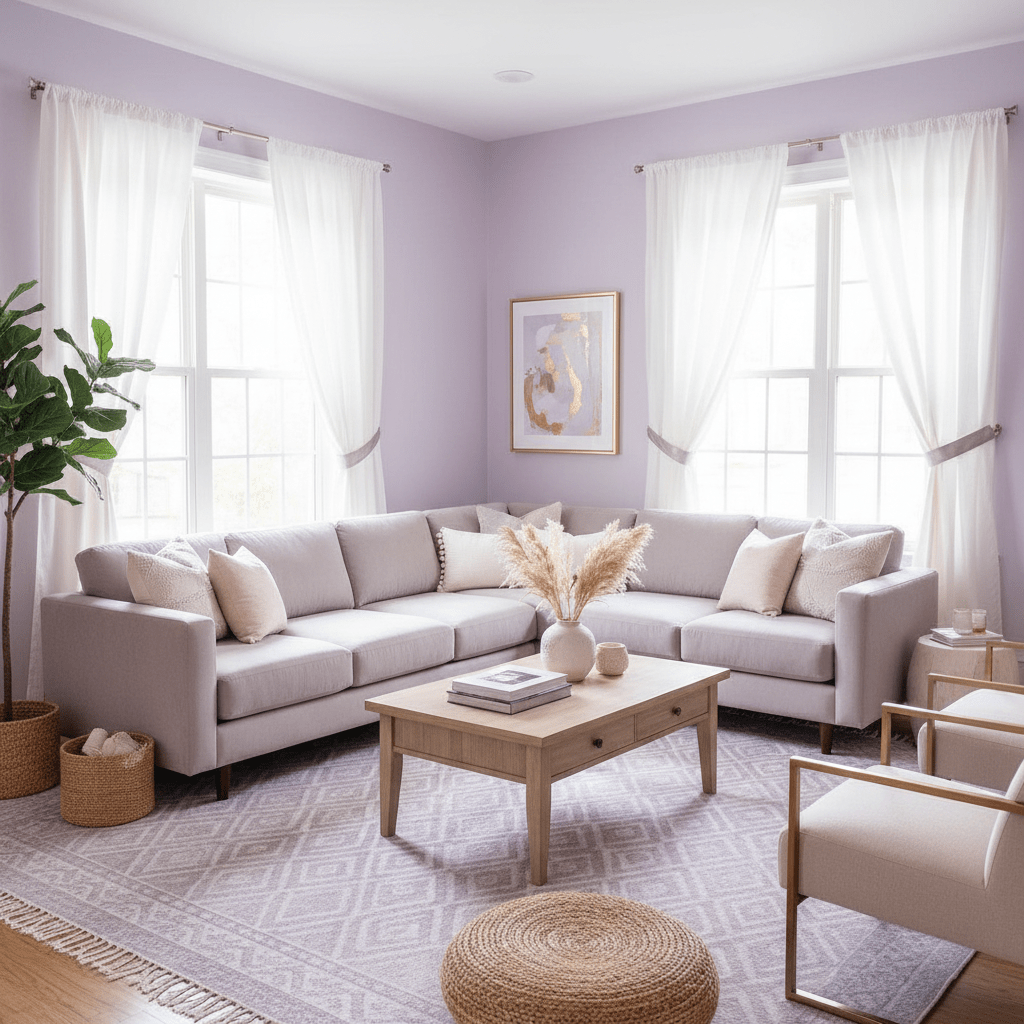
Introduction: Why Your Airbnb Photos Are Costing You Bookings
Ever scroll past a listing in two seconds flat? Guests do that too. And if your photos are dark, cramped, or just plain boring, they’re probably skipping right over your place, even if the space itself is lovely.
That’s the frustrating part. You can have a clean home, a great bed, fast Wi-Fi, and a killer view, but bad photos make it look average. Actually, worse than average. Airbnb says high-quality photos are one of the biggest things guests look at before they book, and its own data shows listings with professional photography can get more bookings and higher earnings over time, with a 19% uplift in bookings and 21% more host earnings.
So if you’ve been wondering how to boost Airbnb listing performance, start here. Photos are usually the quickest way to improve Airbnb ranking, get more Airbnb bookings, and increase Airbnb occupancy without changing the whole property.
In this guide, we’ll walk through the stuff that really moves the needle: staging for Airbnb photos, the best photos for Airbnb listings, simple shooting tips, easy editing, and how to upload images that help your Airbnb cover photo do its job. Simple. Practical. No fluff.
If your listing feels stuck, this is a good place to begin. And yes, it can make a real difference.
Section 1: The Psychology of a Click – How Photos Shape Guest Perception and Value
You know that split second when you open Airbnb and something just feels off? Maybe the room looks dim. Maybe the bed looks sloppy. Or maybe the first photo is so cramped you can’t even tell what you’re looking at. That tiny moment matters a lot.
Photos are usually the first real hello your listing gives. Before a guest reads your review count, before they scan the price, they’re already judging the place by the pictures. Clean, bright, well-shot photos send a fast message: this place is cared for. Dark, messy, or blurry ones send the opposite. And once that feeling kicks in, it’s hard to undo.
That’s why how to boost Airbnb listing performance starts with the camera, not the calendar. A good Airbnb cover photo can make a place feel more polished, more roomy, and more worth the nightly rate. Actually, it can change the whole vibe. A simple studio can look warm and inviting instead of small. A family home can feel calm and high-end instead of cluttered.
Airbnb’s own page says high-quality photos are one of the biggest things guests look at before they book, and its data shows listings with professional photography saw a 19% bump in bookings and 21% more host earnings over 365 days Airbnb Pro Photography. Pretty wild, right? But it makes sense. Better photos lower doubt. Less doubt usually means more clicks, more Airbnb bookings, and better chances to increase Airbnb occupancy.
There’s another piece too. Good photos help guests know what they’re getting. That means fewer “wait, the bedroom looked bigger online” complaints and fewer awkward surprises at check-in. And when expectations match reality, reviews tend to go smoother. No magic. Just less confusion.
Here’s the deal: strong visuals don’t just sell a room. They sell trust. And trust is what gets someone from scrolling to booking. Simple.
A quick look at what photos do:
| What guests see | What they usually think |
|---|---|
| Bright, wide room shots | “This place feels clean and open.” |
| Clear bedroom and bath photos | “I know what I’m paying for.” |
| A full gallery with real details | “This host seems honest and prepared.” |
| Dark or cluttered images | “Maybe I should keep scrolling.” |
If you’re working on Airbnb listing optimization, don’t treat photos like filler. They’re more like your front door. And if that door looks good, more people walk in.
One more thing. If your property is part of a hotel, homestay, or short-term rental group, tools like Ease My Hotel can help keep bookings, guest messages, and property details in one place so your team has more time to focus on things like staging for Airbnb photos and quick listing updates. Little shifts like that can save a ton of back-and-forth.
And honestly, that’s the whole game here. Better photos make people pause. Pausing leads to clicks. Clicks lead to bookings. Weirdly simple. But very real.
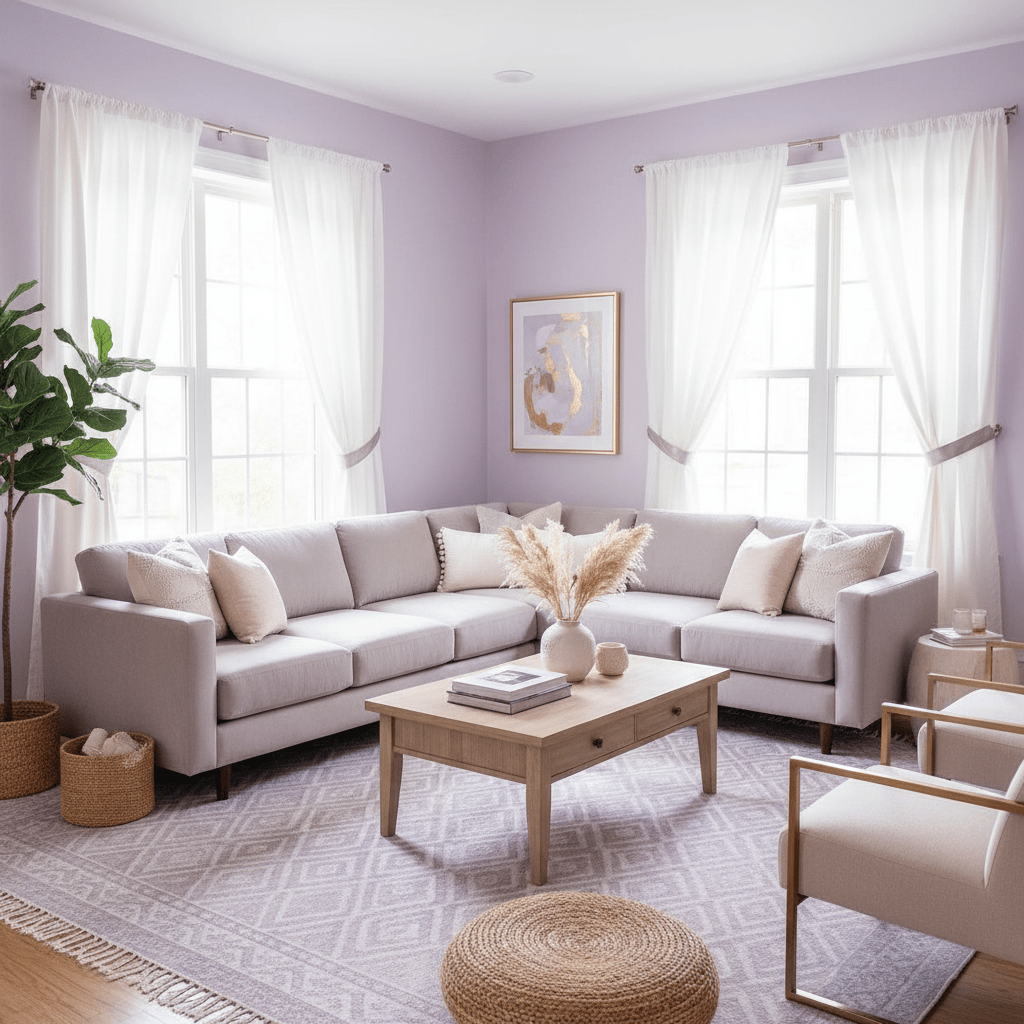
Section 2: Pre-Shoot Staging: Preparing Your Space for Its Photoshoot
You know that feeling when a room looks fine in person, but the photo makes it feel messy? Yeah. That’s usually a staging problem, not a camera problem.
Before you shoot, think in three steps: declutter, depersonalize, and deep clean. I call it the 3 D’s. Not fancy. Just useful. If you do nothing else, do these three things first.
Declutter means removing anything that distracts the eye. Mail on the counter. Extra chargers. Random slippers by the couch. Open shampoo bottles in the shower. Guests want to picture themselves there, not your Tuesday errands. A cleaner space also makes your Airbnb cover photo feel calmer and more open.
Depersonalize is the part a lot of hosts skip. Family photos, kids’ drawings, fridge magnets, and bold personal decor can make the place feel less universal. That’s fine for your life, but it can shrink the appeal in photos. Go for a hotel-like look. Simple. Neutral. Easy to imagine.
Deep clean is bigger than a quick wipe-down. Windows should sparkle. Mirrors too. And don’t forget the sneaky spots, like baseboards, faucet edges, and the space behind the toilet. A tiny dust line can show up in bright photos like it’s on stage. Rude, honestly.
Now for light. Open every blind. Pull back curtains. Turn on every lamp, even if it’s daytime. Natural light is your best friend here, and warm-toned bulbs help fill dark corners without making the room look yellow. If one room feels dim, add light from another source instead of raising the camera flash. Flash usually makes things look flat and harsh.
Here’s a quick staging cheat sheet:
| What to do | Why it helps |
|---|---|
| Open blinds and curtains | Brings in natural light |
| Clean windows and mirrors | Makes rooms look brighter |
| Turn on all lamps | Fills shadowy spots |
| Use warm bulbs | Keeps the room cozy |
| Remove personal items | Makes the space feel more guest-ready |
And then, add a little life. Just a little. A bowl of fresh fruit. A vase of flowers. Neatly folded towels. Maybe a simple welcome note on the kitchen counter. These touches make the space feel cared for without making it look busy. Think “ready for guests,” not “styled for a magazine shoot in 2018.”
One more tip. Fix the small stuff first. Loose handles, ripped linens, burnt-out bulbs. These things sound tiny, but they can make a guest think the whole place is run-down. Funny how that works.
If you want better photos, start with the room itself. The camera can only do so much. But a clean, bright, calm space? That’s the real magic.
And if your property team is juggling bookings, guest messages, and calendar updates too, a system like Ease My Hotel can help keep the operation in one place so you’ve got more time for things like staging and photo prep. Less chaos. Better shots. More clicks.
Section 3: The Essential Shot List: A Room-by-Room Guide to the Best Photos for Airbnb
Ever notice how the listings you click usually show you the whole story fast? That’s not an accident. Good Airbnb photography does that on purpose.
Start with the living room. This is usually your first big “welcome” shot after the cover photo. Use a wide-angle view from a corner so guests can see the layout, the seating, and the flow into the next room. Then grab one tighter shot of the best detail. Maybe it’s a fireplace. Maybe it’s a mountain view through the window. Small moment. Big payoff.
The kitchen needs the same treatment. One wide shot for the whole space, then close shots of the good stuff. Clean counters. Coffee setup. Nice dishes. If you have a Nespresso machine, show it. If there’s a breakfast bar, show that too. People love seeing where their morning starts.
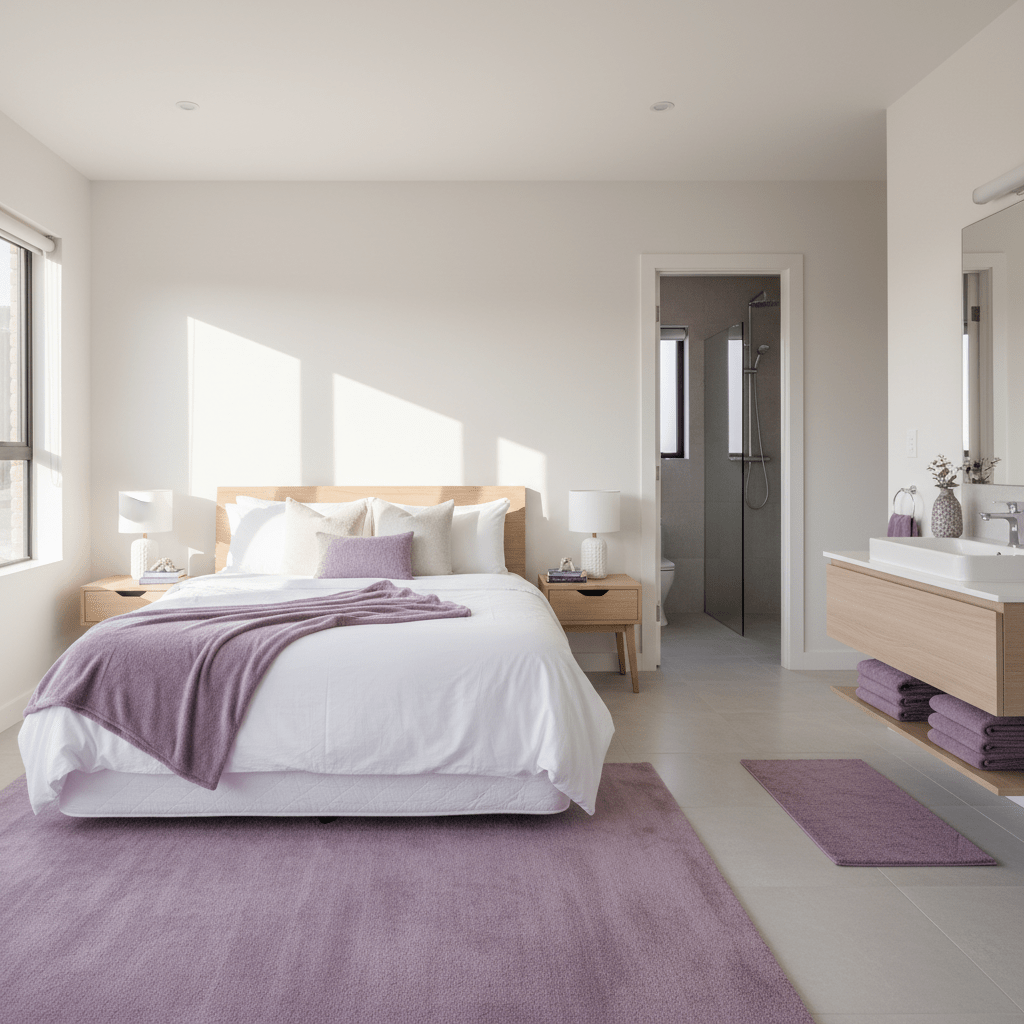
Bedrooms should feel calm and tidy. A wide shot from the door helps guests understand the size. Then take one photo of the made bed, plus another of any feature that makes the room special. Good lighting, extra pillows, blackout curtains, or a work desk. And yes, make the bed look crisp. Wrinkled sheets are a mood killer.
Bathrooms? Keep them bright and plain. Wide enough to show the layout, clean enough to build trust. Then add a close shot of the shower, tub, or vanity if it’s a selling point. No one wants mystery grime in a booking photo. Nobody.
Here’s a simple shot list you can follow:
| Space | Must-have photo | Extra photo idea |
|---|---|---|
| Living room | Wide corner shot | Fireplace, TV, or view |
| Kitchen | Full layout shot | Coffee station or cookware |
| Bedroom | Wide shot of bed and space | Desk, closet, or accent decor |
| Bathroom | Clean full view | Shower, tub, or vanity detail |
But don’t stop inside the house. The outside matters too. Take a clear front shot, one of the entry, and one that shows the yard, patio, balcony, or pool. If your Airbnb has a hot tub, grill, fire pit, or dedicated workspace with fast Wi-Fi, those should be in the gallery early. Those are money shots. Literally.
And think about the experience, not just the room count. A view of the beach at sunrise. A street with cute cafes nearby. A trail entrance around the corner. Guests are booking a trip, not just four walls.
A good gallery order usually goes like this: exterior, entry, living space, bedrooms, bathrooms, then amenities and local highlights. Keep it clean. Keep it simple. Around 20 to 30 photos is usually enough. More than that and people start to skim.
If you want better Airbnb listing optimization, shoot the whole stay, not just the square footage. That’s how you boost Airbnb listing appeal, get more Airbnb bookings, and increase Airbnb occupancy without adding a single new pillow.
And if you’re managing photos, bookings, and guest messages in one place, Ease My Hotel can help keep the daily mess under control with one dashboard for homestays and Airbnb vacation rentals. Less juggling. More time for the stuff that actually sells the stay.
Section 4: DIY vs. Pro Photographer: Making the Right Financial Decision
You know that moment when you’re staring at your phone, thinking, “Can I just take these myself?” Yep. Almost every host gets there.
And honestly, sometimes you can. If you’ve got a newer phone, decent light, and a steady hand, DIY photos can work pretty well for budget stays or listings that just need a refresh. The big wins? You save money, you keep full control, and you can update photos any time you change a pillow, repaint a wall, or finally swap that lumpy couch nobody likes.
But there’s a tradeoff. DIY shots take time. A lot of time. You need to stage the room, shoot from the right angle, edit without making everything look fake, and avoid the classic mistakes like weird tilt, dark corners, and blurry bedsheets. Easy to do. Harder than it looks.
A pro photographer costs more up front, but the math can still work fast. U.S. real estate and short-term rental photo packages often land around $250 to $450, and some cities run higher. If that spend helps you get just one extra booking at $180 or $250 a night, you could make it back in a couple of weeks. Airbnb also says 85% of hosts earn back the cost of pro photos in just one night’s stay, which is pretty hard to ignore.
Here’s a simple way to think about it:
| Your situation | Best move |
|---|---|
| High-end home, luxury stay, or unique design | Hire a pro |
| You’re busy and short on time | Hire a pro |
| Budget listing, simple space, good smartphone | DIY can work |
| You have a sharp eye and enjoy photo editing | DIY may be enough |
| You need photos fast after a room change | DIY is handy |
If you’re deciding how to boost Airbnb listing results without wasting cash, start with one question: will better photos likely raise your nightly rate or booking speed enough to cover the cost? If the answer feels like yes, a pro is probably worth it. If your place is simple and you’re confident with staging for Airbnb photos, DIY might be just fine.
My rule? Use a pro for your first shoot if the property is a big deal for your income. Then do small DIY updates between stays. That combo usually works best.
And if you’re managing bookings, guest messages, and homestay updates across more than one property, Ease My Hotel can help keep the day-to-day side organized so you’ve got more room to focus on better photos, better listings, and fewer messy surprises.
Try Ease My Hotel for free.
No lock-in contracts. Cancel anytime
Section 5: Technical Tips: Taking High-Quality Photos with Your Smartphone
You do not need a fancy camera to get better Airbnb photos. Seriously. A modern phone can do a lot if you set it up right and stop letting it “help” too much.
First, turn on gridlines. That little box grid helps you keep walls straight and line up furniture in a way that feels calm, not crooked. It also makes the Rule of Thirds way easier, which is just a fancy way of saying: don’t stick every key thing in the dead center. Put the bed, sofa, or best window off to the side a bit. It usually looks better.
Next, use HDR mode if your phone has it. HDR helps balance bright windows and darker corners, so your room doesn’t turn into a white blob with black shadows. Handy. Especially in rentals where the light changes fast from room to room.
A few camera settings to check before you shoot:
| Setting | What to use | Why it helps |
|---|---|---|
| Gridlines | On | Keeps shots straight |
| HDR | On | Balances bright and dark areas |
| Aspect ratio | 4:3 or 16:9 | Gives you more room to frame |
| Zoom | Off | Keeps photos sharp |
| Camera level | Flat | Stops tilted walls and floors |
Now for angles. Shoot from corners when you can. That lets you show more of the room, which helps spaces feel larger and easier to understand. Chest-height is a good place to hold the phone. Not too low. Not up by your face like you’re filming a selfie for your aunt.
And please keep vertical lines straight. Doors, windows, cabinets, and walls should look upright, not like the room is sliding downhill. It sounds small, but it matters a lot for Airbnb listing optimization and for the way people feel about the space.
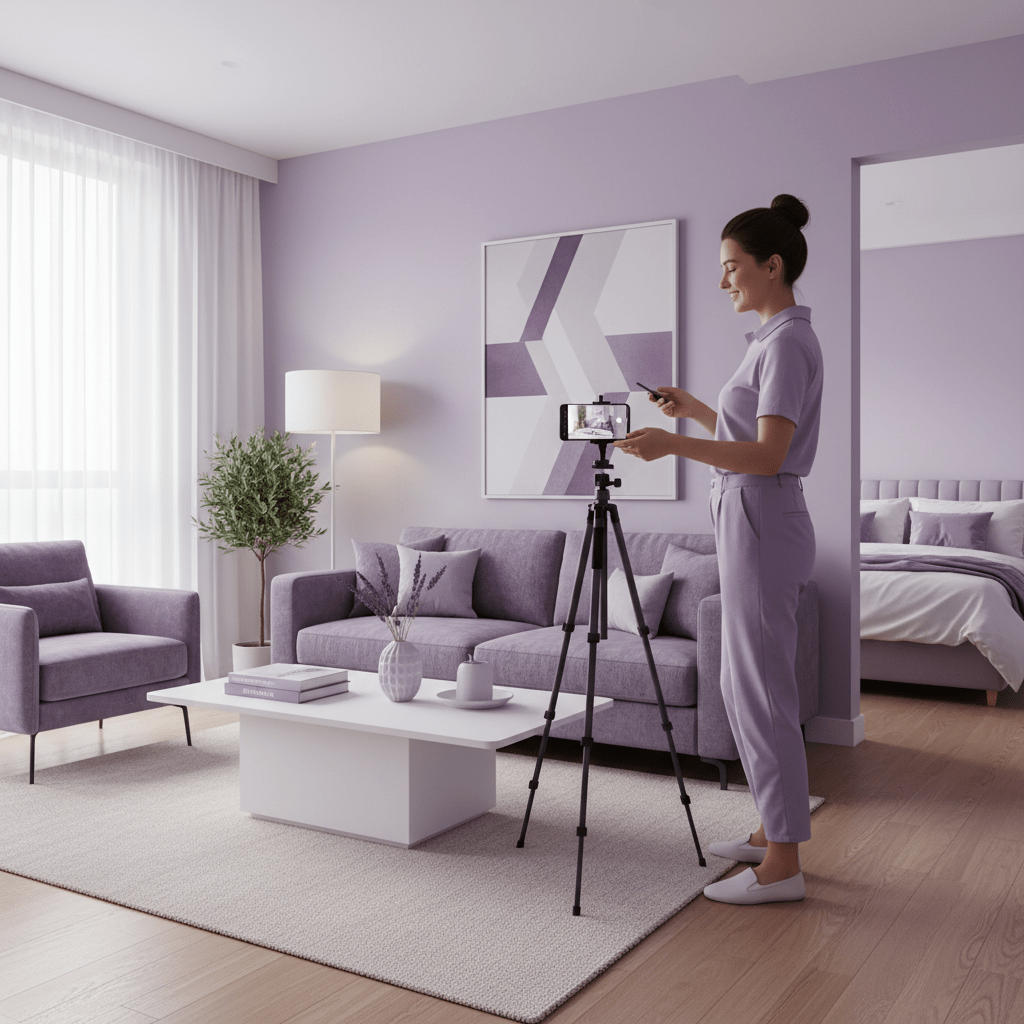
A simple tripod can help more than people think. It keeps the phone steady, helps with low light, and makes it easier to repeat the same shot if you need a retake. If you want to get a little extra fancy, a wide-angle lens attachment can help you capture more of the room without standing in the bathtub to do it. Which, no. Don’t do that.
Here’s a quick phone-photo checklist:
- Turn on gridlines
- Use HDR
- Clean the lens first, because fingerprints are sneaky
- Shoot from a corner when possible
- Keep the phone level
- Use natural light
- Avoid digital zoom
- Take 2 to 3 extra shots of each room
Actually, wait, there’s one more thing. Edit lightly. A good edit should make the photo look like the room on its best day, not like a candy store exploded. Brighten shadows a bit. Fix straight lines. Maybe adjust warmth if the bulbs look too yellow. But don’t crank saturation until the blue sofa looks like a cartoon.
If you want your photos to help you get more Airbnb bookings, this part matters a ton. Clean setup. Straight lines. Good light. That combo can make even a simple apartment look inviting.
And if your homestay or Airbnb vacation rental is getting busier, a tool like Ease My Hotel can help keep booking management, guest messages, and property updates in one place so you’ve got more time to focus on better shots and less time bouncing between tabs.
Section 6: Curating Your Gallery: Optimizing Photos on Your Airbnb Listing
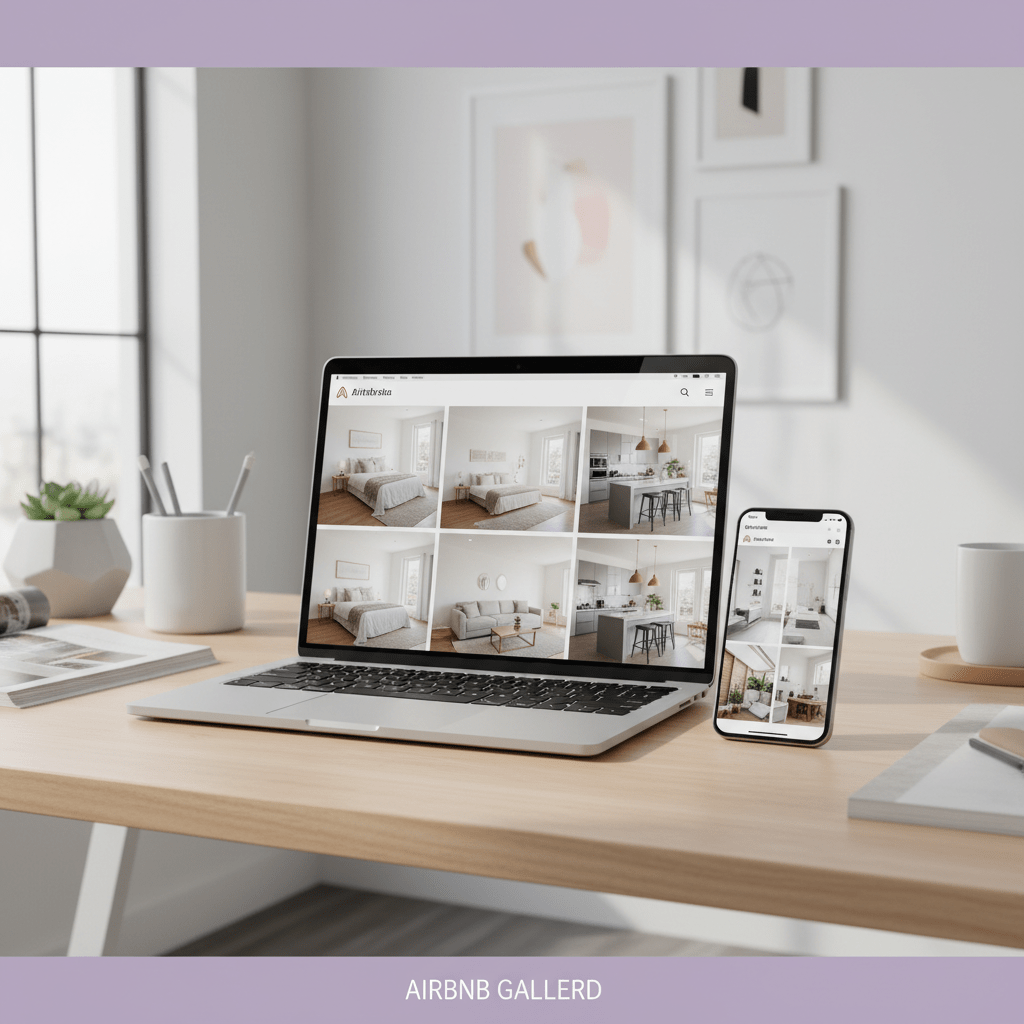
Ever notice how some listings pull you in right away? That’s not luck. It’s usually the photo order doing a lot of quiet work.
Start with the cover photo. Think of it like your billboard. One glance. That’s all you get. So pick a bright, wide shot of your best feature. Maybe it’s the living room with big windows. Maybe it’s the pool. Maybe it’s the view that makes people say, “OK, I need to stay here.” Keep it clear. Keep it calm. No clutter. No weird crop that makes the sofa look tiny.
Then tell the story in order. Good galleries feel like a short walk through the place, not a random pile of pictures. A simple flow usually works best:
| Photo order | What to show |
|---|---|
| 1 | Best cover photo |
| 2-4 | Living room and dining area |
| 5-7 | Kitchen and coffee setup |
| 8-11 | Bedrooms |
| 12-14 | Bathrooms |
| 15-18 | Outdoor spaces |
| 19-30 | Amenities, view, and neighborhood details |
That flow helps guests picture the stay before they even ask a question. And honestly, that’s half the battle.
Here’s a little trick. Put the most useful shots near the top. A clean bedroom. A bright bath. The workspace if your guests are remote workers. The hot tub if that’s your big selling point. People scroll fast, so don’t bury the good stuff.
Also, captions help more than people think. Keep them short and plain. Things like “Nespresso machine with complimentary pods” or “Queen bed with blackout curtains” make the photo easier to understand. They also help guests who rely on screen readers. Small detail. Big kindness.
If you want to get more Airbnb bookings, this part matters a lot. Strong photos, smart order, and clear captions can help improve Airbnb ranking and support your Airbnb listing optimization without adding anything new to the property.
And if you’re managing photos, bookings, and guest messages across homestays or vacation rentals, Ease My Hotel can help keep everything in one place. Less tab-hopping. More time to make the gallery look good.
So yes, the camera matters. But the gallery flow matters too. Weirdly enough, the order of your photos can be the difference between a quick click and a lost booking.
Section 7: Conclusion: From Clicks to Bookings: Your Photo-Driven Success Plan
You know what’s funny? A lot of hosts spend hours tweaking prices, rules, and descriptions, but the first thing guests really judge is the photo. The good news is that this part is fixable.
Here’s the path we’ve covered: stage the space, shoot bright and clean photos, pick the best photos for Airbnb, then order your gallery so it tells a clear story. Add a strong Airbnb cover photo, keep the edits light, and you’ve got a listing that feels easier to trust.
And that trust matters. Airbnb says listings using professional photography saw a 19% lift in bookings and 21% more host earnings over 365 days Airbnb Pro Photography. That’s not a tiny bump. That’s real money.
So no, better photos aren’t just a pretty add-on. They’re part of Airbnb listing optimization. They can help you improve Airbnb ranking, get more Airbnb bookings, and increase Airbnb occupancy without changing the whole property.
Here’s your next move:
- Open your listing.
- Check the first five photos.
- Replace anything dark, blurry, or cluttered.
- Make sure your cover photo is your best shot.
- Reorder the gallery so it feels like a quick tour.
That’s it. Start there. Not next month. Today.
If you’re running more than one stay, a platform like Ease My Hotel can also help keep booking management and guest messages in one place, so photo updates and listing fixes don’t get buried under daily chaos.
Small changes. Big shift. And once your photos start doing their job, the bookings usually start to follow.
Try Ease My Hotel for free.
No lock-in contracts. Cancel anytime