
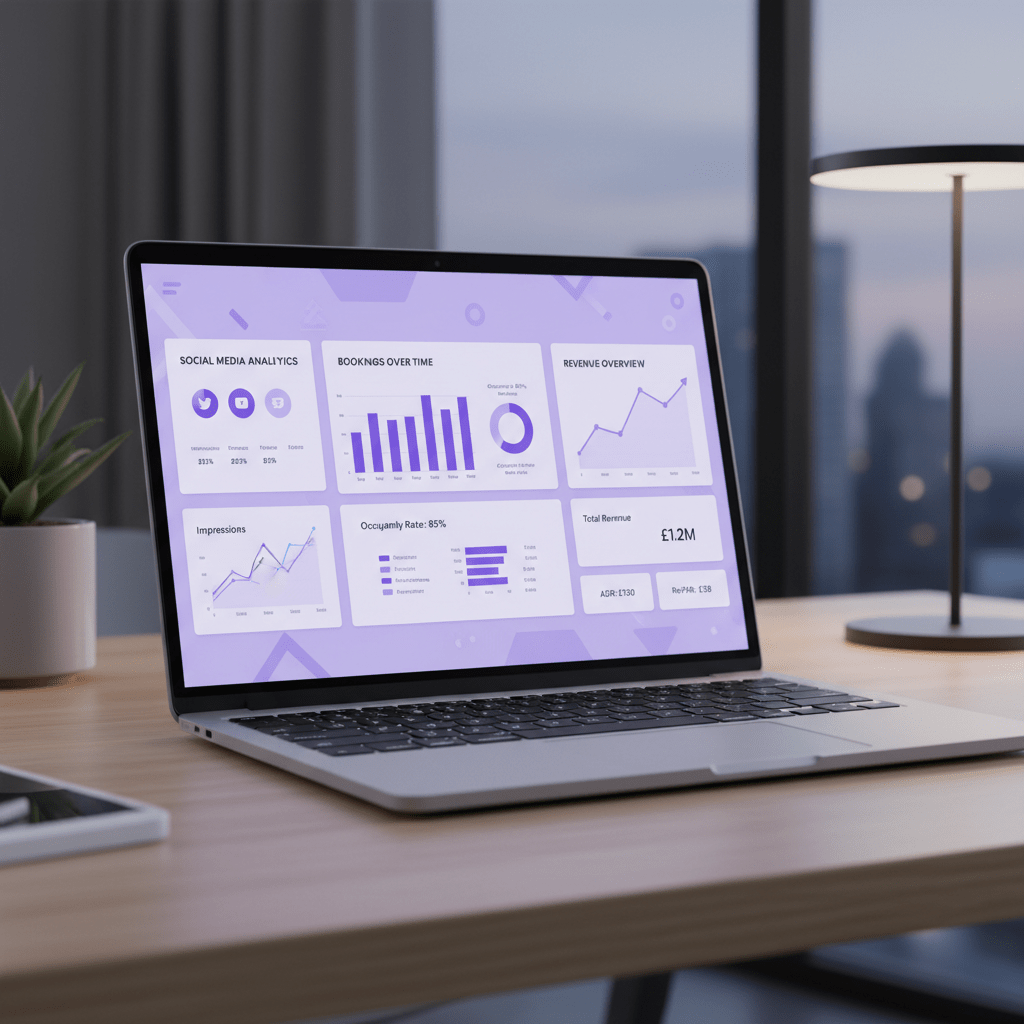
Introduction: Proving the Value of Every Post, Pin, and Story
You know that awkward moment in a meeting when someone asks, “So… what did social media actually bring in?” And the room goes quiet. Not because the work is bad. Because the numbers are fuzzy.
That’s the headache for a lot of hotel marketers. Likes look nice. Follower growth feels good. But owners and stakeholders usually want a cleaner answer: did social media help fill rooms, bring in spa bookings, or drive revenue?
And the answer is often yes. Travel content does push real action. A recent Amadeus report found that 34% of U.S. travelers use social media for trip ideas, and that share keeps rising. Plus, other travel studies show people do book after seeing hotel content online. So this stuff is not just for pretty feeds.
Here’s the deal. In this guide, we’re going past vanity metrics and into hotel social media ROI. We’ll look at the numbers that matter, like direct bookings, website visits, inquiry forms, and revenue tied to social posts and ads. We’ll also break down social media KPIs for hospitality in a way that actually makes sense.
If you’ve ever needed to justify social media spend, or if you want a better hotel marketing strategy on social media, you’re in the right place. We’ll walk through a clear step-by-step way to measure, track, and improve social media marketing for hotels. No fluff. Just the stuff that helps you make smarter calls.
And yes, we’ll talk about how tools like Ease My Hotel can help connect booking data, guest messages, and revenue in one place, so your team spends less time guessing and more time growing bookings.
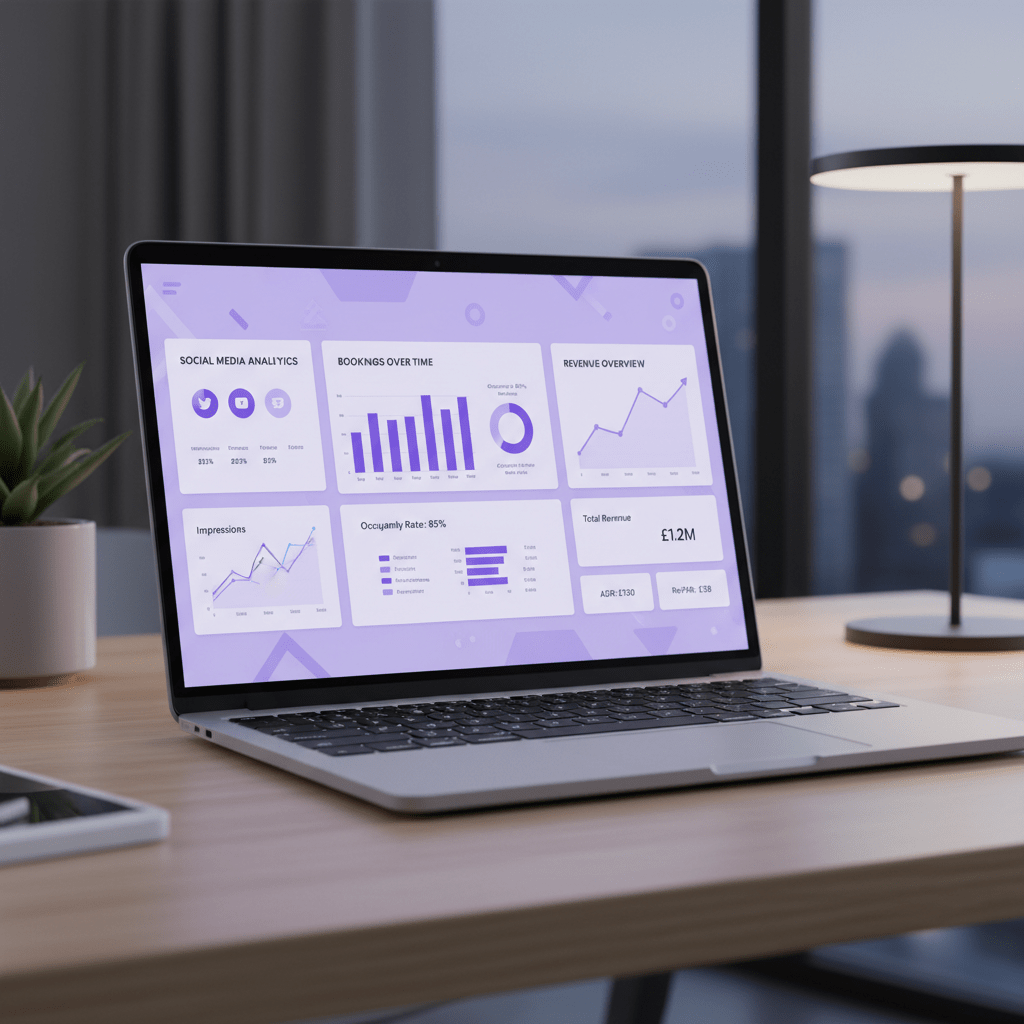
Section 1: Why ‘Likes’ Don’t Pay the Bills: Ditching Vanity Metrics for Actionable Insights
Ever post a reel that gets a ton of hearts, then check the bookings and hear crickets? Yeah. That sting is real.
That’s why social media marketing for hotels has to go past vanity stats. Likes, shares, and follower counts can feel nice, but they don’t tell you if someone clicked through, checked dates, or booked a room. A high follower count might look great in a meeting deck. But if no one is tapping the booking button, it’s just a pretty number.
Here’s the smarter way to look at hotel social media ROI:
| Metric type | What it means | Why it matters |
|---|---|---|
| Awareness | Reach, impressions | Shows how many people saw your content |
| Consideration | Link clicks, saves, profile visits | Tells you people are curious enough to learn more |
| Conversion | Booking engine visits, completed bookings, inquiry forms | Shows real business impact |
And honestly, this is where a lot of hotel marketing strategy on social media goes sideways. Teams chase engagement because it’s easy to see. But business results live lower in the funnel. I’ve seen gorgeous sunset pool posts rack up comments from people who will never visit, while a plain weekend offer ad quietly brings in paid stays. Weird, right?
Recent travel data backs this up. A 2024 Amadeus report found that 34% of U.S. travelers use social media for trip ideas and inspiration, and that number is still climbing. So yes, social media can shape demand. It just needs to be measured the right way.
If you want to increase hotel bookings with social media, start by asking a better question: did this post move someone closer to a booking, a spa visit, or a table reservation? That’s the stuff that pays the bills.
A few metrics worth watching every week:
- Click-through rate on posts and ads
- Cost per booking
- Booking engine visits from social
- Lead form completions
- Restaurant or spa inquiries from social traffic
But wait, there’s one more thing. Not every high-engagement post is bad. Sometimes a viral destination clip builds trust and reach. The trick is knowing which posts are helping awareness and which ones are actually driving revenue. Once you can separate those two, measuring social media success for hotels gets a lot less fuzzy.
And if your team is juggling bookings, guest messages, and social leads in different places, a central system like Ease My Hotel can make life easier. When your booking data and guest communication sit in one dashboard, it’s much simpler to connect social posts to real results.

Section 2: Setting the Stage: Aligning Social Media Efforts with Core Hotel Business Goals
You know that feeling when a campaign looks busy, but nobody can tell you what it did? That’s the trap. Pretty posts, loose goals, and a lot of crossed fingers.
If we want better social media marketing for hotels, we have to start with the hotel’s real business goals. Not “get more likes.” Not “post three times a week.” Those things may help, but they’re not the destination.
Start with SMART goals. That means Specific, Measurable, Achievable, Relevant, and Time-bound. Simple. Clean. Harder to mess up.
Here’s a quick way to line it up:
| Hotel goal | Social campaign | KPI to track |
|---|---|---|
| Boost weekend occupancy | Instagram Story ads for a “Weekend Getaway” offer | Clicks on the Book Now sticker, booking page visits |
| Fill spa slots | Reels showing massage packages | Spa inquiry forms, promo code use |
| Drive restaurant traffic | Facebook ads for a Sunday brunch special | Table reservations, menu page clicks |
| Get more event leads | LinkedIn or Facebook campaign for meeting space | RFP form fills, calls from event planners |
| Grow your email list | Giveaway or lead form campaign | Newsletter sign-ups |
That last one gets skipped a lot. But it matters. A newsletter sign-up may not look like a room night today, yet it can turn into a booking next month when someone gets a deal in their inbox.
Here’s the thing though. Not every hotel social media KPI has to be a direct booking. For a resort, success might mean more spa appointments and dinner reservations. For a city hotel, it might mean corporate event leads or more quote requests. And for a small property, getting people to the booking page can be the win that counts.
Actually, wait. There’s a better way to think about it. Social media should match the part of the guest journey you want to move. Awareness, interest, action. Pick one.
A simple rule helps here: if you can’t connect the post to a business result, don’t call it a goal yet. It’s just a hope.
If you want to increase hotel bookings with social media, the goal has to point to a number and a date. For example: “Raise direct weekend bookings by 15% in 90 days through Instagram Story ads.” That’s something the team can track, review, and improve.
And if your team is using a tool like Ease My Hotel, this gets easier because booking data, guest messages, and sales activity can live in one place. That means less guesswork and a clearer view of what social media campaign tracking for resorts or boutique hotels is actually doing.
So before the next post goes live, ask one question: what business goal is this helping? If the answer is fuzzy, the results will be too.
Section 3: The Hotel Social Media ROI Formula: A Step-by-Step Calculation
You know that moment when the report looks busy, but the money part feels slippery? Yep. That’s where a lot of hotel teams get stuck.
Here’s the good news. Hotel social media ROI is not magic. It’s just a simple math check that tells you if your social spend gave you more back than it cost.
The basic ROI formula
(Return - Investment) / Investment x 100
Let’s break that down in plain words:
- Return = the money social media helped bring in
- Investment = everything you spent to make that happen
- ROI = the percent of gain after costs
So if you spent $1,000 and got $1,500 back, your ROI is 50%.
Simple enough. But hotel numbers can get messy fast, because one booking can mean room revenue, spa spend, dinner, and maybe even a late checkout.
Step 1: Count the investment
For social media marketing for hotels, your investment usually includes more than ad spend. A lot more, actually.
Here’s what to add up:
| Cost Item | Hotel Example |
|---|---|
| Ad spend | $500 on Instagram ads or Facebook ads ROI for hotels |
| Agency fees | $750 a month for content and paid social support |
| Social media tools | $99 a month for scheduling, reports, or inbox management |
| Staff time | Hours spent on posts, replies, and reporting |
For staff time, use this simple method:
- Track the hours spent each month
- Multiply by the hourly rate
- Add that number to your total cost
So if your marketing assistant makes $35 an hour and spends 10 hours on social work, that’s $350 in labor cost. Not glamorous. But real.
Ease My Hotel can help here too, because keeping booking data and guest messages in one dashboard makes it easier to see where your team’s time is going.
Step 2: Put a dollar value on the return
This is the part people skip. But you can’t measure social media success for hotels without assigning value to the bookings or leads it helped create.
The easiest way is to use Average Booking Value (ABV).
ABV = total booking revenue from social media / number of bookings
Let’s say Instagram brought in 5 room bookings worth $400 each. That gives you $2,000 in revenue. If you want to go a step farther, you can use Customer Lifetime Value (CLV) too, especially if repeat guests matter a lot at your property.
That works well for resorts, boutique hotels, and homestays where one guest may come back, book a spa package, or refer friends later.
A worked example
Let’s say your hotel runs a Facebook campaign.
- Ad spend: $1,000
- Staff time: 8 hours at $30/hour = $240
- Total investment: $1,240
- Bookings from the campaign: 5
- ABV: $400
- Total return: $2,000
Now plug it in:
($2,000 - $1,240) / $1,240 x 100 = 61.3%
That means the campaign returned 61.3% over cost. Not bad at all.
What to count as return
Return does not have to be room nights only. That’s a common trap.
You can also count:
- spa bookings from social posts
- restaurant reservations from story ads
- wedding or event inquiries
- direct website bookings from Instagram marketing for hotels analytics
- repeat stays from guests who first found you on social
And if your team is doing social media campaign tracking for resorts, track each offer with UTM links, promo codes, and booking form tags. That helps you see which post led to which result. No guessing.
One quick tip
Don’t stop at revenue. Watch assisted conversions too. Social often starts the trip before the final booking click happens.
That’s why a post can look small at first, then show up later in the booking path. Funny enough, that plain reel you almost deleted may be the thing that got someone to check dates.
So if you’re trying to increase hotel bookings with social media, start with the math above, keep your costs honest, and give every conversion a dollar value. That’s how social media marketing for hotels starts making sense to owners, managers, and your finance team.
And if your booking engine, guest messages, and sales data are all scattered around, Ease My Hotel can help pull that info into one place so the numbers are much easier to track.
Try Ease My Hotel for free.
No lock-in contracts. Cancel anytime
Section 4: The Hotelier’s Toolkit: Tracking the Journey from Social Post to Final Booking
You know that weird little gap between “someone liked the post” and “someone booked the room”? That gap is where most hotel teams lose the trail.
And honestly, that’s the part we need to fix.
If you want social media marketing for hotels to make sense in real numbers, you need a clean path from the post to the booking. Not a guess. A path. Here’s how to build one without losing your mind.
1) Add UTM tags to every link
UTM tags are tiny bits you add to a link so you can see where traffic came from. Think of them like name tags for your clicks. If a guest taps your Instagram Story, you should know it.
A simple setup in Google Campaign URL Builder looks like this:
- Source: instagram
- Medium: social
- Campaign: summer_getaway
- Content: story1 or reel2
So if you post the same offer on Instagram, Facebook, and TikTok, each link can tell a different story. Nice, right? This helps with hotel social media ROI because you can see which post actually brought people in.
Quick tip: keep your naming style the same every time. If one link says facebook and another says fb, your reports get messy fast.
2) Use pixels to follow behavior
Pixels sound technical, but they’re just little tracking bits on your site. The Meta Pixel helps with Facebook and Instagram ads. The TikTok Pixel does the same for TikTok campaigns.
What do they do?
- Track actions like page views and bookings
- Help you measure conversions
- Build retargeting groups for future ads
So if someone visits your spa page but doesn’t book, you can show them a follow-up ad later. That’s handy for resorts, city hotels, and homestays alike. And yes, it works for social media campaign tracking for resorts too.
3) Make GA4 your main dashboard
Google Analytics 4, or GA4, should be the place where you check what social traffic is doing. Inside GA4, go to Reports → Acquisition → Traffic Acquisition to see traffic from Organic Social and Paid Social.
Then set up key events like:
- purchase for completed bookings
- begin_checkout for guests who start booking
- lead or form_submit for inquiry forms, spa requests, or event leads
That last one matters a lot. A restaurant reservation or wedding lead may not look like a room night at first, but it still has value. If you’re trying to increase hotel bookings with social media, you need to count more than one kind of win.
A simple tracking flow
| Step | What you do | What you learn |
|---|---|---|
| 1 | Add UTM tags to every social link | Which platform sent the visit |
| 2 | Install Meta Pixel or TikTok Pixel | Which visitors took action |
| 3 | Set up GA4 events | Which clicks turned into leads or bookings |
| 4 | Check reports each week | Which posts are worth more spend |
Thing is, the booking path is usually not one click. It’s more like a trail of breadcrumbs. A guest might see your reel on Tuesday, check rates on Wednesday, then book on Friday after one more look at the spa menu. That’s why last-click only tracking can fool you.
If your hotel uses Ease My Hotel, this gets easier because your booking management, guest communication, and dashboard data live in one place. So when a Facebook ad leads to a booking, or an Instagram Story leads to a spa inquiry, you’re not piecing the puzzle together by hand.
And that’s the whole point. Less guessing. More clarity. Better calls on where to spend next.
If you’re ready to measure social media success for hotels the smart way, start with UTM tags today, then add pixels and GA4 events this week. Small setup. Big payoff.

Section 5: The Attribution Puzzle: Understanding How Social Media Actually Influences Bookings
Ever had a guest say, “I saw your hotel on Instagram, then I Googled it later, and booked somewhere else”? Yeah. That happens a lot more than teams think.
And that’s why attribution gets messy fast.
The travel path is usually long. A person might spot a reel on Monday, check reviews on Wednesday, search rates on Friday, then book through an OTA on Saturday because it felt easier. So if you only look at the last click, social media looks weak. But it may have started the whole trip.
Recent travel research shows just how big this early influence can be. Amadeus found that 34% of U.S. travelers use social media for trip ideas and inspiration, and that number keeps climbing. That means social media marketing for hotels is often planting the first seed, even if the booking happens later somewhere else.
Here’s where the three main attribution models come in:
| Model | What it gives credit to | What it misses |
|---|---|---|
| Last-click | The final touch before booking | Social posts that started interest |
| First-click | The very first touch | Later touches that helped close the sale |
| Data-driven or multi-touch | Several touches across the path | Less simple, but usually closer to real life |
Last-click is the easiest to read. It tells you what closed the deal. But it often gives too much credit to branded search or OTA clicks, and too little to the Instagram reel or Facebook ad that got the guest interested in the first place. First-click swings the other way. It gives social more credit, which is nice, but it can miss the nudges that happened later.
The better middle ground is data-driven or multi-touch attribution. That model spreads credit across the journey. Not perfectly, but better. Much better.
If you’re trying to increase hotel bookings with social media, a practical way to work is this:
- Start with last-click data so you know what your current reports show.
- Open GA4’s attribution comparison reports.
- Check where social appears as an assist, not just a closer.
- Compare that with your UTM links, booking engine data, and inquiry forms.
That last part matters. A spa request form, a wedding lead, or a room inquiry may not look like a final booking yet, but it can still be a real win. And if your hotel uses Ease My Hotel, having booking management, guest messages, and dashboard data in one place makes this trail a lot easier to follow. Less guessing. Fewer “wait, where did that lead come from?” moments.
So, when someone asks whether social media marketing for hotels is working, don’t stop at the booking screen. Look at the whole trail. The first click. The assist. The return visit. That’s where the real story lives.
And if you’re using GA4, make it a habit to check attribution comparisons once a week. Small habit. Big clarity.
Conclusion: Turning Social Media Insights into a Profitable Hotel Strategy
So here’s the simple truth. Social media for hotels is not just about pretty posts and a busy feed. It’s about moving people closer to a booking, a spa visit, a table reservation, or a return stay.
And once we stop chasing likes as the main prize, the whole picture gets clearer.
The best hotel social media plan starts with real goals. Then we track the right social media KPIs for hospitality. After that, we use tools like UTM links, pixels, and GA4 to see what happened. Then we do the math and check hotel social media ROI again and again. Not once. Again and again.
That cycle matters because social media marketing for hotels is never really finished. You test a weekend offer. You learn. You tweak the reel, the caption, the audience, or the landing page. Then you try again. That’s how hotels increase hotel bookings with social media without guessing all day long.
And yes, people are paying attention. A recent Amadeus report found that 34% of U.S. travelers use social media for trip ideas, and that number is still rising. So your next seasonal promo, wedding package, or spa offer may already have an audience waiting.
If you want one next step, make it this: pick one upcoming campaign and track it from start to finish. Set the goal. Add the UTM link. Check GA4. Watch the booking path. Then look at the return.
And if your team needs one place to keep booking data, guest messages, and reports together, Ease My Hotel can help make that whole process a lot less messy. Clean data. Clearer choices. Better results.
Try Ease My Hotel for free.
No lock-in contracts. Cancel anytime