
Tired of Disconnected Systems? Here’s How to Fix Your Hotel Operations for Good
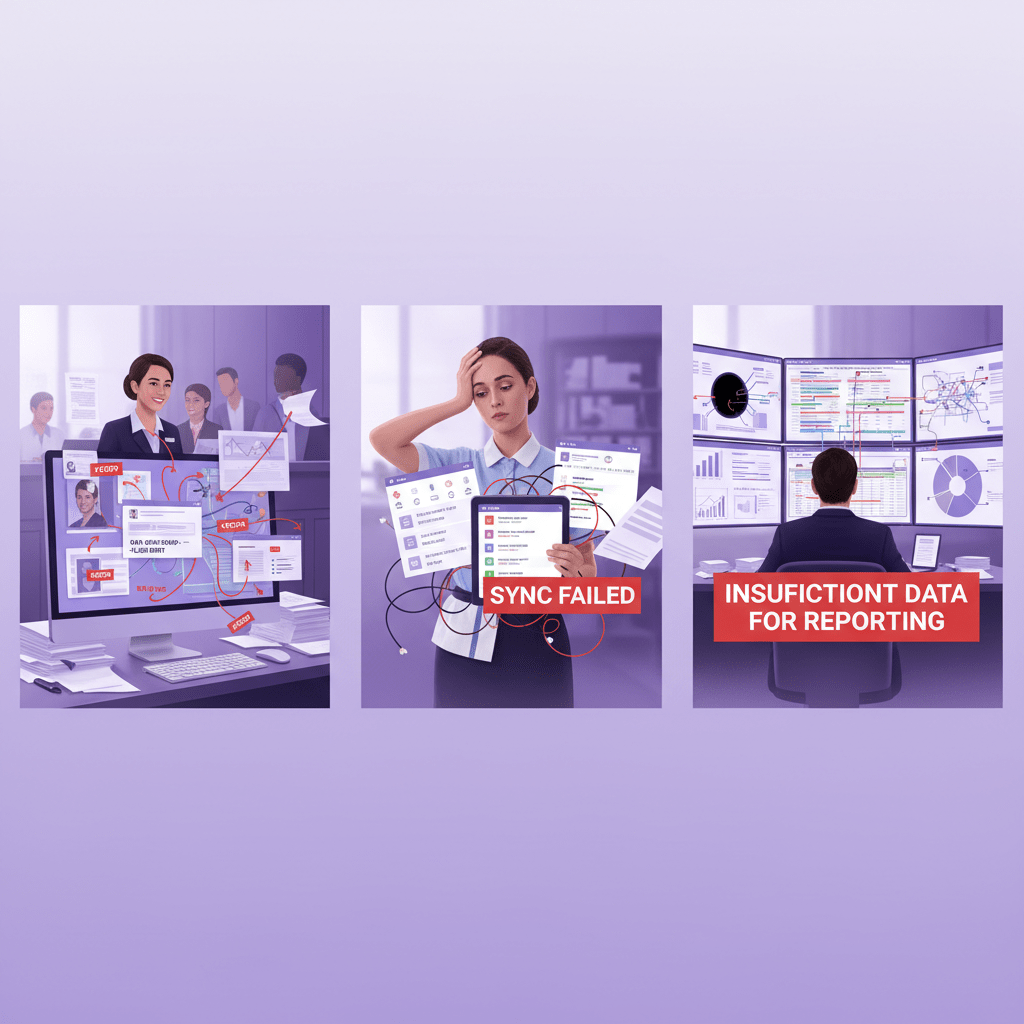
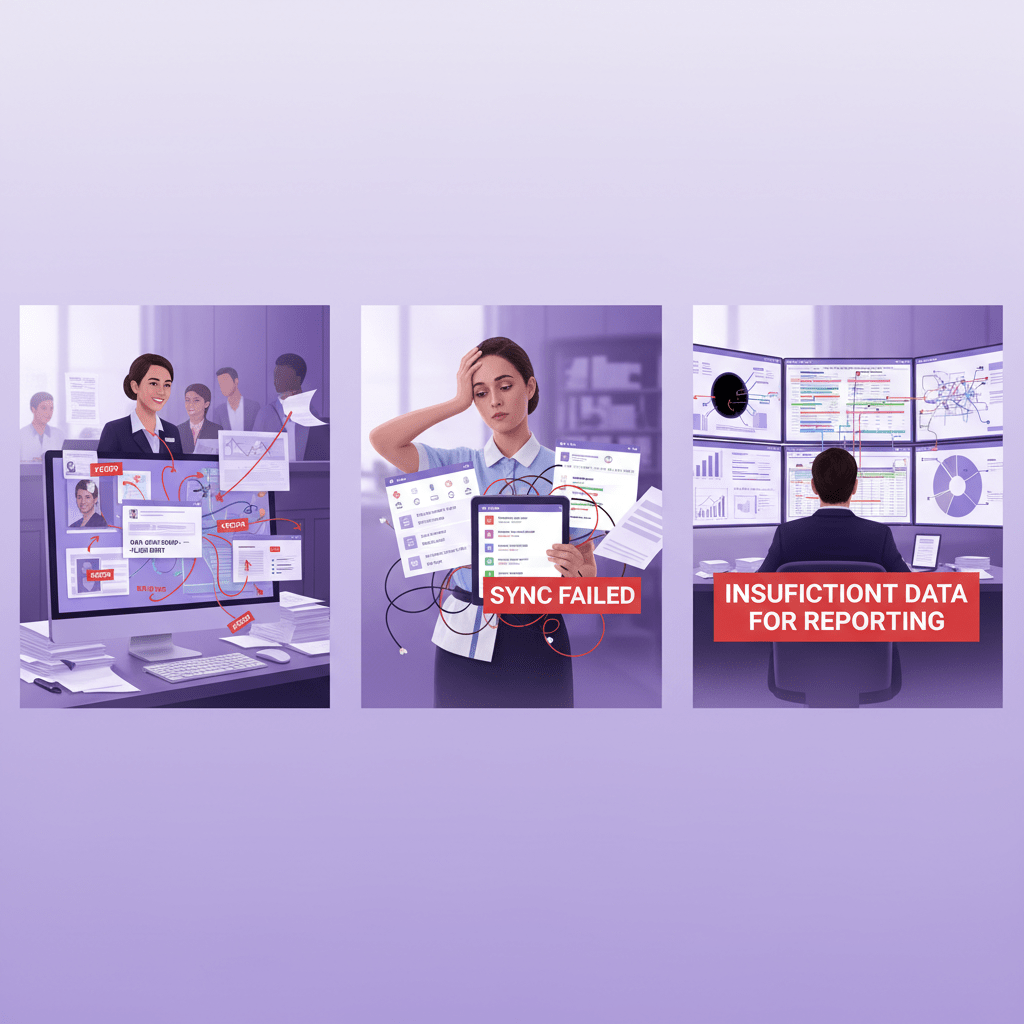
Ever had one of those mornings where the front desk says a room is ready, housekeeping says it’s not, and finance is still chasing last night’s folio? Yeah. That kind of mess happens fast in hotels.
And the real problem usually isn’t people. It’s the stack of disconnected tools behind the scenes. PMS, POS, accounting, procurement, HR, spreadsheets… all doing their own thing. No wonder teams end up copying data by hand and fixing the same mistake twice.
A recent hospitality report found that 47% of hotel operators use 2 to 4 disconnected systems, and 25% use 5 or more. That setup costs managers a huge chunk of time, with 322 to 470 hours lost per manager each year just switching between tools. That’s more than 42 days. Read the report on disconnected hotel systems
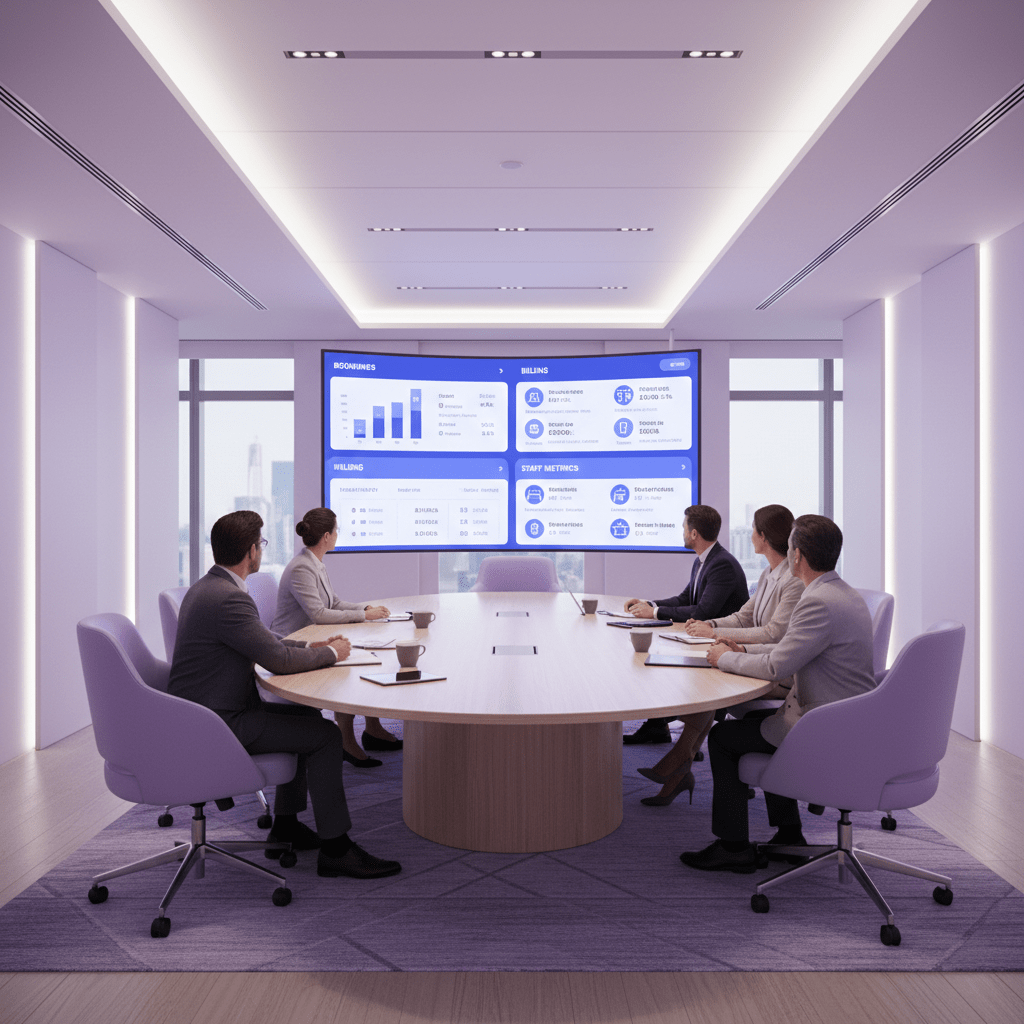
That’s where ERP software comes in. It pulls your core work into one place, so you get a single source of truth for bookings, billing, purchasing, staff, and reporting. No more guessing. No more hunting through three tabs and a spreadsheet from last Tuesday.
This guide walks you through a simple 9-step plan to fix hotel operations with ERP software. We’ll look at the full hotel ERP implementation guide, from the first system check to the point where your team actually starts feeling the relief. If you’re trying to streamline hotel management with ERP and improve hotel profitability with technology, you’re in the right place.
What ERP changes for hotels
ERP is not just “another system.” It connects hotel property management software integration, finance, stock, staff, and guest data so teams can work from the same numbers.
That matters a lot. In one industry view, 70% of operators said real-time, consolidated data would help them make faster, more confident choices during busy periods. And honestly, that tracks. When your front desk, restaurant, and accounts team all see the same info, the whole day feels less chaotic.
Plus, guests feel it too. A unified data system helps staff respond faster, personalize service better, and avoid those awkward “let me check with another department” moments. Nobody likes those. Nobody.
What this article will help you do
Here’s the deal:
- Spot where your hotel ops are leaking time and money
- Pick the right ERP for hotels without getting lost in jargon
- Plan a smoother transition to hotel ERP system
- Avoid the messy parts of data migration and training
- Track the right KPIs after go-live
So if you’ve been wondering how to fix hotel operations with ERP software, this 9-step listicle will keep it simple, practical, and hotel-friendly.
Step 1: Conduct a Full Audit of Current Operations and Technology
Before you fix anything, look at the mess as it is. Not the polished version. The real one.
I know, nobody gets excited about audits. But this is where the whole hotel ERP implementation guide starts to make sense. If you skip this part, you will probably end up buying software that sounds great in a demo and then falls apart during a busy Friday check-in.
Start by writing down every core workflow your hotel runs each day:
- Guest check-in and check-out
- Housekeeping updates
- Room status changes
- Restaurant and bar charges
- Inventory ordering and receiving
- Payroll and staff scheduling
- Billing and financial reconciliation
- OTA and channel management
Then mark where the handoffs happen. That is where the cracks show up. Maybe front desk updates one system, housekeeping uses a whiteboard, and accounting retypes folios at night. That kind of setup is common, but it is also slow.
Now look for the biggest time sinks. Where does manual data entry keep showing up? Where do mistakes get fixed twice? Where does someone say, wait, which number is right? Those are your pain points.
A 2025 hospitality report found that only 24% of businesses run on a single unified system, while 76% still juggle multiple tools, manual handoffs, and spreadsheet work.
Finally, make a clean tech inventory. List your PMS, CRS, POS, accounting tool, HR system, procurement software, and anything else your team touches. Add contract end dates, monthly costs, and whether each tool can connect to the others. If it cannot, write that down too. Ugly truth first. Pretty plan later.
This step helps you see whether you need a full transition to hotel ERP system or just better hotel property management software integration. That is the point. Less guessing. More control.## Step 2: Define Clear Objectives and KPIs
You know that moment when everyone says, “We need to work better,” but nobody can say what better means? Yeah. That’s where hotel projects go sideways.
So before you touch software settings, get plain about the win. Not “streamline operations” in a fuzzy way. More like: cut check-in time by 30%, reach 95% inventory accuracy, or shorten month-end close from 15 days to 3. Now we’re talking.
If your audit from Step 1 showed a lot of manual reporting, that should show up here too. Same with guest folios, payroll, stock counts, or room status updates. Tie each goal to a real pain point. That makes the hotel ERP implementation guide feel a lot less abstract and a lot more useful.
Here’s a simple way to set it up:
| Problem spot | Clear ERP goal | KPI to track |
|---|---|---|
| Slow front desk flow | Speed up check-in | Avg. check-in time |
| Messy stock counts | Improve stock control | Inventory accuracy |
| Late finance close | Close books faster | Month-end close days |
| Guessy reporting | Better data trust | Reporting timeliness |
| Labor strain | Better staffing visibility | Labor cost % of revenue |
And don’t skip the baseline. If you don’t know where you started, you can’t prove anything later. That’s the whole game. One hospitality report found that 70% of operators said real-time, consolidated data would help them make faster, more confident choices during peak times, which is basically a fancy way of saying, “We need numbers we can trust” see the report.
A good set of KPIs should cover revenue, guest experience, and operations. Think RevPAR, direct-booking share, CSAT, housekeeping completion rate, and invoice cycle time. Plus, if you’re looking at an ERP for small hotel chains, those numbers help you compare one property to another without playing spreadsheet detective.
And yes, ROI matters. Owners usually want to know how this helps the bottom line. Fair question. Clear goals make it easier to show how to improve hotel profitability with technology, instead of just saying the new system feels nicer.
Step 3: Secure Leadership Buy-In and Assemble a Cross-Functional Team
You can have the best ERP software on earth, and it still won’t save a project if the owners are lukewarm about it. Seen that movie before. Not fun.
So this step is about two things: getting leadership to say yes for the right reasons, and getting the right people in the room early. Not just IT folks. Not just finance. Everyone who touches the guest journey or the money trail.
Start with the business case. Keep it plain. Talk about fewer manual reconciliations, faster billing, cleaner reporting, and better multi-property visibility. If the owners care about cash flow, show them how ERP helps improve hotel profitability with technology. If they care about guest reviews, point to faster service and fewer mistakes. That lands better than a list of software features nobody asked for.
A mixed team usually works best:
| Department | What they bring |
|---|---|
| Front office | Check-in flow, guest issues, room status needs |
| F&B | POS, stock, and restaurant charges |
| Finance | Billing, reports, month-end close |
| Housekeeping | Room updates, task flow, labor needs |
| IT | Security, integrations, system setup |
| HR | Scheduling, staff records, training |
And pick one strong project manager. Seriously, one. Someone who can make calls, keep meetings short, and talk to the ERP vendor without five side emails looping around like a bad group chat. That person becomes the main bridge between the hotel and the software team.
A recent hospitality report found that 47% of operators use 2 to 4 disconnected systems and 25% use 5 or more, which is exactly why leadership support matters so much (read the report).
If you’re using a cloud system like Ease My Hotel, this team setup helps even more. It gives you one place to shape booking management, staff tasks, restaurant work, and guest communication without everyone guessing what the other team did.
Step 4: Select the Right Hospitality-Specific ERP Vendor
Here’s the thing. The right vendor can make this feel a lot easier. The wrong one can turn a clean plan into a long, expensive headache.
So don’t start with shiny features. Start with fit. A generic ERP might look nice in a demo, but hotels usually end up paying for heavy custom work later. That can get messy fast, especially if your team needs booking, front desk, restaurant, and accounting tools to talk to each other without drama.
Look for a vendor that already knows hotel life. Ask if they’ve worked with hotels, resorts, hostels, or homestays like yours. Even better, ask how they handle hotel property management software integration, guest apps, OTA tools, and restaurant systems. If they can’t explain that in plain language, that’s a warning sign.
And here’s a simple way to compare options:
| What to check | Good sign | Red flag |
|---|---|---|
| Hospitality experience | They know hotel workflows | They treat hotels like any other business |
| Modularity | You can add only what you need | You must buy a giant bundle |
| Integrations | Booking engine and apps connect easily | Lots of custom code needed |
| Support | Real hotel support team | One help desk for everyone |
| Demo quality | Uses your real hotel scenarios | Generic slides and vague promises |
The best way to test a vendor? Use your own mess. Ask for a custom demo with a real overbooking case, a guest refund, a restaurant charge, and a month-end close. Not a polished fake scenario. Real life. Because that’s what your team deals with at 7:30 a.m. on a Saturday.
Also, talk to at least three reference clients. Try to pick hotels about your size. Ask how long the transition to hotel ERP system took, what broke, and how support handled it when things got weird. That last part matters more than people think.
One more thing. Check the support structure. Who answers after hours? Is training included? Do they offer help during go-live, or just a cheerful email and a goodbye? If you’re choosing an ERP for small hotel chains, you want a partner that sticks around after launch, not one that vanishes once the contract is signed.
A unified system can save a lot of time. In fact, a 2025 hospitality report found that 47% of operators still use 2 to 4 disconnected systems and 25% use 5 or more, which is exactly why a hospitality-specific vendor matters so much read the report.
If you’re looking at a cloud platform like Ease My Hotel, this is where the value starts to show. A single dashboard for bookings, guest communication, restaurant work, staff management, and accounting can help you streamline hotel management with ERP without juggling a bunch of tools that don’t play nice together.
Pick the vendor that feels like a hotel brain, not just software with a fancy label.
Step 5: Plan a Careful Data Migration Strategy
This is the part people love to skip. Then they regret it later.
If you’ve ever tried moving hotel data into a new system, you know the mess can hide in plain sight. Guest profiles, past bookings, folio history, vendor lists, rate plans, financial records, staff data… it all has to go somewhere safe. And if even one piece lands in the wrong spot, your front desk team feels it right away.
So start by listing every data source you need to move:
- Guest profiles and contact details
- Historical booking data
- Financial records and invoices
- Vendor and supplier lists
- Room inventory and rate plans
- Staff records and schedules
- Loyalty info, if you have it
Then clean it up before the move. Garbage in, garbage out. That old saying still holds up. Remove duplicates, fix spelling errors, standardize date formats, and delete records you do not need anymore. I’ve seen one guest show up three times under slightly different names. Not cute. Just confusing.
A 2025 hospitality report found that 60% of businesses say their data is incomplete or unreliable, and 50% can’t trace where their data comes from. That’s a big reason data migration gets messy so fast see the report.
Now make the move in steps. Don’t dump everything into the new ERP on one Friday night and hope for the best. Map out what moves first, when it moves, and who checks it. Then do test migrations. Not once. More like a few times. Check guest records, billing totals, and room history after each test.
Here’s a simple way to think about it:
| Migration task | Who owns it | What to verify |
|---|---|---|
| Clean guest data | Front office + IT | Duplicate records, missing fields |
| Move finance records | Finance team | Balances, invoices, tax data |
| Transfer vendor lists | Procurement | Names, terms, contacts |
| Test booking data | Revenue team | Dates, rates, room mapping |
| Final validation | Project lead | Everything matches the old system |
A phased approach usually works better for hotels. Why? Because your property doesn’t stop running. Rooms still turn over. Guests still check in. Bills still need to close. So if you’re planning a transition to hotel ERP system, choose a low-occupancy window and protect time for validation.
Actually, wait. There’s a better way to say it: treat migration like a house move, not a data dump. Pack each box, label it, then check it again when it lands. That’s how you avoid a rough first week.
If you’re using a cloud platform like Ease My Hotel, this step also helps you get the most out of booking management, guest communication, accounting, and staff tools from day one. Clean data makes the whole system feel less like a headache and more like a helper.
Step 6: Configure and Customize the ERP for Your Unique Needs
This is where the system starts feeling like yours.
And honestly, that part matters. A lot. If you set up ERP software to match how your hotel already works, people pick it up faster and complain less. Weird how that works, right?
But here’s the catch. You should fit the system to your documented workflows, not just force your team to change everything overnight. At the same time, don’t ignore the smart stuff your vendor suggests. Sometimes the old way is just old, not better. A good hotel ERP implementation guide leaves room for both.
Start with role-based dashboards. A general manager usually wants a fast view of occupancy, revenue, labor, and guest issues. A food and beverage manager needs stock levels, spoilage, and restaurant sales. Housekeeping wants room status and task lists. Different screens. Different jobs.
| Role | What they need to see |
|---|---|
| General Manager | Occupancy, revenue, labor cost, guest alerts |
| Front Office | Check-ins, room status, payment updates |
| F&B Manager | Inventory, spoilage, sales, supplier orders |
| Finance | Invoices, reconciliations, close status |
| Housekeeping | Cleaning tasks, room turns, work orders |
Also, plan integrations for tools you’re keeping. Things like key card systems, channel managers, or a spa booking app. Don’t replace everything if you don’t have to. Just make sure the pieces talk to each other cleanly.
That’s how you streamline hotel management with ERP without making the team feel like they’ve been handed five extra logins and a headache.
A recent hospitality report found that 47% of operators use 2 to 4 disconnected systems and 25% use 5 or more, which is why clean setup and smart hotel property management software integration matter so much read the report.
If you’re using a cloud platform like Ease My Hotel, this is the point where booking management, guest communication, restaurant work, staff tools, and accounting start working like one team. That’s the goal. Less clicking around. More getting things done.
Try Ease My Hotel for free.
No lock-in contracts. Cancel anytime
Step 7: Execute a Role-Based Staff Training Program
You know that look staff give you when a new system shows up? Half hope, half fear. Sometimes a little eye roll too. Fair enough.
This is where a lot of hotel ERP rollouts stumble. Not because the software is bad. Because the training is one-size-fits-all, and hotel work is anything but.
So keep it simple. Train each department on what they actually use every day. Front desk folks need booking changes, payments, and guest notes. Housekeeping needs room status, task updates, and alerts. Finance needs billing, reports, and close steps. F&B needs stock, orders, and restaurant charges. Different jobs. Different lessons.
A strong hotel ERP implementation guide usually works better with short, role-based sessions instead of one giant training dump. Micro-lessons help a lot here. Five or 10 minutes. That’s about all many shift teams can spare before the lobby gets busy again.
Also, find your super-users early. These are the people who pick things up fast and stay calm when others panic. Give them extra practice, then let them help their own team. It cuts down on IT calls and makes the transition to hotel ERP system feel less scary.
And don’t forget the WIIFM part. That means “What’s in it for me?” Staff care about that more than you might think. Show them how the new system cuts repeat typing, kills clunky workarounds, and helps them answer guests faster. Because if they can see the payoff, they usually lean in.
| Department | Training focus | What staff get out of it |
|---|---|---|
| Front office | Check-ins, folios, guest notes | Faster desk work, fewer errors |
| Housekeeping | Room updates, task lists | Less phone chasing, clearer shifts |
| Finance | Billing, reconciliation, reports | Shorter close times, cleaner books |
| F&B | Orders, stock, charges | Better control, fewer mix-ups |
| Managers | Dashboards, KPIs, approvals | Faster decisions, better oversight |
A recent hospitality report found that 70% of operators said real-time, consolidated data would help them make faster, more confident decisions during busy periods read the report. That’s the kind of result staff can actually feel. Less back-and-forth. Less “who changed this?” More time with guests.
If you’re using Ease My Hotel, this is where the cloud setup really helps. Booking management, guest communication, restaurant work, and staff tools are all in one place, so training feels more like learning one system instead of five.
And that’s the win.

Step 8: Implement a Phased ‘Go-Live’ to Minimize Disruption
You know that gut-drop feeling when a hotel system changes at the worst possible time? New software. Full lobby. Phone ringing. Everyone staring at the screen. Yikes.
That’s why a phased go-live usually works better than a big bang launch. Don’t flip every switch at once. Start with the back office first, like finance and HR, then move into guest-facing parts like the front desk and reservations. That way, if something feels off, you catch it before it hits the guest experience.
A smart hotel ERP implementation guide often suggests running the new ERP beside the old system for about a week. Not forever. Just long enough to compare reports, check balances, and make sure the numbers match. It’s a safety net. Plain and simple.
| Go-live Phase | What to Roll Out First | Why It Helps |
|---|---|---|
| Phase 1 | Finance, HR, procurement | Lower guest impact, easier testing |
| Phase 2 | Housekeeping, inventory, F&B | Builds team confidence in stages |
| Phase 3 | Front desk, billing, guest tools | Less risk during the busiest work |
Also, plan the final cutover during a low-occupancy stretch. Midweek is often better than Friday or a holiday weekend. And if you can avoid a big local event, do it. Your staff will thank you, and so will your guests.
Have your vendor on-site, or at least fully reachable, during go-live. Plus, keep your super-users close. They’re the calm ones who can say, “Nope, click here instead,” before panic spreads through the property like a bad rumor.
This kind of phased move is a big part of how to fix hotel operations with ERP software without turning the whole place upside down. It gives you space to check data, fix tiny issues, and keep service steady while the new system settles in.
And honestly? That steady start makes the next steps way easier.
Step 9: Continuously Monitor, Gather Feedback, and Optimize
Go-live is not the finish line. It’s more like the first lap.
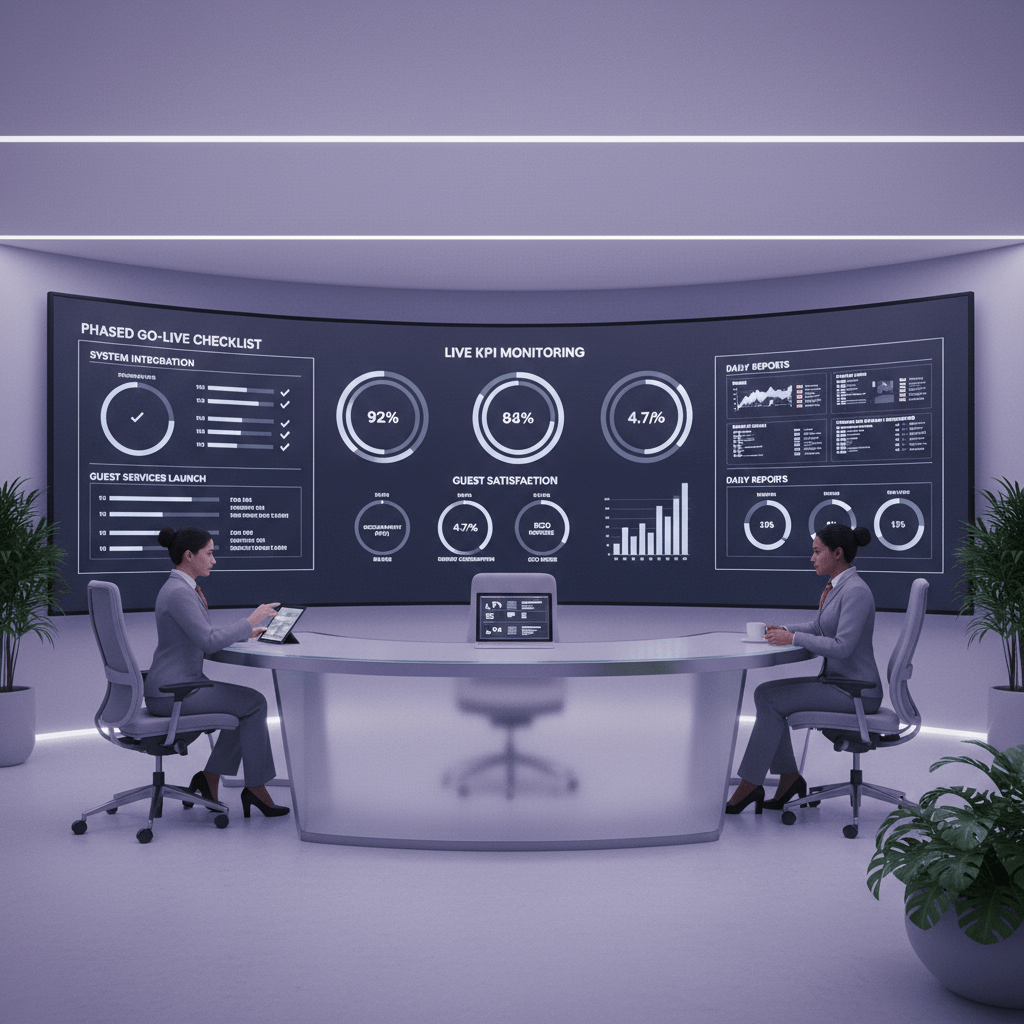
If you stop watching the numbers now, the old problems can sneak back in. So keep tracking the KPIs from Step 2. Check check-in time, invoice cycle time, housekeeping completion, data accuracy, and guest scores every week at first, then monthly once things calm down. That’s how you spot drift before it turns into a bigger mess.
And don’t just stare at dashboards. Ask the people using the system every day. Front desk. Housekeeping. Finance. F&B. They’ll tell you what feels clunky, what saves time, and what still makes them mutter under their breath.
I’d set up a simple feedback loop:
| Feedback source | What to ask |
|---|---|
| Staff surveys | What slows you down? |
| Team huddles | What broke this week? |
| Support tickets | What keeps coming up? |
| KPI reviews | Which goals are moving? |
Also, schedule quarterly check-ins with your vendor and project team. Talk about new features, training gaps, and any fresh workflow needs. That’s especially handy for an ERP for small hotel chains, where one good tweak can help every property run smoother.
A hotel ERP implementation guide should always leave room for tuning. Because the real benefits of ERP in hospitality show up over time, not on day one. Keep at it, and you’ll keep getting more value from the same system. And yes, that usually means fewer headaches, fewer wasted hours, and a steadier path to improve hotel profitability with technology.
From Operational Chaos to Strategic Control: Your Hotel’s Future
So here’s the big shift. ERP is not just a tech project. It’s a business move that gives your hotel one clear view of bookings, billing, staff, stock, and guest needs.
And once that starts working, the day feels different. Fewer handoffs. Fewer weird surprises. Less of that “who changed this?” panic at the front desk.
The real win is simple. Better hotel operational efficiency software helps teams work from the same facts, which usually means faster service, cleaner reporting, and fewer mistakes that annoy guests and eat into profit. A unified system also supports smarter choices, since 70% of operators said real-time, consolidated data would help them make faster, more confident decisions during busy times see the report.
That’s the heart of the benefits of ERP in hospitality. Better control. Better guest moments. Better numbers.
If you’re ready to start, don’t overthink it. Just begin with the first manageable step: audit your current processes and list the places where people still copy, retype, or chase data by hand. That one conversation can open the door to a smarter hotel ERP implementation guide, and a much calmer workday.
And if you want a cloud-based path forward, tools like Ease My Hotel can help centralize booking management, guest communication, restaurant work, staff management, and accounting in one place. Small step. Big ripple.
Try Ease My Hotel for free.
No lock-in contracts. Cancel anytime